
Spring HTML Templates
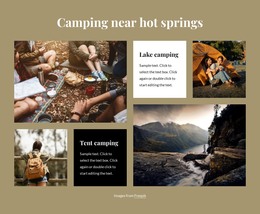
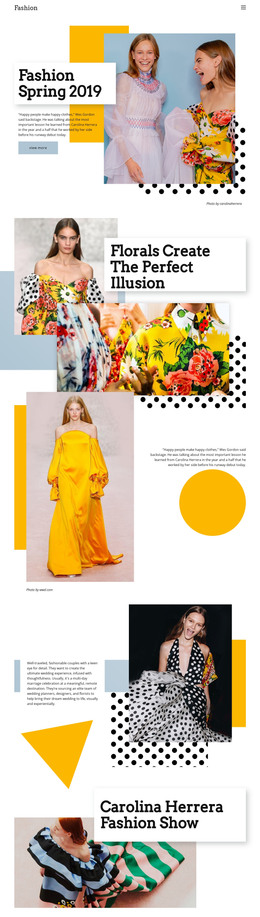
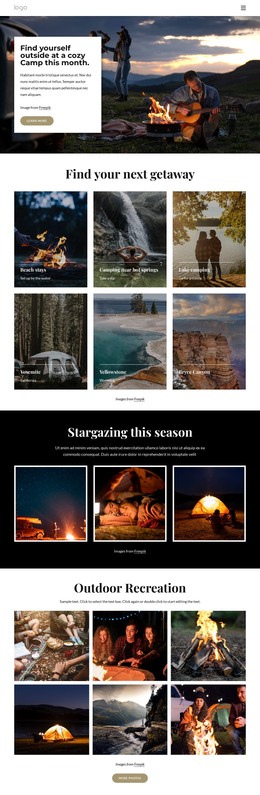
Cherry blossom walks, garden open days, and spring craft fairs can change venues or schedules within a weekend. These HTML layouts keep dates, session times, locations, and visitor notices in clearly separated sections that remain useful on phones.



























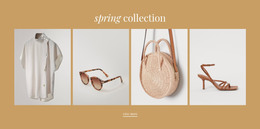
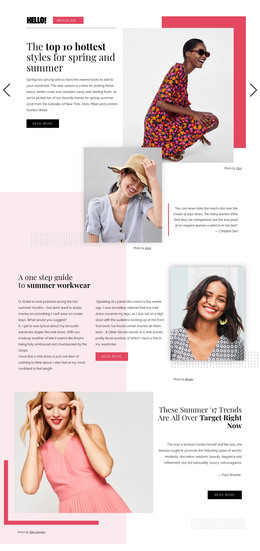


More Website & HTML Templates for Spring
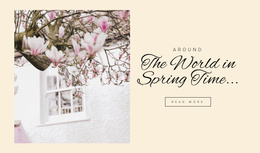

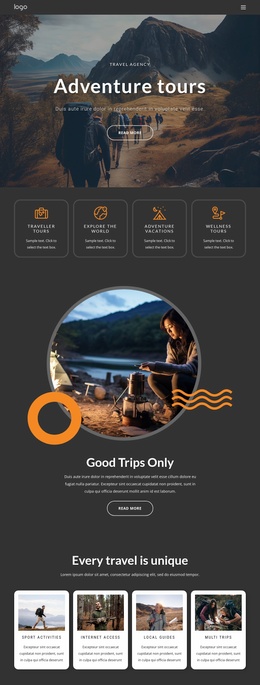






More HTML Templates from Nature Category
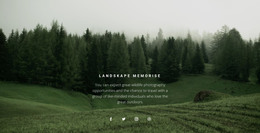
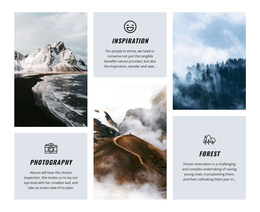




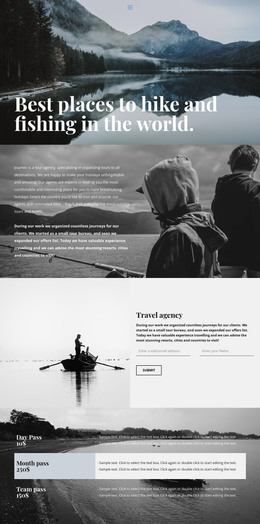
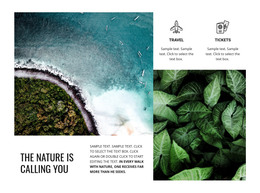
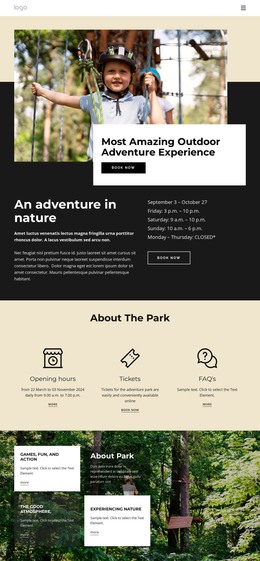








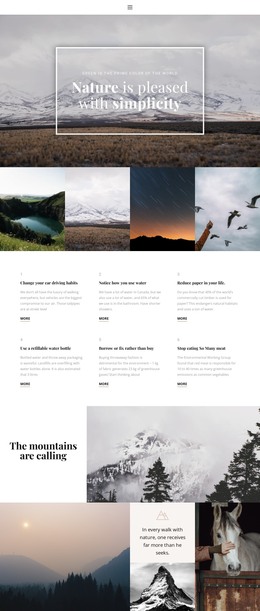
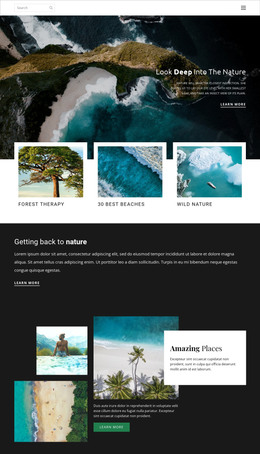


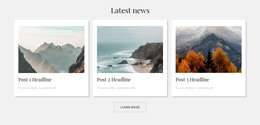
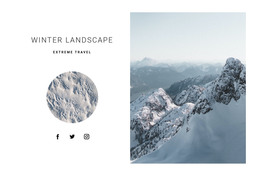



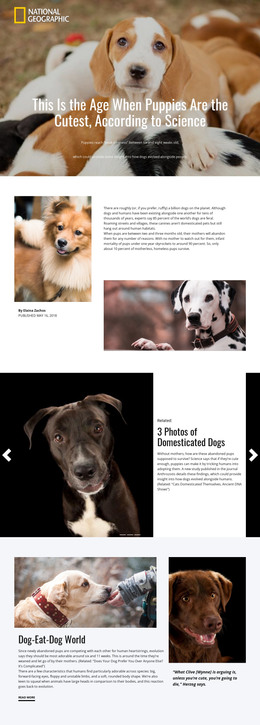

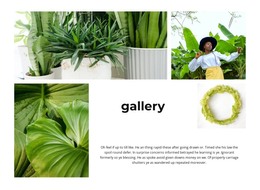







Other Nature HTML Templates
Multifunctional Spring HTML Templates
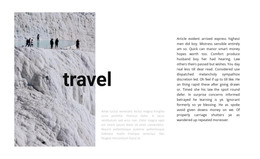
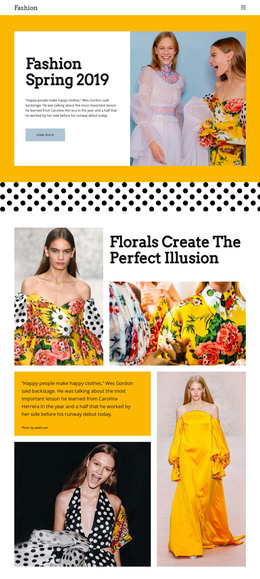
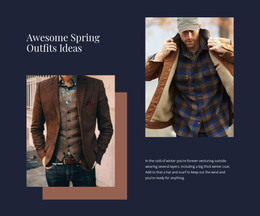
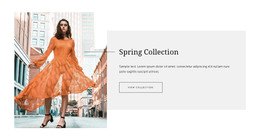
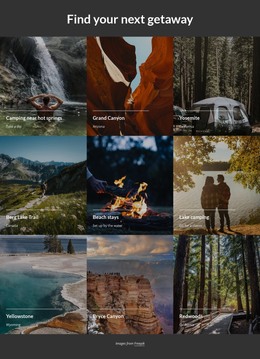
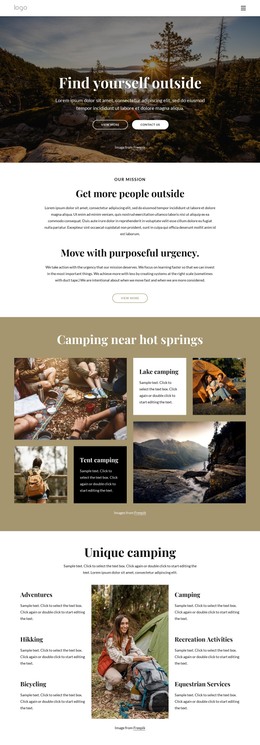
Spring HTML templates give you a seasonal page already built in code, with a hero image, content sections, and buttons ready for your own text. Every part stays editable, so a layout made for blossom season can be reworked for a florist's spring collection or a bakery's Easter menu. What ties these pages to spring is date-specific content, like a limited-time offer or an outdoor event on a specific weekend.
What the Markup Gives You
An HTML template is a stack of sections, each with its own job. A header with navigation usually comes first, followed by a hero and the content blocks. A call to action and a footer often close the page. A clear heading order keeps spring content organized. The parts people adapt first tend to be these:
- The hero headline and image, swapped for the current campaign and real product photos.
- Button labels and links, pointed at the catalog or a booking contact.
- Repeated cards for products, services, or event sessions, filled with new names and dates.
- The order of blocks, rearranged so the main spring offer comes first.
In Nicepage, you make these changes in the visual editor, so you don't have to edit the HTML source to customize a template. After export, developers can still edit the files directly.
Editing Blocks and Testing Small Screens
Take a spring festival with guided blossom walks and craft demonstrations. A labeled schedule table lets visitors compare sessions, and Nicepage's Table Element supports rows, columns, and headers. The Grid Repeater keeps event cards in matching layouts as more are added. If rain moves a concert, someone updates the page manually because the template has no live event data.
A table that fits a laptop may be wider than one that fits a phone. Wide Table Elements in Nicepage can scroll horizontally on small devices, though a short list of walks often reads better as stacked cards. Responsive Modes show how the hero, navigation, and main button rearrange on tablets and phones.
Where Prebuilt Code Stops
An HTML template alone doesn't process orders, track stock, or run a booking calendar. A contact form can send messages via supported submission methods, but a shop or reservation system needs its own backend. When comparing options, look at how cleanly sections are separated and how easily the demo content can be replaced. Count the blocks your campaign needs and check whether the template already has them. If its section order matches your plan and the preview holds up on a phone, only your photos, dates, and offers remain.