
100 Pricing HTML Templates
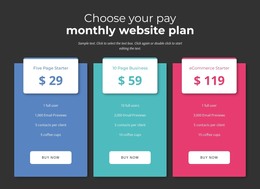
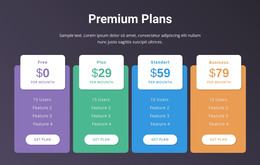
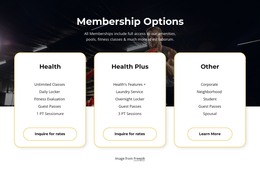
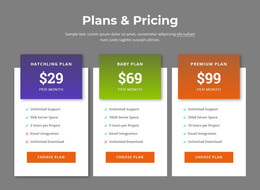

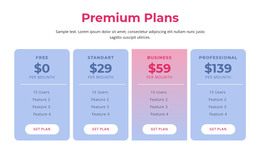
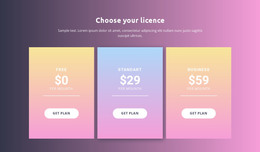
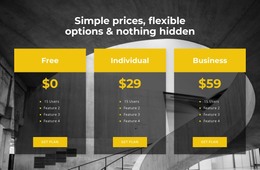
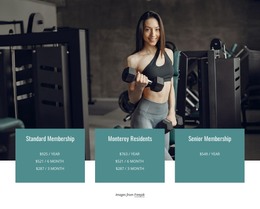

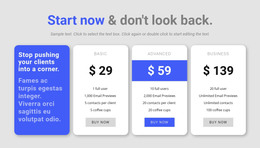
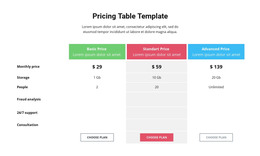
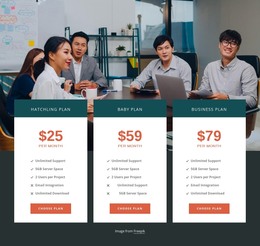
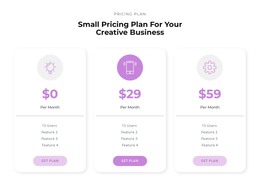
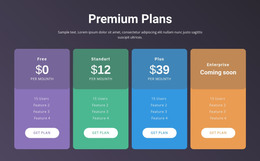
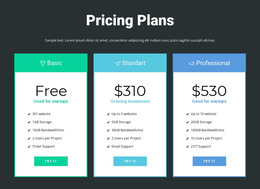
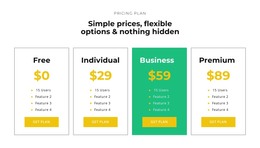
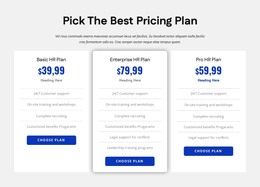




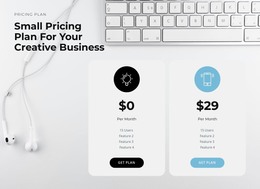
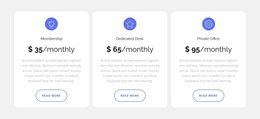
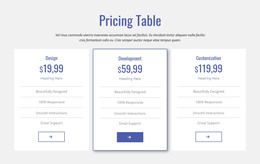
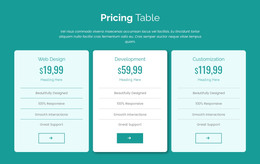


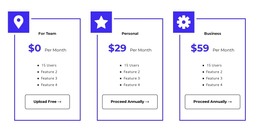
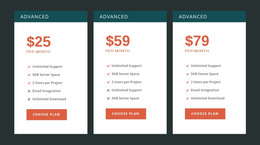
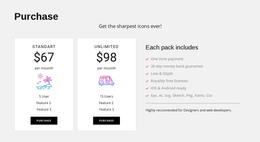
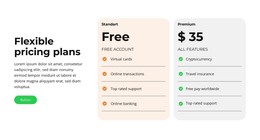
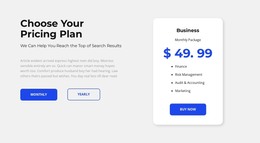
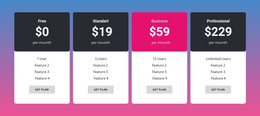

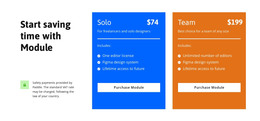
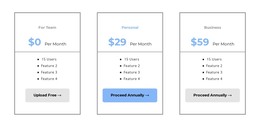
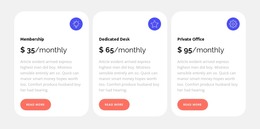
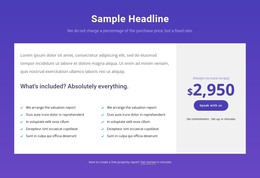
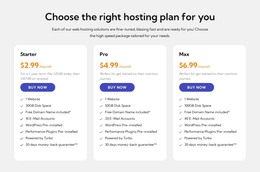
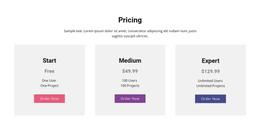

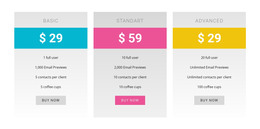
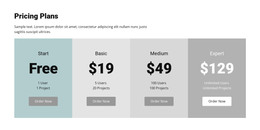
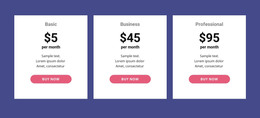
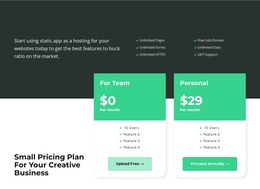




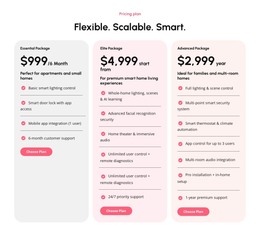
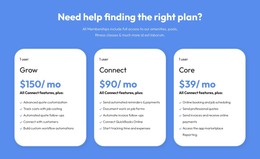
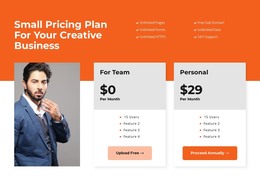
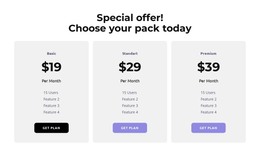
Responsive Pricing HTML Templates for Ready-Made Website Sections
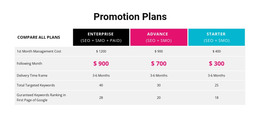
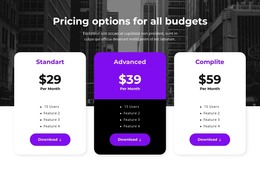
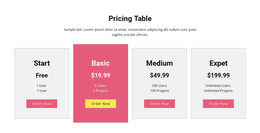
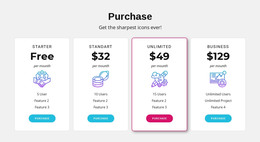
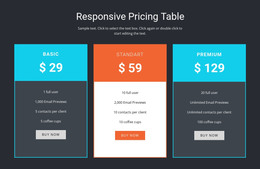
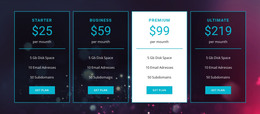
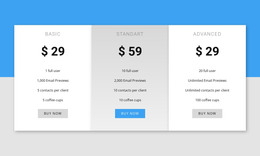
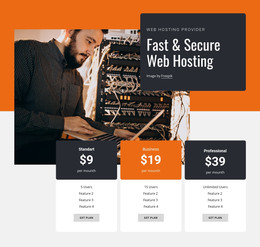
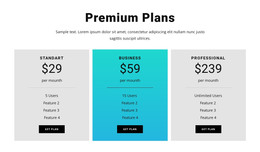
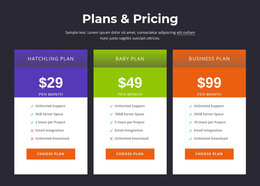
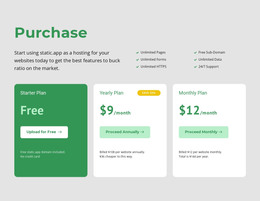
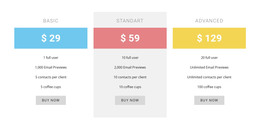
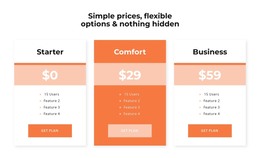
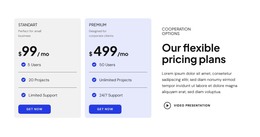
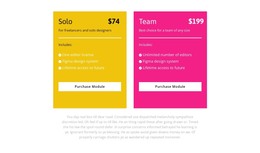
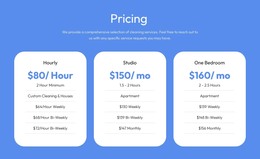
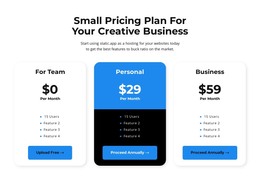
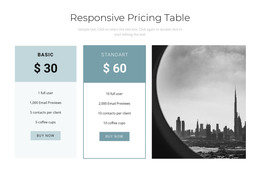
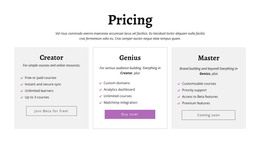
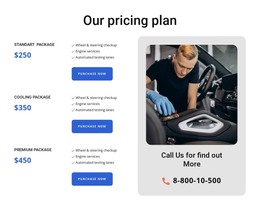
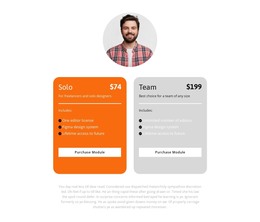
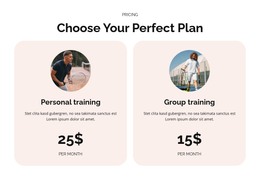
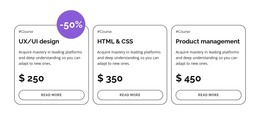
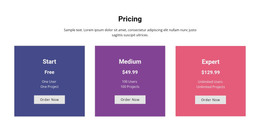
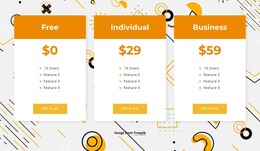
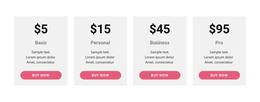
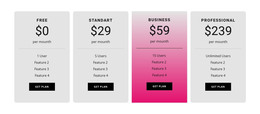
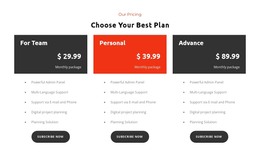
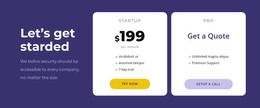
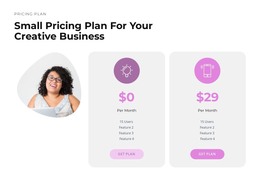
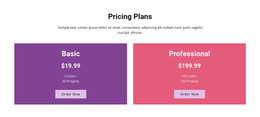
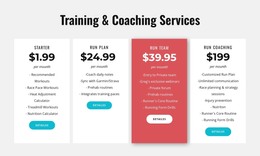
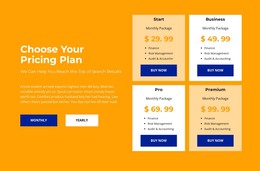
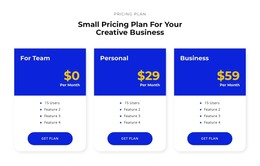
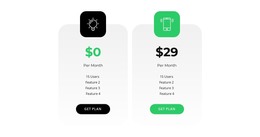
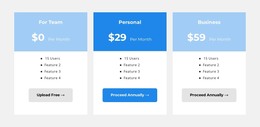
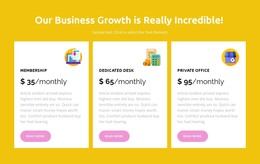
Pricing HTML Templates offer ready-made pricing section layouts for HTML website projects. Browse editable designs with subscription cards, service package prices, or detailed feature comparisons, then adapt the chosen section within a Nicepage page. A useful template gives visitors a clear visual comparison before they choose an offer.
These designs are suitable for websites that will be delivered in HTML format. Nicepage's HTML export is a way to publish the finished project, not the only reason to select a pricing template. The first decision remains which ready-made pricing layout best suits your offers.
Select an HTML Pricing Design for Your Plans
Browse ready-made pricing sections for an HTML website project, considering how the block will fit the planned page composition and retain readable plan information at different screen widths. Choose the prepared section before adapting it or exporting the site.
Prioritize ready-made pricing sections for an HTML website project: compare their plan count, card-versus-table structure, fit with the planned HTML page composition, and whether their information remains readable in responsive layouts. Choose the design before any export or code work.
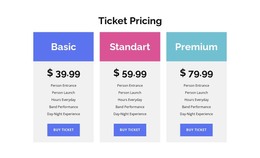
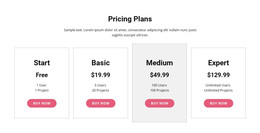
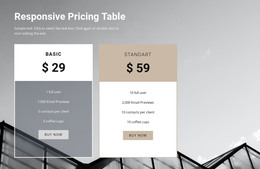
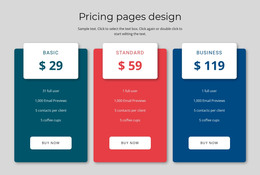
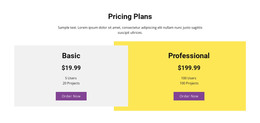
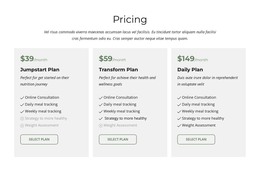
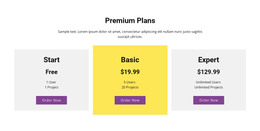
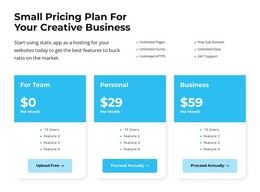
For example, select a ready-made three-tier design for a software site, replace the sample prices and feature limits, then inspect how the cards stack on a phone before publishing. A software website may use three responsive subscription cards with monthly prices and usage limits. A small agency could use two fixed-price packages with deliverables and request buttons. For more complex plans, a comparison layout can show which tier includes specific capabilities.
For an HTML site, prioritize a ready-made section that suits the planned page composition, with enough room for the actual plan names, prices, and actions. This is a layout choice made before any export or code-level work.
Useful options include:
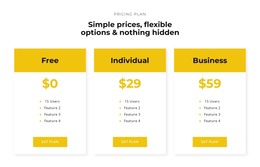
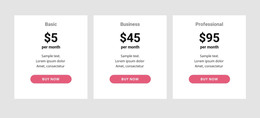
- Two- or three-tier layouts for clear choices between related packages.
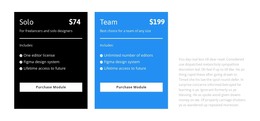
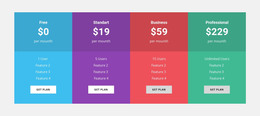
- Highlighted subscription plans with a featured offer and consistently visible alternatives.
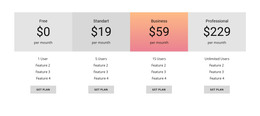
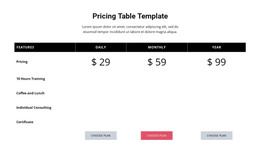
- Feature comparisons for products where access levels and limits are decisive.
- Service pricing sections with project scope, starting amounts, and inquiry actions.
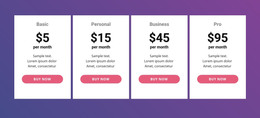
- Mobile-friendly cards whose plan structure and selection links remain readable when the chosen HTML section stacks on narrow screens.
Nicepage's Table Element supports more detailed comparison arrangements. Pick that format when the distinctions between plans are numerous enough to justify shared feature rows.
Choose a Ready-Made HTML Pricing Template Before Editing
Compare prepared HTML pricing designs on plan count, included-feature space, card versus table presentation, and responsive stacking. Select a compact two-plan template for concise packages or a fuller multi-tier comparison for offers with many conditions. Only after choosing the design should you decide whether it belongs on a homepage, services page, or dedicated pricing page.
Choose a prepared pricing section based on the number of plans, the layout you need to compare them, and how the section will fit into your HTML website. The immediate result is a selected template, not a custom-coded component.
After selecting an HTML-oriented template, replace its example names, prices, billing periods, benefits, and links in the Nicepage editor. The template supplies a ready-made visual starting point, not a working checkout, subscriptions, or payment processing.
Use Your Selected Pricing Template in an HTML Website
The selected template becomes a section of your Nicepage website project. When the site is ready, Export HTML Website provides HTML, CSS, JavaScript, and image files for the whole website, including the pricing section. This is a publishing option after template selection and customization, not a substitute for browsing ready-made HTML pricing designs.
After choosing the prepared design, adapt it to the HTML page and then use the supported website export process. Export confirms how the selected layout becomes part of the site; it should not displace the search for an appropriate template.
Review the completed HTML website on desktop and mobile, checking pricing labels, links, and assets. Nicepage does not directly import an unrelated existing HTML website as a fully editable block. This page is about selecting an HTML pricing template; HTML5 content structure and custom-code integrations are separate concerns, even when used in the same project.
Pricing HTML Templates FAQ
Can I use a ready-made Pricing HTML Template in Nicepage?
Yes. Nicepage provides predesigned Blocks you can add to pages and customize in its visual editor. You can select a pricing-section design, replace the sample plan information, and adjust its layout to suit your project.
Can I export a Nicepage project as HTML?
Yes. Nicepage supports exporting websites as HTML through its Desktop Applications and Online Editor. The HTML export includes the files needed to run the website. Available export options depend on the application being used.
Can I import an existing HTML pricing template into the Nicepage editor?
Nicepage does not support importing an existing HTML website or generated HTML layout directly into the editor. You can recreate the pricing section using Nicepage Blocks and Elements, starting from a suitable ready-made design.
Can I add more plans to an HTML pricing table?
Yes. The Nicepage Table Element supports adding and adjusting rows and columns. This lets you add pricing tiers or comparison criteria when the current layout doesn't provide enough space.
Can I use Nicepage AI to create a pricing block?
Yes. Nicepage AI Services can generate sites, pages, and blocks. A generated pricing block can serve as a starting point, which you can refine with accurate prices, plan descriptions, feature lists, and selection buttons.
Prepare Your Pricing Section for an HTML Project
Browse ready-made Pricing HTML Templates and select the layout that already fits your plans, feature details, and responsive needs. Adapt that design in Nicepage and use the HTML export workflow when the finished website is ready.
Choose the ready-made HTML pricing layout first, then adapt its plan content for the intended site and use the appropriate HTML output workflow.
The finished section should make each plan's price, included benefits, and next action easy to understand, while fitting naturally into the larger page.





















































