
2020 Shapes HTML Templates
























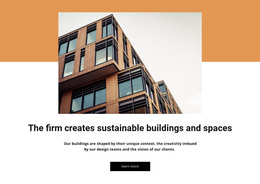



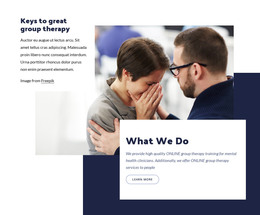








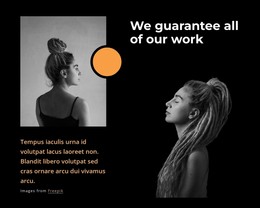

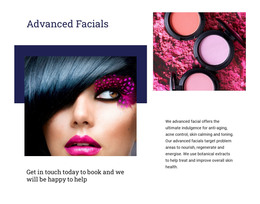











































Responsive Shapes HTML Templates With Ready-Made Geometric Layouts
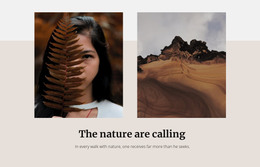
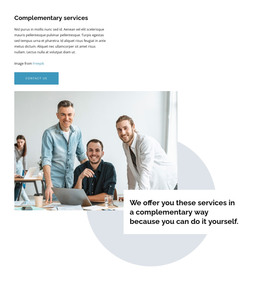
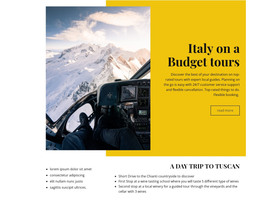
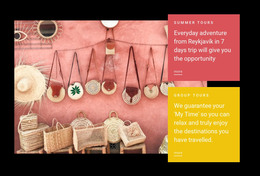
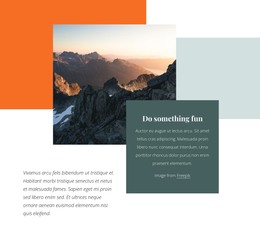
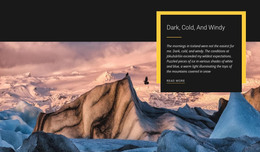
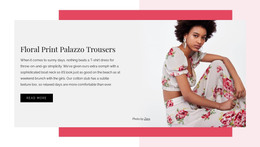
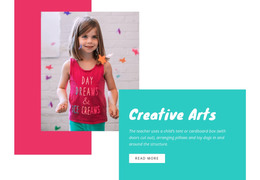
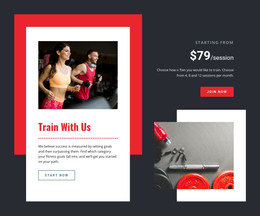
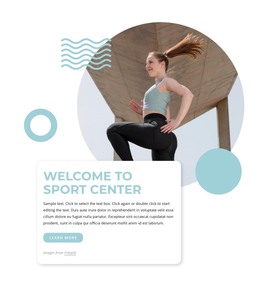
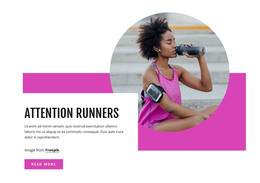
Shapes HTML Templates provide a practical starting point for web projects that need a distinctive geometric style without rebuilding the visual structure from an empty page. Ready-made HTML designs can combine circles, rectangles, abstract backgrounds, image framing, text areas, and spacing into a composition already organized for customization.
The template format is useful when you want to move quickly from design selection to real content. Instead of inventing every relationship between a headline, image, and background form, you can begin with an existing layout and adapt it to a portfolio, product, service, event, studio, or business website.
Choose a Ready-Made HTML Template With the Right Shape Style
Not every geometric design creates the same effect.
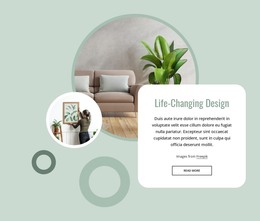
- Rounded forms can make a layout feel softer and more approachable.
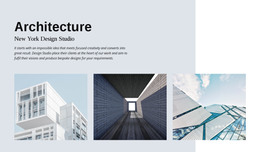
- Large angular fields can support technology, architecture, or creative themes.
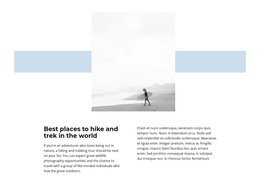
- Thin accents can introduce direction without adding visual weight.
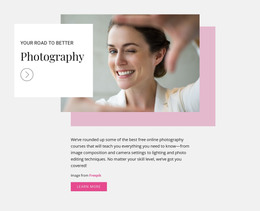
- Oversized abstract backgrounds can make a hero more dramatic.
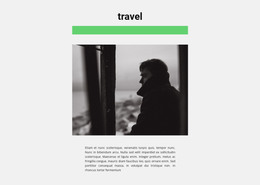
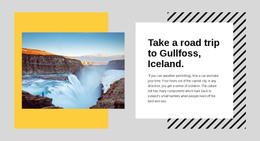
A line-based visual motif can support a lighter geometric direction when long, narrow accents are enough to separate content or guide the eye. For stronger shape-led layouts, larger forms can frame text, support imagery, or define a section's background.
Customize the HTML Layout Around Real Content
A good HTML template should remain useful after the demo content is replaced. Update:
- the headline;
- body copy;
- images;
- buttons;
- section order;
then rebalance the geometry around the new content. Longer text may need more open space, a different image ratio may change the hero's weight, and a new color palette can alter how strongly a background form competes with the foreground.
When a template includes editable geometric objects, the Shape Element gives you a way to reshape those accents after the real copy and imagery are in place. This is especially useful when a new image ratio or headline length changes the original balance of the HTML layout.
Use Responsive HTML Templates Across Screen Sizes
Responsive behavior is a key practical advantage of starting from a prepared template. Shape-led layouts often contain offsets and asymmetry that look good on wide screens but need different spacing on tablets and phones.
Review how text stacks, how images resize, and whether large geometric fields still frame the intended content. A shape that extends beyond an image on desktop may need to move behind the image or shrink on mobile. The exact arrangement can change while the visual hierarchy remains consistent.
Export or Integrate the Template Into an HTML Project
Nicepage Online supports HTML export for hosting on your own server. This makes a Shapes HTML template suitable for projects where the final result needs to become part of a broader HTML website or be deployed in a standard hosting environment.
After customization, keep the structure easy to maintain. Use the ready-made template as the markup and layout foundation, then adapt its content and presentation for the actual project rather than treating it as a fixed demo.
Keep Shape Styling Connected to the Template Structure
Shapes HTML Templates are primarily about the ready-made page or section structure you start from. You can still refine styling, but the main value is the existing layout that already connects content, imagery, geometry, and responsive behavior.
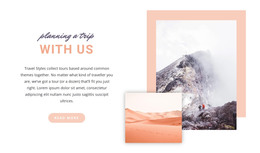
If the visual idea depends mainly on several images stacked or offset against each other, a Layered Images composition may be a better match. Shapes remain the stronger choice when geometric forms carry a significant part of the design.
Shapes HTML Template FAQ
Can I customize a Shapes HTML template with my own content?
Yes. Replace the demo text and images, adjust colors and shapes, and refine the section arrangement so the template matches the content and visual direction of your project.
Can I import an existing HTML site into Nicepage to edit its shape sections?
No. Nicepage does not support importing an existing HTML site or another generated site into the editor. You can instead use Nicepage's available features to recreate the required design.
Can a Nicepage HTML project be exported for hosting on my own server?
Yes. Nicepage Online supports HTML export for hosting on your own server, so the customized template can be used in a broader HTML project.
When should I choose Shapes instead of Layered Images?
Use Shapes when circles, rectangles, abstract forms, or color fields are the primary compositional devices. Choose Layered Images when several images are intentionally stacked, or offset and image-to-image layering defines the visual effect.
Prepare the Shapes HTML Template for Your Project
Use a responsive template whose structure is already close to the page you need, then customize it with final content before export. Review the hierarchy at the main breakpoints, make sure the geometric treatment still works with the finished text and images, and use the resulting HTML as the maintained foundation for the wider website.






















































