
140 Sale HTML Templates






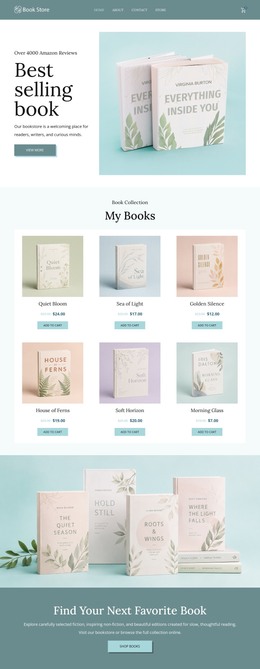




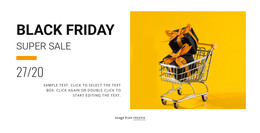
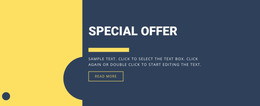

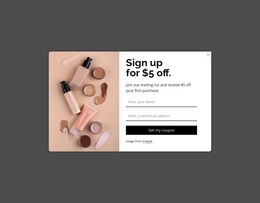
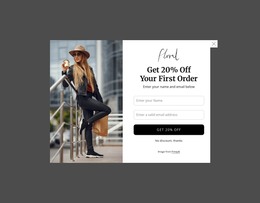





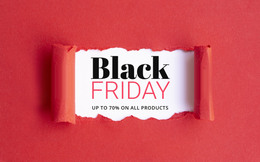







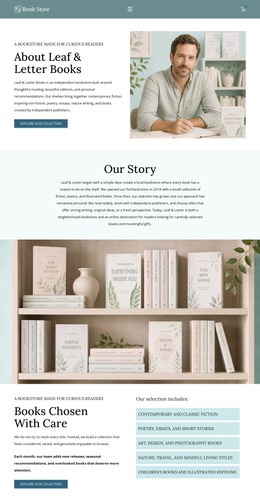

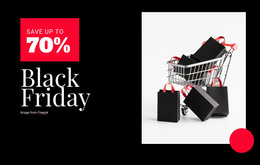


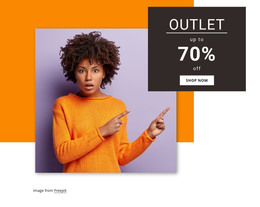

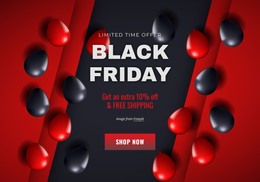
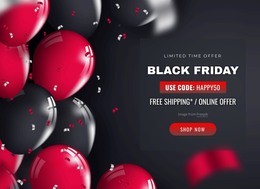


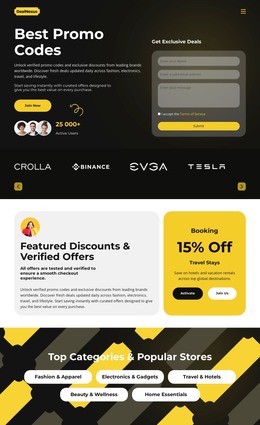

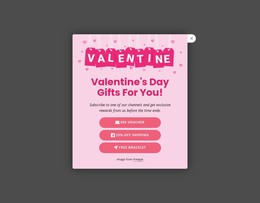

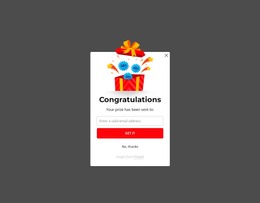

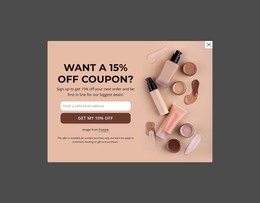




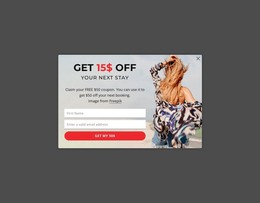








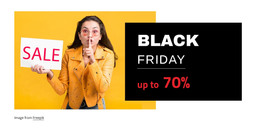


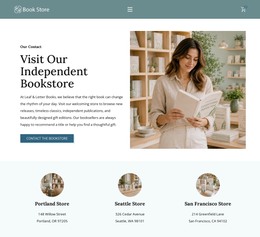

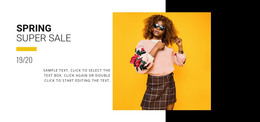


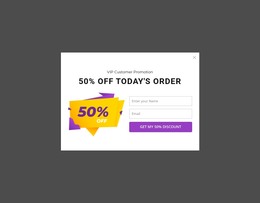


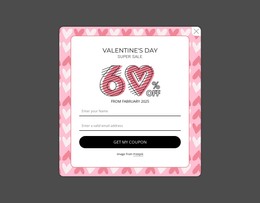

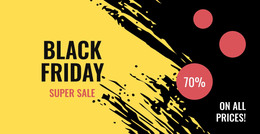





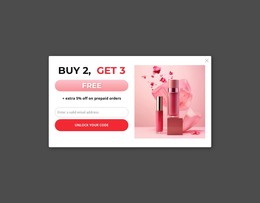

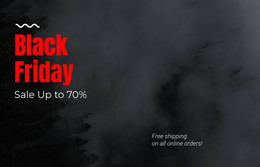











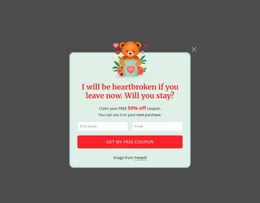
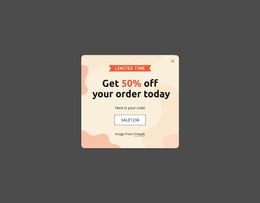




Lightweight Sale HTML Templates for Static Retail Campaigns
Sale campaigns often lose clarity when product grids, coupon messages, and purchase cues rely on inconsistent code. Sale HTML templates solve that problem by providing a structured, static site foundation for retail offers, product sections, and responsive layouts. Teams gain source ownership and a cleaner path from visual approval to deployment.
Who Can Use Advanced Sale HTML Templates?
Retailers: need product blocks, offer labels, and cart cues in a stable page structure. Campaign teams: need responsive sections for seasonal promotions and short-term deals. Store owners: benefit from static pages that can be visually refined, code-quality checked, and prepared for hosting without a CMS dependency.
A trading-oriented promotion can borrow visual cues from trading website ideas while keeping the retail purpose clear: products, prices, and purchase actions should remain easier to scan than decorative market graphics. For this URL, semantic tags, W3C validation, adaptive layout, and clean HTML structure belong in the technical QA layer rather than the campaign message itself.
Nicepage supports static HTML workflows through the Desktop Applications and Online Builder. Its Responsive Web Design guidance is useful when the same sale structure must remain readable across phones, tablets, laptops, and larger screens.
Fast-Loading Features for Sale HTML Layouts
Build E-Commerce HTML Site lets a team create an e-commerce website in Nicepage, export the HTML, and upload it to a hosting provider while using Product Elements and Page Templates. Grid Element organizes images, text, shapes, and other content into responsive cells that move one under another on smaller screens. Edit Mobile Views lets designers adjust the desktop, laptop, tablet, and phone views separately. Product List Element can show selected products and control the layout and item count. The Shopping Cart Icon Element provides the header with a direct checkout path, while the Button Element provides the main CTA with reusable styles and separate states.
This combination works well for product-led campaigns that need repeatable offer sections without a CMS. A retail concept inspired by IKEA-style merchandising can use clear product grouping, generous spacing, and restrained promotional labels, while the underlying static page maintains a predictable structure.
SEO and campaign metadata still need attention before deployment. Nicepage provides SEO Settings for search-focused site configuration, while page-level content should keep headings, offer copy, and product information readable as HTML rather than depend on visual effects alone.
User-friendly Sale HTML FAQ
Can I add SEO metadata and custom CSS to a sale HTML page?
Yes. Nicepage supports custom meta tags and SEO descriptions through page settings, Schema structures, and custom CSS where needed.
Can I work on a sale HTML site in Nicepage Online?
Yes. Open nicepage.com, use the My Sites button to access the Nicepage Online Dashboard, and create or manage websites there.
How can I keep sale product sections readable on phones?
Use Grid layouts for structured content and Edit Mobile Views to refine the page separately for desktops, laptops, tablets, and phones. This helps ensure product cards, discount labels, and purchase buttons remain in their intended order on smaller screens.
Free HTML Workflow Without CMS Overhead
A short retail campaign should not require a CMS setup or developer rebuild. Choose a design direction, open it in the visual page editor, refine the products, sale messages, and responsive sections, then export HTML or publish through the supported workflow. The static site structure stays reusable when the next promotion needs new products, prices, or campaign graphics.






















































