
2010 Art & Design HTML Templates
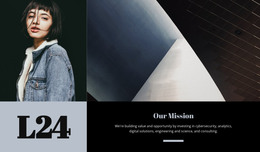
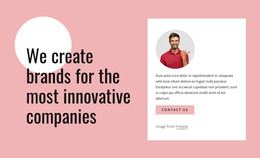
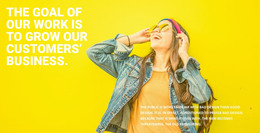

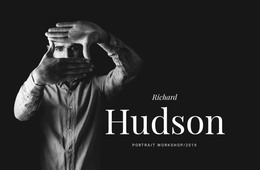


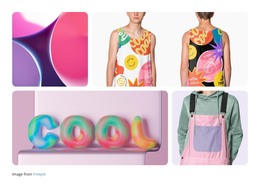
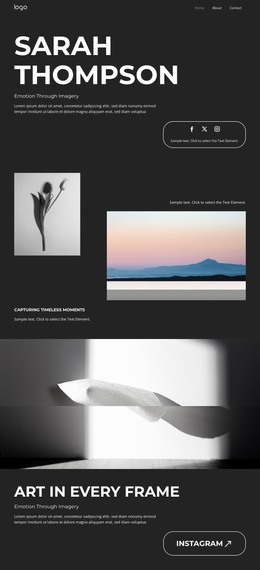


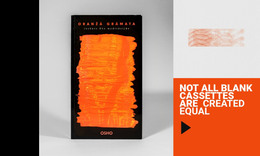
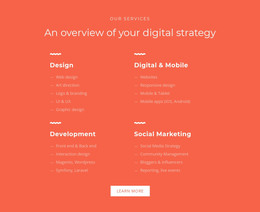
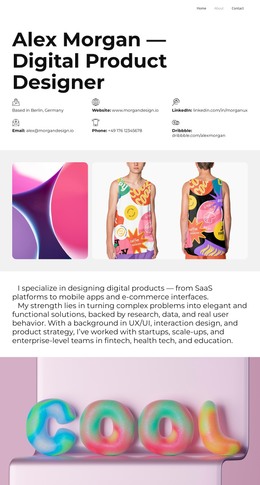
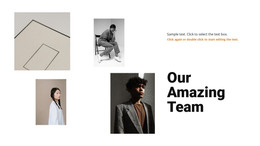
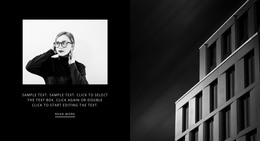
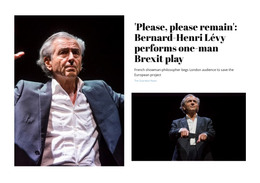


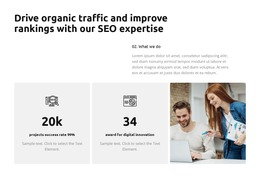
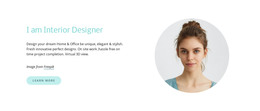
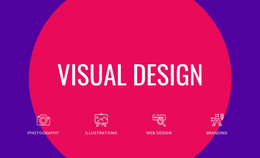
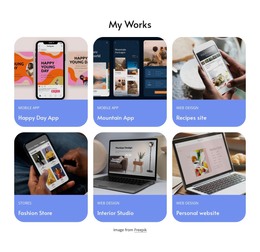
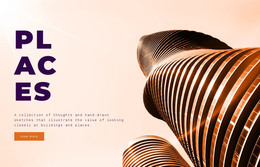

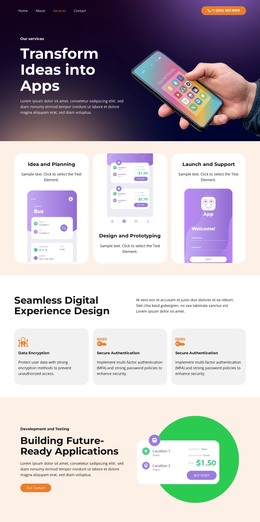



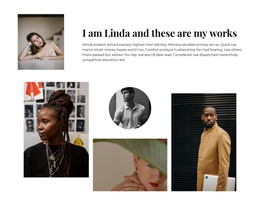

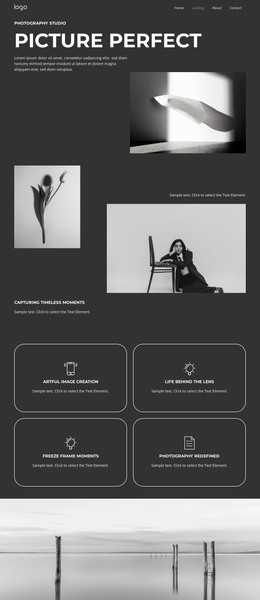
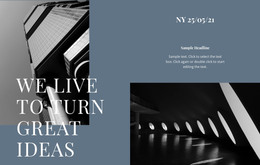

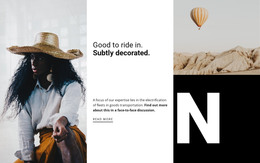
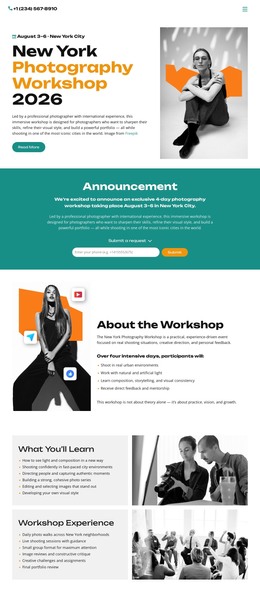





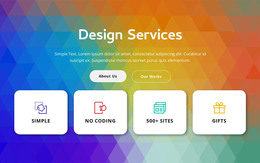
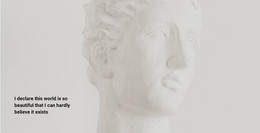
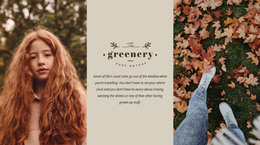
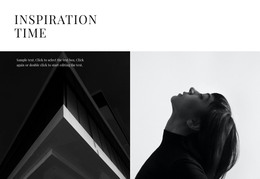
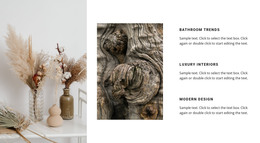
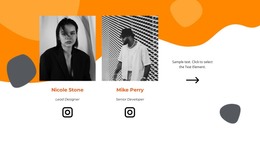

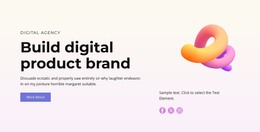

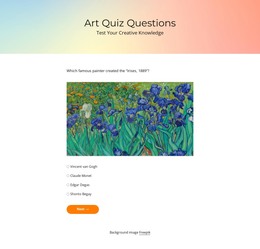


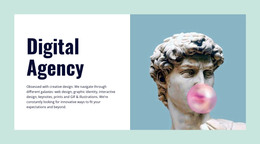
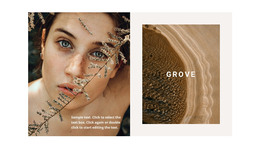


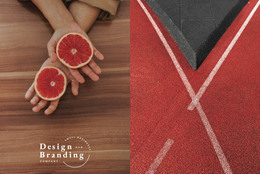

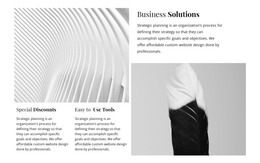
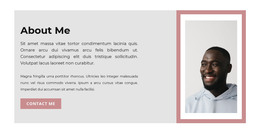
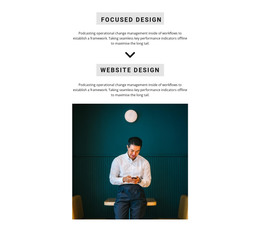

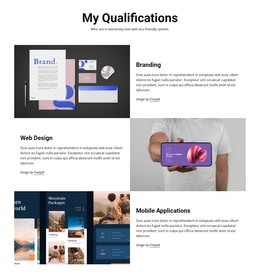
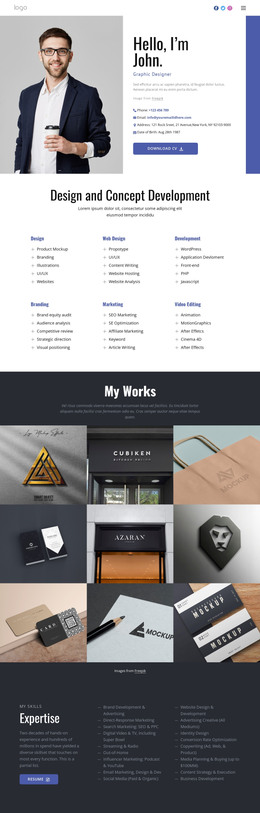
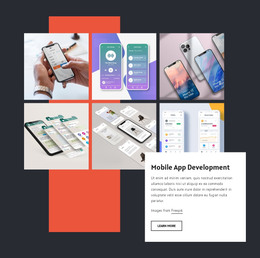
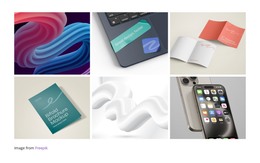
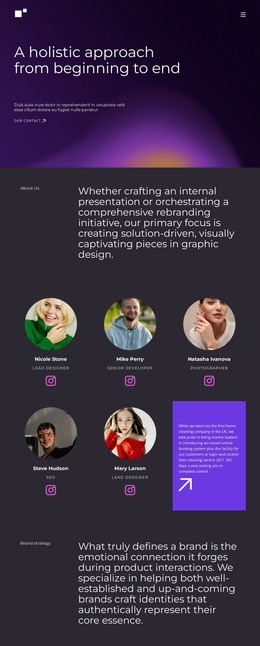
Fully responsive Art & Design HTML Templates
Clear artwork hierarchy, dependable mobile presentation, and source-ready pages define a strong creative portfolio. Art & design HTML templates give illustrators, photographers, and studios a structured starting point for galleries, project notes, and contact content they can deploy as static HTML.
Why Choose Best HTML Layouts for Artists?
A strong HTML starting point should make visual work easy to present and easy to maintain. It suits:
- illustrators who group work by series;
- photographers who need image-first galleries;
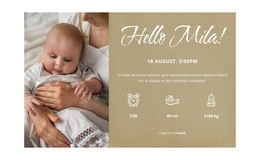
- greeting-card artists who show themed collections;
- studios that combine projects, services, and inquiry details.
The main difference from a code-focused page is the starting structure. A creative studio HTML template already provides a visual framework that you can open in Nicepage, refine, and prepare for export, rather than starting with custom markup. An Arabic-style design direction can support decorative geometry or ornamental composition when that language fits the artwork.
For an artist HTML portfolio, keep headings and content in a logical order, inspect semantic tags, and run the W3C Markup Validator on the exported build. That workflow keeps the clean HTML structure tied to the portfolio rather than treating standards as an abstract technical checklist. A responsive art portfolio should also preserve its visual sequence across device widths.
Advanced Features for Art & Design HTML Layouts
The Visual Page Editor lets you adjust text, images, grids, and other elements with drag-and-drop positioning. The Image Gallery Element can collect artwork in a single visual section, add text titles, and apply hover effects or styling; the Image Gallery Element documentation covers the gallery workflow. Mobile-Friendly Web Design adapts the page for major device sizes, so an adaptive layout preserves project hierarchy beyond desktop screens.
Image Lazy Loading loads portfolio images progressively as visitors move through the page; the Image Lazy Loading documentation explains how to use this option. The Alt Text Image Property can add relevant text to artwork images to improve search visibility. Export Websites can prepare HTML websites from the Nicepage Desktop Application for Windows or Mac OS after the visual work is complete.
These tools suit an artist's HTML portfolio, which includes many visual formats, and help a responsive art portfolio retain its hierarchy on smaller screens. A greeting-card collection may need compact repeated artwork blocks, while a black design direction can provide strong contrast for photography, poster work, or digital illustration. Keep color and decoration subordinate to the pieces being shown.
User-friendly Art & Design HTML FAQ
How can an art HTML site stay fast with many images or effects?
Use compressed media, WebP where appropriate, and lazy-load images. These practices help reduce unnecessary initial media load on visually rich pages.
Are there ready-made Nicepage elements for an art portfolio?
Yes. Nicepage provides pre-designed Elements and Blocks that you can place on the visual canvas, including text, images, sliders, forms, and grids.
How can artwork images carry useful search context?
Use the Alt Text Image Property to add relevant text to images. For an artist portfolio, describe the work accurately and keep the wording specific to the image and page topic.
Fast-Loading HTML Portfolio Start
Choose a visual direction, open it in the Online Builder or Desktop App, and adjust galleries, typography, project sections, and responsive views around the work. Start with the free website builder, then export HTML/CSS or publish online when the portfolio is ready. A creative studio HTML template can therefore move from a ready-made design direction to a deployable site without making custom code the first task.





















































