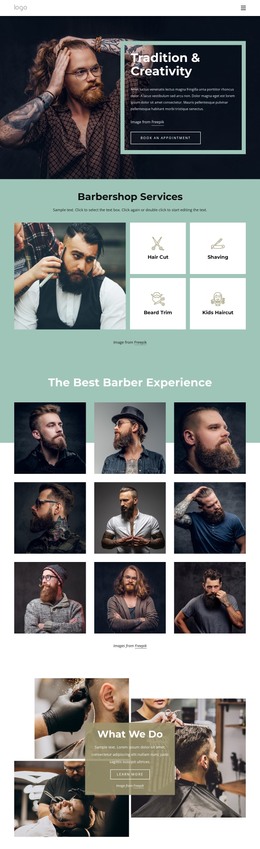
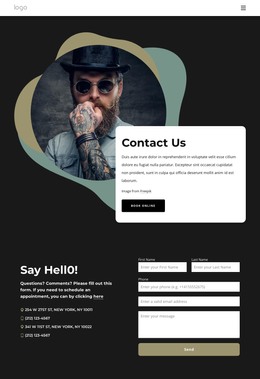
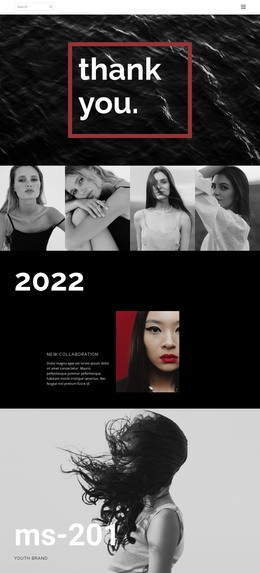
Fashion Trends HTML Template


Edit Template Offline
2. Create new page and search for id 12905
Edit Template Online
Create Awesome Websites


Free Nicepage Builder
Keywords
Seasonal Articles Form a Finished Static Editorial Page
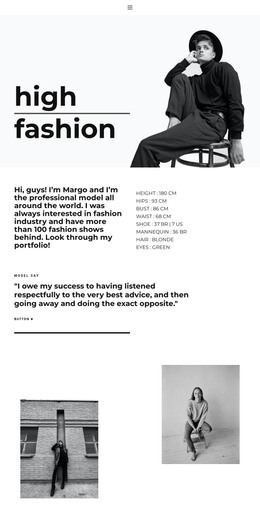
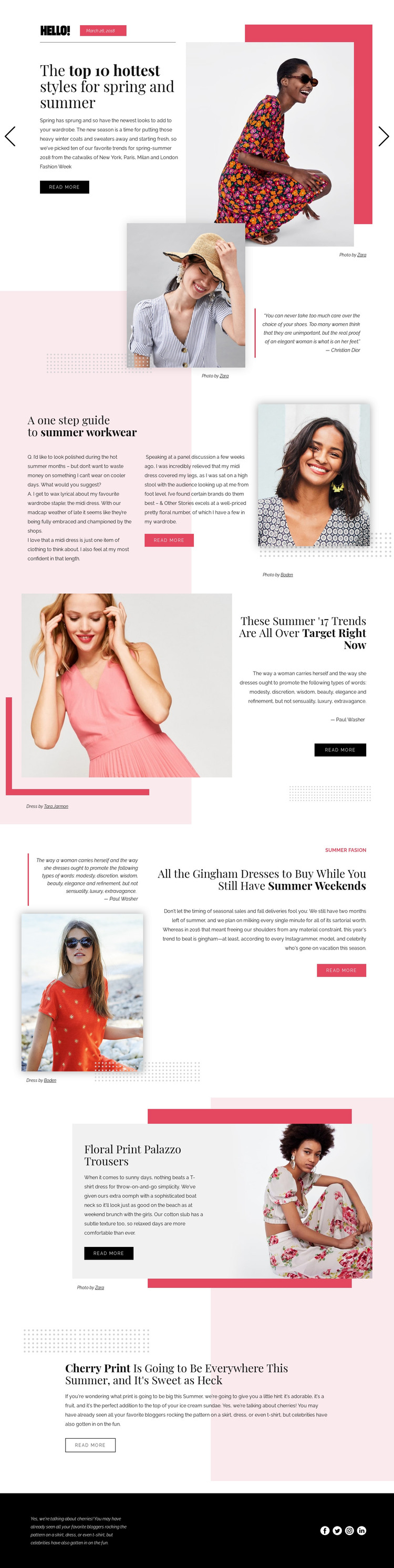
The design already assembles the main parts of a self-contained fashion article page. Its opening slider introduces the seasonal subject, then the page moves through a quotation-led portrait section, a summer workwear guide, and several focused trend features. Gingham dresses, floral print trousers, and cherry print each receive their own editorial treatment, so the page does not depend on one undifferentiated block of text. Images, compact descriptions, photo or dress credits, and repeated read-more actions create a consistent publishing rhythm.
The section sequence is especially useful for a standalone HTML implementation because each feature can remain visually distinct while sharing the same editorial language. The large image-only section provides a pause between article topics, and the black footer gathers supporting copy with Facebook, Twitter, Instagram, and LinkedIn sharing links. Together, these areas provide more than a visual concept: they form a finished arrangement for presenting seasonal fashion coverage.
The template can therefore serve as a static fashion editorial page where the content, imagery, credits, article prompts, and social destinations are kept in one coherent document. Its value comes from the relationship between the sections, not from any claim that the sample names, date, or trend references represent a current publication.
Customize with Nicepage
Open this ready-made template in the HTML Builder and customize it visually in the Nicepage editor. Replace demo content, edit page sections, and adapt the design to your project without rebuilding the template from scratch.
Export and Use This Template as an HTML Website
Create a Portable HTML Website
When the template is ready, use the HTML Export option to create a static website with the files required for deployment. The exported website can be used independently of the Nicepage editor and deployed on your preferred hosting.
Nicepage also provides SEO settings and optimization features, including Page Titles and Descriptions, Canonical settings, headings, image Alt Text, and other page-level properties that help prepare the website for search engines.
Deploy Without a CMS
Upload the finished website to the hosting environment that fits your project. Because the exported site does not require WordPress, Joomla, or another CMS to deliver its pages, it can be placed on your own server, uploaded to a hosting provider, or deployed through an existing web infrastructure.
Hand Off the Website Files
The generated website files can also be provided to a client, developer, or hosting team. They remain available outside the Nicepage editor for deployment, technical review, or project-specific development when additional work is required.
This workflow makes the template a practical foundation for a portable static website that can be exported from the Nicepage editor and deployed independently.

More from Fashion & Beauty HTML Templates
-
Free Website Builder SoftwareDownload