
Accordion HTML Templates
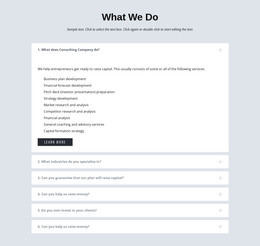
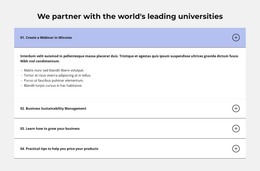


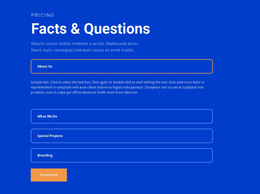

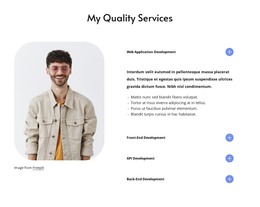


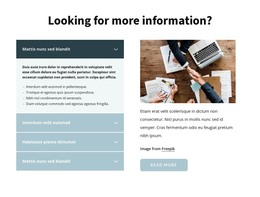
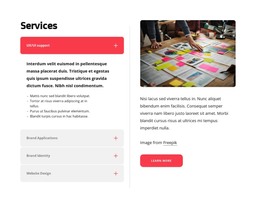


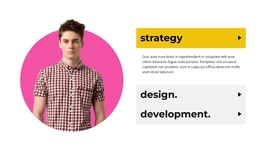



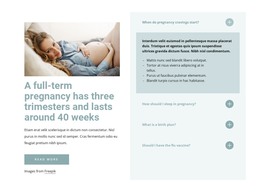

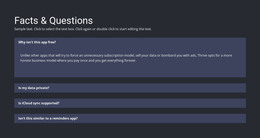

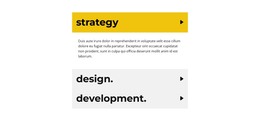
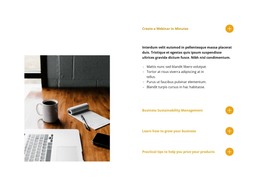



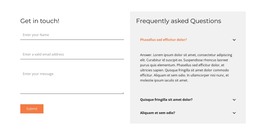

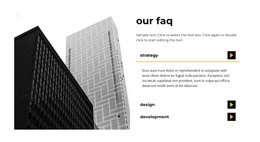



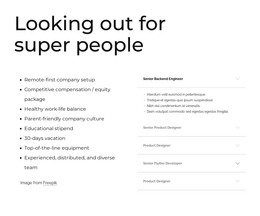




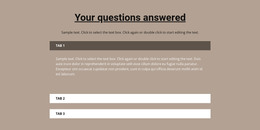



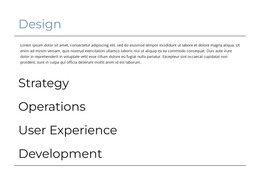





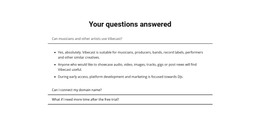
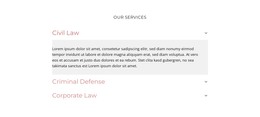
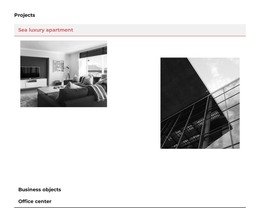
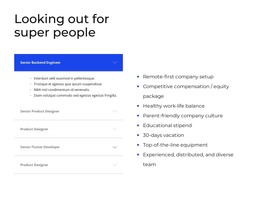

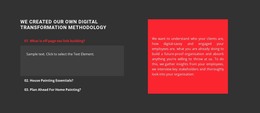


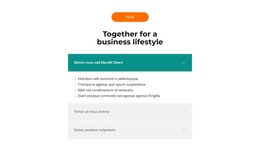






Responsive Accordion HTML Templates for Ready Section Selection
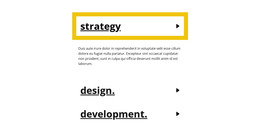
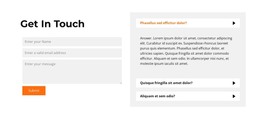
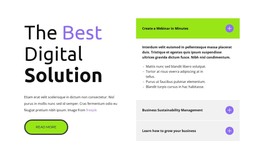
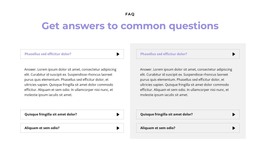
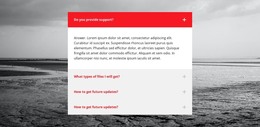
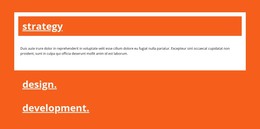
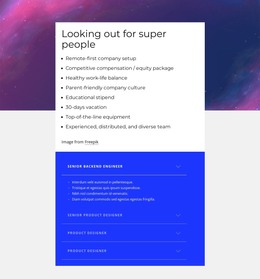
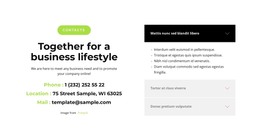
Accordion HTML Templates are primarily about choosing a ready-made Accordion section that fits the content you need to organize. The difference from general Accordion Templates is slight but useful: the selected design is intended to be used as part of an HTML-oriented project.
The accordion itself remains the main object. Visitors scan stacked headings, open selected panels, and reveal supporting content without loading the page with every detail at once.
What Should You Compare in an Accordion HTML Template?
A useful starting design should already resemble the content structure you need.
Compare the ready Accordion options by:
- Item count against the number of meaningful content groups.
- Compact or spacious layout depending on content density.
- Body depth and content capacity for short or substantial details.
- Visual treatment such as panel emphasis, spacing, and boundaries.
- Intended placement inside the wider HTML-oriented page.
Policies, specifications, service explanations, instructions, and similar content can all work well when the expandable structure improves scanning.
The stronger the structural fit, the less you need to force real content into a template that was built for a different amount or hierarchy of information.
Choose a Ready Accordion for an HTML-Oriented Project
The HTML suffix should remain contextual. You are still selecting an Accordion design, but the intended deliverable is a section that fits into a broader HTML-oriented page or project.
Choose the ready Accordion that best fits the content, then replace the sample headings and bodies, add or remove items as needed, and adapt the section to its intended placement in the HTML-oriented page.
The Nicepage Accordion Element provides the core expand/collapse interaction. Keep that interaction central while adapting the ready section.
Keep the Focus on the Accordion, Not HTML Markup
html-templates and html-code describe different needs.
Accordion HTML Templates focus on choosing and adapting a ready Accordion design for an HTML-oriented project.
Accordion HTML Code is the stronger angle when custom markup, embedded components, external widgets, or another project-specific extension becomes the main requirement.
There is no need to turn an HTML Template page into an explanation of markup. The relevant questions remain Accordion-specific:
- Does the item count fit the content?
- Is the layout compact or spacious enough for the intended material?
- Do the headings and bodies fit the selected visual structure?
- Is the section appropriate for the place where it will be used?
The HTML context defines where the ready section is intended to be used.
Accordion or FAQ for a Ready Section?
Accordion and FAQ may share an expandable presentation, but their semantic roles remain different.
Accordion defines the interaction model. Vertically stacked items expand and collapse so visitors control how much supporting detail is visible.
FAQ defines the content model. Its essential content consists of recurring questions paired with answers.
Tabs are another nearby option. They use persistent controls to switch between parallel content areas, whereas Accordion follows a vertical scan-and-reveal sequence.
Accordion HTML Template FAQ
How do I choose an Accordion HTML template?
Compare the number of items, heading hierarchy, expected body length, and overall panel proportions. A strong starting design should already be close to the content structure you need.
Is an Accordion HTML template a complete website?
No. In this category, the Accordion is a ready, functional section that can be used inside a broader HTML-oriented project.
How is this different from general Accordion Templates?
General Accordion Templates focus on choosing the right Accordion design overall. Accordion HTML Templates use the same selection logic but add an HTML-oriented deliverable and project context.
What should I adapt first in a ready-made HTML Accordion?
Replace the sample headings and bodies first, then refine the item count, proportions, states, and surrounding layout around the real content.
When should I choose HTML Code instead?
Choose the HTML Code angle when custom markup, an embedded component, or another project-specific functional extension becomes the main requirement.
Start With the Accordion Design Closest to Your Content
Select the ready Accordion design that best matches the intended content and placement. Replace the sample headings and bodies, adjust the number of items if needed, and integrate the adapted section into the wider HTML-oriented project.





















































