
150 Tiles HTML Templates







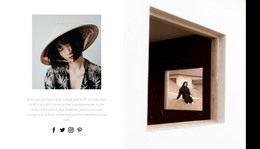



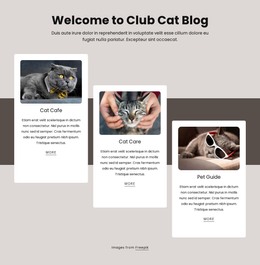
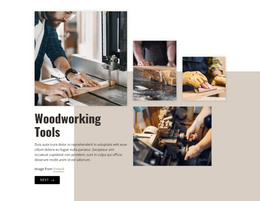

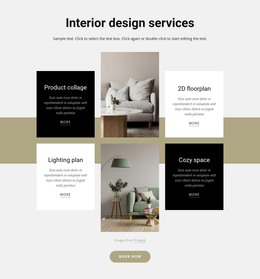

















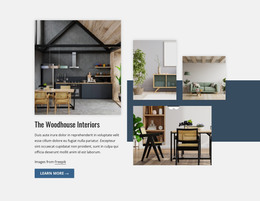



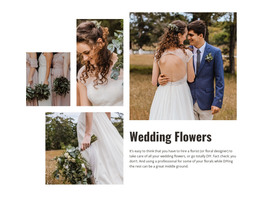





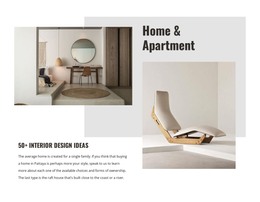




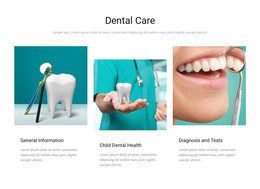



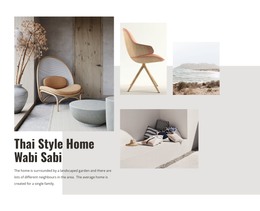



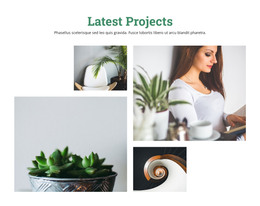





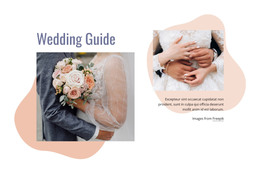










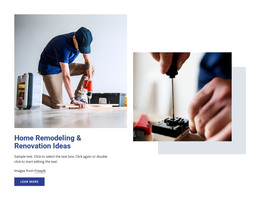
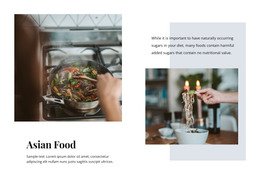


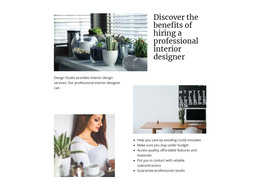





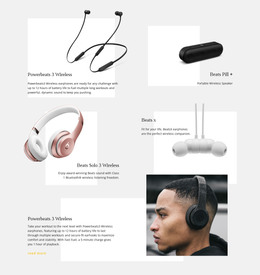
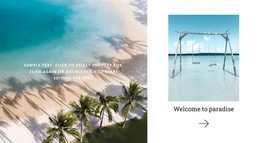
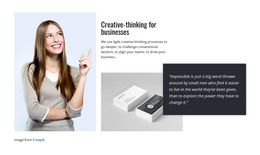







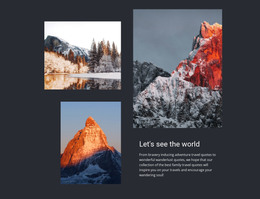

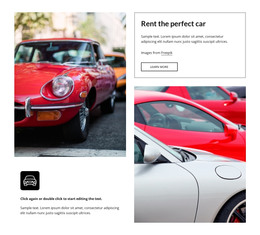



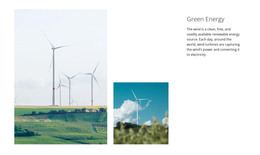


Ready-To-Use Tiles HTML Templates for HTML Projects
Browse ready-made Tiles HTML Templates when an HTML project needs a prepared tiled section rather than a layout built from an empty block. Compare the available layouts, choose a suitable pattern, customize its content and proportions, and then use the finished section inside the wider HTML project.
Compare Ready-Made Responsive Tiles HTML Templates
A useful HTML template collection should let you compare practical differences before editing:
- panel count and proportions;
- image-led versus text-led designs;
- layouts with a featured tile or equal emphasis;
- responsive arrangements that can be adapted for smaller screens;
- content patterns that are easy to customize for your own categories or services.
Use the collection to narrow the choice before editing. A section with equal panels suits peer options, while a design with a featured tile is better when one category or destination needs more emphasis.
After selection, move into focused customization rather than repeating the comparison stage.
Customize the Selected HTML Template
Once a layout is selected, adapt the parts that materially affect the project:
- replace sample imagery and labels;
- adjust panel proportions or emphasis where needed;
- shorten or expand supporting text to fit the chosen design;
- review responsive behavior before integration.
This keeps the workflow centered on customizing a ready-made HTML template, rather than rebuilding the section from scratch.
Use the Selected Tiles Section in an HTML Project
The html-templates context treats the block as a ready-made HTML section used inside a broader project. After choosing and customizing the design, integrate it with the surrounding page content and continue through the supported HTML workflow.
Existing HTML sites cannot be imported into the Nicepage editor, so the practical direction is to start with the Tiles design in Nicepage, adapt it there, and then use the supported export workflow.
Integrate and Export the Finished HTML Section
After customization, review the section in the context of the page where it will be used. Check spacing around neighboring blocks, link destinations, responsive stacking, and whether the selected emphasis still matches the actual content.
Nicepage product information confirms that HTML can be exported from the Online Builder for hosting on your own server, so the workflow remains straightforward: select, customize, integrate, then export.
Tiles HTML Templates FAQ
Can Nicepage Online export HTML for my own hosting?
Yes. The supplied Nicepage product information states that the Online Builder can export HTML for hosting on your own server.
Can I import an existing HTML site into the Nicepage editor?
No. Existing HTML or another generated site cannot be imported into the Nicepage editor. The supported direction is to create or recreate the required layout in Nicepage.
Can Tiles HTML templates use both images and text?
Yes. Many tiled sections combine imagery with short labels or descriptions. Balance the layout with the amount of information visitors need before choosing an option.
Finish the Selected HTML Template
Once the design fits the content, verify the links, responsive stacking, and spacing around neighboring sections, then continue through the supported HTML export workflow.





















































