
Waterfall HTML Templates
A waterfall page must present the landscape clearly while keeping trail access, location details, and viewing information easy to read. These HTML templates provide reusable content sections and responsive image layouts for individual attractions, photography features, and outdoor destination descriptions.


More HTML Templates from Nature Category















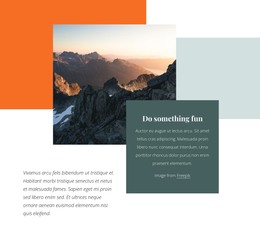
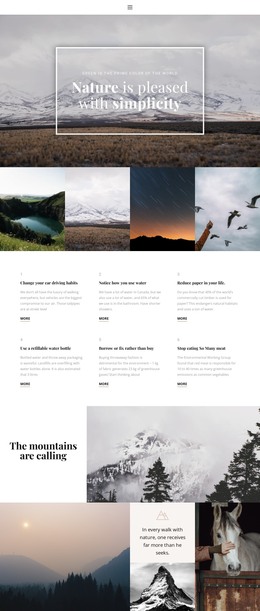
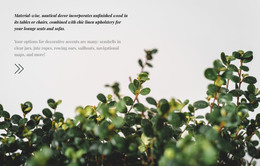
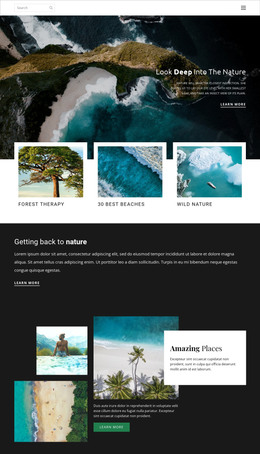


















Other Nature HTML Templates
Advanced Waterfall HTML Templates for Outdoor and Travel Projects
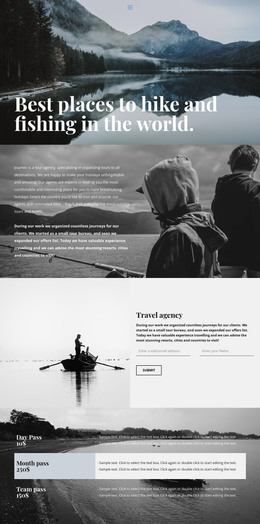
A waterfall HTML template hands you a finished layout to fill with cascade photos and visitor information, with the option to export the result as HTML files. It suits developers, small tour companies, and owners who want everything on their own hosting. The catalog offers Premium Boat Tours and Experience Tranquil Lakeside Luxury, and either one can grow into a single falls page or a full regional guide.
Ready Sections for Cascade Photos and Trail Notes
You start with sections that already pair images with text, so most of the work is choosing which ones fit your falls. In an outdoor travel layout, a few kinds of sections handle waterfall content well:
- A wide photo block that shows the scale of the drop, with a short location overview nearby.
- A photo and text pair holding a brief route summary and a link to a fuller trail description.
- A gallery that presents one waterfall from several viewpoints.
Blocks can be duplicated in the editor, so pay more attention to the order of sections and the number of image areas. A guide covering many falls needs repeatable photo cards, while a site about one cascade needs room for a longer story.
Checking Contrast Over White Water on Phones
Waterfall photos are hard on text, because bright spray and dark wet rock often share one frame. Before settling on a layout, load a few of your own shots and look at three things:
- Whether the headline and buttons stay readable over white water, with an overlay where needed.
- Whether the main cascade stays in frame when the photo and text stack on a narrow screen.
- Whether image files match their blocks, so the falling water keeps its detail without a heavy download.
Nicepage Responsive Modes let you preview each screen size, from large desktops down to phones, and move elements that end up in the wrong place. Loading speed is best measured on the exported files once they are live.
Exporting Files to Your Own Server
If you host the project yourself, the desktop apps can export it to a folder or upload it over FTP. Both the apps and the online editor offer a ZIP archive. The package includes the HTML pages, scripts, and images they use, so keep the folder structure intact. The HTML export guide walks through each option. Once exported, the files remain open to direct editing so that a developer can pick up the project later. A good match shows your waterfall shots at their best, lets you rewrite sections without a fight, and fits the way you publish.