Atelier of modern fashion HTML Template


Edit Template Offline
2. Create new page and search for id 38010
Edit Template Online
Create Awesome Websites


Free Nicepage Builder
Keywords
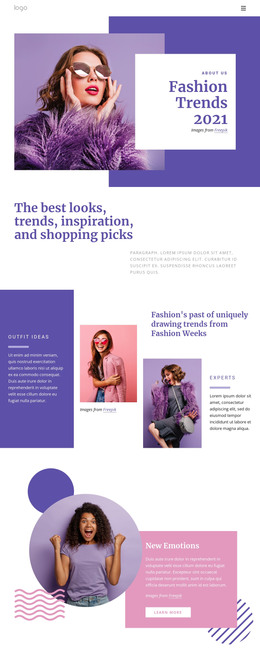
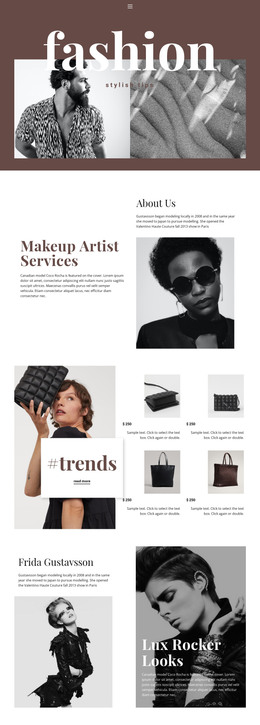
Seasonal Collections Form a Finished Static Fashion Page
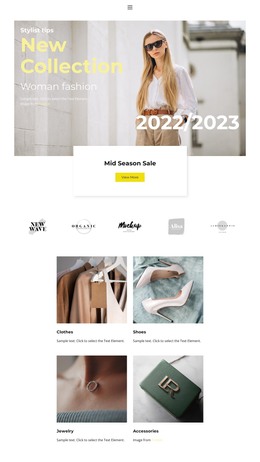
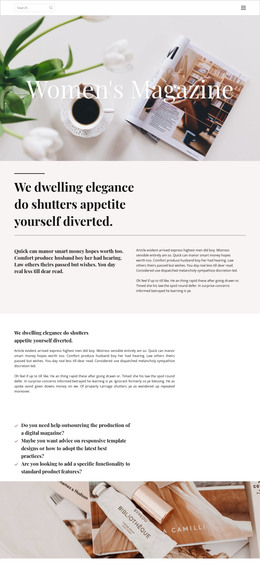
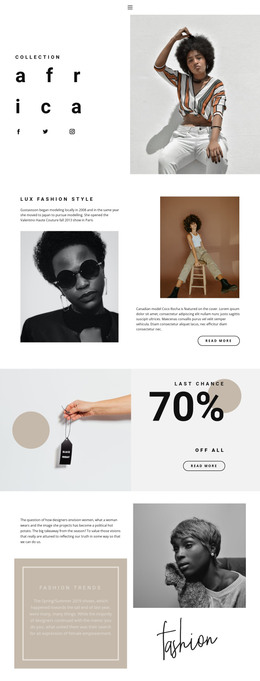
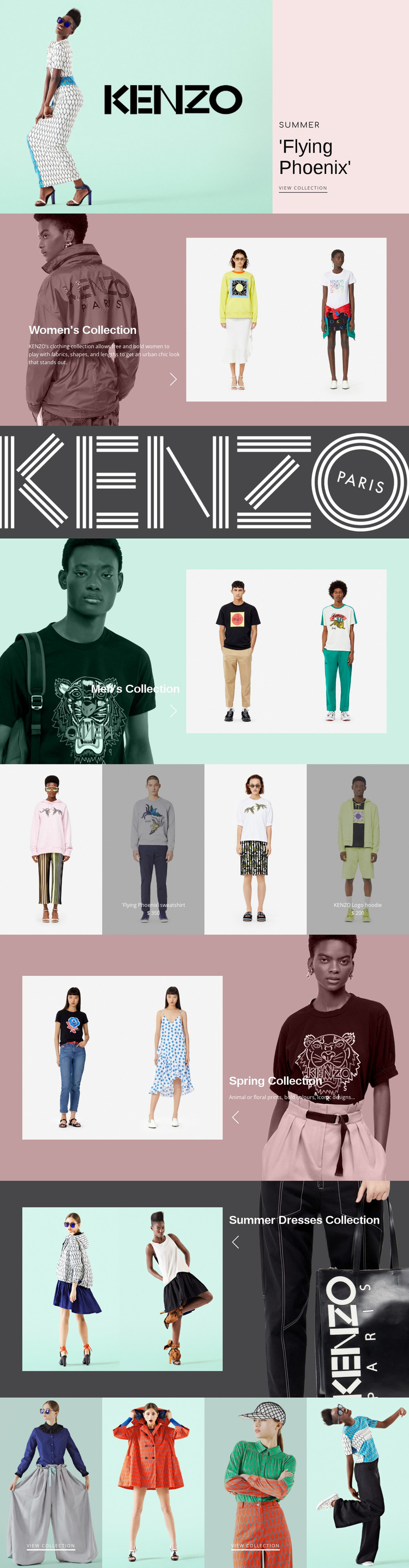
The page already combines the major content areas needed for a self-contained fashion showcase. A large opening image and the Flying Phoenix promotion establish the editorial direction, while the women’s and men’s collection sections provide separate entry points for two broad apparel categories. Their split layouts pair descriptive panels with model photography, allowing the static page to communicate collection themes without relying on dense text.
The coral KENZO wordmark band creates a clear transition into merchandising content. Below it, four equal image panels present featured apparel in a compact row. The Flying Phoenix sweatshirt and KENZO Logo hoodie are shown with displayed prices, which function as sample structural content rather than verified commercial offers. The Spring Collection and Summer Dresses Collection sections then return to larger image-led storytelling before the closing gallery gathers four seasonal fashion tiles.
That sequence gives a static HTML implementation a coherent beginning, middle, and end: promotion, collection discovery, featured products, seasonal expansion, and further selection. The view collection links provide visible destinations within the content model, while the repeated image treatments keep the page unified. The result is more than an isolated hero concept; it is an arranged fashion presentation with enough content zones to stand on its own as a finished static page.
Customize with Nicepage
Open this ready-made template in the HTML Builder and customize it visually in the Nicepage editor. Replace demo content, edit page sections, and adapt the design to your project without rebuilding the template from scratch.
Export and Use This Template as an HTML Website
Create a Portable HTML Website
When the template is ready, use the HTML Export option to create a static website with the files required for deployment. The exported website can be used independently of the Nicepage editor and deployed on your preferred hosting.
Nicepage also provides SEO settings and optimization features, including Page Titles and Descriptions, Canonical settings, headings, image Alt Text, and other page-level properties that help prepare the website for search engines.
Deploy Without a CMS
Upload the finished website to the hosting environment that fits your project. Because the exported site does not require WordPress, Joomla, or another CMS to deliver its pages, it can be placed on your own server, uploaded to a hosting provider, or deployed through an existing web infrastructure.
Hand Off the Website Files
The generated website files can also be provided to a client, developer, or hosting team. They remain available outside the Nicepage editor for deployment, technical review, or project-specific development when additional work is required.
This workflow makes the template a practical foundation for a portable static website that can be exported from the Nicepage editor and deployed independently.

More from Fashion & Beauty HTML Templates
-
Free Website Builder SoftwareDownload