
Winter HTML Templates
Seasonal pages get messy when trail details, rental offers, event dates, and visitor notes lack a clear markup hierarchy. Winter HTML Templates provide reusable semantic sections and a responsive structure, so each content block retains its defined technical role.








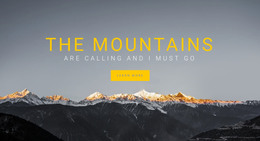

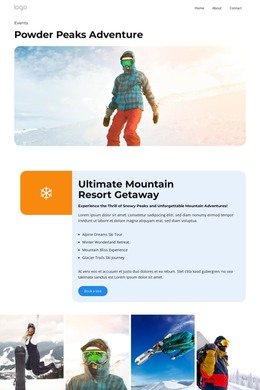





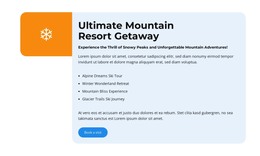


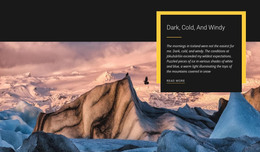
























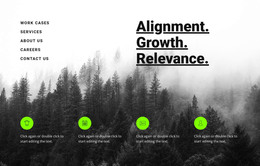

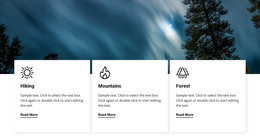
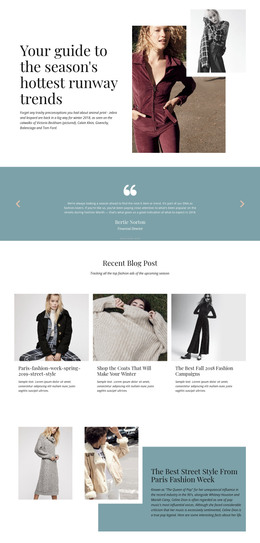






























Other Nature HTML Templates
Winter HTML Templates for Static Seasonal Websites
Winter HTML Templates are suited to projects that need standard front-end files that can be edited, integrated, and published without relying on a CMS. A seasonal site can be visually prepared and exported as HTML, along with its CSS, JavaScript, images, and other required assets. The resulting files can then be hosted as a static website or opened in a code editor for further development.
This makes the HTML format useful when control over the final front-end output matters more than managing the website through an online administration system.
Start With a Finished Front-End Structure
A Winter HTML Template provides an existing page structure rather than an empty codebase. Depending on the design, the page may already contain a hero section, activity or product blocks, pricing information, image galleries, forms, or contact details.
A ski or travel project could use these sections for:
- lift passes, rentals, or tour prices;
- accommodation or package information;
- seasonal opening hours;
- booking or inquiry forms;
- directions and access details;
- winter activities and visitor information.
A seasonal retail site might use the same front-end structure differently, replacing activity blocks with product collections, promotional sections, delivery information, or holiday offers.
Because the main layout already exists, routine changes usually involve editing content, links, images, or repeated blocks rather than reconstructing the entire HTML structure.
Work With the Exported HTML in Code
The main distinction of this template type is access to the front-end files themselves. After export, the HTML can be opened in a code editor together with the accompanying styles and scripts.
That allows developers to continue working outside the visual editor when a project requires additional front-end integration. A custom JavaScript component, analytics code, booking widget, tracking script, or another service can be added directly to the exported project when required.
Headings, links, forms, and content sections can also be inspected and adjusted in the markup. For teams that hand projects between a designer and a developer, this provides a straightforward workflow: the seasonal design can be prepared visually first and refined in code afterward.
Publish Without a CMS or Database
Static HTML does not require a database or a content-management dashboard to display the finished pages. The exported files can be uploaded to a compatible hosting service, placed on a campaign subdomain, or published as part of a larger web project.
This can be practical for a winter campaign with a defined lifespan. A ski school promotion, holiday event, temporary winter collection, or seasonal destination page may need content updates for only a few months before the campaign ends.
When the same project returns the following winter, the existing files can be reused and updated with new dates, prices, photographs, and links.
Review the Front End Before Deployment
Winter visitors often reach a site on their phones to find immediate information such as an address, booking options, opening times, or current offers. Responsive behavior therefore needs to be checked before the static files are published.
Nicepage Responsive Modes make it possible to review the layout at large-screen, tablet, and phone sizes and adjust the design before export.
A Winter HTML Template is therefore best considered as a ready-made seasonal front-end foundation: the design is already assembled, but the HTML, CSS, scripts, and assets remain available for code-level editing, integration, and deployment.