
530 Education HTML Templates









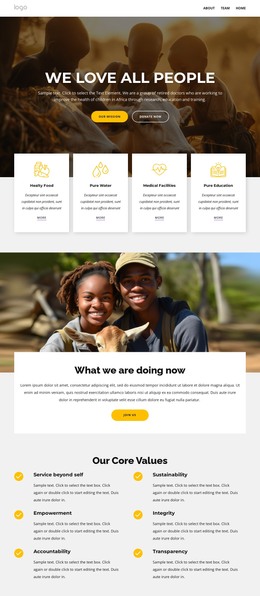








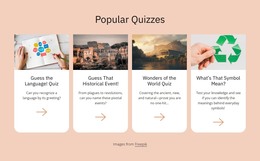






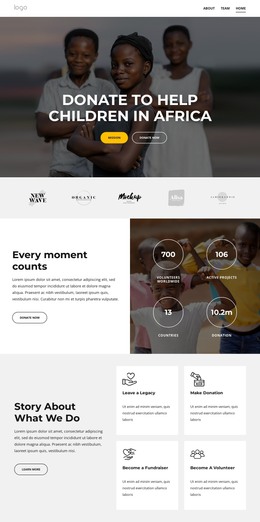
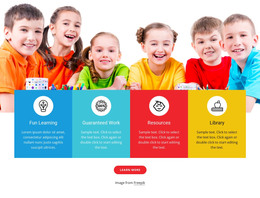





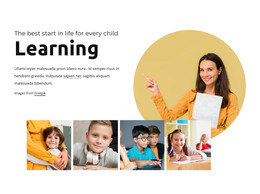
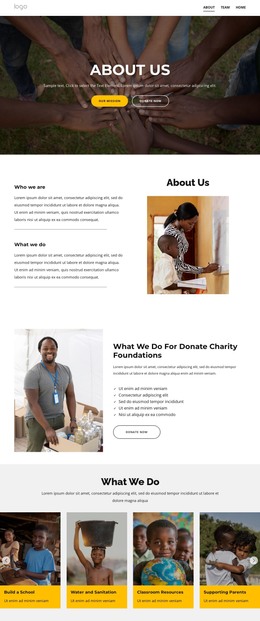
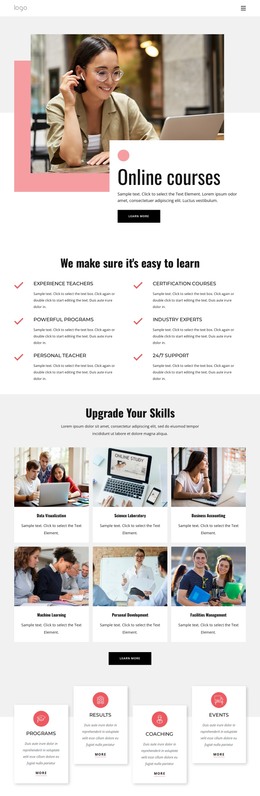


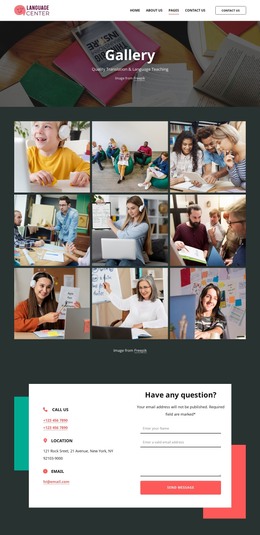


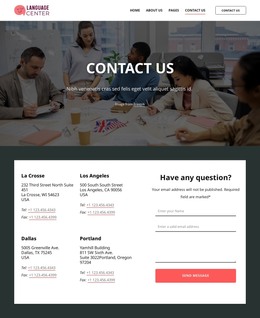

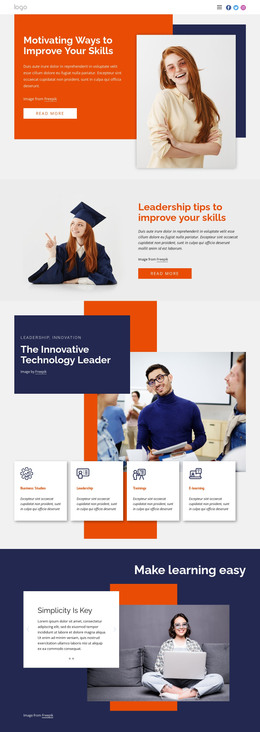


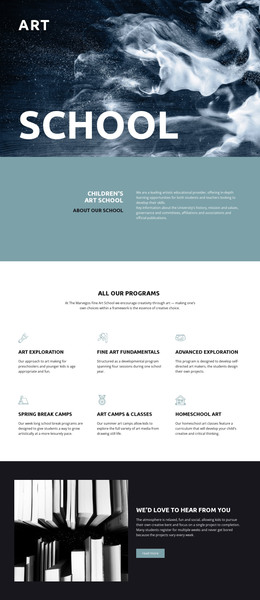
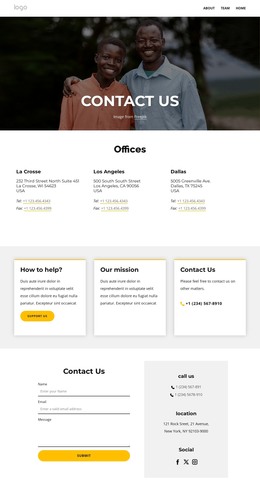
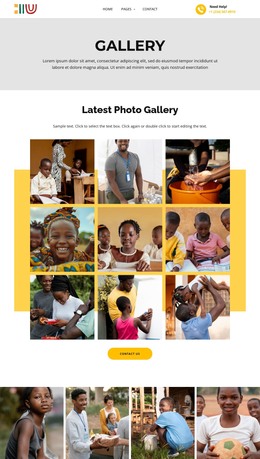





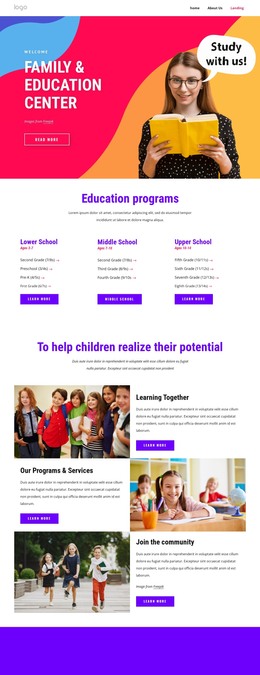
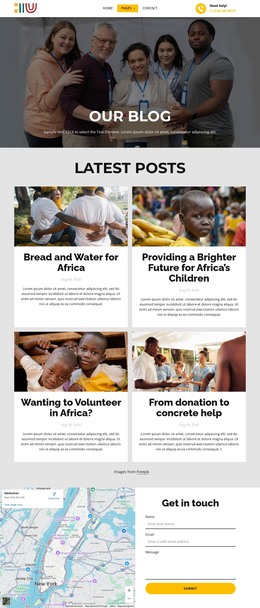
















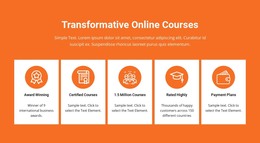
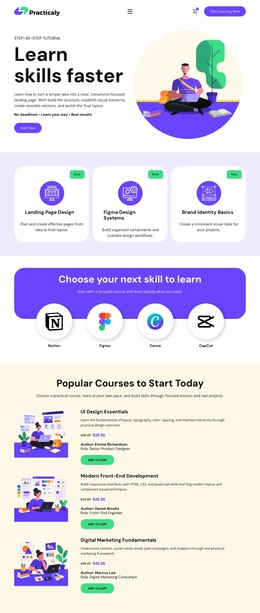
Education HTML Templates for Complete Responsive Learning Sites
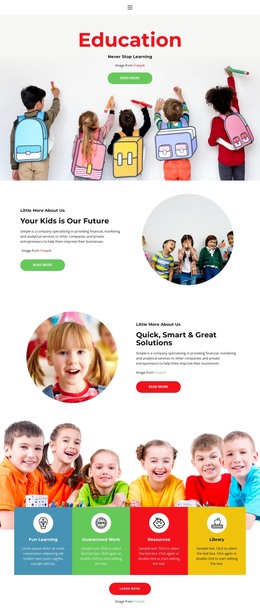
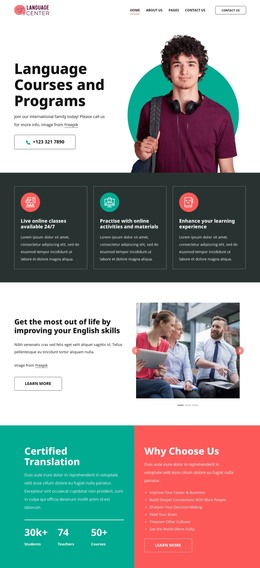
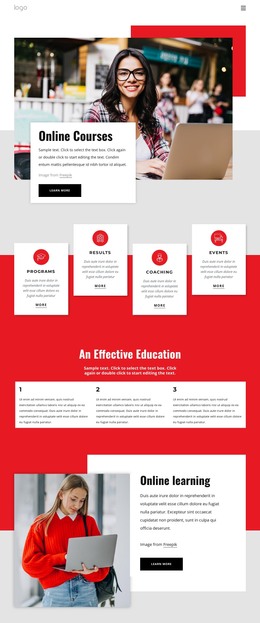
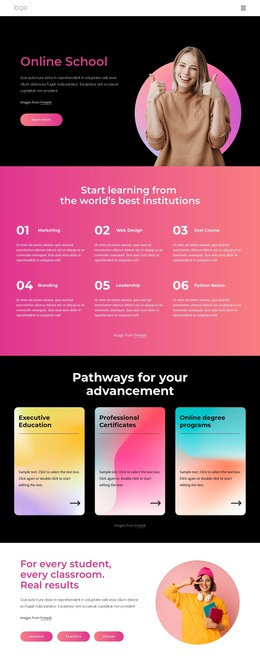
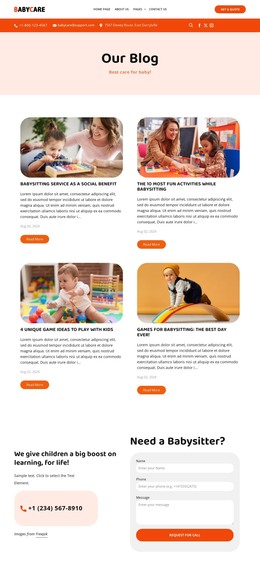
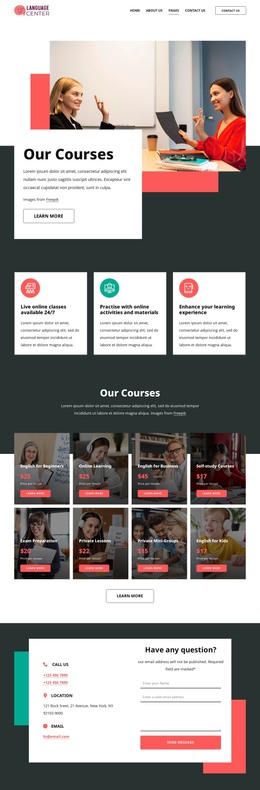
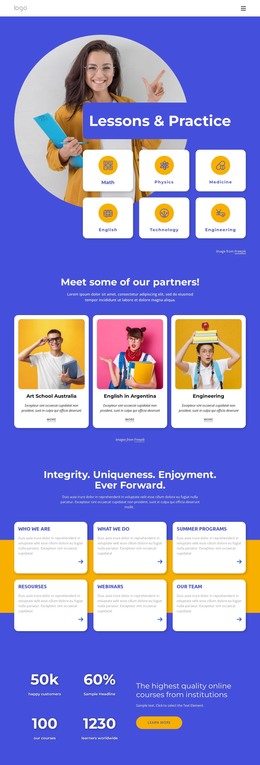
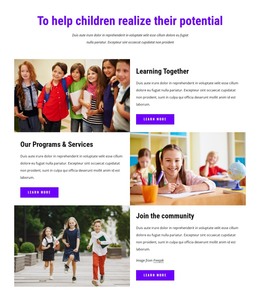
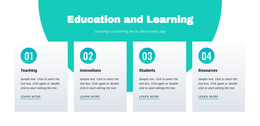
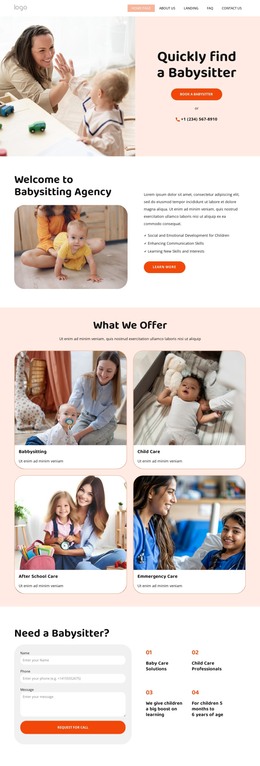
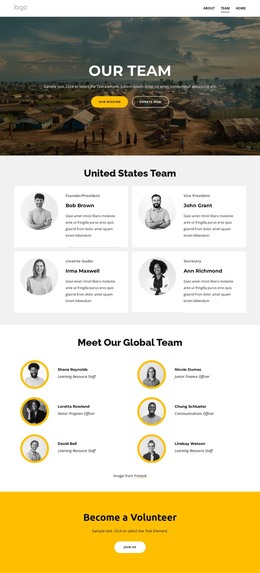
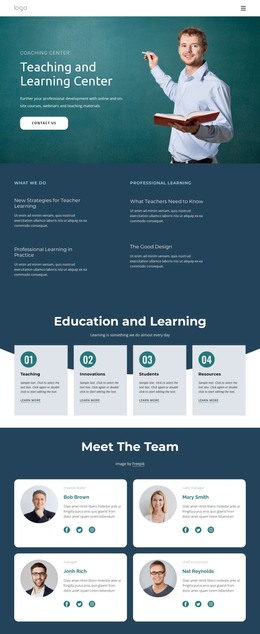
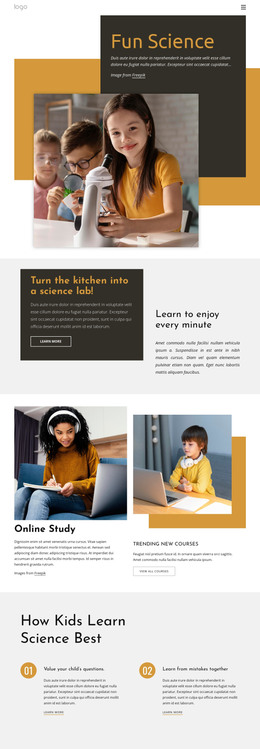
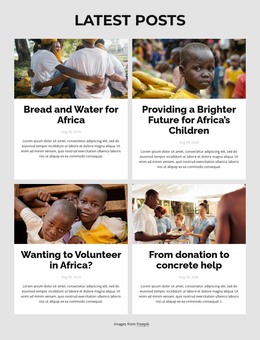
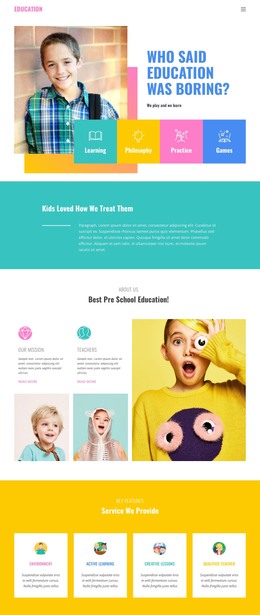
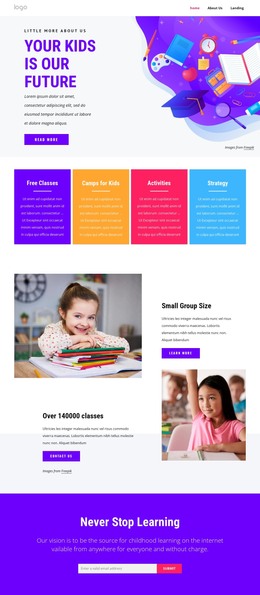
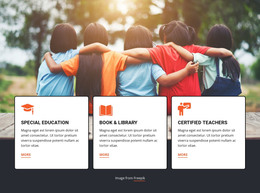
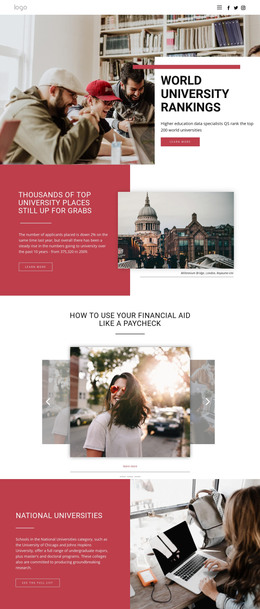
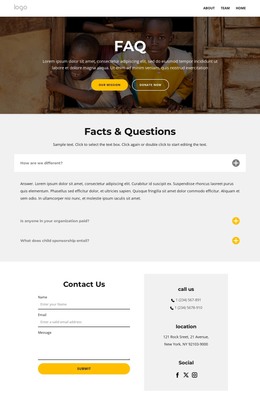
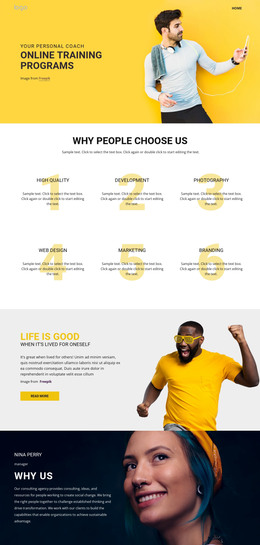
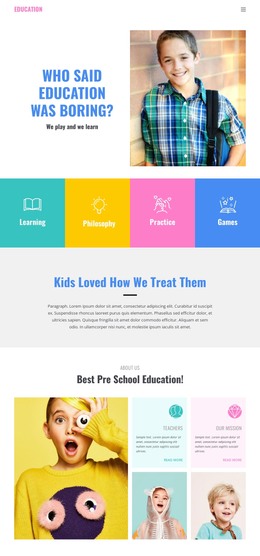
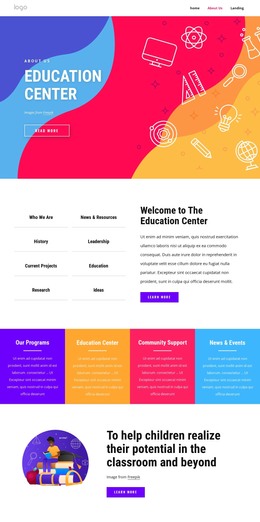
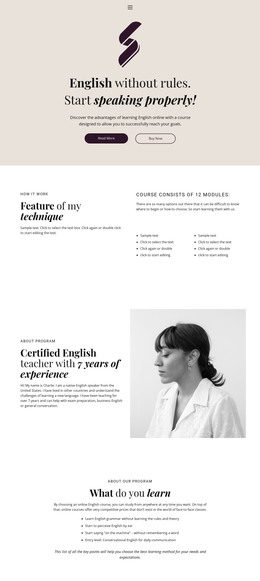
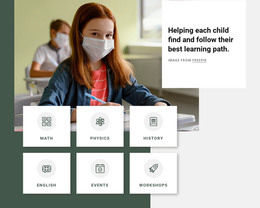
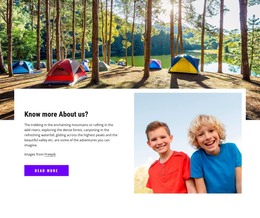
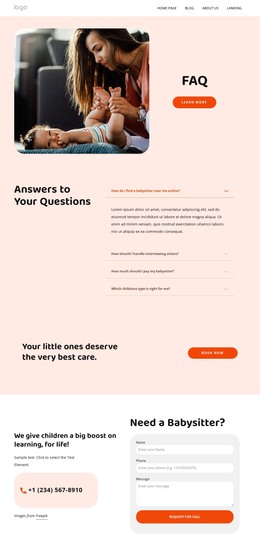
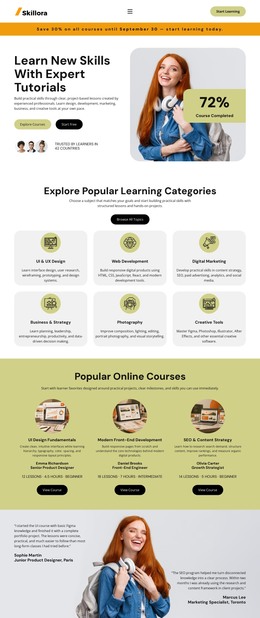
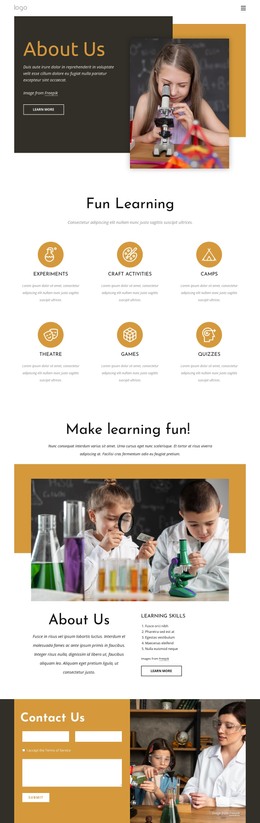
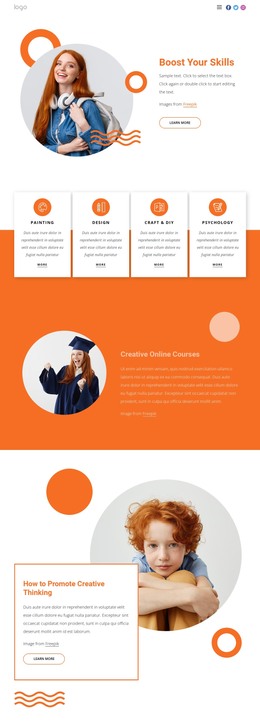
Education HTML templates give schools, tutors, academies, and study-resource publishers a collection of ready site foundations to choose from. A complete template can include both a homepage and supporting inner pages, with course layouts, teacher or faculty profiles, resource pages, contact sections, reading content, and other academic screens already organized as one responsive site pack.
Choose an HTML-Oriented Education Site Pack
A school project may begin with a homepage, programs, faculty, admissions, events, and contact pages. A tutoring site can use a smaller set built around subjects, lesson formats, tutor profiles, pricing, and inquiries. Academic publishers may prefer resource indexes, reading pages, topic pages, and supporting materials.
A language-learning project can dedicate a page or section to a word resource, while a reading project can use a story section for longer examples or lesson material. A course resource area may also connect to a bookstore section when recommended books or supporting materials are part of the learning path.
The key advantage is that the selected education design becomes an HTML-oriented site package you can customize, export, host, and deploy through a standard front-end workflow. Teams can compare the available page coverage and responsive behavior, choose the pack that fits the project, and replace its demonstration content before export.
Prepare and Export the HTML Site in Nicepage
Nicepage combines visual page preparation with HTML publishing and export tools. Export Websites can prepare responsive HTML websites from the Desktop Application for deployment on external hosting. At the same time, Theme Settings keep academic colors, fonts, typography, headers, and footers consistent across the included pages.
Responsive controls help designers adapt education layouts to different screens; the Responsive Web Design documentation describes Nicepage tools for device-specific layouts.
Sitemap Generation can create a sitemap for HTML Export and websites published and hosted on Nicepage. The Sitemap Generation documentation explains that exported site pages can be included in this file.
The Menu elements can connect the homepage to courses, faculty, resources, events, and contact pages. Reusable Blocks and Elements help keep recurring academic sections consistent as the site grows.
Prepare the Export for Web Deployment
Once you've customized the education pack, check responsive behavior, links, media, and page-level settings before exporting. The resulting HTML site can then move to the project's hosting environment, giving the team a portable front-end package without making code modification the template's main purpose.
Education HTML Template Questions
Can an Education HTML Template Include Both a Homepage and Inner Pages?
Yes. A complete HTML-oriented education site can include a homepage, plus course, teacher, resource, contact, and other supporting pages.
Can a Nicepage Online Education Project Later Move Toward WordPress or Joomla?
Yes. Export the Project from Nicepage Online, import it into the Nicepage Desktop Application for Windows or macOS, and then use the Desktop workflow to export it for WordPress or Joomla.
Can an Exported Education HTML Site Include a Sitemap?
Yes. Nicepage Sitemap Generation can create a sitemap for HTML Export. It can include links to site pages and supported translated pages, posts, and product pages.
Choose the HTML Site Pack That Covers the Right Pages
Choose the education HTML pack that fits the project, customize its pages and content in Nicepage, then export the responsive site for your hosting workflow. The emphasis stays on choosing, adapting, and deploying a ready HTML-oriented template rather than building the front end from isolated code fragments.






















































