
100 Wedding HTML Templates
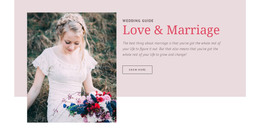
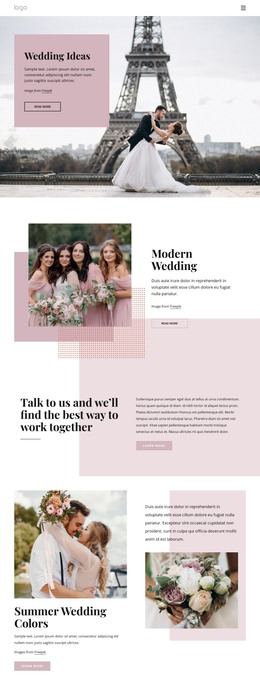
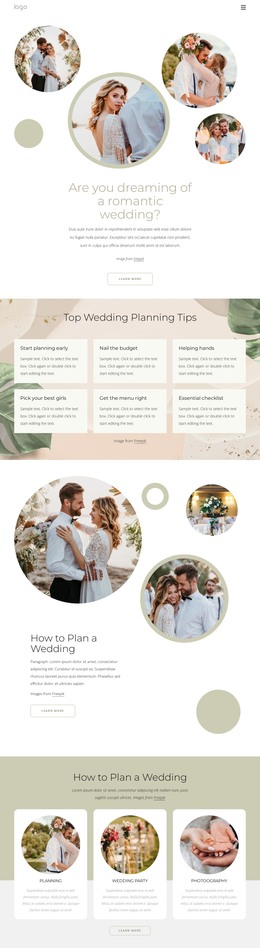
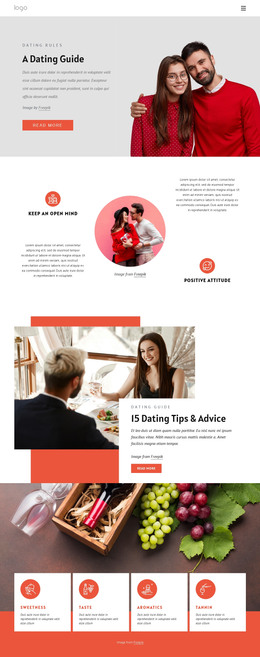
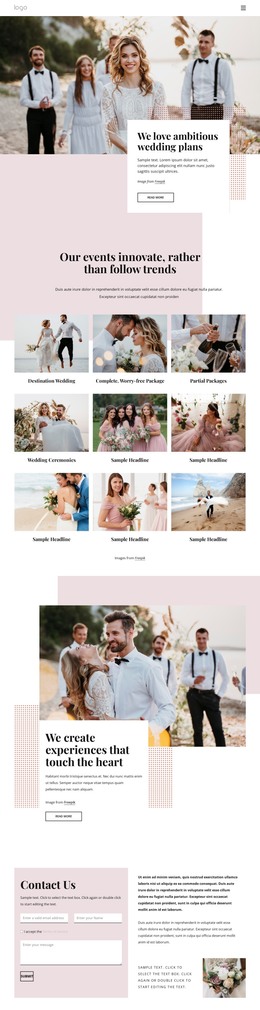
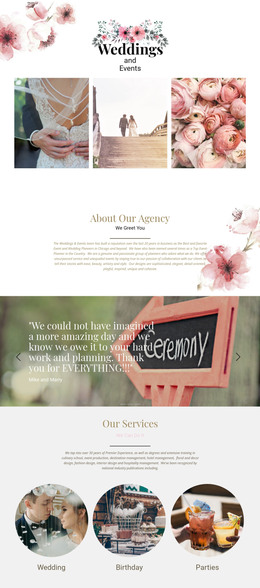
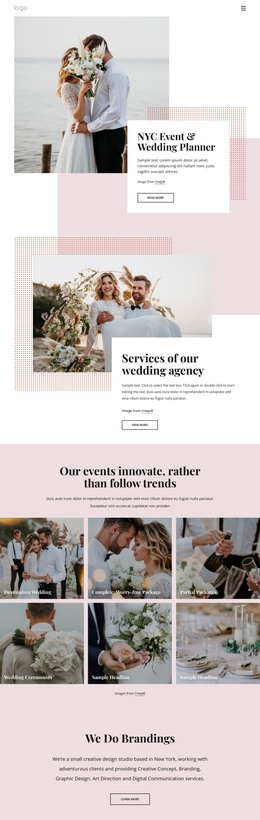
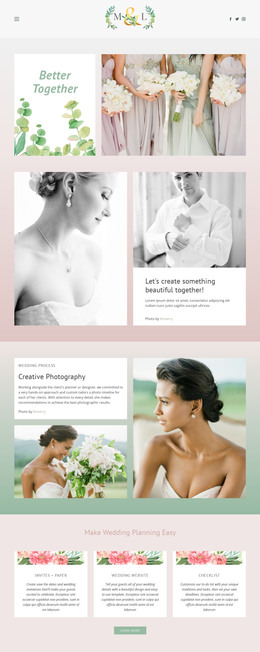
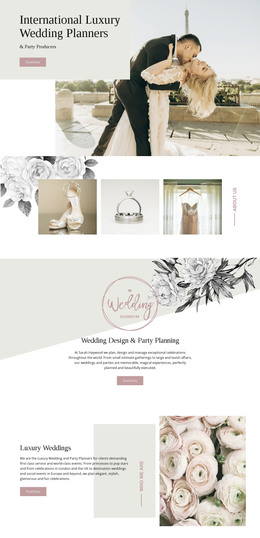
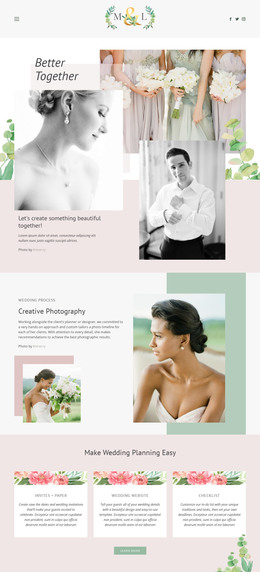


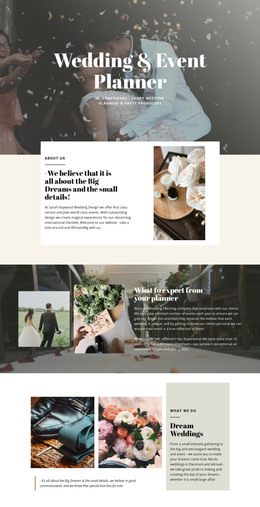
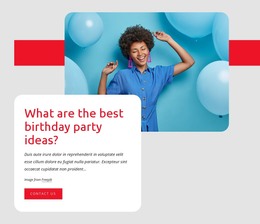




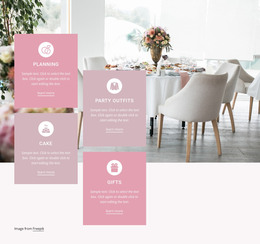
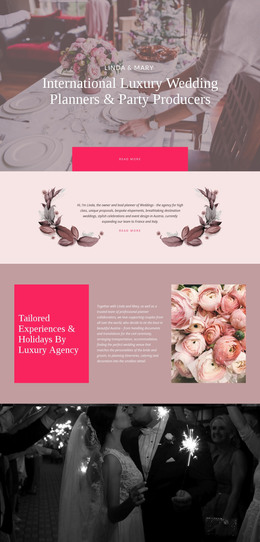
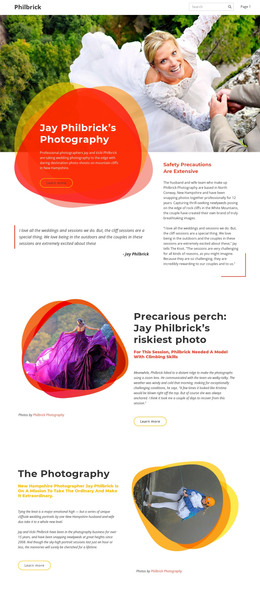
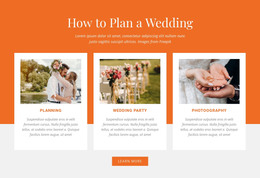
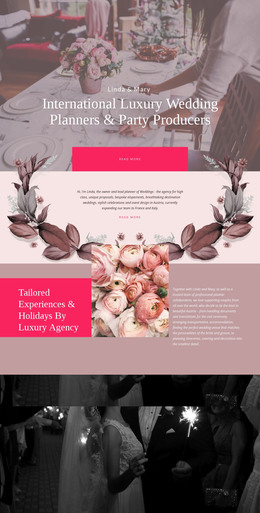
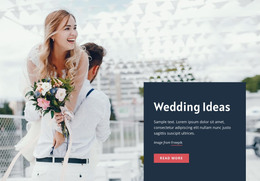
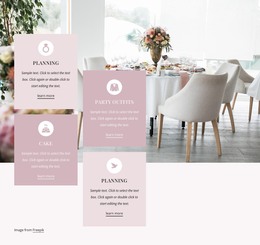
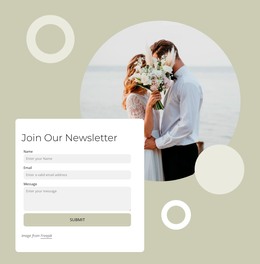




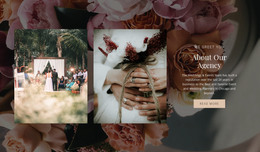
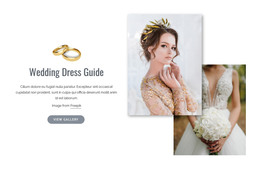
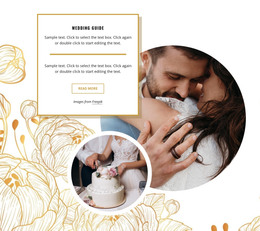
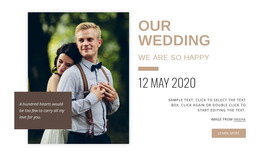
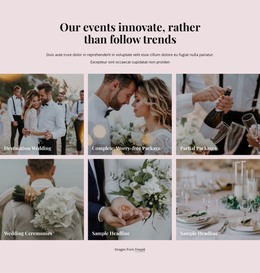
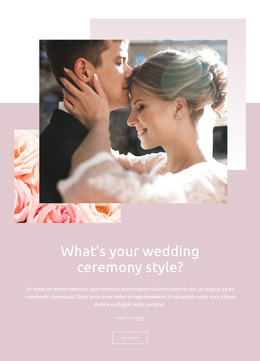
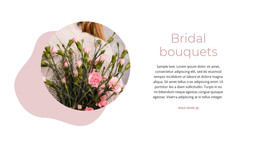


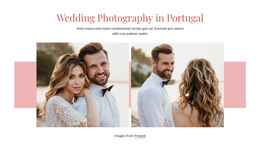
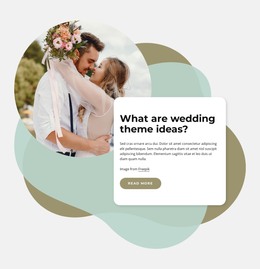
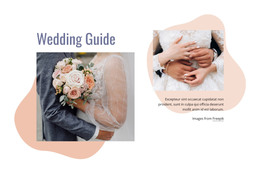



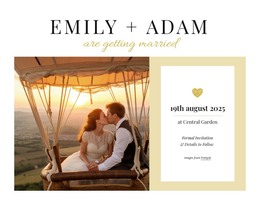
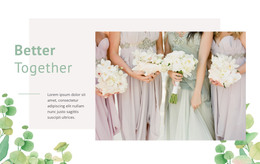
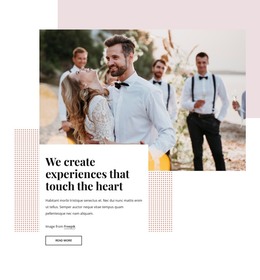
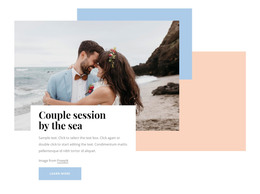
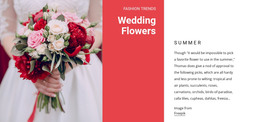


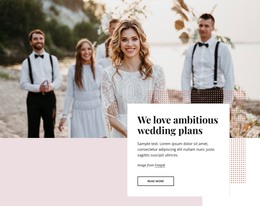
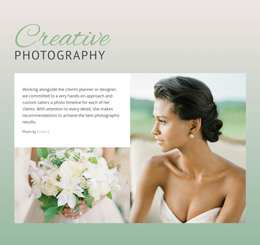
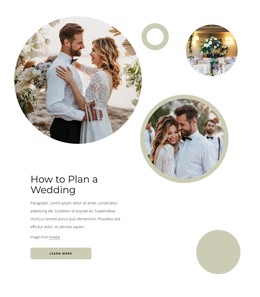
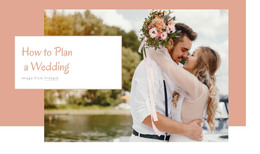
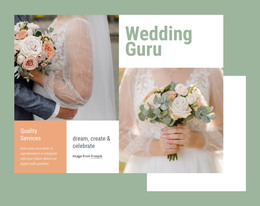
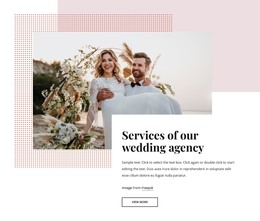

Professional Wedding HTML Templates
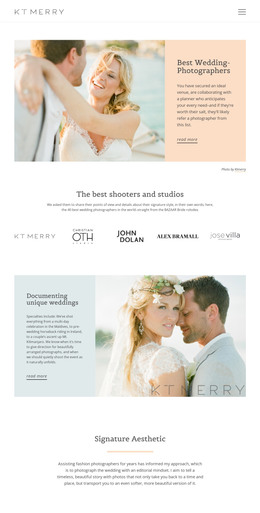
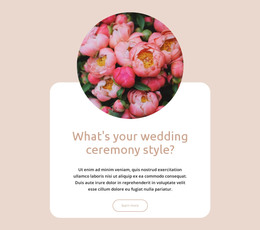
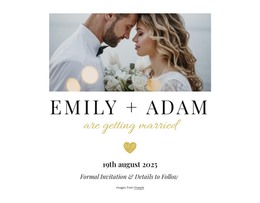
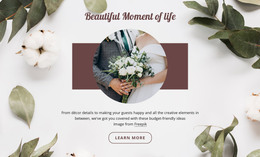
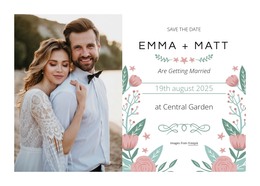
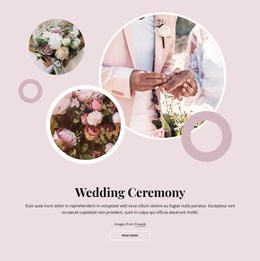
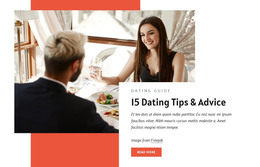
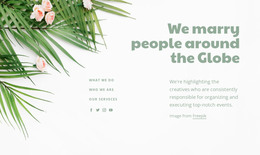
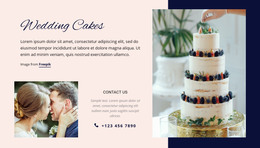
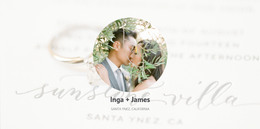
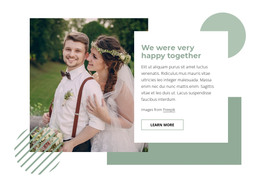
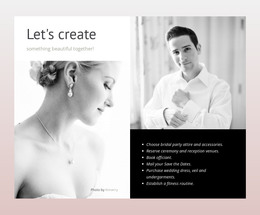
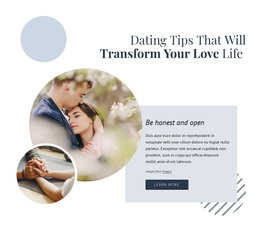
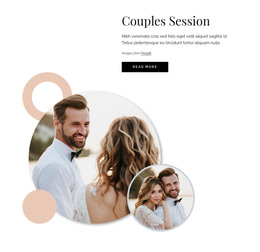
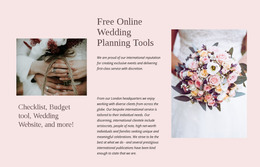
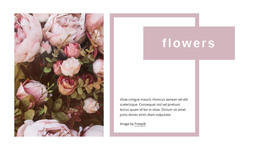
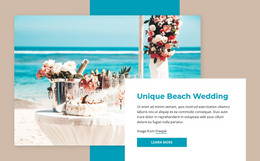
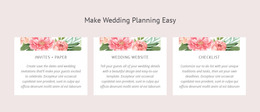
Wedding HTML templates are a broad category of ready-made front-end layouts for couples, planners, venues, photographers, and designers who want a downloadable layout they can select, customize, and host. The collection can include responsive or HTML5-oriented options. Still, the main task remains the same: choose a layout that already fits the planned ceremony details, venue information, gallery, RSVP content, schedule, and guest journey.
Why Choose Clean Wedding HTML Templates?
Compare templates by the complete wedding structure they provide. A couple may prioritize a story, a date, a venue, a gallery, and an RSVP area. A planner may need a denser schedule and practical guest blocks. A venue or photographer may favor stronger image sections and a clearer inquiry path. Choosing the closest content pattern first reduces the amount of restructuring required later.
Also compare how much content each template expects. A compact ceremony page, a destination wedding with travel notes, and a multi-event weekend should not be forced into the same layout. Responsive behavior, visual quality, section order, and customization flexibility are more useful selection criteria than whether a marketplace labels a similar layout HTML or HTML5.
Mobile-Friendly Features for Wedding HTML Layouts
Nicepage combines visual design controls with options to adapt the chosen HTML layout. The Visual Page Editor lets you rearrange ceremony, reception, story, gallery, RSVP, and schedule sections without hand-coding each change. At the same time, Responsive Modes help fit the selected template to desktop, tablet, and phone compositions.
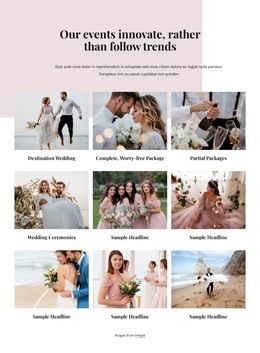
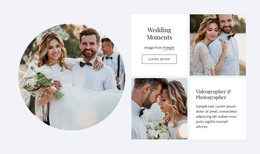
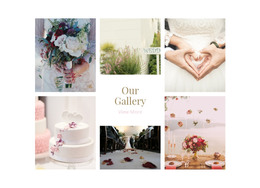
SEO Settings remain available through the documented SEO Settings. Gallery Carousel can organize engagement photographs, venue images, or ceremony memories inside a compact visual area; Nicepage documents the specific Image Gallery Carousel workflow for this format.
Contact Form Element blocks can provide guest-facing response or inquiry areas. The main selection task, however, is to choose an HTML template whose existing page composition already matches the wedding content rather than relying on extensive code changes to transform an unsuitable layout.
Unique HTML Template Selection Advice
Common Mistake: choosing a downloadable wedding template because the hero looks attractive while the remaining sections do not match the event. The Fix: compare the full layout before customization. Check the order and space available for the couple introduction, ceremony details, venue information, gallery, RSVP, schedule, and travel content, then select the template that requires the fewest structural compromises.
Easy-To-Use Wedding HTML Questions
Can Nicepage host a wedding HTML website?
Yes. Nicepage Online includes hosting for static HTML websites created with Nicepage. The service does not provide regular hosting for arbitrary third-party software.
Are wedding HTML and HTML5 templates always separate products?
Not necessarily. Marketplaces often place responsive HTML and HTML5 wedding layouts in the same broader front-end category, so page structure and customization needs are usually more important than the label alone.
How can I present many wedding photographs without making the HTML page too long?
Use the Gallery Carousel Element to display multiple photographs in a single interactive area. It works well for engagement portraits, venue images, ceremony highlights, or reception photographs when the page needs a compact visual section.
What should I compare first when choosing a wedding HTML template?
Compare the full section order, not only the opening screen. Check whether the layout already has suitable space for ceremony details, venue information, photographs, RSVP content, schedules, and any travel information you need.
Easy-To-Use Path From Template Selection to HTML Output
Select a downloadable wedding layout that already matches the event structure, open it in the Desktop App or Online Builder, customize the ceremony content, gallery, RSVP areas, schedule, and responsive views, then prepare the HTML output when the project is ready. Start for free, and keep this page focused on broad HTML template selection and customization rather than turning it into a coding tutorial.





















































