370 Contacts HTML Templates







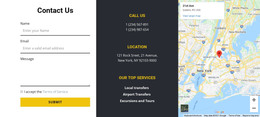
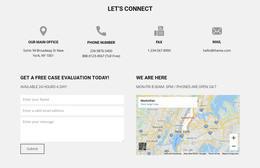
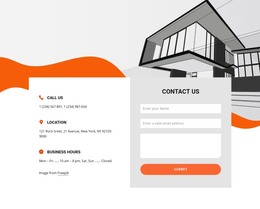
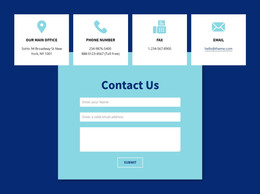



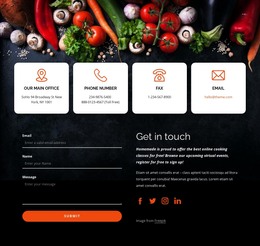

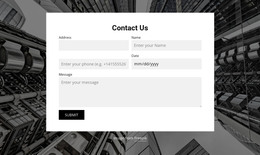
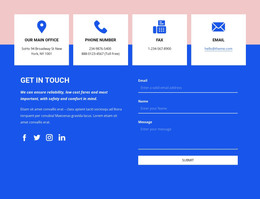
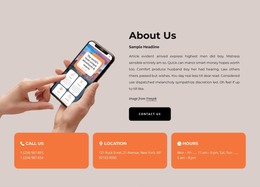
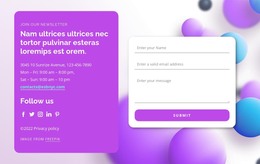


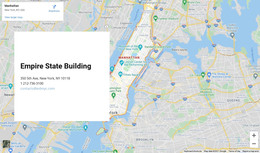
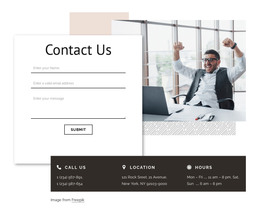
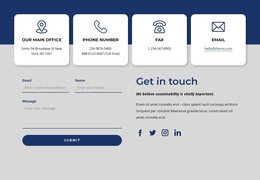
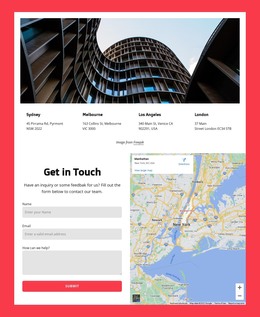
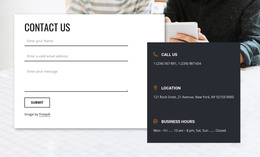
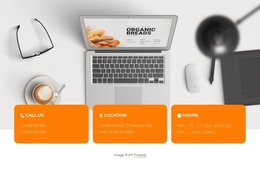
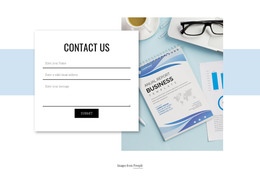

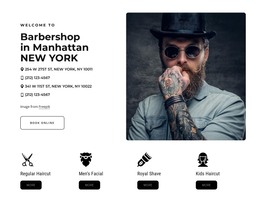


















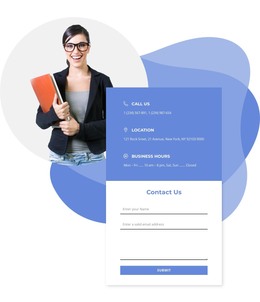
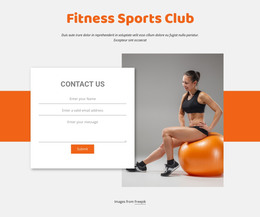


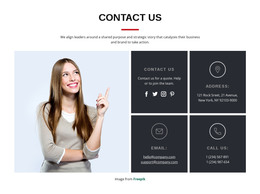
Ready-To-Use Contacts HTML Templates for Customizable HTML Projects
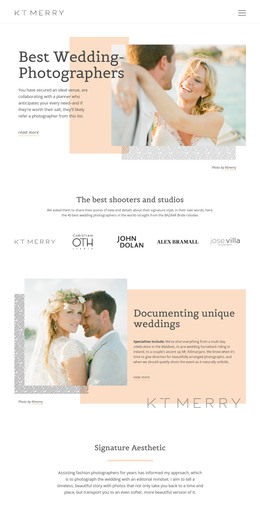
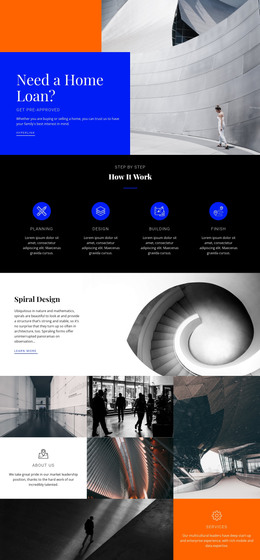
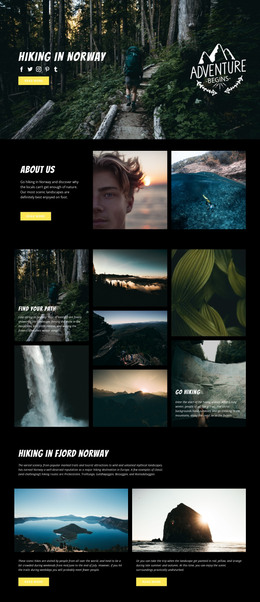
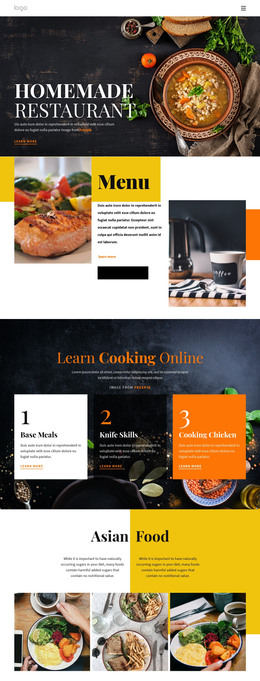
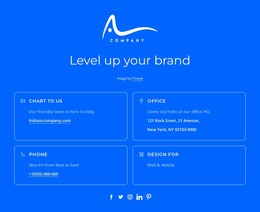
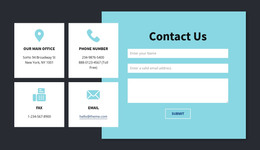
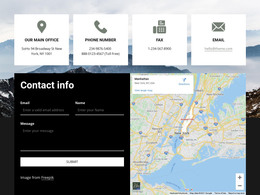
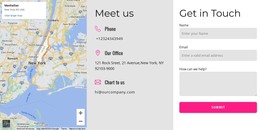
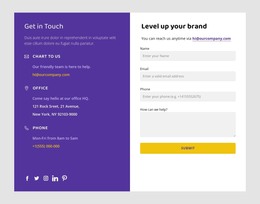
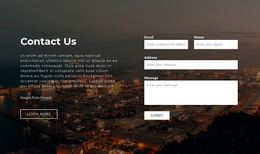
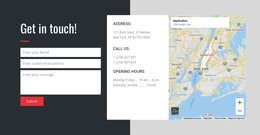
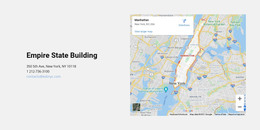
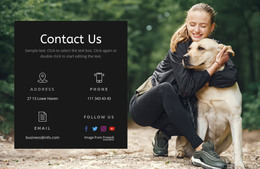
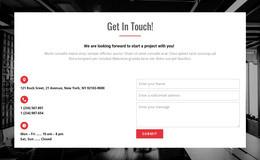
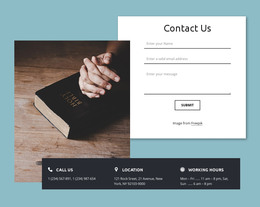
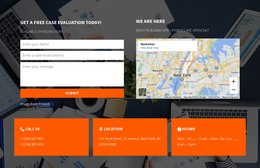
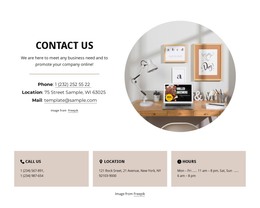
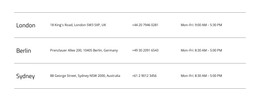
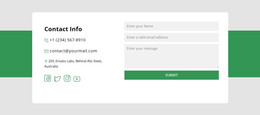
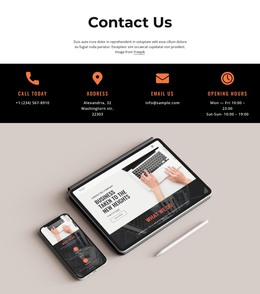
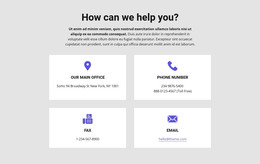
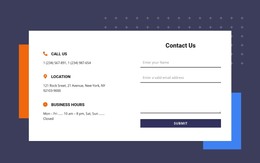
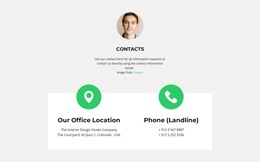
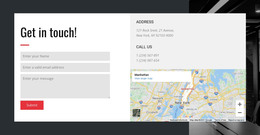
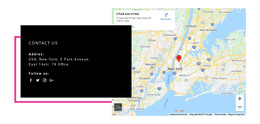
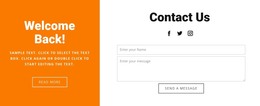
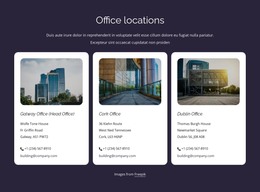
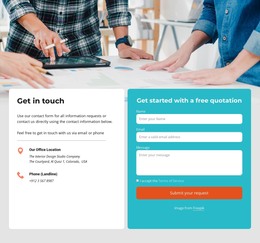
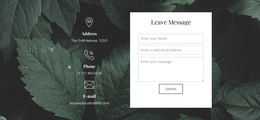
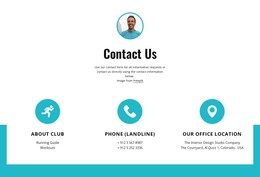
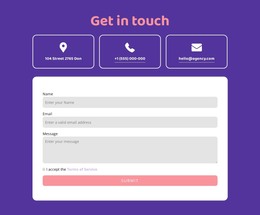
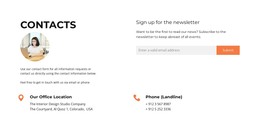
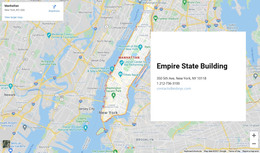
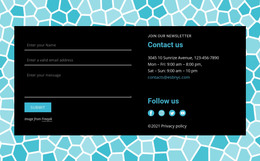
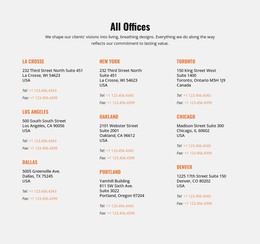
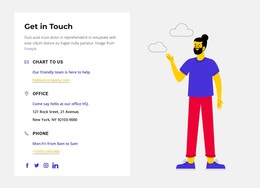
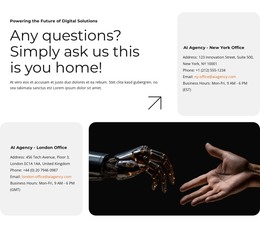
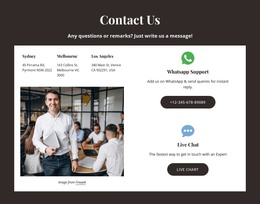
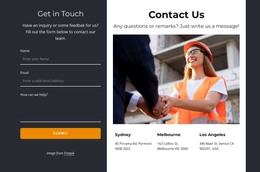
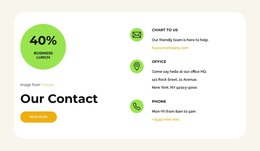
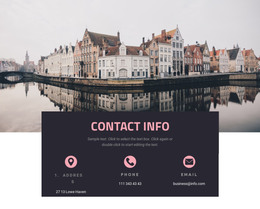
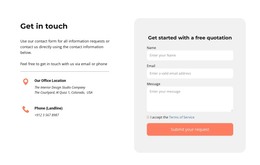
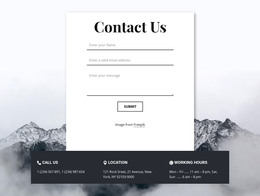
Contacts HTML Templates offers a broad visual selection of ready-made contact sections for HTML-oriented sites. Compare how prepared compositions present phone links, email addresses, business hours, and distinct office locations. Content capacity and the clarity of these contact groups matter more at selection time than inspecting source markup or evaluating an entire site's visual identity.
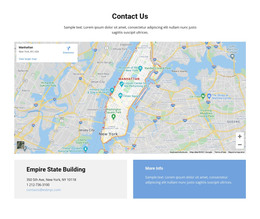
Some designs emphasize a compact group of communication channels, while others give more space to addresses or maps. The right choice depends on what visitors need to locate quickly and how much information the section must contain.
Browse Ready-Made Contacts Sections for HTML Pages
For an HTML-oriented page, compare prepared sections by the contact information they can accommodate. A section can emphasize recognizable communication links or give multiple written addresses room, but neither approach constitutes an exclusive HTML-only style.
Look at content capacity, contact-link prominence, readable headings, and the balance between information and supporting visuals. These are choices among prepared HTML compositions, not requirements to inspect source code.
Not every design needs every contact element. Select the composition that already matches the amount of information you have.
The content should determine the layout. A design with extensive location imagery may be unnecessary when the section contains only online communication channels.
Compare the Layouts With Your Actual Content
Once a visual style appeals to you, consider its fit with the actual information. Compare how clearly the selected design identifies telephone links, email contacts, section headings, and any necessary physical-location details.
For example, compare whether each office address remains attached to the correct phone number and opening hours. If the design shows multiple departments, check that their email details are distinguishable without relying on placeholder labels.
Compare how candidates balance written contact information with supporting visuals. The task is to select a finished composition for an HTML-oriented page, not audit semantic tags or choose an entire website's design system.
Nicepage provides Block Presets and Designs, including the Contacts category. These designs offer starting layouts that can be adapted with actual communication details.
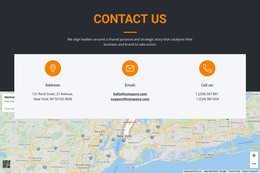
For sections where the written address carries particular importance, address layouts provide a related design direction. When several geographical destinations need to be distinguished, location-focused blocks offer another useful reference.
Before choosing, preview the composition with realistic information rather than relying solely on short sample text. Actual content should remain readable without a major redesign.
Choose an HTML Contact Section That Needs Minimal Adaptation
Compare how the prepared HTML sections accommodate complete street addresses, multiple contact emails, and clearly labeled departments without crowding the layout. Editing and export remain supporting considerations.
Check whether the chosen section has enough room for the actual number of contact groups and their longest values before replacing its sample details.
If two prepared sections contain the same information, compare which makes the primary phone or email method easier to find and keeps related addresses grouped. Then update the sample details and review the result.
Nicepage supports exporting HTML websites through its Export HTML Website workflow. The generated output includes the project's HTML, CSS, JavaScript, and required image files.
This is a project-level export workflow rather than a guarantee that every individual block is supplied as a standalone source snippet.
The edited contact section remains part of the broader HTML page, with its information and visual arrangement prepared before export.
Check the Chosen HTML Layout Across Screens
Preview how the ready-made HTML compositions present contact headings, links, and supporting details on smaller screens. The selection concern is whether essential contact information stays recognizable across widths, rather than a preference for a particular panel or card format.
Review these relationships:
- Phone and email labels: Keep them close to their corresponding values.
- Addresses and opening hours: Preserve the association between each location and its schedule.
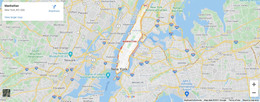
- Map placement: Avoid allowing a large geographical panel to push essential contact details too far down the page.
- Contact group separation: Maintain recognizable boundaries between offices or departments.
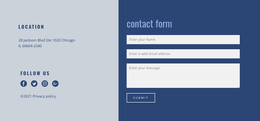
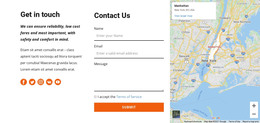
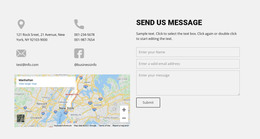
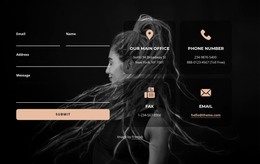
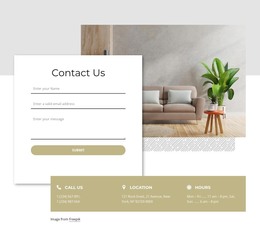
A combined Contacts and form section can also be suitable when the ready-made layout matches the project's needs.
Contacts HTML Templates FAQ
Which type of Contacts HTML Template should I choose?
Choose a prepared section with enough space for your actual contact details, prominent communication links, and a visual arrangement suited to the HTML page. A combined contact-and-form design may also fit when available.
Can I customize a selected Contacts HTML section?
Yes. Nicepage provides editable Contacts blocks. You can adapt the sample content and supported design properties in the editor.
Can I export the HTML project for hosting elsewhere?
Nicepage offers HTML project export and supports third-party hosting, subject to the applicable plan and workflow. The export produces website files, not a separate code file for each block.
Can an HTML contact design include several offices?
Yes, when the selected composition has separate cards or contact groups. Compare the available space for each office before choosing.
When should an HTML Contacts template emphasize a physical location?
Give a written address and optional map more prominence when visitors need to find or visit the business. For primarily online communication, choose a prepared section that makes phone and email details easy to locate.
Choose From the Ready-Made HTML Contacts Collection
Browse the available HTML Contacts layouts for the visual treatment, contact clarity, and content capacity your page needs. Select a finished composition that requires minimal adaptation in Nicepage as part of the HTML-oriented project.
Keep the information direct and recognizable: phone numbers should be easy to identify, written addresses should remain readable, and maps should support the correct locations. Similar designs may also appear in the broader Contacts or HTML5 collections; the distinction here is selection for an HTML-oriented project, not a unique visual inventory.