
520 Technology HTML Templates
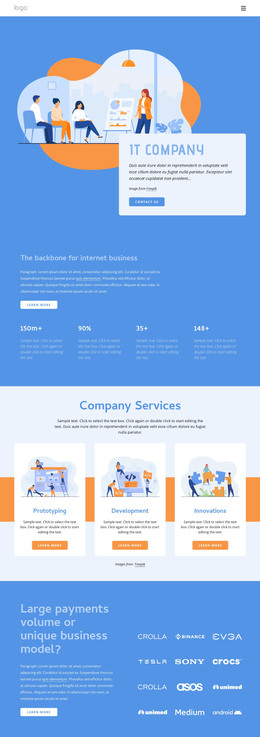

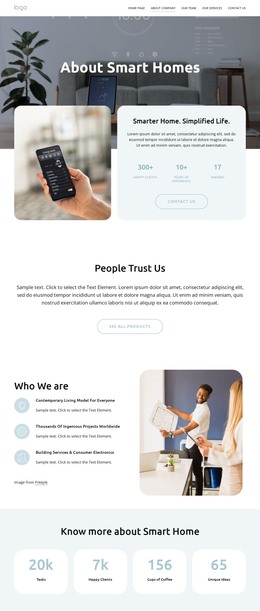




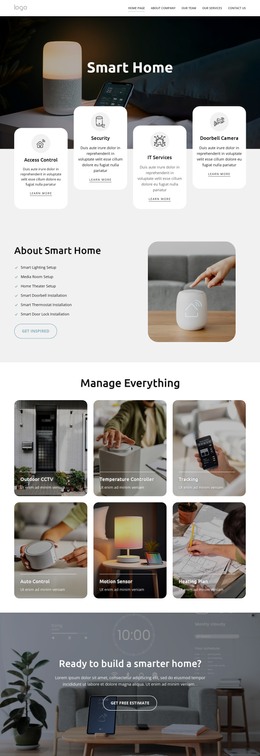


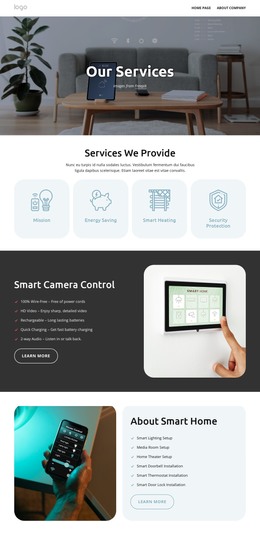

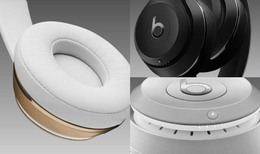
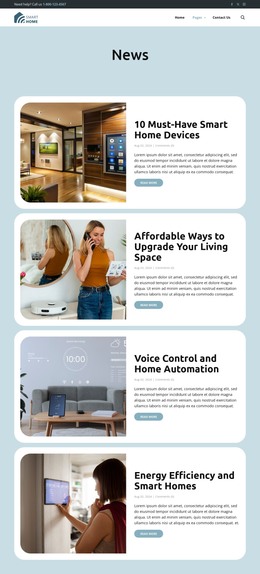
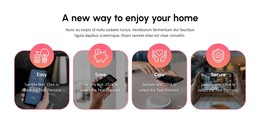
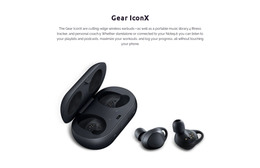






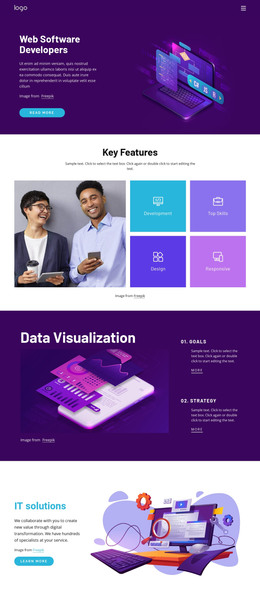


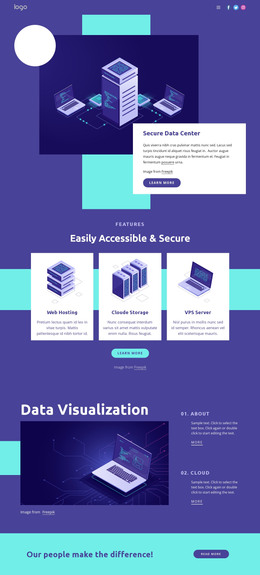

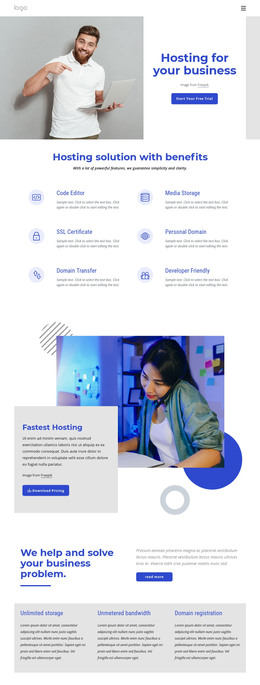
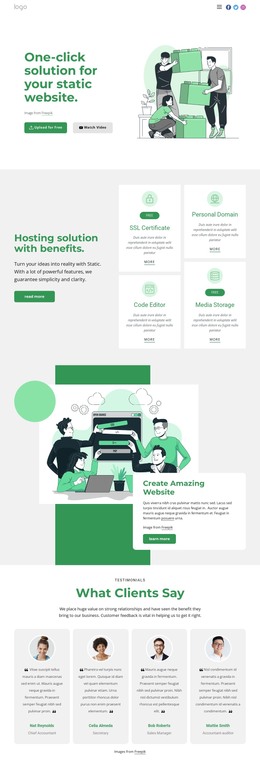
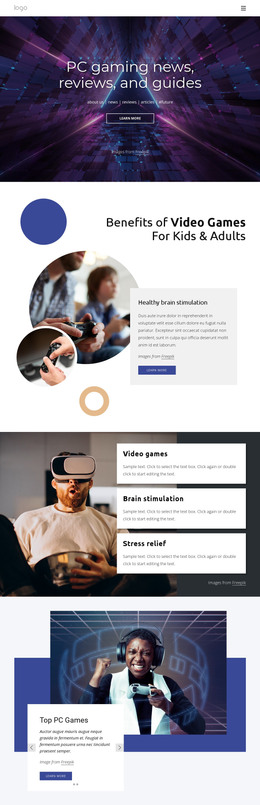

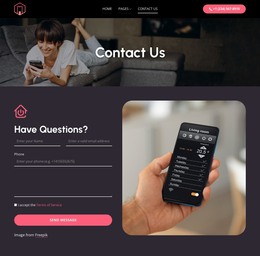

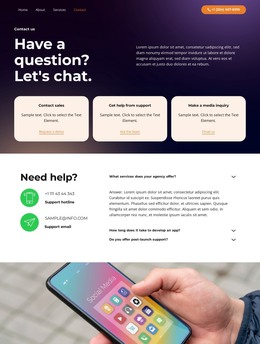
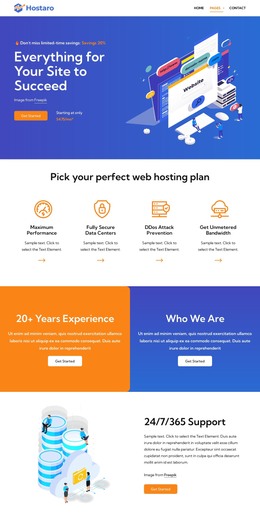
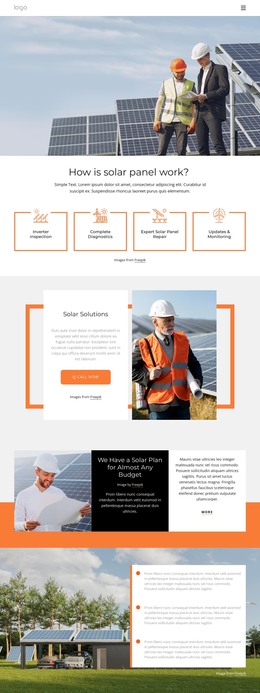
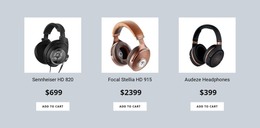

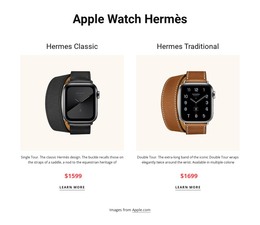
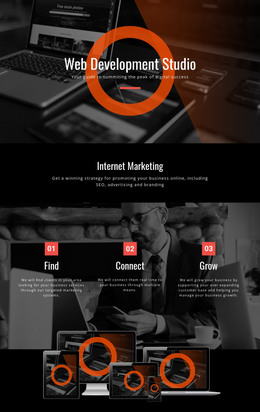



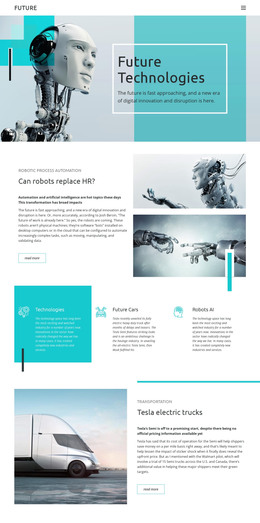
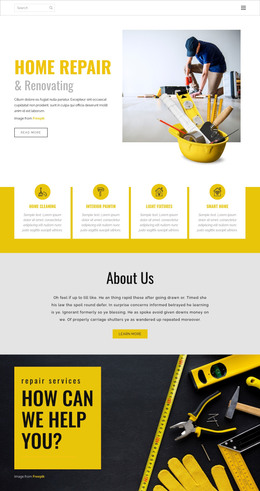


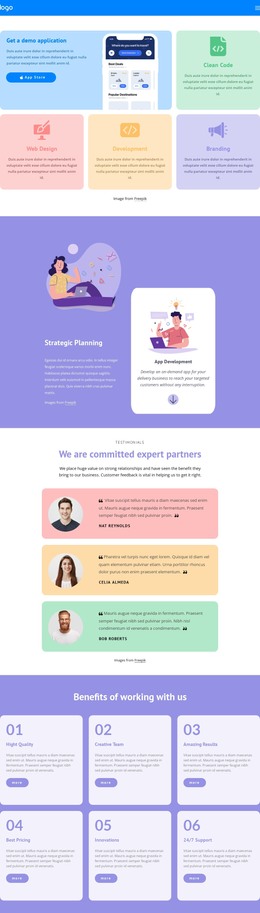
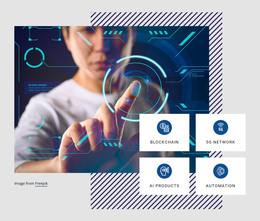
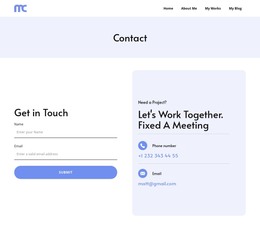

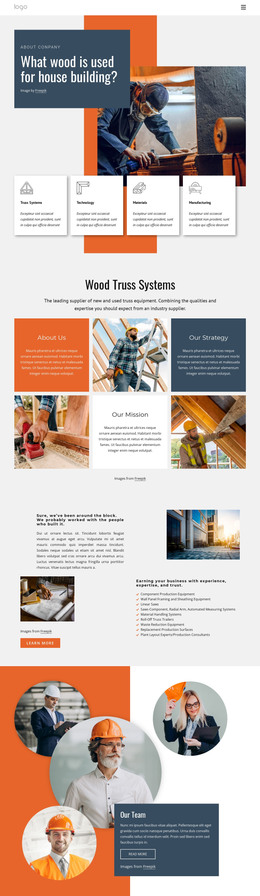

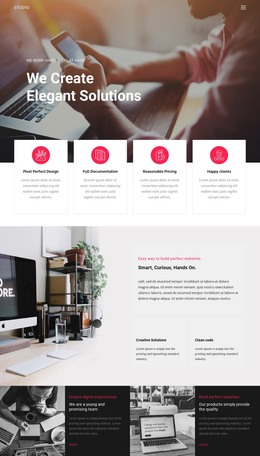
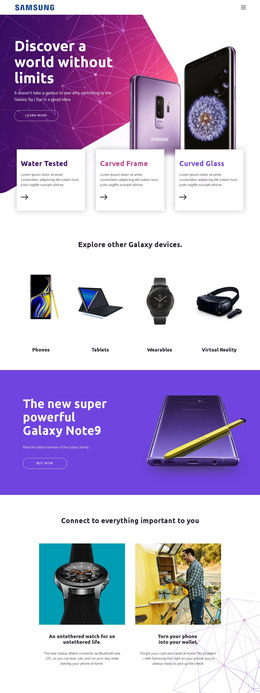
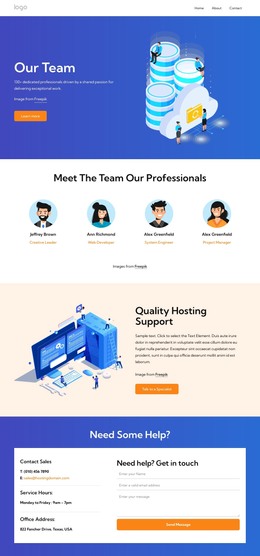
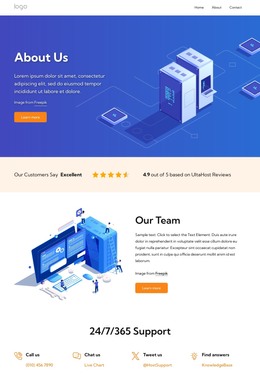

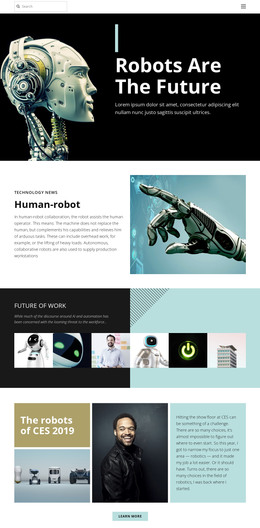
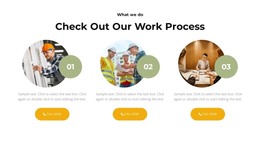
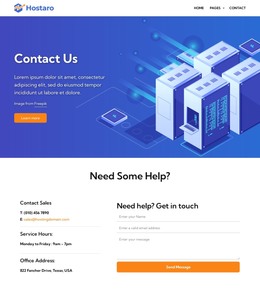
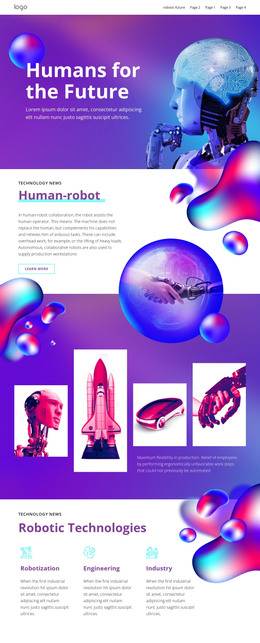
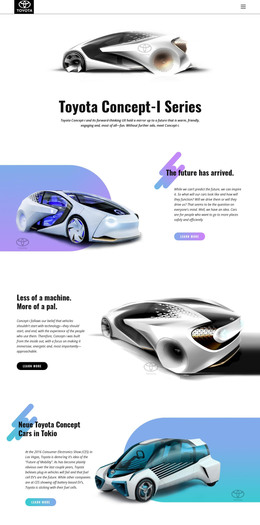
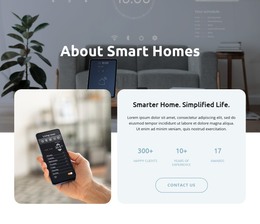





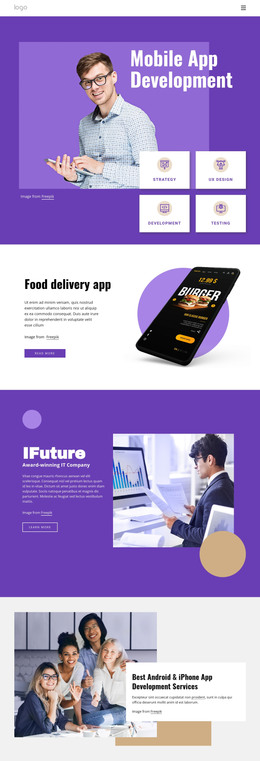
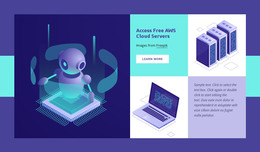


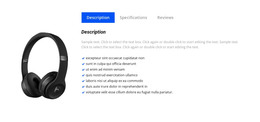
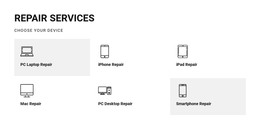
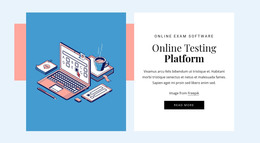
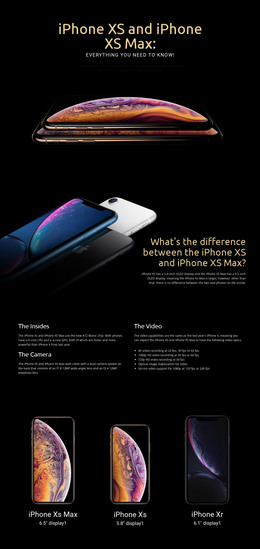

Lightweight Technology HTML Templates for Software Products
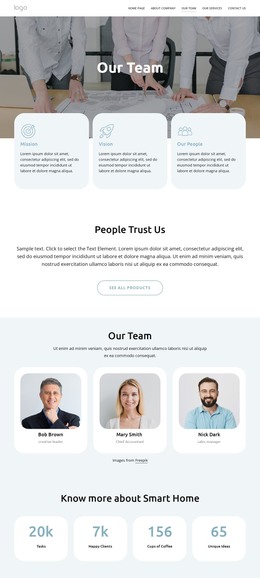
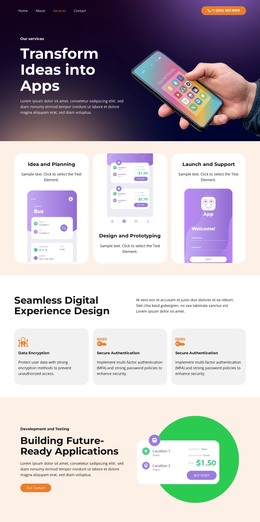
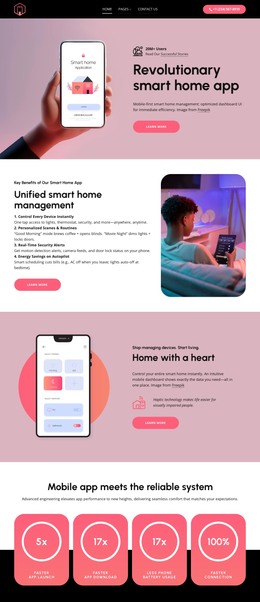
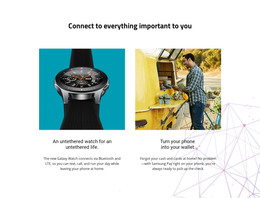
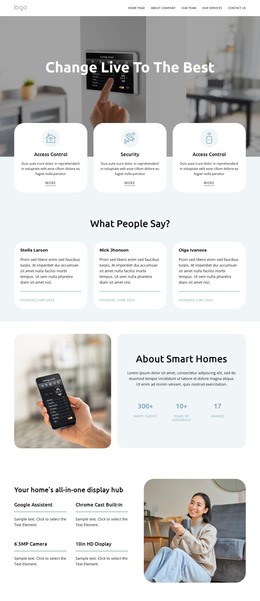
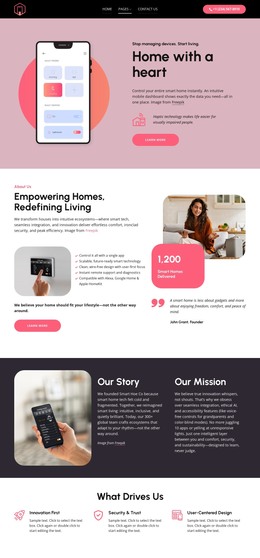
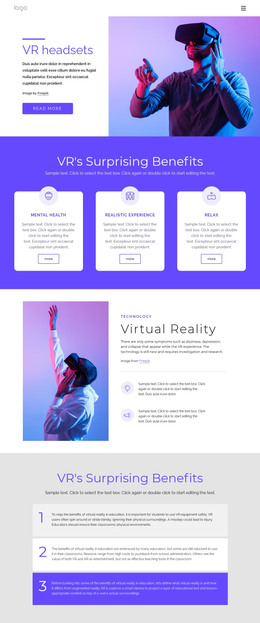
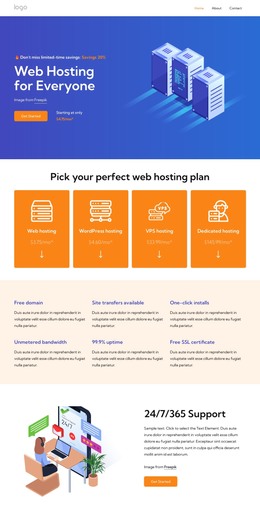
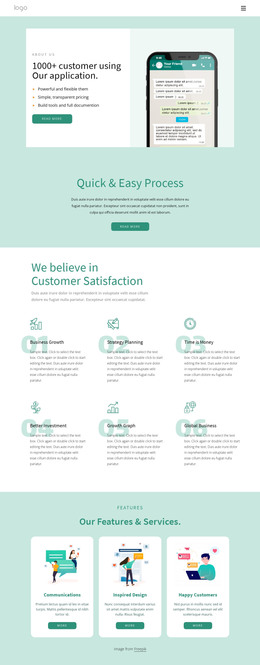
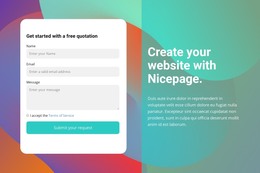
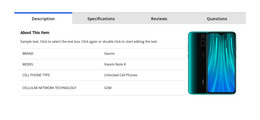
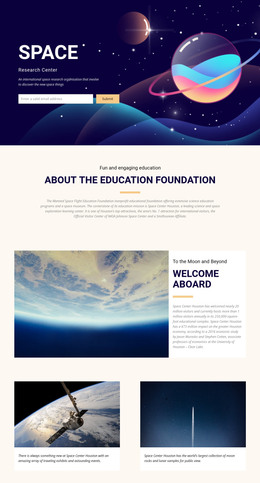
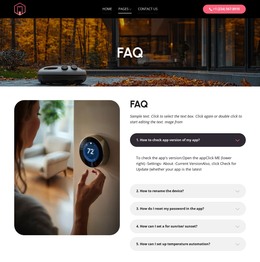
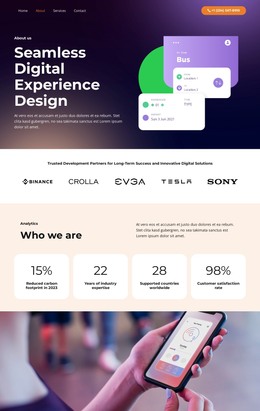
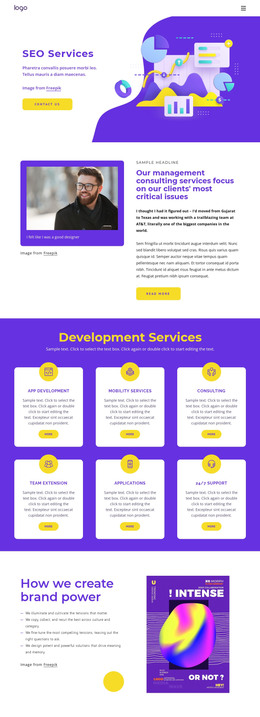
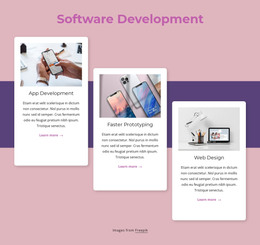
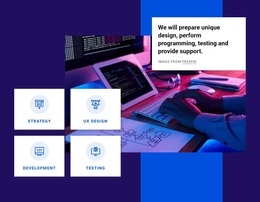
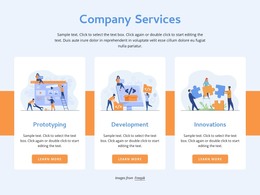
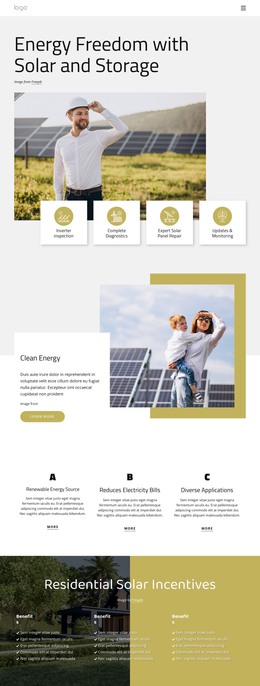
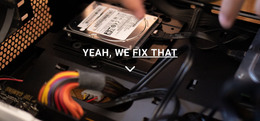
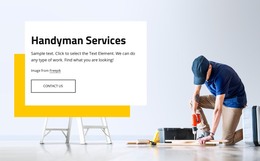
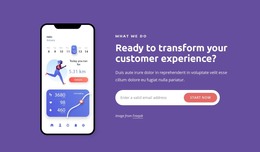
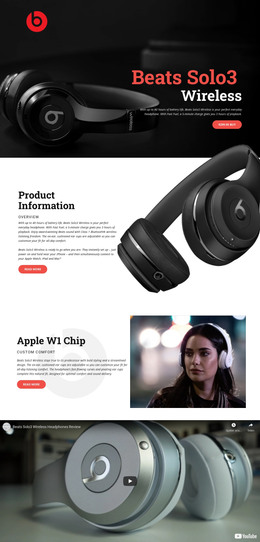
Technology HTML templates are ready-made front-end layouts that software teams can select, preview, and adapt instead of designing from an empty page. SaaS companies, desktop-software teams, productivity apps, and online platforms can choose a layout whose navigation, feature grids, product sections, documentation areas, or specification content already resembles the site they need.
Who Can Use Professional Technology HTML Layouts?
Software companies: look for layouts with product navigation, capability sections, and interface screenshots. SaaS teams: benefit from feature grids, integrations, pricing, or signup areas. Desktop app developers: may prioritize workflow demonstrations, compatibility, downloads, and documentation links. Online platforms: often need a balanced mix of feature groups, product proof, account actions, and supporting technical information.
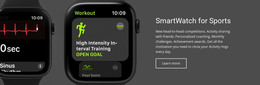
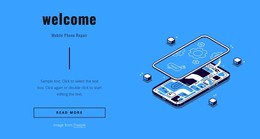
A productivity or computer-focused product can use a notebook design direction when laptop imagery, desktop interfaces, or workspace scenarios are central. Products designed for disconnected workflows may also draw from an offline technology concept to emphasize local applications or desktop use cases.
Nicepage lets you choose a design, open it in the visual page editor, replace the demo content, adapt the responsive layout, and prepare the project for static HTML export.
Ready-To-Use Features for Structured Technology HTML Sites
When comparing technology HTML templates, focus on the structure you would otherwise have to rebuild:
- Navigation and page framing: check whether the Header, main product routes, account actions, and Footer fit the intended software experience.
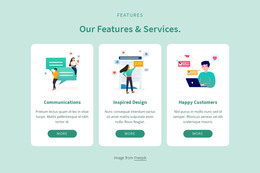
- Feature and integration grids: use the Grid Element for capabilities, integrations, specifications, or use cases; the Grid Element helps those groups adapt to smaller screens.
- Docs and specification areas: prefer a layout that already has room for technical explanations, compatibility, resources, or support links when those are central to the product.
- Media handling: use Image Lazy Loading for layouts with many interface screenshots or product visuals; the Image Lazy Loading option reduces unnecessary initial image loading.
- Responsive fit: check how the chosen template reorganizes content across Large Screens, Desktops, Laptops, Tablets, and phone views before investing in detailed customization.
A social or communication product can borrow visual ideas from a Facebook-related design direction when feeds, profiles, messages, or community interaction influence the visual language.
The best HTML template is not necessarily the one with the closest colors or demo images. A strong match already has the right product/navigation structure, the right density of feature grids, and enough room for documentation or specification content. Once you select that foundation, you can adapt imagery, typography, and copy without rebuilding the page architecture.
Advanced Technology HTML FAQ
Can I host a technology HTML site on a third-party hosting provider?
Yes. Nicepage allows unlimited third-party hosting. You can export static HTML websites and upload the resulting files to hosting you manage separately.
Can I work on an HTML technology project while offline?
The Nicepage Application for Windows and macOS uses online authorization. If you previously signed in with an Internet connection, you can continue using Nicepage offline, though the template and media libraries will not be available until you reconnect.
How can I reduce the initial load from many software screenshots?
Use Image Lazy Loading so page images load gradually as users scroll. This is useful for technology pages with several interface captures, product illustrations, or visual feature examples.
What should I compare before choosing a technology HTML template?
Compare the navigation model, feature grids, product sections, documentation or specification areas, and mobile arrangement. A template that already matches those structural needs usually requires less rebuilding than one chosen mainly for colors or demo imagery.
Choose the Right Technology HTML Template Before Customizing
Start with the technology HTML layout that requires the least structural change to its navigation, product sections, feature groups, and technical content areas. Compare architecture before colors or demo imagery, then open the strongest match in the Desktop App and replace the sample material with your own product content. A well-matched ready layout lets you spend more time refining the software experience and less time rebuilding the front-end structure from scratch.





















































