
Rural HTML Templates
Visitors to farms and village guesthouses often check road access, opening times, and seasonal offerings on their phones. Rural HTML templates organize these details into reusable HTML sections, along with photos and practical contact information.
-
-

-
-
-
-
-
-
-
-
-
Free Website Builder SoftwareDownload
-
-
-
-
-
-


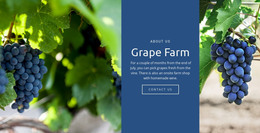
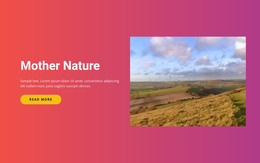
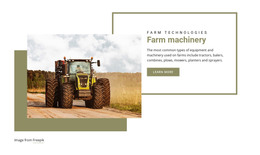
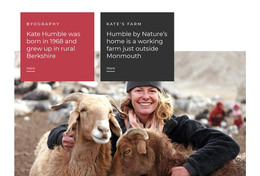
More Website & HTML Templates for Rural


More HTML Templates from Nature Category





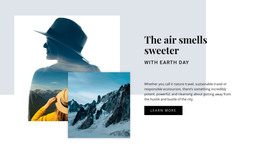

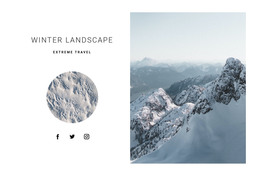
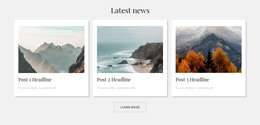

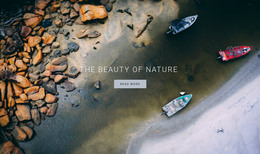










Other Nature HTML Templates
Responsive Rural HTML Templates
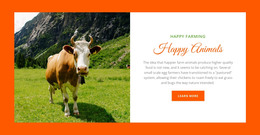
A scenic photograph cannot answer a guest's questions about a farm store's hours or the gravel road up to a cottage. Rural HTML templates give those answers a permanent home, with ready-made sections that pair photos with short descriptions. The layouts adapt to phone screens, and you can swap in your own pictures, prices, and colors before exporting the finished files.
Layouts for Farm Stores, Cottages, and Trails
A farm store sells honey and cheese, and a grid of product shots shows them off best. A cottage rental sells the view, which usually calls for one panoramic header.
Each kind of rural site asks for its own blocks:
- Farm store designs need product cards and a seasonal section where June strawberries can give way to fall squash, with pickup hours placed close by.
- Cottage and farm stay layouts live on room photos. Their contact block needs space for directions and a landmark, because a street address rarely gets guests to a farmhouse after dark.
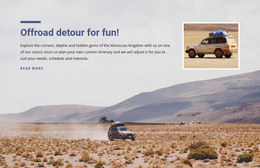
- Trail and tour designs work best with one block per route, showing distance and terrain beside the picture and a map link to the starting point.
Reusable sections also help when the season turns, since a product card keeps its spacing and fonts after you replace the text and photo. Nothing updates the dates for you, though.
Previewing Pages on Small Screens
The live preview is the quickest way to see what a design includes. Some designs in this category are a single long page, while others include several pages, such as a gallery or a contact page.
A driver checking a phone to see whether the farm is open today should see the hours and address before any long gallery. Nicepage supports Responsive Modes, and its Responsive Modes guide explains how to review each block in desktop, tablet, and phone views. For a farm produce page, check that a crop photo stays close to its seasonal description and that opening hours do not slip below unrelated content. Compress the big landscape shots too, because cell signal in the country is often weak.
From Customizing to Hosting
Replace a few demo photos with your own and change the colors and menu items. A good fit still looks right with pictures of crates and muddy boots, even when you add another paragraph to a section. Nicepage then exports the project as HTML files, ready for your own hosting or for a developer to adjust.
Run two or three demos through these checks, and keep the one where your produce, rooms, or trails slot into existing blocks with few changes.