
Snow HTML Templates
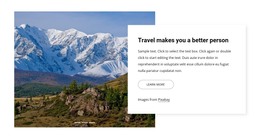
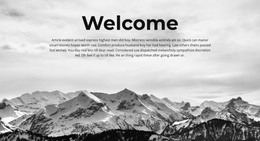
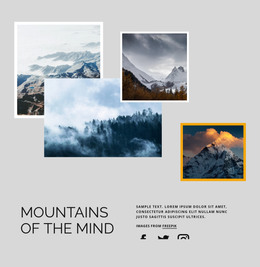
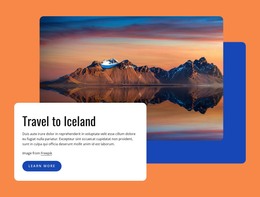
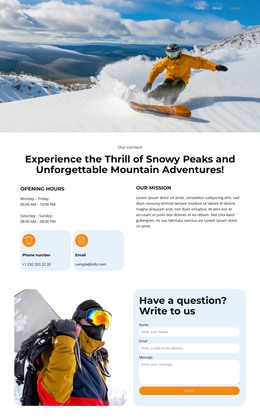
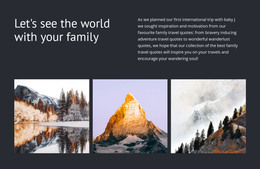
Winter businesses need layouts that present destination photography without burying trail details, lodge offers, equipment rentals, or seasonal events. These snow HTML templates provide a prepared markup structure that keeps the page hierarchy clear.
























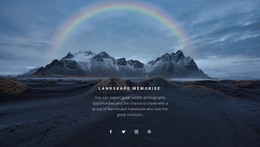
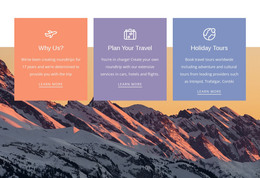
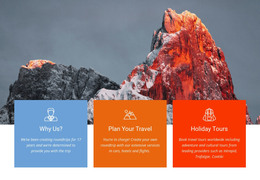
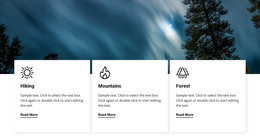
















Other Nature HTML Templates
Clean Snow HTML Templates for Winter Site Projects
Snow HTML Templates are finished winter designs that export as HTML files you can host anywhere. You pick a layout, adjust it visually in Nicepage, and export it, so swapping photos or prices never means digging through the source. The exported files remain editable too, which suits developers who prefer to finish the job in code. The category leans toward mountain travel, from Norwegian ski trips to Alaska glacier tours, with a few seasonal sale designs mixed in.
Recurring Blocks Across Resort Demos
Open a handful of demos, and the same working parts keep showing up:
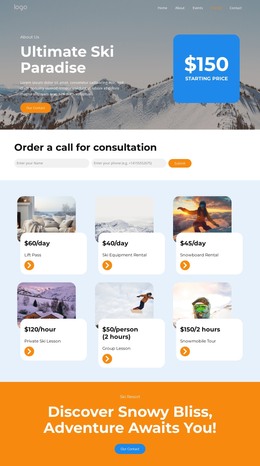
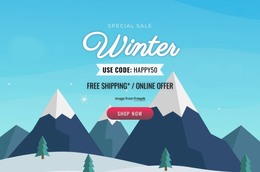
- A wide hero where one snowy photo carries a single offer, such as a ski week or a glacier walk.
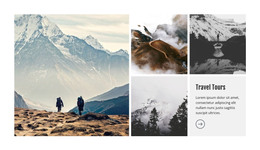
- Repeating cards for lesson levels, rental categories, or room types, all built from the same markup.
- Price and schedule sections for lift tickets, lesson times, or the dates the season opens.
Not every design has all three. The card rows are the handiest part: a ski school adds a freeride group by duplicating one card, and a rental shop removes its snowshoe category in spring just as quickly.
Small Lodge Sites on Plain Files
A typical case is a family lodge that needs about six pages and has nobody on staff to run a CMS. The owner wants rooms, rates, and an inquiry form online before the lifts start turning, then mostly wants to leave the site alone. Here is what an HTML template gives that owner:
- A set of files that runs on an ordinary hosting plan, with no database or admin login behind it.
- Rates and opening dates kept as plain text, where anyone comfortable with code can change them.
- Blocks that can be moved or copied, so a holiday week offer can climb above the gallery in December.
Updates happen by hand, which is fine for prices and dates that change with the season. Snow depth and lift status shift daily, so a link to the resort's live snow report beats retyping numbers each morning.
Checks to Run Before Export
If two designs look equally good, try both with your longest material, such as a full rental price list, and check them on a phone. The one that takes it without falling apart is the safer start. Winter photos are usually the heaviest part of these pages, and Nicepage's Image Lazy Loading holds back lower images until a visitor scrolls down. When everything is in place, the HTML export guide shows how to turn the project into a package of site files for your own hosting or for a client.