
350 Nature HTML Templates


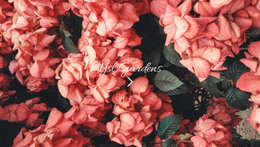
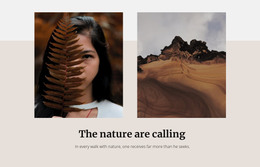
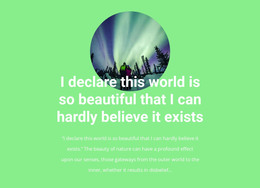
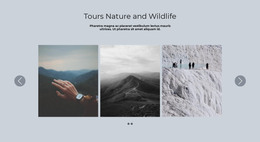





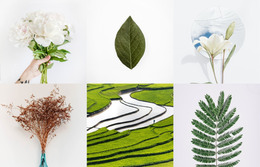



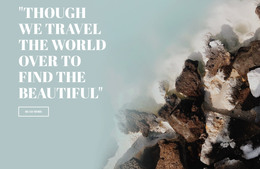
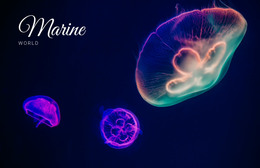
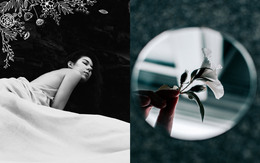
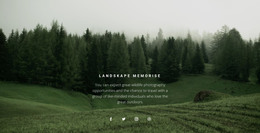
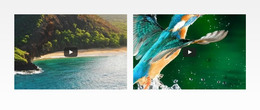
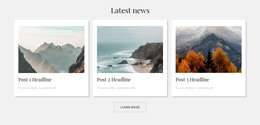
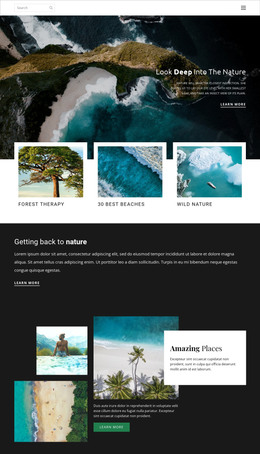
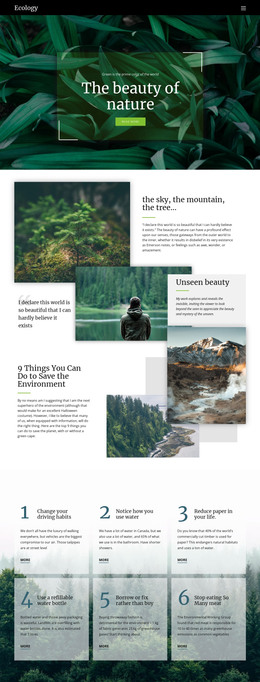

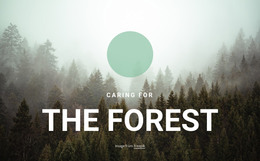
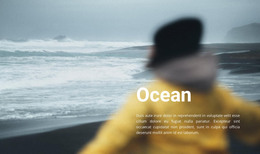
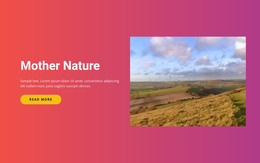
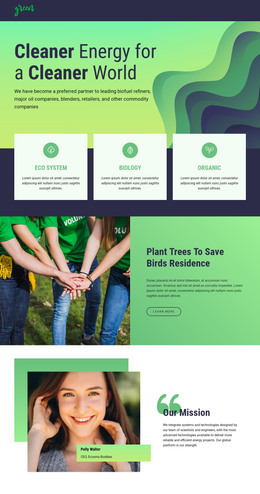

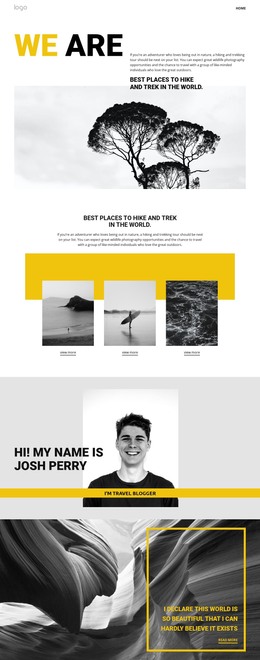
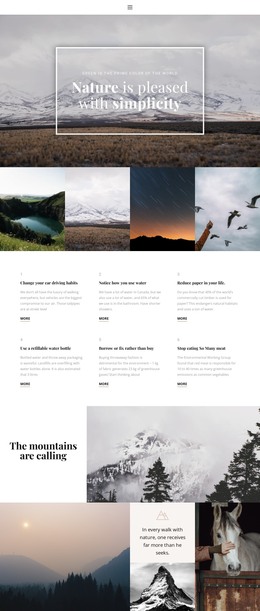
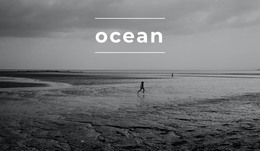
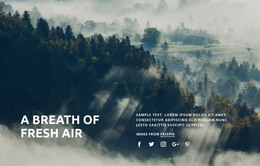
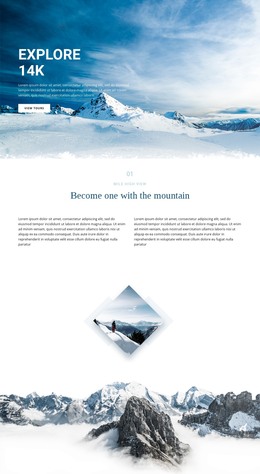
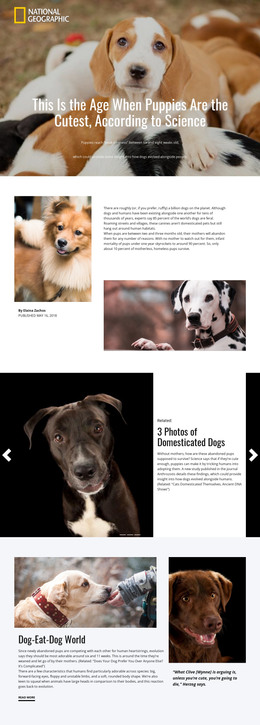
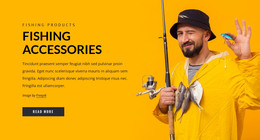

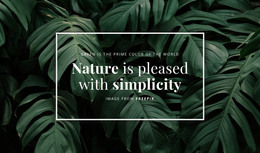



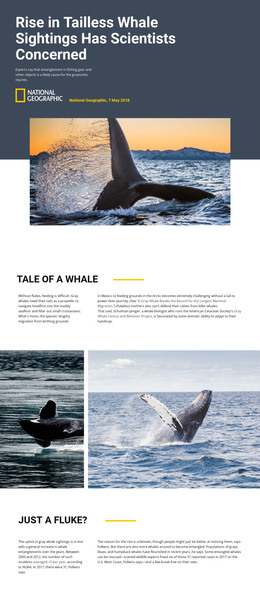
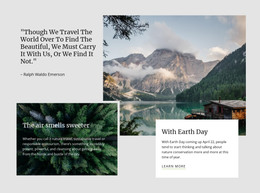

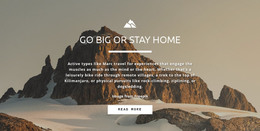
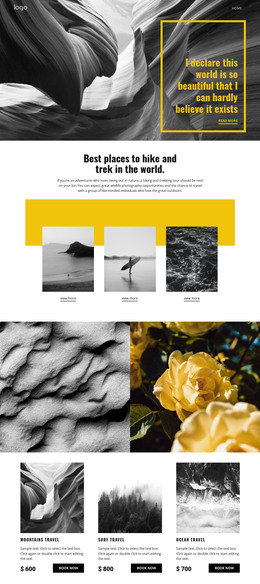
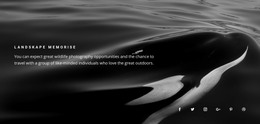
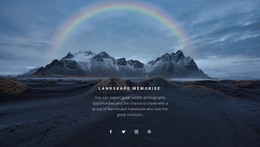

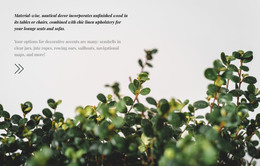
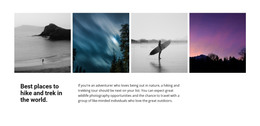
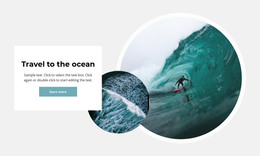
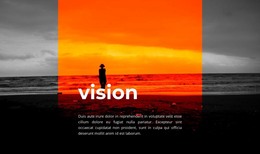

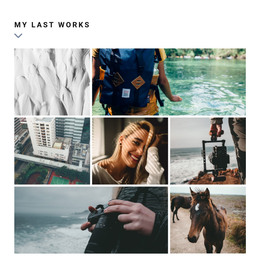
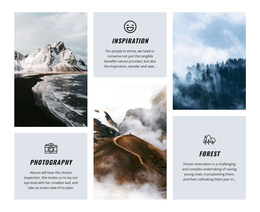
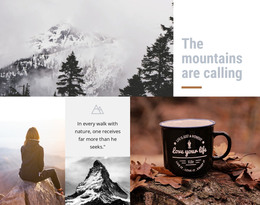
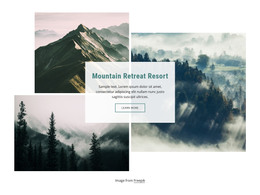

Nature HTML Templates for Ready-Made Environmental Projects
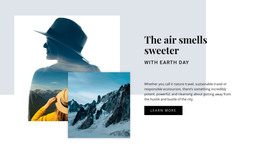
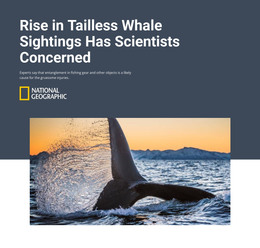
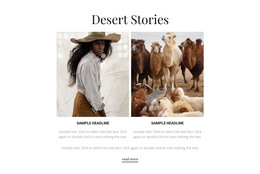
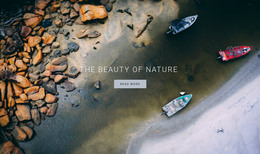
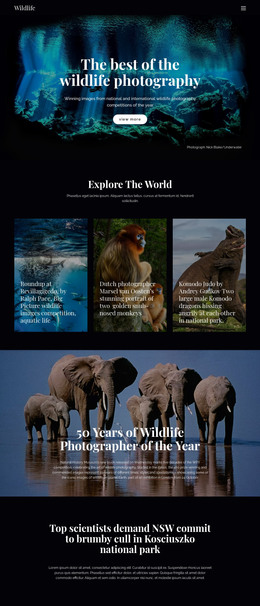
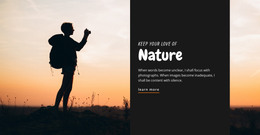
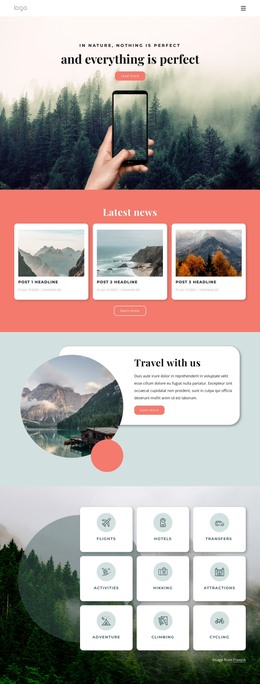
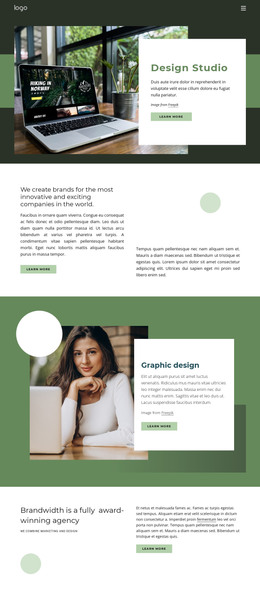
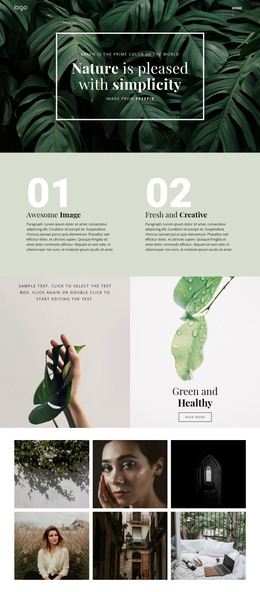
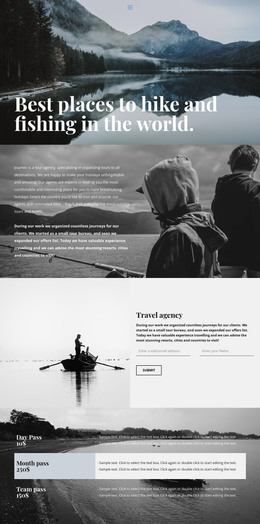
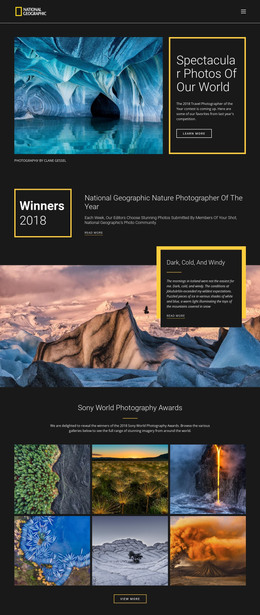
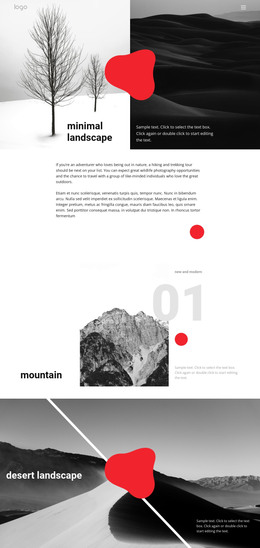
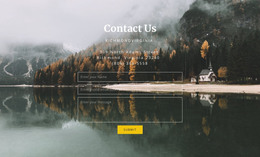
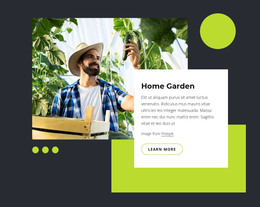
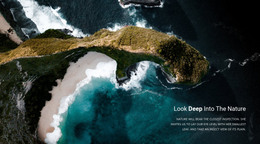
Nature HTML templates are ready-made products to compare before you begin rebuilding layouts. Conservation groups, botanical organizations, outdoor services, and environmental campaigns can review demos and choose a template whose pages, sections, imagery, and content density already resemble the real project.
The practical question is not how to organize HTML5 semantics from scratch. It is which existing demo gives you the strongest starting point. A good match reduces the structural replacement required after selection and lets you focus customization on real content, branding, and project-specific details.
Compare Nature HTML Template Demos by Project Type
Different nature projects need different ready-made structures, so demo comparison should reflect the actual content.
- Conservation: look for project summaries, reports or updates, field imagery, evidence sections, and contact or participation areas.
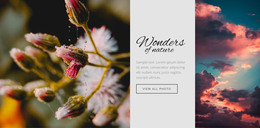
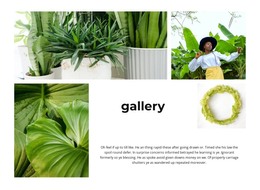
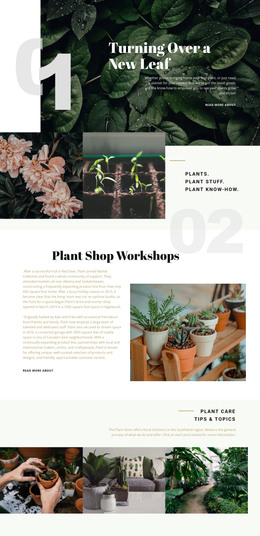
- Botanical: compare collection pages, galleries, plant-focused details, service sections, and layouts that leave enough room for imagery.
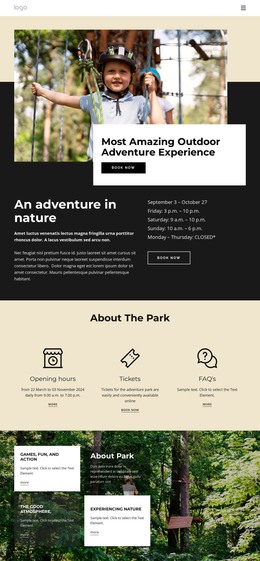
- Outdoor: prioritize service or route presentations, practical information, destination imagery, and clear supporting details.
- Campaign: check whether the demo can present the issue, evidence, response options, and a focused action without excessive unrelated pages.
A pollution-awareness project can use Pollution website ideas to compare campaign directions before choosing the final demo.
Check Page Sets, Section Sets, and Visual Variants
A visually attractive homepage is not enough. Review what the full template includes and how much fits the planned content.
Compare:
- page and section sets already included in the product;
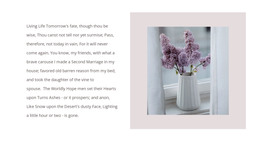
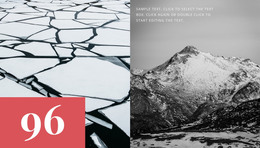
- image-heavy versus text-heavy variants;
- gallery, project, service, report, or campaign presentations;
- responsive demo behavior on smaller screens;
- content density when real copy and photography replace the sample material.
The strongest option usually needs the least structural reconstruction. A botanical project may benefit from a quiet gallery-led demo, while an outdoor operator may need denser practical sections and route-related content. A waste-reduction campaign can use waste website references to determine which ready-made direction best fits its evidence and action content.
Evaluate Responsive Variants Before Customization
Responsive behavior is part of the product comparison. Check how galleries, cards, navigation, and longer text sections behave on narrower screens before committing to the template. The Responsive Web Design guide can help when reviewing how a selected layout adapts across devices.
For photo-heavy demos, Image Lazy Loading can be useful after selection; the Image Lazy Loading documentation explains how to use this option. Treat this as a refinement of the chosen product, not as the basis for deciding between templates.
Customize After the Demo Proves Its Fit
Once the product fits, replace the sample text and imagery, refine the existing sections, and adjust responsive views where needed. Avoid turning the selection process into a technical reconstruction exercise. If a template requires replacing most of its page set, content rhythm, or visual treatment, another ready-made demo is probably a better starting point.
Nature HTML Template Questions
What should I compare first in a nature HTML template demo?
Compare the included page and section sets, visual direction, content density, image treatment, responsive variants, and how closely the demo matches the real project before you customize it.
Which demo structure fits a conservation project?
Look for ready-made areas for projects, reports, or updates; environmental evidence; field imagery; and contact or participation content. The best choice is the demo that already accommodates those needs with minimal restructuring.
What should a botanical or outdoor project look for in a demo?
Botanical projects often benefit from collection and gallery layouts with generous image space. Outdoor projects usually need practical service, route, destination, and visitor-information sections alongside strong photography.
Is the template with the most pages automatically the best option?
No. Extra pages only help when they match content you plan to publish. A smaller demo that closely fits the project can be a better starting product than a larger package that requires extensive removal or rebuilding.
How can I keep a photo-heavy selected template from being too heavy?
Use Image Lazy Loading after the template is selected. It delays image downloads until they are needed during page interaction, which can reduce the initial page weight.
Choose the Ready-Made Product That Already Fits
Compare several demos before editing. A focused tulip website concept may suit a botanical project, while another visual variant may be better for conservation or outdoor content. Select the HTML template whose existing pages, sections, image treatment, and responsive behavior are closest to the finished project, then customize that product rather than rebuilding an unsuitable one.



















































