
320 Text & Button HTML Templates
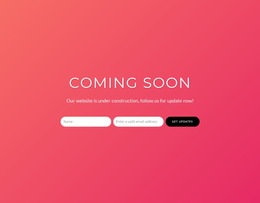
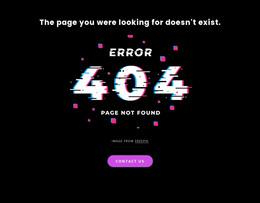
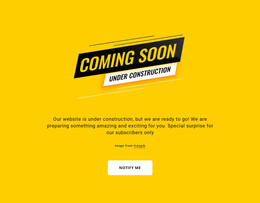
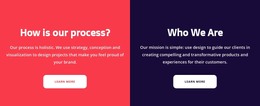






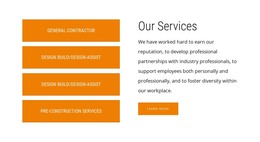
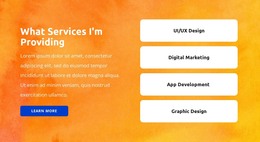
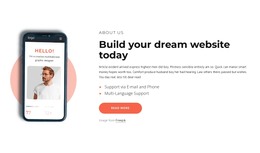

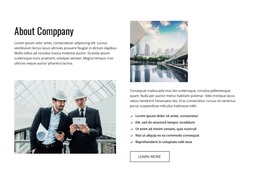







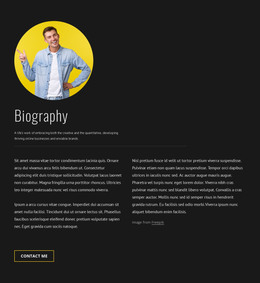

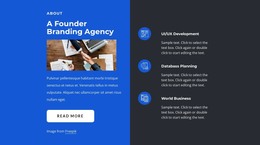
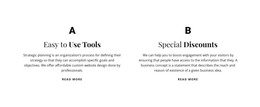
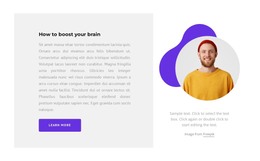








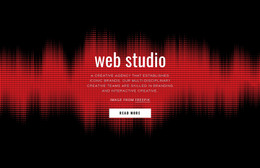
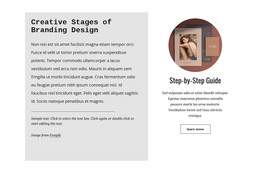
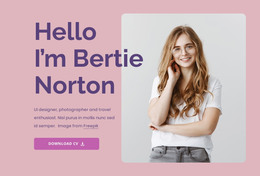


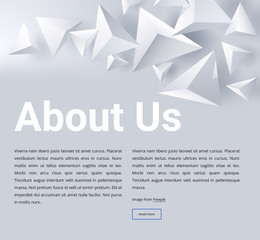



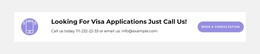

Text & Button HTML Templates for Ready-to-Use Reusable Section Structures
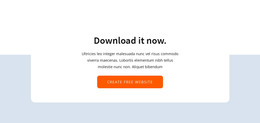
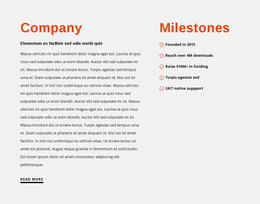
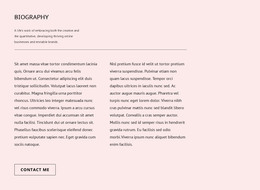
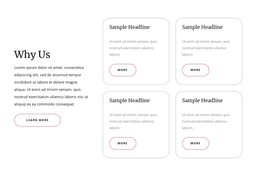
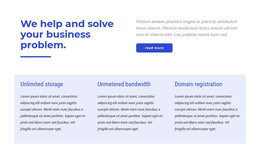
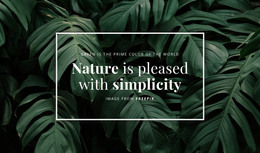
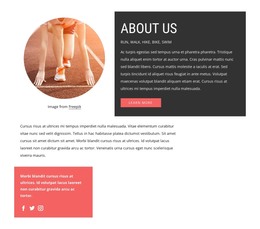
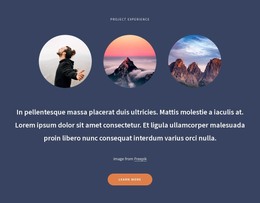
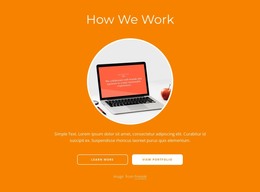
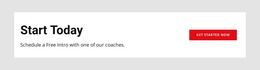
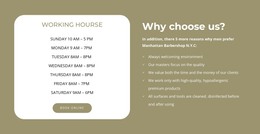
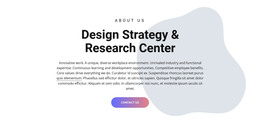
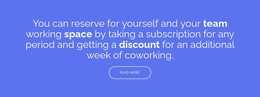
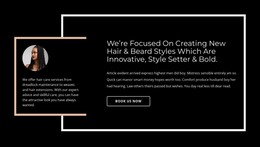
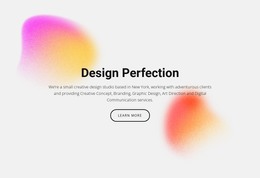
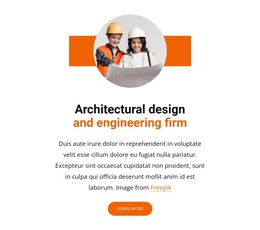
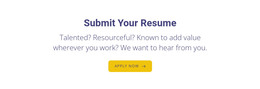
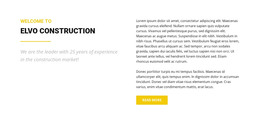
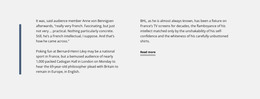
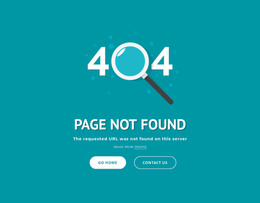
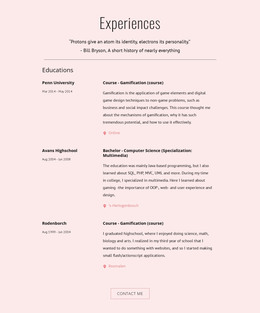
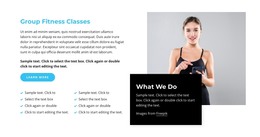
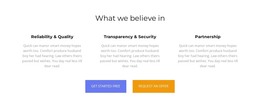
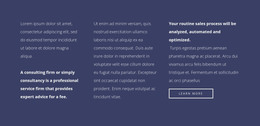
Text & Button HTML Templates provide ready reusable structures for a concise message and direct action. Browse prepared sections with different content widths, text-and-button arrangements, action positions, and responsive layouts, then choose the structure that gives the page the right starting point.
Browse Reusable Text & Button HTML Structures
Ready HTML structures can use the same core elements in different arrangements:
- a heading with concise supporting text;
- a linked button or anchor for the action;
- stacked, centered, or side-by-side content;
- wider promotional sections or more compact editorial blocks;
- optional imagery or visual support;
- reusable responsive wrappers for different page widths.
The value here is the choice of prepared structure, not writing the markup from scratch.
Compare Structures by Layout and Content Capacity
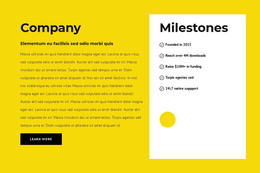
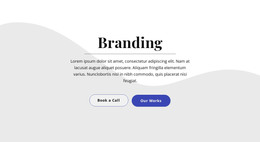
A compact centered template can suit a short prompt with very little supporting copy. A wider split structure can give more room to explanation, imagery, or a more prominent action.
Compare templates by:
- content capacity — how much text fits comfortably;
- action placement — below, beside, or within the main content flow;
- section proportions — compact or spacious;
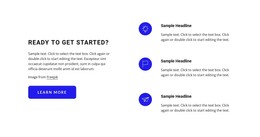
- arrangement — stacked, centered, split, or image-supported;
- responsive behavior — how the structure adapts at narrower widths.
Select a Starting Structure, Then Adapt It
The practical workflow is simple: browse → compare → select → adapt.
After choosing a structure, replace the sample headline and supporting text, update the action destination, and refine the visual details for the project. The wrapper, heading, paragraph, and action element may be familiar across multiple templates; what changes is how those pieces are arranged and reused as a ready section.
Keep Custom Implementation Secondary to Template Selection
If a selected structure later needs a project-specific attribute, class, integration hook, or custom extension, you can handle that during implementation. It does not need to define the template-selection stage itself.
Text & Button HTML Templates FAQ
Can I start with a pre-designed HTML block instead of building the structure from scratch?
Yes. Choose a ready Text & Button HTML structure whose content width, action placement, and overall arrangement already fit the page, then adapt the sample content and destination.
What should I compare between Text & Button HTML templates?
Compare content capacity, action placement, section proportions, stacked or side-by-side arrangement, optional visual support, and responsive behavior.
Can different HTML templates use similar markup elements?
Yes. Heading, paragraph, wrapper, and action elements can naturally appear across many templates. The main difference is how those elements are arranged and packaged as reusable starting structures.
What should I do after selecting an HTML template?
Replace the sample content, update the link or button destination, and refine the visual details while keeping the selected structure as the starting point.
Select a Ready Structure and Build From It
Choose the reusable HTML section whose layout and content capacity best fit the page, then adapt that structure instead of rebuilding the block from scratch.






















































