
Branch HTML Templates
Tree photography, botanical notes, garden projects, and forest stories need layouts that balance natural imagery with supporting text. Branch HTML templates provide reusable sections and a clear route to static site files.
-

-
-
-
-
-
-
-
-
Free Website Builder SoftwareDownload
-
-
-
-
-













More HTML Templates from Nature Category













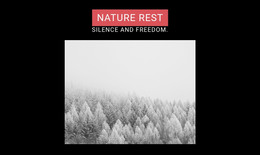
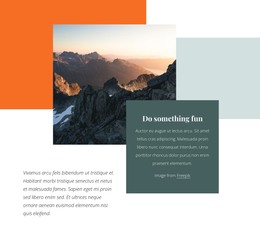
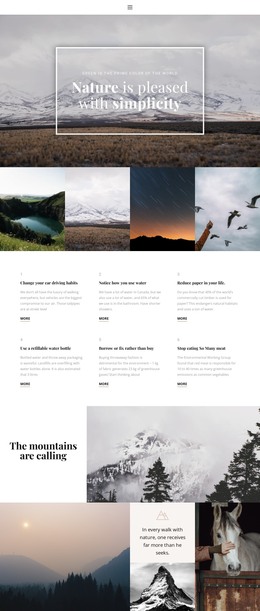
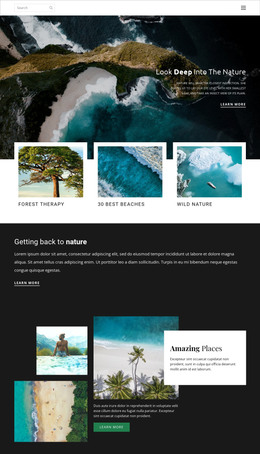
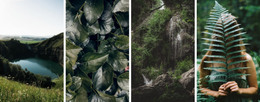


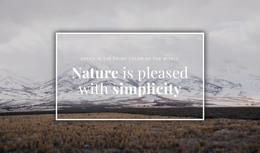
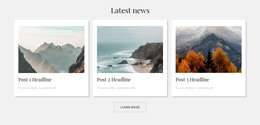
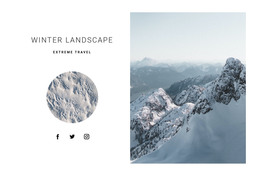










Other Nature HTML Templates
Ready-to-Use Branch HTML Templates for Nature and Botanical Sites
Branch HTML templates give tree photographers and botanical gardens ready-made files built around close-up imagery and species notes. Typical layouts keep large photos, captions, and text in separate blocks, so filling them with your own material is quicker than starting from an empty folder. After you adjust the look in Nicepage, you can export the result to any host and edit it manually later.
Block Types That Suit Tree Material
Branch layouts usually combine a few block types, and each one handles a particular kind of tree material:
- A gallery with a caption under every frame, so a macro shot of bark or a swelling bud never appears without its species name.
- A species card that pairs a twig close-up with short identification notes, which helps most in winter, when bare twigs carry nearly all the clues.
- A comparison block with two photos side by side, handy for showing one branch in February and again in May.
The real gain comes from reuse. A species card set up for one oak can be copied for every tree in the collection, and each copy keeps its own photo and notes. A gallery block built for one park can serve the next park in the series just as well.
Macro shots are heavy, though, and an archive with a long run of them can keep visitors waiting before anything appears. Nicepage Image Lazy Loading handles this by delaying images until a visitor scrolls near them, so the first screen loads quickly.
Exported Files on Any Server
When the layout is ready, Nicepage exports it as HTML files from both the desktop app and the online editor. The HTML export guide walks through the steps and shows how the result moves to your chosen hosting. Nicepage doesn't limit third-party hosting, so you can send the files to the server a garden or studio already pays for.
After export, the files remain available for direct editing. A botanical garden can later have a developer link each species card to its collection database without starting over.
When Collections Keep Growing
If your archive grows species by species, the card block deserves the closest look, since it will be copied more than any other part of the set. If it grows by photo series, judge the gallery by how it copes with a whole season of close-ups. Settle the hosting question early as well, because a garden that already runs its own server can publish the export there right away.