
1000 Architecture & Building HTML Templates
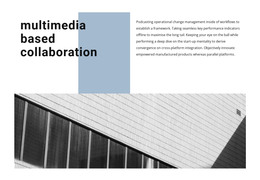
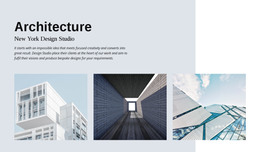


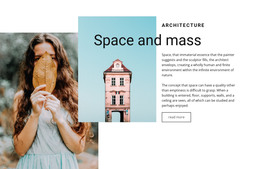

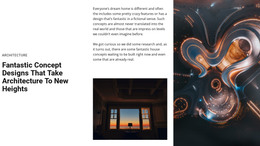
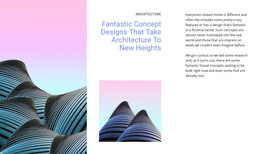


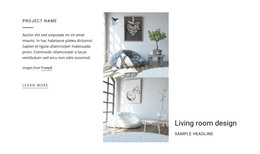



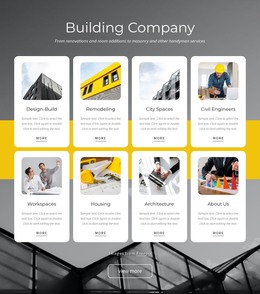





































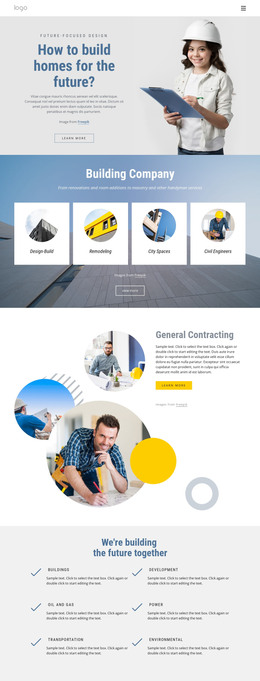
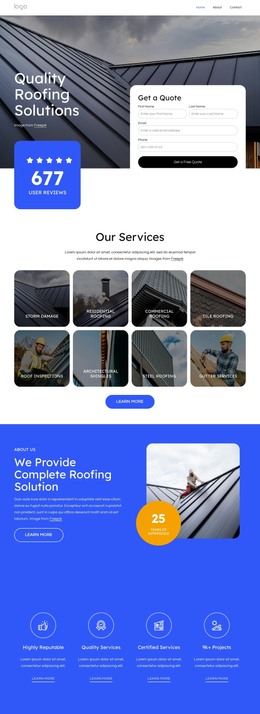

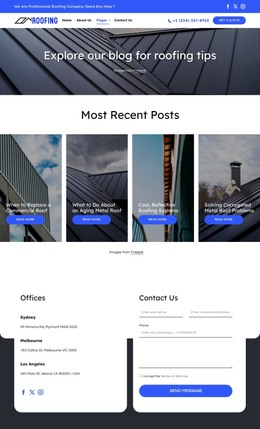
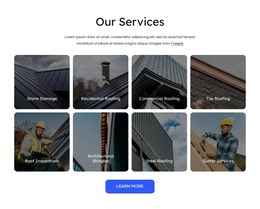


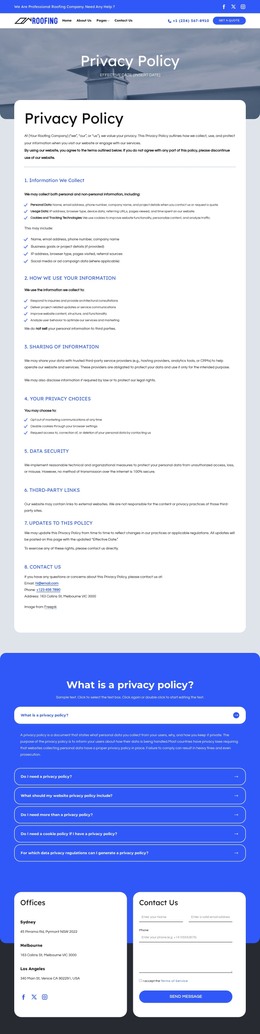
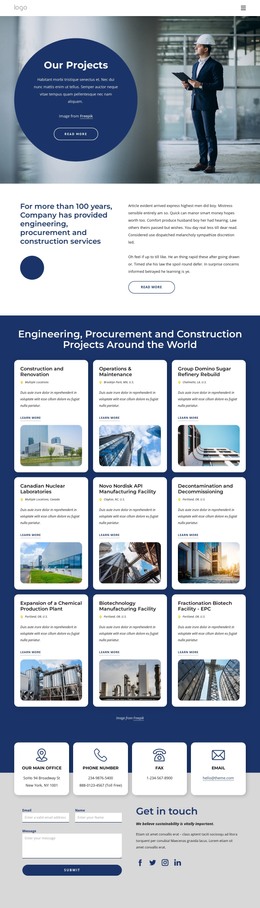
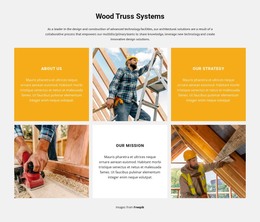

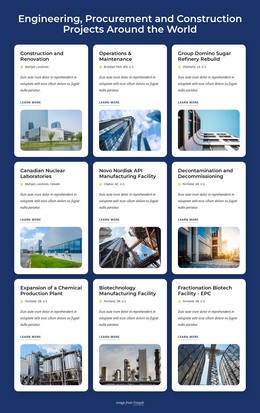
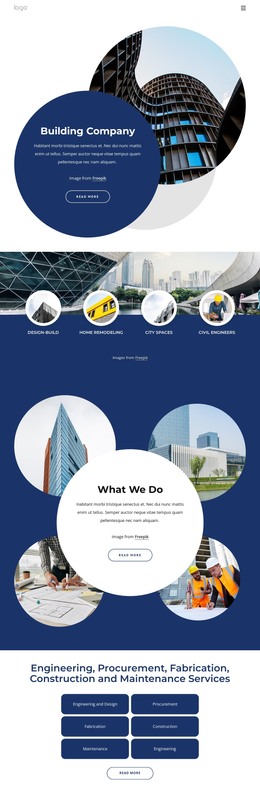
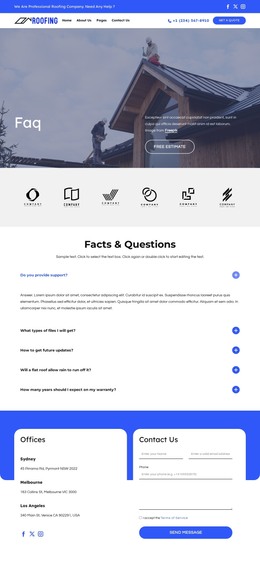
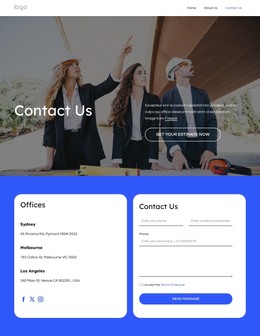
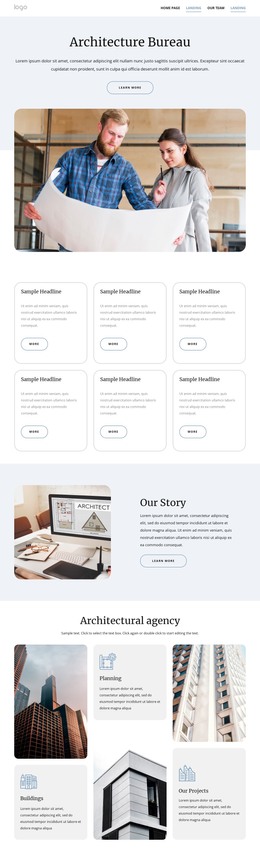

Fast-Loading Architecture & Building HTML Templates
Architecture & building HTML templates provide a ready static website package with finished pages, front-end files, and assets that can be customized before publication. They suit architecture studios, contractors, engineering firms, and developers who want to host a site independently, hand the files to a developer, or keep direct access to the source after export. Instead of starting with isolated code fragments, the team begins with a working site structure for the portfolio, services, studio information, and contact.
Start from a Ready Static Architecture Site
Judge an HTML template by the website you receive as a whole. The homepage should connect naturally to project, service, and contact content, while the project area needs enough depth for the real portfolio. A short residential case study may need only a few large photographs and basic facts; a public, cultural, or competition project may require several pages or sections of renders, drawings, diagrams, text, and image sequences.
Infrastructure practices can use infrastructure website references to test whether the finished pages have enough room for technical services and complex project information. Residential studios can use villa design references to check whether houses, interiors, landscaping, and completed photography work naturally inside the available case-study pages.
Nicepage can export HTML from the Desktop Application, and Nicepage Online also supports HTML export for hosting on your own server. After export, the resulting files can be published to a compatible hosting provider, passed to a developer, or modified directly when the project requires code-level changes.
What Should Be Included in the HTML Package?
Finished page structures: the site should already provide usable layouts for the content the practice actually needs, such as a portfolio, services, studio information, and contact areas.
Flexible project pages: the same package should handle different case-study lengths. A 30-project architecture portfolio, for example, may combine concise residential work with longer public projects, so the pages need to support both without requiring a new structure every time.
Organized files and assets: HTML pages, images, styles, scripts, and other required assets should remain understandable enough for publication, maintenance, and handoff.
Editable source after export: Developers should be able to inspect and modify the files for integrations, content changes, tracking, technical refinements, or other requirements outside the visual editor.
Responsive finished pages: the site should remain usable across different screens. Nicepage Responsive Modes lets you review pages before export, especially for long case studies or large image sequences that can be difficult to browse on smaller devices.
For cultural projects, mosque website references can help test whether the selected package provides enough room for architectural context, substantial photography, and more detailed project narratives without forcing them into an overly compact page.
The practical question is whether the exported site is sufficiently complete to publish once real content is added. Navigation, core pages, project presentation, assets, and source files should arrive as a single, workable base that the studio or a developer can adapt.
Architecture HTML Template Questions
What should I expect from a complete architecture HTML template?
Expect finished page structures rather than one isolated snippet: navigation, portfolio or service content, contact areas, and the supporting files needed to publish the site. The exact page set depends on the selected design.
Can developers customize the exported architecture HTML files?
Yes. Exported files can be inspected and modified after export, which is useful for integrations, code-level adjustments, content changes, or technical requirements that go beyond the visual editor.
Can a static architecture HTML template be hosted independently?
Yes. Static HTML output can be hosted on your own server or another compatible hosting environment, so the finished site does not need WordPress or Joomla to run.
Will an HTML template work for a large architecture portfolio?
It can, provided the finished pages remain manageable as projects accumulate. Test the template with the scale you expect: several project categories, short and long case studies, large image sequences, drawings, and different amounts of project information. That reveals whether the package can support a substantial portfolio before you commit to it.
Test the Real Site Before Publishing
Replace demo content on the key pages with actual projects, services, studio information, drawings, photography, and contact details. Check that the navigation still makes sense, that long- and short-case studies remain usable, and that the exported files are ready for the team that will host or maintain them. That final content test matters more than how polished the original demo looks.





















































