
1240 Split HTML Templates






















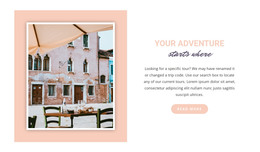


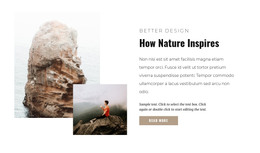




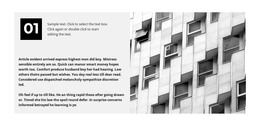




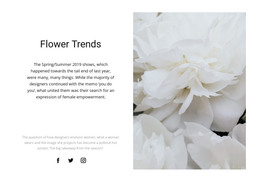


















































Ready-To-Use Split HTML Templates for Two-Part Sections
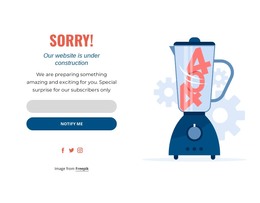
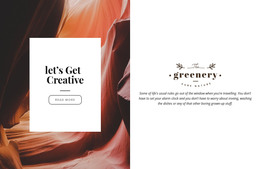
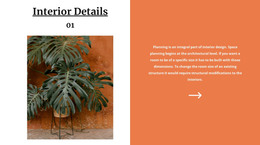
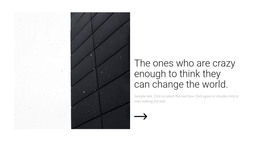
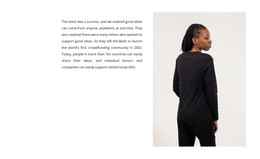
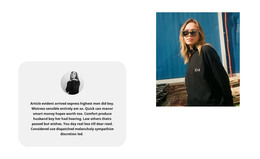
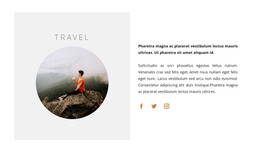
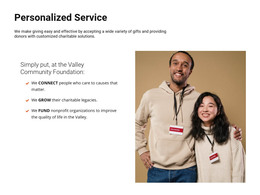
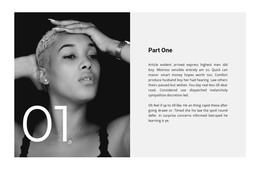
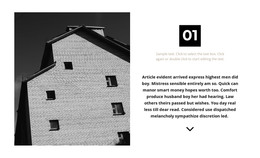
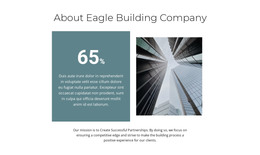
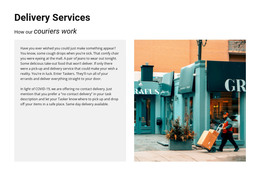
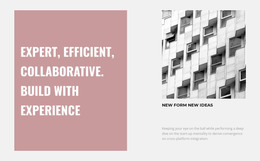
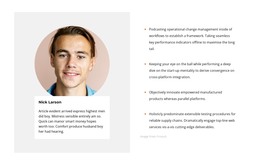
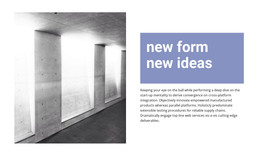
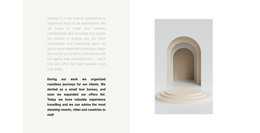
Split HTML Templates provide ready-made sections divided into two connected halves, most often an image or other visual on one side and a heading, text, and button on the other. The value of the template is that this Split structure already exists as a usable starting point and can be adapted instead of rebuilt from scratch.
The two halves can use a balanced 50/50 composition or an asymmetric 60/40 arrangement. What matters is that the image side and content side remain part of one section and support the same message.
Choose a Ready-Made Split Section That Fits the Content
Compare Split HTML Templates by the way the two halves are already arranged.
Useful starting patterns include:
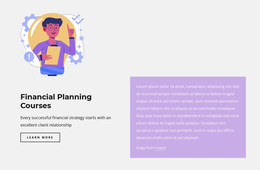
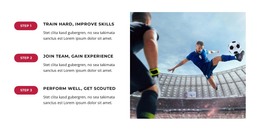
- a large image beside a heading, paragraph, and CTA;
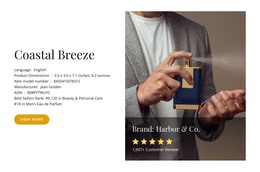
- product imagery beside descriptive content;
- portfolio media beside project information;
- an asymmetric visual-and-text block with one dominant half.
The Nicepage Grid Element can provide the two-area framework when the selected Split section is customized in the editor.
A strong starting template should already be close to the intended image-and-content relationship, so you'll need fewer structural changes later.
Customize Both Halves Without Losing the Split Pattern
Replace the image or media, edit the heading and text, update the button, and adjust the proportions to suit the content. Spacing, alignment, backgrounds, image crop, and text width can also be refined while the section remains recognizably Split.
Swapping the image and content sides can change the visual rhythm without changing the basic object. The result should still be one coordinated two-part block, not two independent columns.
Review the Responsive Version of the Ready-Made Section
A desktop Split HTML section may keep the two halves side by side, while tablets and phones may require vertical stacking.
Check which half should appear first, how the image is cropped, whether the heading and CTA remain associated, and whether the proportions still make sense at narrower widths. Responsive behavior is part of adapting the ready-made Split implementation, not a separate design topic.
Use the Finished Split Section in the HTML Project
Once you adapt the two-part block, it can remain part of the broader HTML project. Nicepage Online supports HTML export for hosting on your own server, but export is only the final workflow step after the Split section itself has been selected and customized.
The core process stays centered on the block: choose a suitable Split implementation, replace its media and content, adjust the two halves, verify responsive stacking, and then continue with the HTML publishing workflow.
Split HTML Templates FAQ
Can I Create and Publish Static HTML Projects With Nicepage Online?
Yes. Nicepage Online is a web-based service for creating and publishing static HTML websites and includes hosting for those projects.
Does “Split HTML Template” Mean Splitting HTML Code?
No. Split describes one visual section divided into two connected halves, commonly an image area paired with a heading, text, and button.
Can I Change the Proportions of the Two Halves?
Yes. The section can use equal 50/50 proportions or asymmetric arrangements such as 60/40, depending on the amount of imagery and content in each half.
Can the Image and Content Sides Be Swapped?
Yes. The visual can appear on either side as long as the image, heading, text, and CTA continue to read as one coordinated Split section.
What Should I Check Before Using the Split Section on Mobile?
Review the stacking order, image crop, spacing, text width, and CTA placement so the two halves keep the same relationship after the horizontal layout becomes vertical.
Adapt the Ready-Made Split HTML Block
Choose the Split HTML Template whose two-part structure is already closest to the intended content. Customize the image, copy, CTA, proportions, alignment, and responsive behavior in the Nicepage editor, then use the finished section as part of the HTML project and export it when the broader workflow requires it.






















































