
280 Pets & Animals HTML Templates




























































































Pets & Animals HTML Templates for Complete Static Source Packages
The delivery format best defines pets & animals HTML templates. The result is a complete static project rather than an individual markup fragment: '.html' pages, stylesheets, scripts where required, images or other assets, and the folder structure that ties those files together.
That format works well for developer handoff and independent hosting because you can inspect the exported source outside the editor. A team can review the files, make code-level adjustments, add the project to version control, and deploy it using the hosting workflow that best fits the project.
What an HTML Project Includes
The exact project varies, but a typical static delivery contains:
- one or more '.html' pages;
- CSS files for presentation;
- JavaScript files when page behavior requires them;
- images, icons, and other media assets;
- supporting folders and references that connect those files.
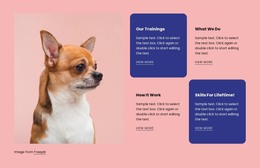
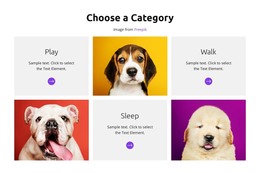
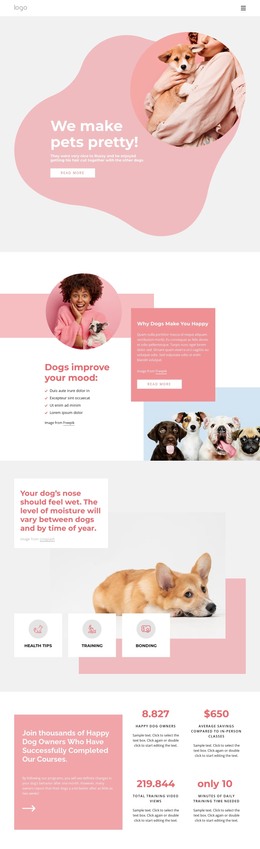
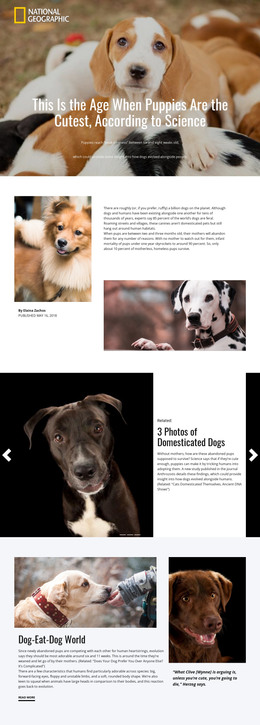
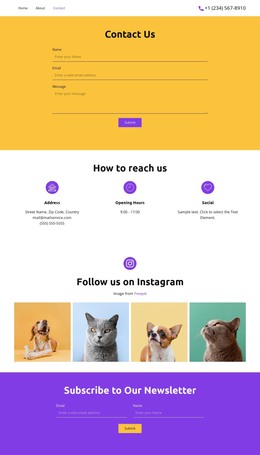
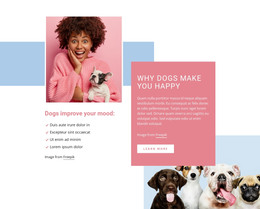
A puppy-focused design direction might become an adoption site with several profile and information pages. Nicepage can provide the visual editing workflow before export, while the resulting project remains a set of source files rather than a CMS-managed theme.
Responsive behavior still matters, and the responsive web design workflow lets you review layouts before delivery. But responsive Grid behavior doesn't define the HTML template's intent; the complete source package does.
Developer Handoff and Independent Hosting
Static HTML is useful when the recipient needs files they can hand off to a developer or host on a compatible platform without relying on a WordPress or Joomla content layer. After export, developers can edit the HTML, CSS, scripts, and assets directly if the project requires changes beyond the visual editor.
For a reptile-focused site, the exported package can include image galleries, species pages, care guidance, and contact information. The Image Gallery Element may help assemble media before export, but it is just one component inside the broader project.
An elephant-focused project could likewise include conservation pages, educational materials, visitor information, and contact screens within a single static file structure.
HTML Templates vs HTML Code, CSS, and HTML5
HTML Templates vs HTML Code: HTML Templates cover the full static project; HTML Code covers a small snippet or embedded custom block.
HTML Templates vs CSS Templates: HTML is the complete document and file structure, while CSS is the presentation layer applied to that structure.
HTML Templates vs HTML5 Templates: Both can produce static HTML projects, but the HTML5 page type should concentrate on modern semantic elements and HTML5-specific markup decisions rather than the general delivery package.
This boundary is more useful than treating semantic tags or validation as the primary reason for choosing a general HTML Template.
HTML Template Questions for Animal Websites
What files are included in an HTML website project?
A static project typically includes one or more HTML pages, CSS stylesheets, JavaScript files (when needed), images or other media assets, and supporting folders or references the site needs.
How is an HTML Template different from HTML Code?
An HTML Template is a complete static site package. HTML Code refers to an individual snippet, embed, or custom markup block used inside a larger page.
Can developers edit the files after export?
Yes, you can inspect and edit exported static source files with appropriate development tools. If you make changes directly in exported files, manage them carefully if you later re-export the project from the visual editor.
How is HTML different from HTML5 here?
The general HTML Templates page focuses on the complete static delivery format. The HTML5 Templates page should focus more narrowly on modern semantic HTML5 regions, elements, and media structure inside that format.
Review the Package Before Deployment
Before handoff, verify that links resolve correctly, assets are present, responsive layouts behave as expected, and the folder structure is understandable to the next person working on the project. The strength of an HTML Template is a complete, editable static package that can move cleanly into development and hosting.





















































