
530 Interior HTML Templates
























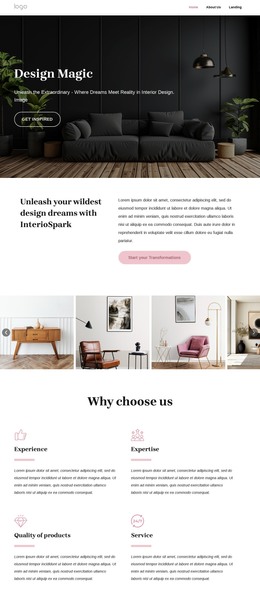

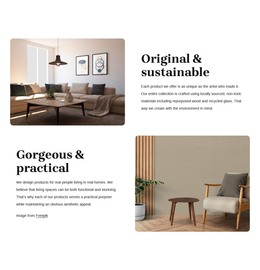
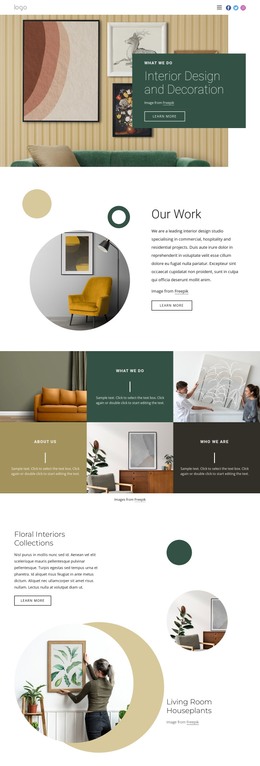
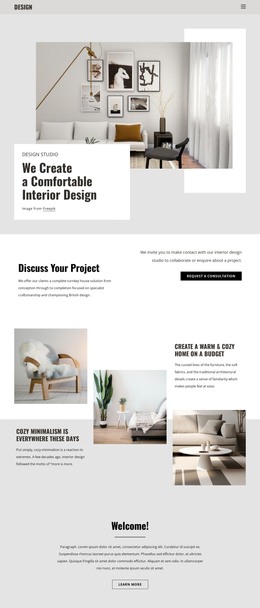

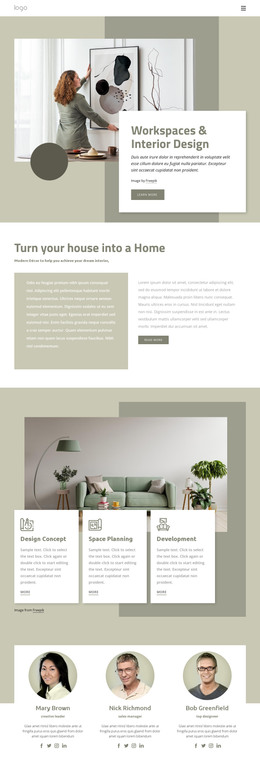

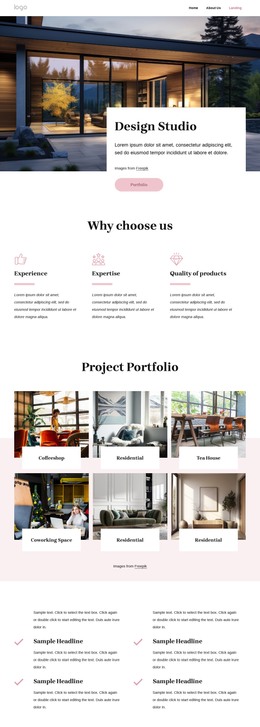
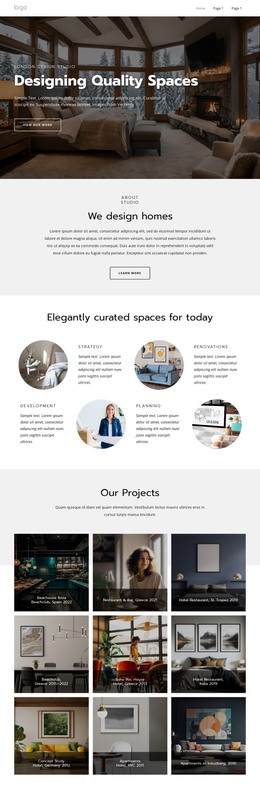
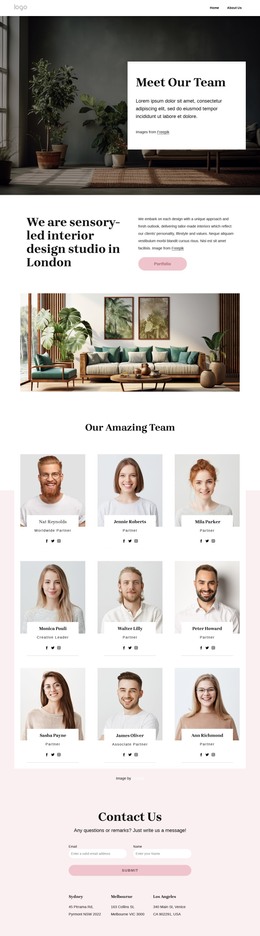


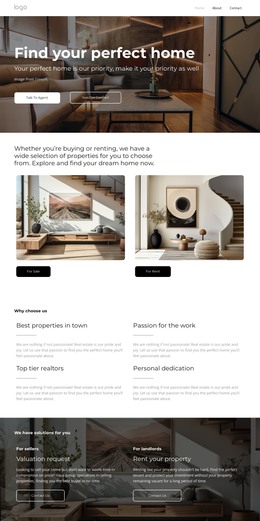
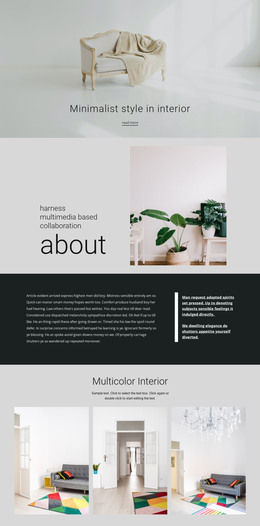
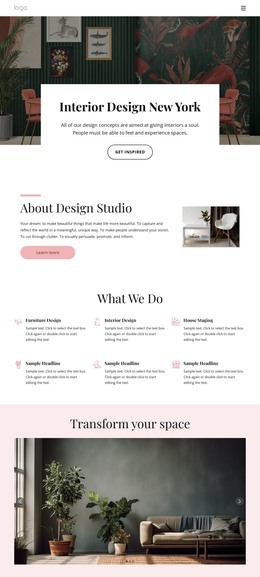
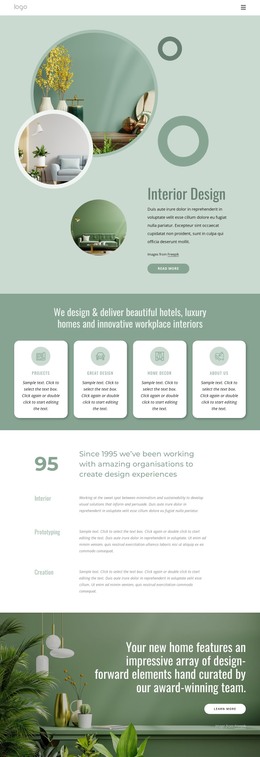


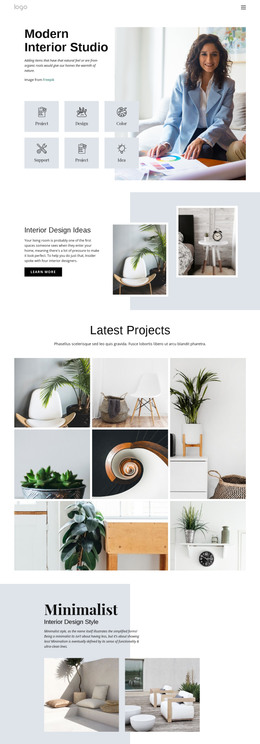
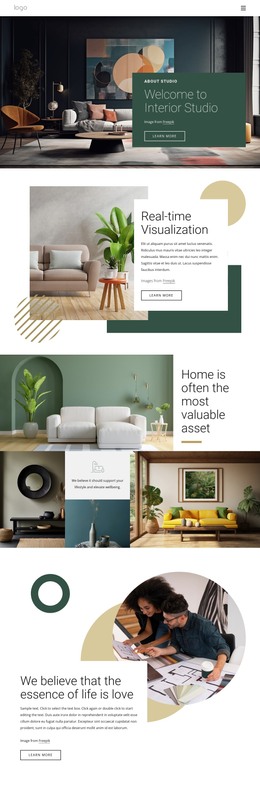

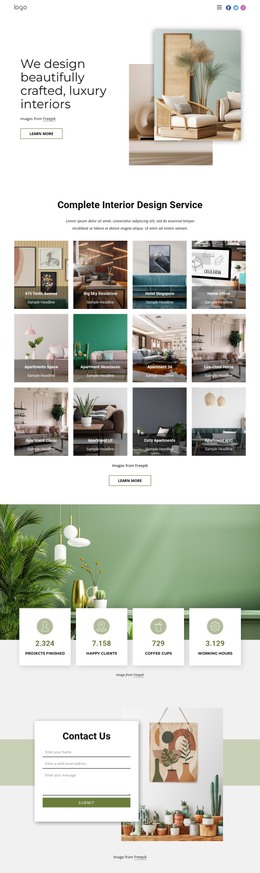
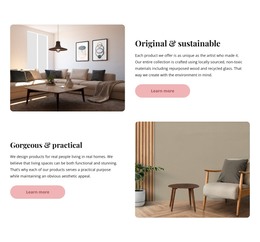

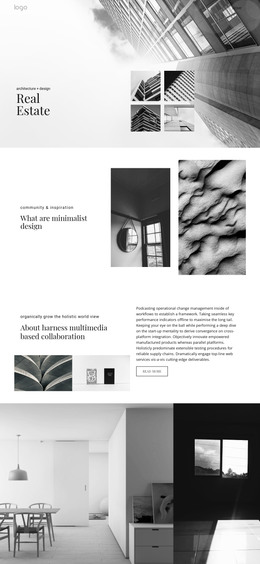
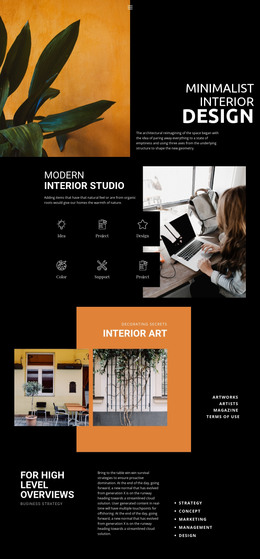
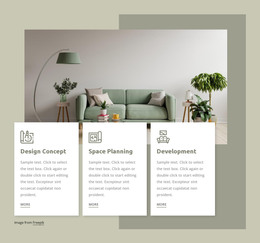

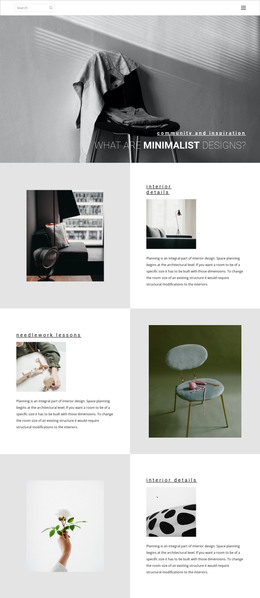



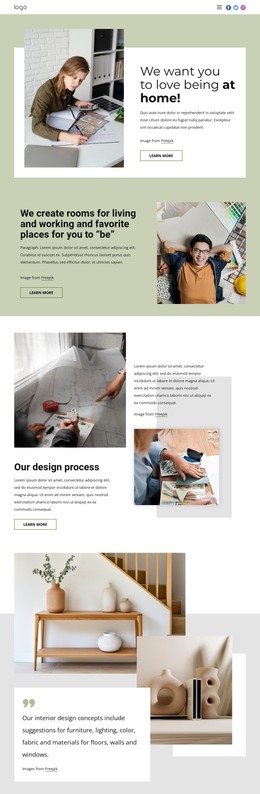
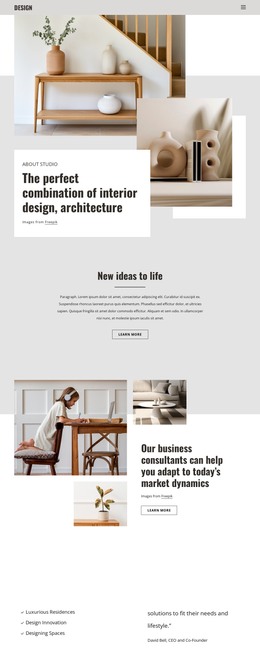
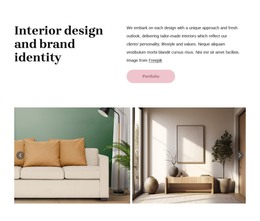
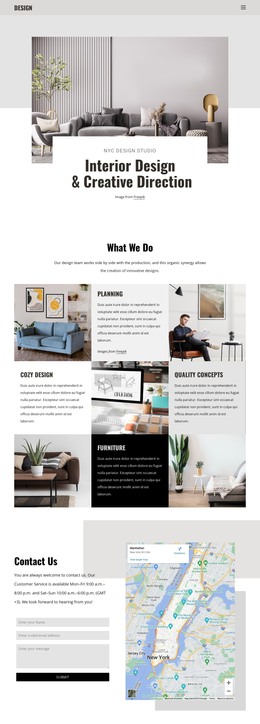


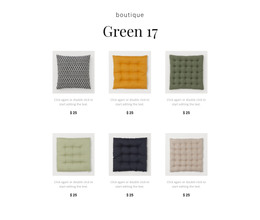




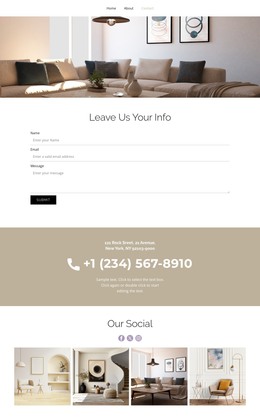
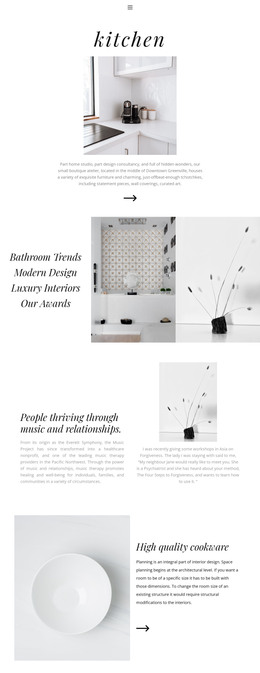
Interior HTML Templates with Ready-Made Portfolio Pages and Source Files
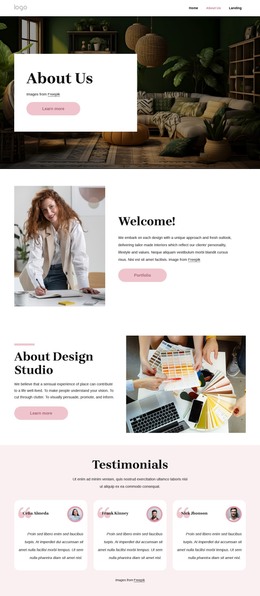
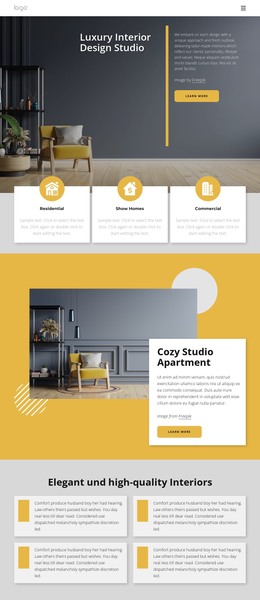
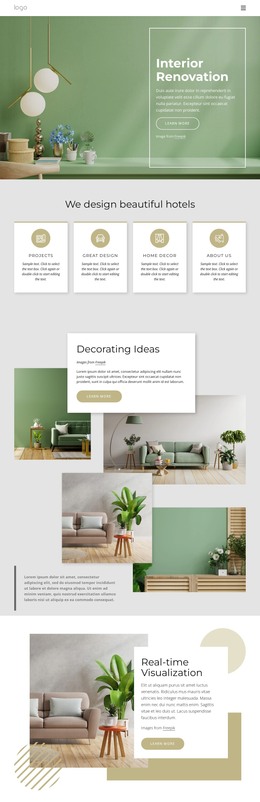
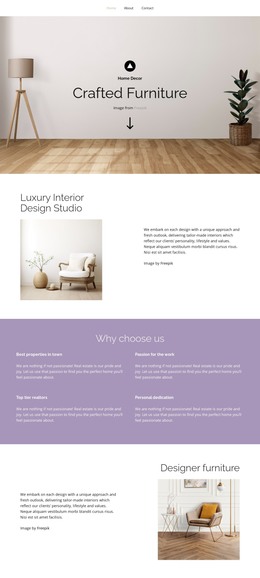
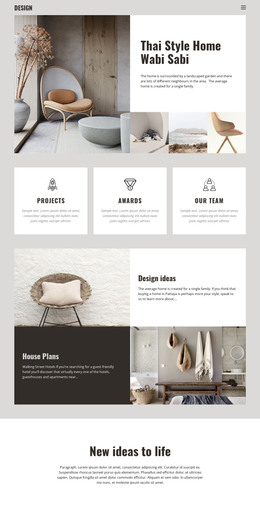
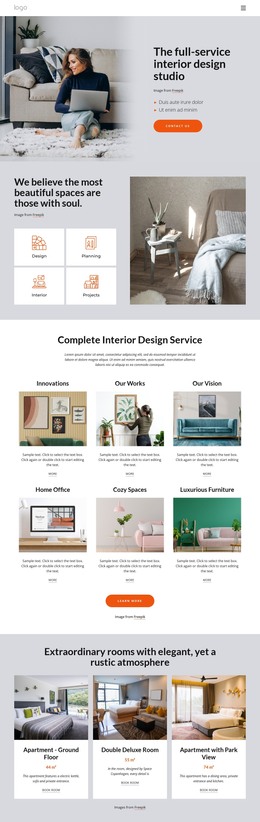
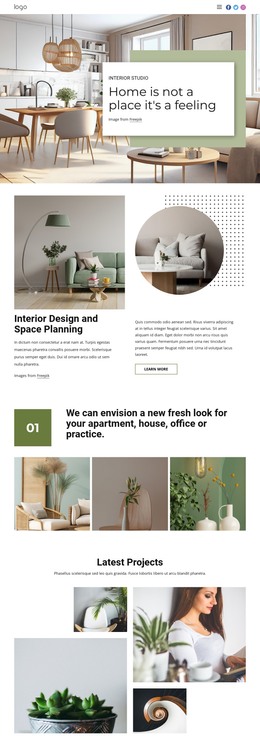
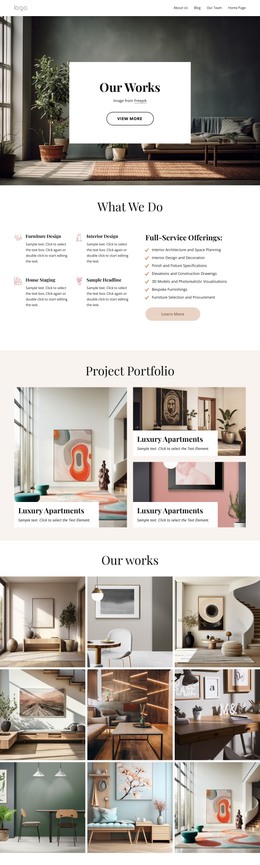
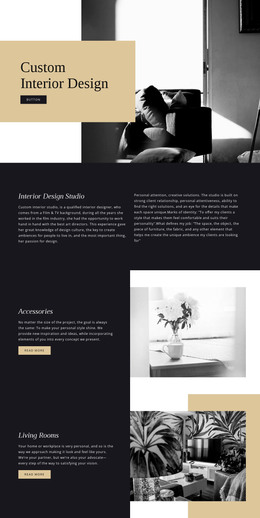
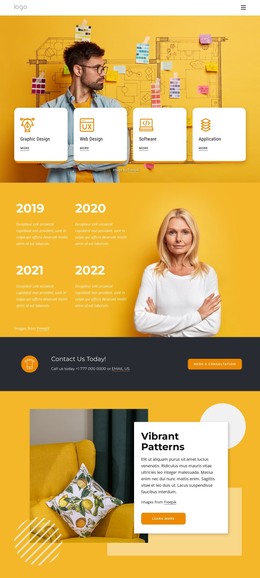
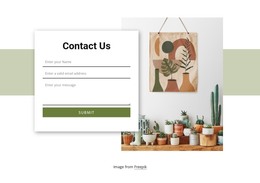
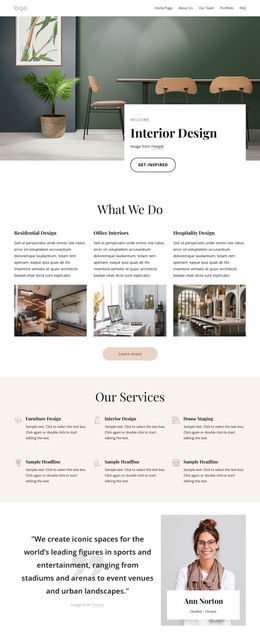
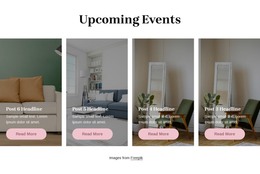
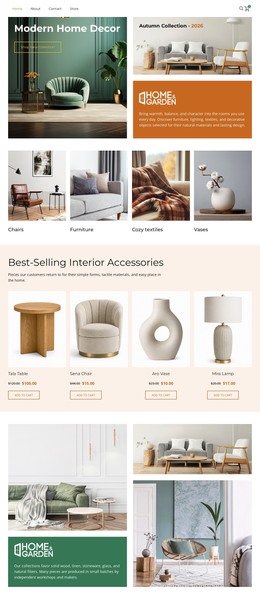
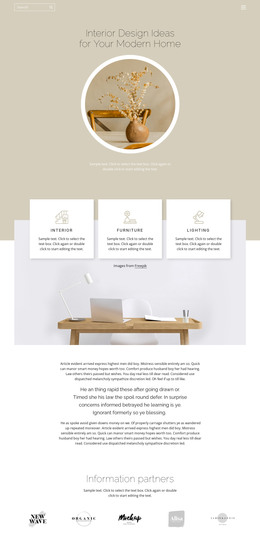
Interior HTML templates are ready-made front-end packages for studios that want a defined visual structure and editable source files before customization begins. A package can include several HTML pages, shared CSS, JavaScript, images or placeholders, framework files, responsive layouts, demo content, and documentation. The practical value is that the site can be customized at the source level and deployed as a static front end without depending on a CMS.
What to Check in an Interior HTML Template Package
Before choosing a template, inspect the files and framework as carefully as the demo:
- Which HTML pages are included — homepage, portfolio archive, single-project, services, About, contact, blog, or others?
- Are HTML, CSS, and JavaScript files separated and organized clearly enough to edit?
- Does the package use Bootstrap or another framework, and does that fit the development stack?
- Are reusable components, grid classes, utility styles, and scripts documented?
- Do responsive layouts already work across common desktop, tablet, and phone widths?
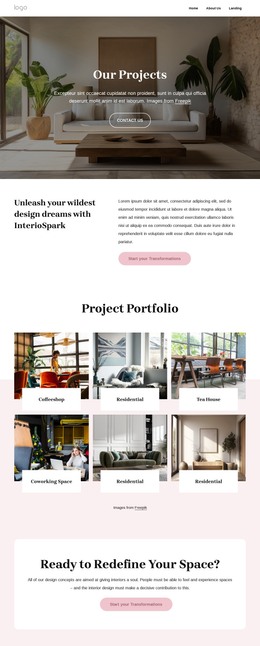
- Does the demo include portfolio structures that fit the studio's number and type of projects?
- Are dependencies, fonts, plugins, and third-party libraries documented for deployment?
- Can the static files be moved to the intended hosting environment without a CMS-specific runtime?
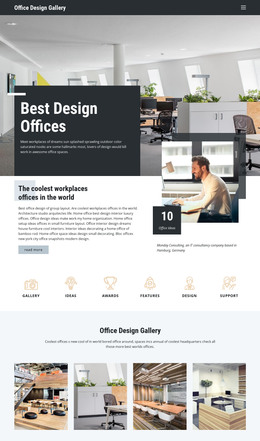
For workplace portfolios, desk-oriented design references can help assess whether the template supports wide-office photography, detail shots, project metadata, and service content without forcing everything into a single card pattern.
Portfolio Pages Should Work Inside the HTML Structure
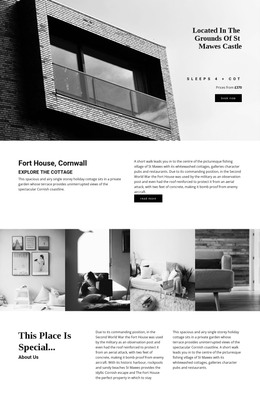
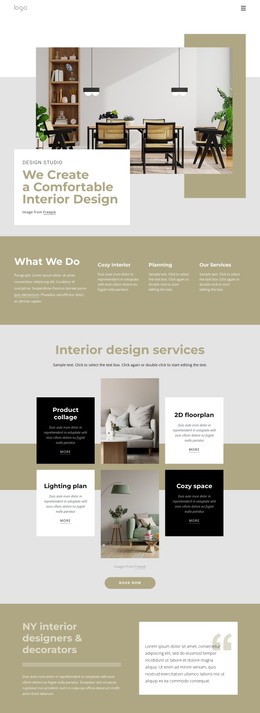
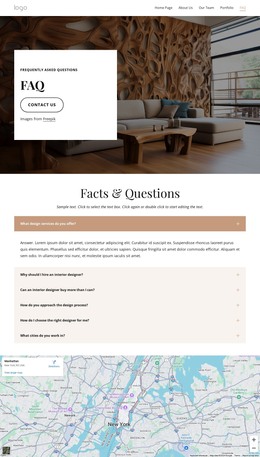
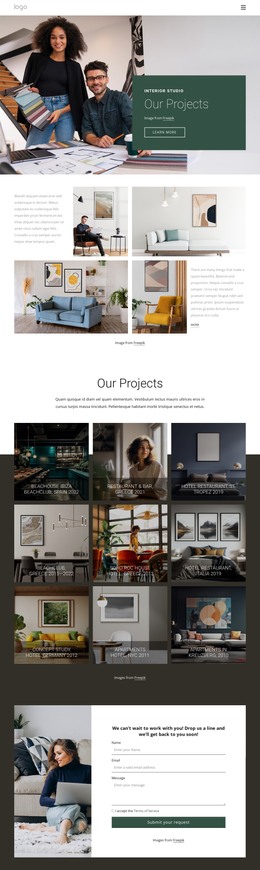
Interior design HTML templates often need more than one way to present work. A package may include a project archive, filtered or categorized grids, and a single-project page with large photographs, project facts, descriptive sections, and related work. Multi-location practices may also need contact or branch pages; location-focused layouts can help evaluate whether those pages fit the same static navigation and front-end system.
The markup should remain predictable as project content changes. Headings need a logical order, project cards should handle mixed image ratios consistently, and responsive layouts should keep captions, metadata, and calls to action attached to the correct content when columns collapse.
Source Files, Performance, and Static Deployment
Image-heavy portfolios can benefit from Image Lazy Loading, which delays image downloads until they are needed during scrolling. Nicepage documents the Image Lazy Loading option as a way to reduce initial page weight.
After customization, review the actual source package rather than only the rendered demo. Remove unused scripts or framework components where practical, confirm relative paths for images and assets, check forms and navigation, and test representative pages at common breakpoints. If the template uses Bootstrap or another framework, keep custom changes organized so later edits do not require rewriting vendor files.
Static deployment is one of the key advantages of this format. The finished HTML/CSS/JS files can be placed ona compatible hostingservice or handed to a developer for integrationintoh an existing stack. That workflow is different from relying on a CMS theme or visual template kit at runtime.
Customize at the Appropriate Layer
Edit HTML when the content structure changes, CSS when presentation rules change, and JavaScript only when the required interaction calls for it. Keeping those responsibilities clear makes the package easier to maintain and reduces the chance that a simple visual adjustment becomes a source-level rewrite.
Interior HTML Template FAQ
What files are commonly included in an interior HTML template?
A package commonly includes HTML pages, CSS stylesheets, JavaScript files, images or placeholders, and sometimes framework, icon, font, or plugin files. Exact contents vary, so review the documentation and directory structure before choosing it.
Should I choose a Bootstrap interior HTML template?
Choose Bootstrap when its grid, components, and conventions fit the project or development team. The important point is whether the framework supports the required portfolio layouts and can be customized without carrying unnecessary code.
Can lazy loading help an image-heavy interior portfolio?
Yes. Image Lazy Loading delays image downloads until they are needed during scrolling, which can reduce the initial page weight on photography-heavy pages.
What should I test before deploying an interior HTML template?
Check page links, navigation, forms, asset paths, responsive layouts, heading order, framework dependencies, scripts, performance, and the pages you actually customized. Test the static files in the intended hosting environment before launch.
Choose a Package That Fits the Development Stack
Start with the required HTML pages and portfolio patterns, then compare source organization, framework choice, responsive behavior, dependencies, documentation, and static deployment requirements. A strong interior HTML template should shorten front-end setup while leaving developers clear access to the files they need to customize, validate, host, and extend.




















































