410 Testimonials HTML Templates











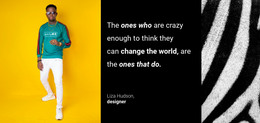


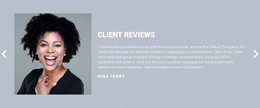

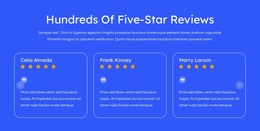
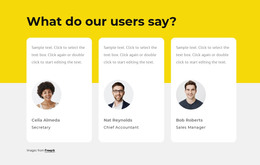


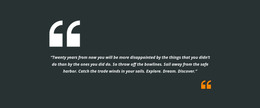
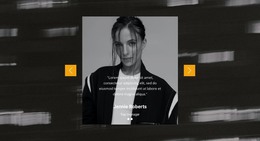
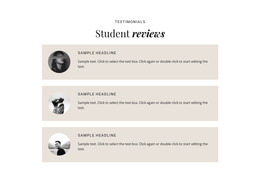
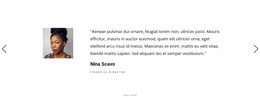















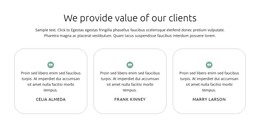
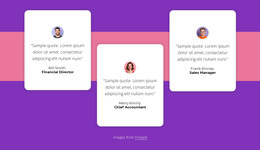
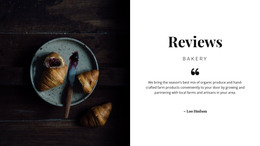
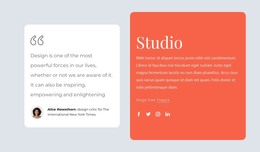




Simple Testimonials HTML Templates for Ready Section Integration
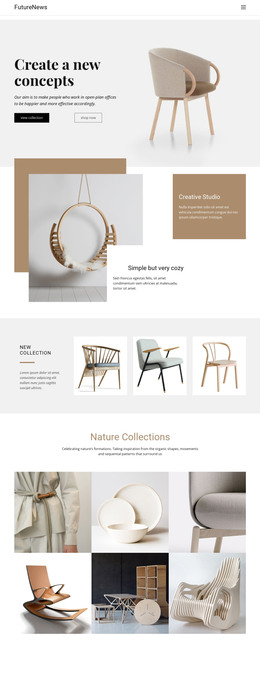
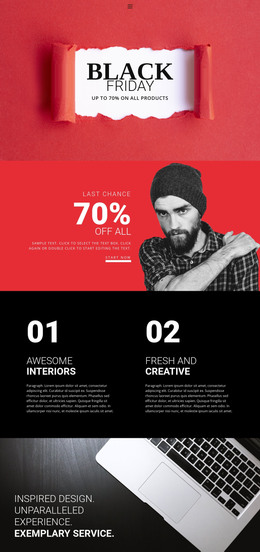
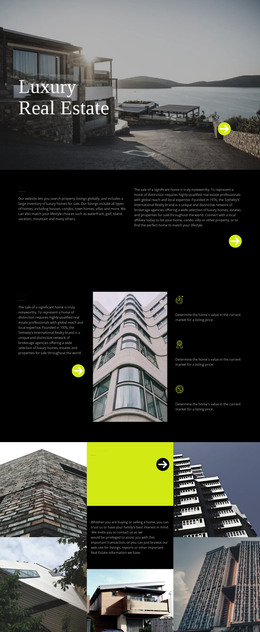
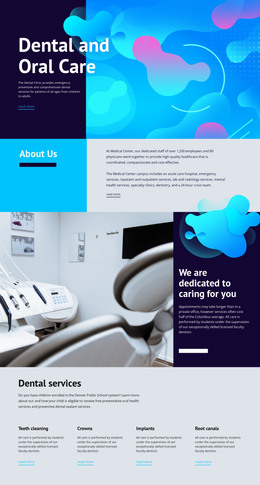
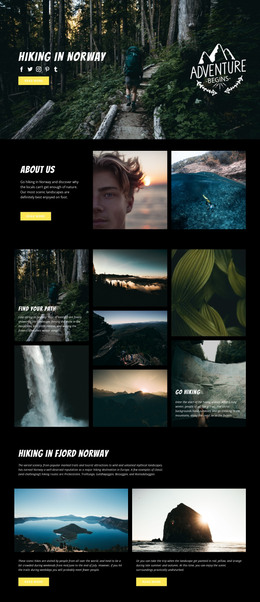
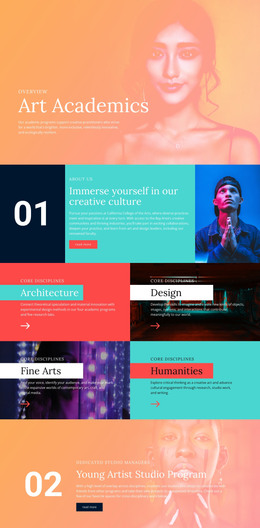
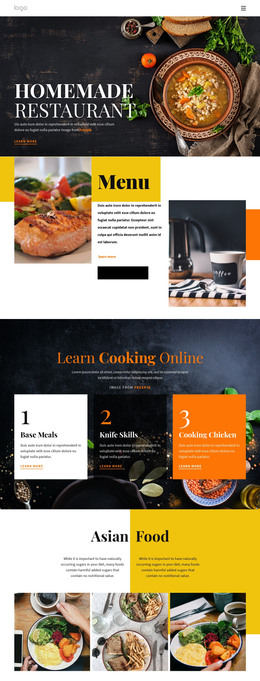
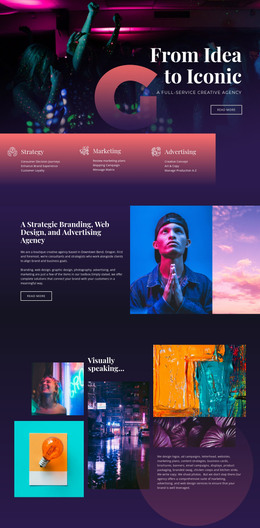
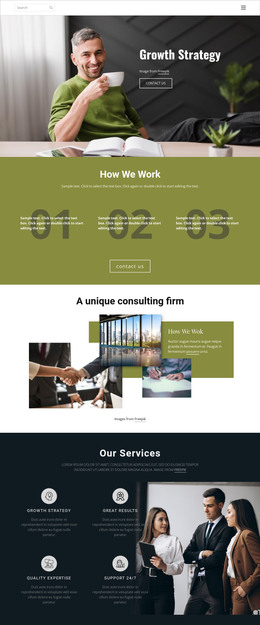
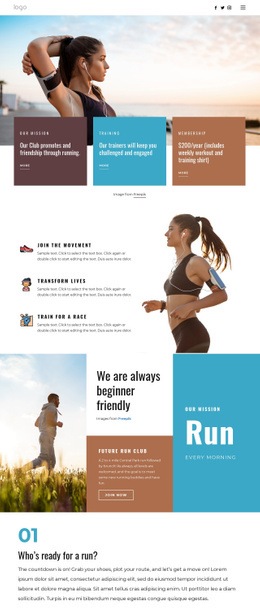
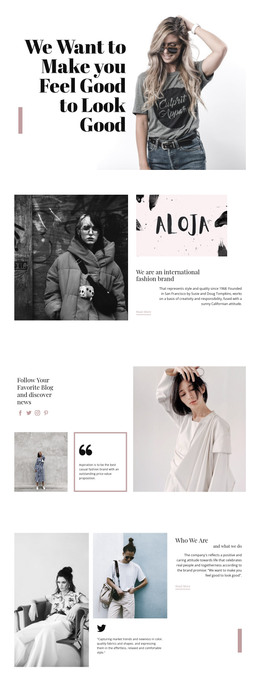
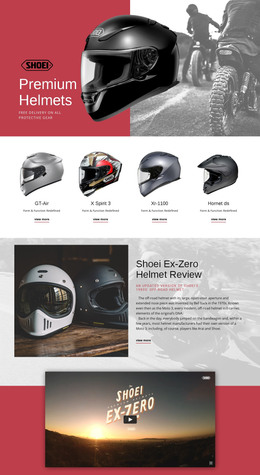
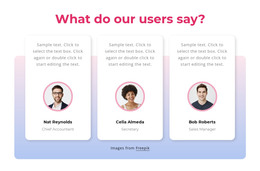
Testimonials HTML Templates provide ready-made sections for displaying customer experiences in HTML website projects. Instead of arranging each quote, reviewer name, and portrait separately, you can start with a ready testimonial layout and adapt it to your available feedback. These sections keep customer statements and attribution together, making reviews easier to read and recognize.
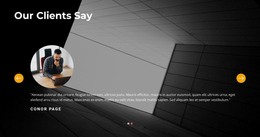
The practical HTML-format advantage is a prepared review section that can be adapted within a Nicepage project intended for HTML website output. A single detailed quotation may need a featured panel, while several shorter reviews fit naturally into repeated cards. The selected layout should support the customer's words rather than force them into an unsuitable design.
HTML Testimonial Sections With the Layout Already in Place
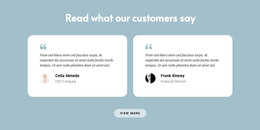
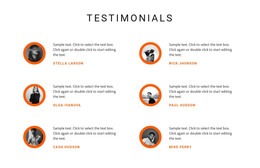
Testimonials HTML Templates offers prearranged review sections for HTML-based projects. A preview reveals how the heading, customer statements, author labels, and optional images fit together. The section can be adapted as part of the site; it should not be confused with a promise of a separately importable source-code component.
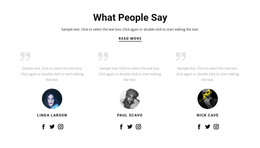
A typical testimonial layout contains:
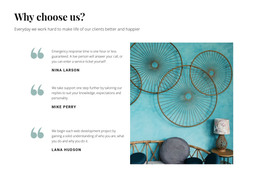
- Customer quotation: A genuine statement describing an experience or result.
- Author name: Identification placed directly alongside the related review.
- Supporting details: An optional role, company, or other relevant context.
- Customer portrait: A personal image when available and authorized.
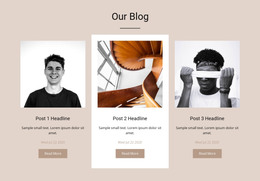
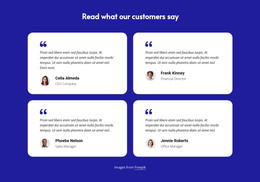
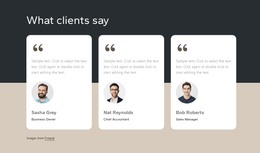
- Review arrangement: A featured panel or repeated cards for displaying multiple experiences.
Not every section needs all these elements. A concise quotation with clear attribution can work without a portrait, while a longer customer story may benefit from a more spacious composition.
Short Comments and Detailed Customer Accounts
When selecting an HTML-oriented section, check the amount of authentic review text it can carry before adaptation. A template with four equal cards may be less suitable for one very long account than a wide quotation panel. This remains a choice of ready-made HTML-oriented design, not a technical integration decision.
Three useful arrangements are:
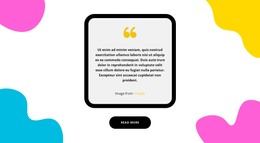
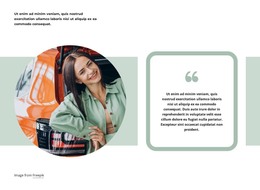
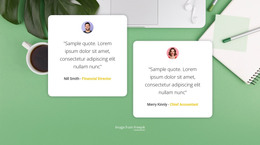
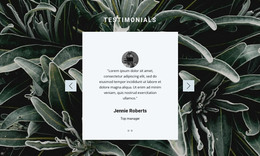
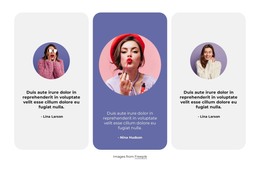
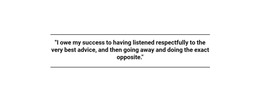
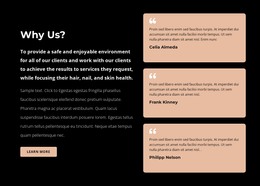
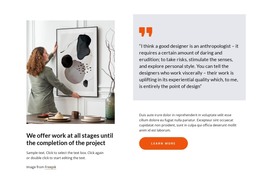
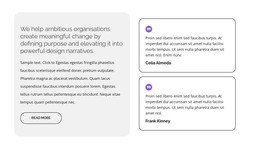
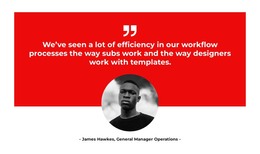
- Featured quotation layout: Gives one detailed customer experience more space.
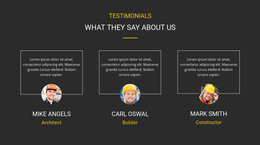
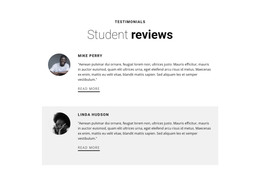
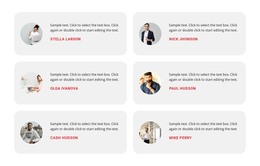
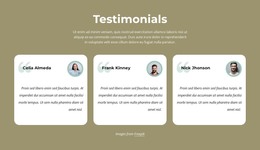
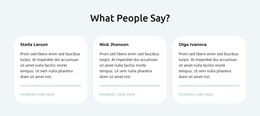
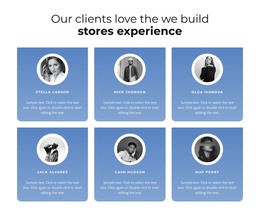
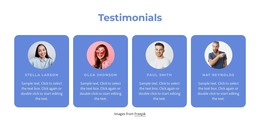
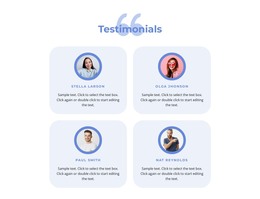
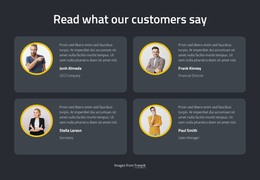
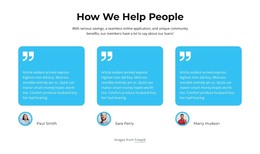
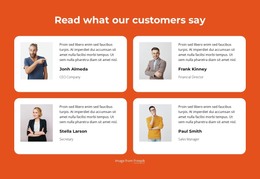
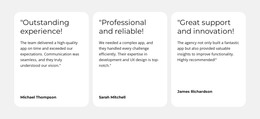
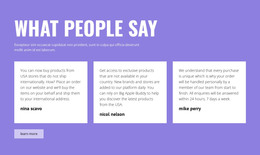
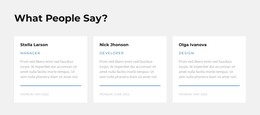
- Multiple testimonial cards: Presents several shorter reviews with consistent visual treatment.
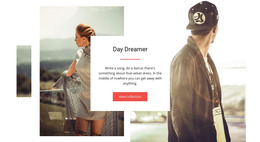
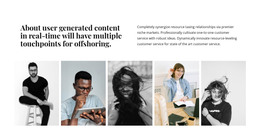
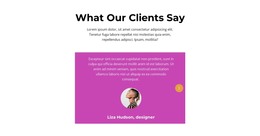
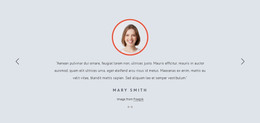
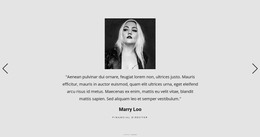
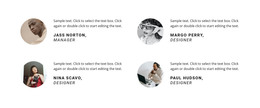
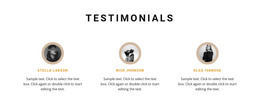
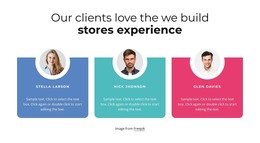
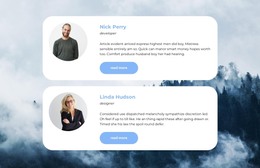
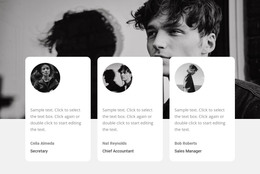
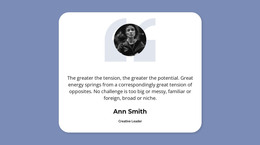
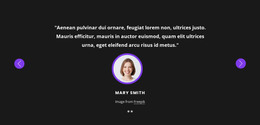
- Portrait-and-quote layout: Connects a customer image with their statement and author details.
The testimonial section examples offer additional directions for arranging customer statements. Compare layouts by their quotation capacity, attribution placement, and readability rather than decorative effects alone.
If some reviews are significantly longer than others, choose a design that accommodates the difference without making the text unnecessarily small.
Adapt a Selected HTML Testimonials Design
Nicepage allows you to edit existing block designs visually before using them within a website project. The Text Element supports the written content of testimonials, including customer quotations, names, and supporting attribution.
For an HTML website project, the selected testimonial section can be adapted in Nicepage through editable text, images, and styling. The completed project may then be exported as an HTML website through the supported workflow. This describes the use of a prepared HTML section, without implying that the editor imports arbitrary third-party HTML layouts as editable designs.
The important distinction is that the prepared HTML-oriented testimonial design is a section within the exported website, not a separately promised importable code snippet or an entire finished website. The completed block becomes part of the larger page composition.
For additional feedback presentation ideas, customer review layouts can help illustrate different ways to group individual experiences.
Let the Customer Statements Lead the Layout
Choose the testimonial section that best fits the kinds of customer statements you want to display. A longer experience may need a prominent quotation panel, while several short recommendations may suit equal cards.
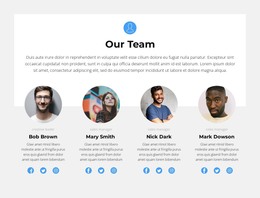
A Team section introduces people within an organization through profiles and roles. A Brands section displays recognizable company marks or affiliations. Testimonials instead communicate what customers experienced through their own attributed statements.
Likewise, a Slider is simply one way to rotate reviews. A static testimonial card serves the same function when the quotation and its source remain clear.
Testimonials HTML Templates FAQ
Can I customize HTML testimonial sections in Nicepage without coding?
Yes. Nicepage provides a visual editor with editable Blocks and Elements. You can choose a testimonial design, replace sample quotations, adjust author details, and refine the content arrangement without manually writing HTML.
Can I export a Nicepage website containing testimonial sections as HTML?
Yes. Nicepage supports HTML website export, subject to the capabilities of your plan. A customized testimonial block can be included as part of the exported website rather than treated as a separately downloaded template.
Can I import an existing HTML testimonial template into the Nicepage editor?
No. Nicepage does not support importing existing HTML websites or generated HTML layouts as editable Nicepage designs. You can recreate the testimonial section using Nicepage Blocks and Elements, then adapt its quotations, attribution, and visual arrangement.
Add a Ready-Made HTML Testimonial Section With Nicepage
Choose a Testimonials block that fits the number and length of your customer reviews. Open it in the Nicepage editor, replace placeholder content, and keep customer names and quotations clearly connected.
Once the section is adapted, integrate it into your HTML-oriented website project using the supported publishing or export workflow. A suitable testimonial layout makes genuine customer feedback easier to present without rebuilding the section from scratch.