
Aquarium HTML Templates
Aquarium content combines visual exhibits with detailed information about species and habitats. Structured HTML sections can keep fish profiles, tank descriptions, image collections, and supporting details distinct while preserving clear relationships between them.

More HTML Templates from Nature Category

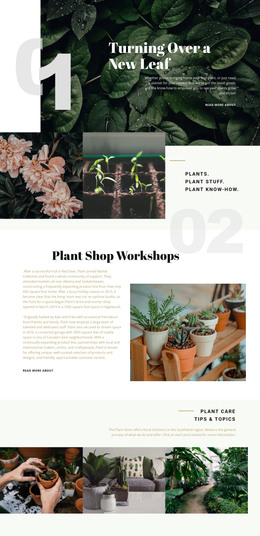
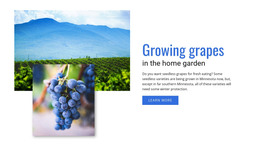
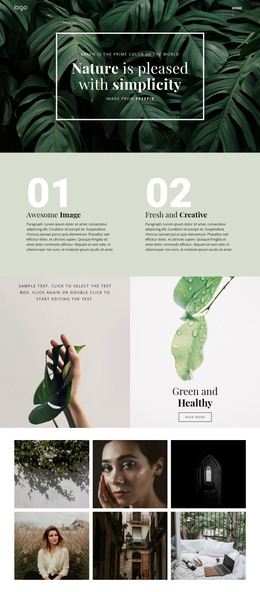
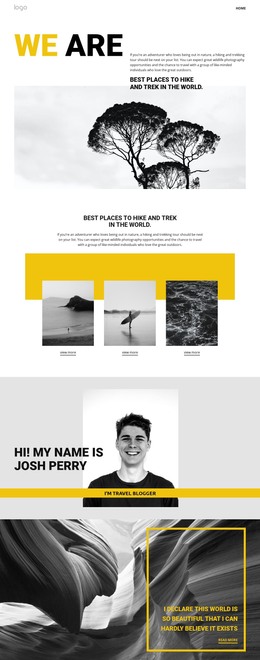






















Other Nature HTML Templates
Fast-Loading Aquarium HTML Templates for Aquatic Content
An aquarium HTML template gives you a finished site with the fish already in place. Species profiles, tank environments, and exhibit galleries typically sit in separate blocks, and the responsive layout adapts to phones and tablets. You adjust the design visually in Nicepage and export the files. After that, you can edit the code by hand or upload it to your own server.
One Species Card, Many Fish
Aquarium content repeats itself, so designs in this niche are usually built from a few recurring blocks:
- A species card pairs a photo with the fish's name, natural habitat, and a few care notes.
- Each habitat section covers one tank environment, from water chemistry to the rocks and plants inside.
- Exhibit blocks combine a short story about the display with a Gallery Carousel.
- Opening hours get a small info block of their own.
The markup earns its keep in the species card. When a batch of discus arrives, you duplicate an existing card and swap the photo and text, so nobody designs a new block for one more fish. Inside a Grid Repeater, moving the photo in one card moves it in all the others, which keeps even a long species list in one consistent shape.
From Reef Tanks to Planted Setups
A saltwater reef and a planted freshwater biotope look nothing alike, yet both fit into the same exhibit block once you swap the photos and water parameters. Because the arrangement stays put, very different tanks still read as one collection.
The Gallery Carousel does most of the visual work here. Several shots of a single kelp forest share a single slot that visitors click through using arrows or indicators, so the exhibit never becomes a wall of photos. The script behind the sliding travels with the exported files, and the carousel keeps working wherever those files end up.
Checking Latin Names Before You Commit
Demo content flatters almost every template. Placeholder fish tend to have short, friendly names, while a real species entry often includes a Latin name as well, like Paracheirodon innesi for the neon tetra. Paste your longest name into a card and check it on a phone, where text wraps first and tidy cards lose their shape.
Before settling on a design, open the exported code and locate a species card. It should be easy to see where the card begins and ends, which element holds the photo, and where the habitat notes sit. If the exhibit block reads just as easily, that quick look tells you more about the template than any demo screenshot.