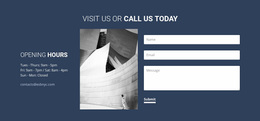
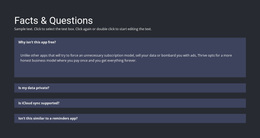
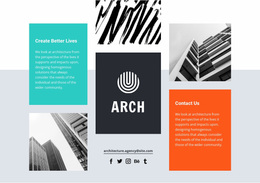
Explore 15,000+ Website Design Ideas & Examples
Website Design Ideas by Category
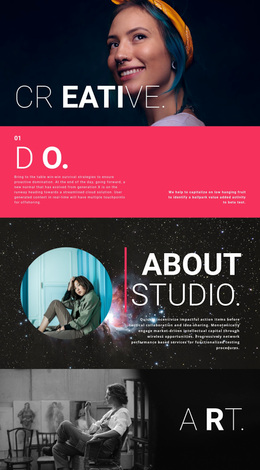
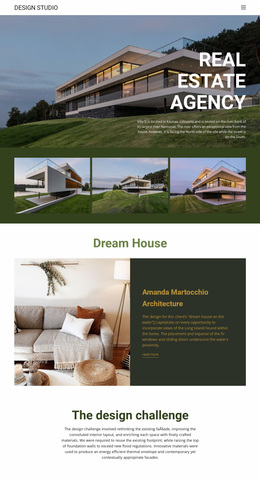
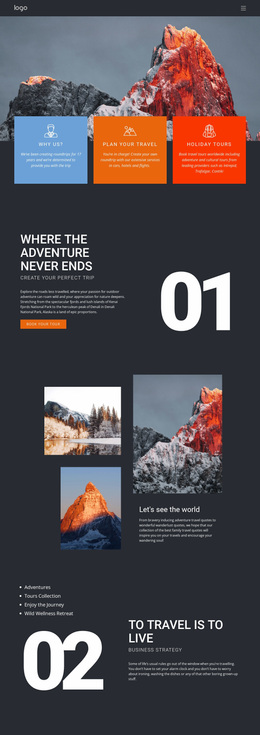
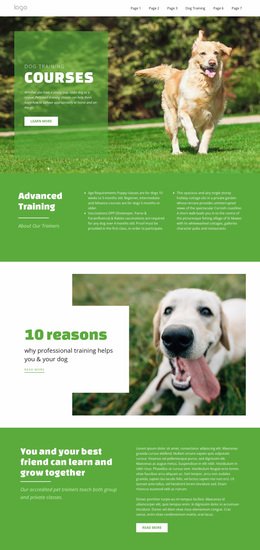
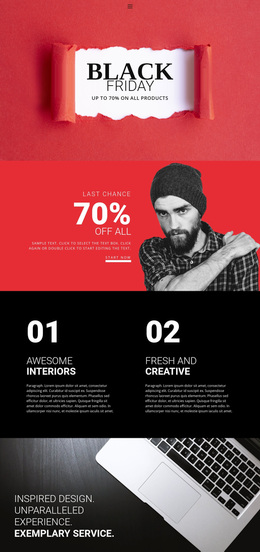
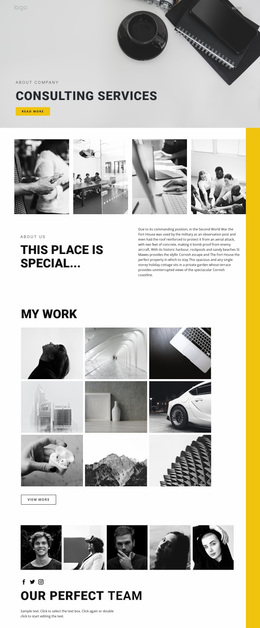
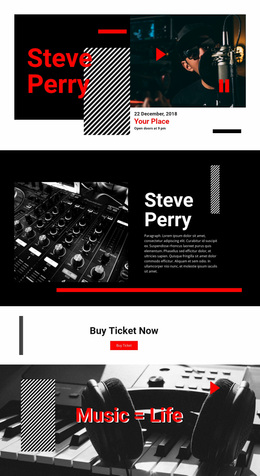
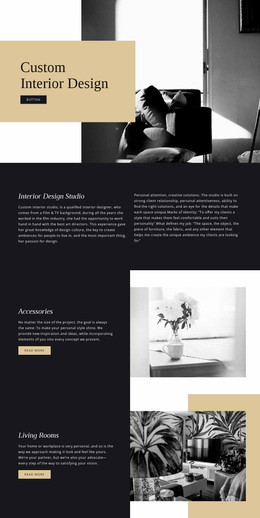
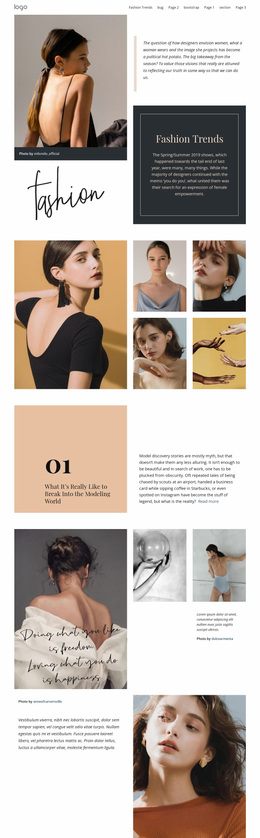
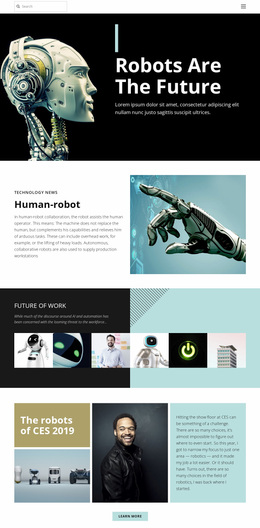
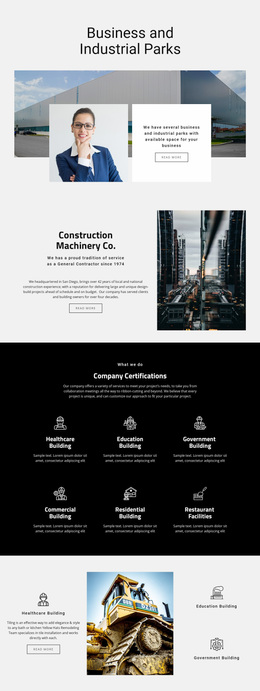
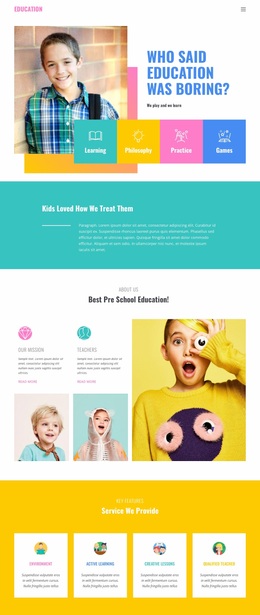
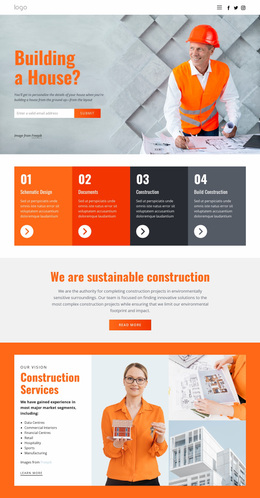
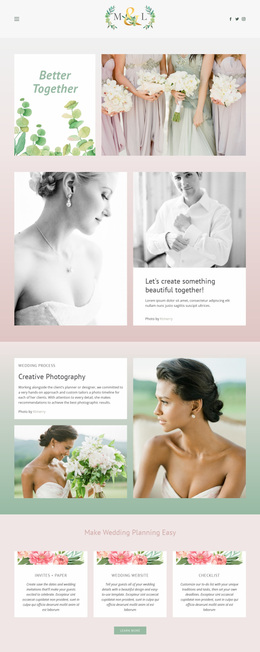
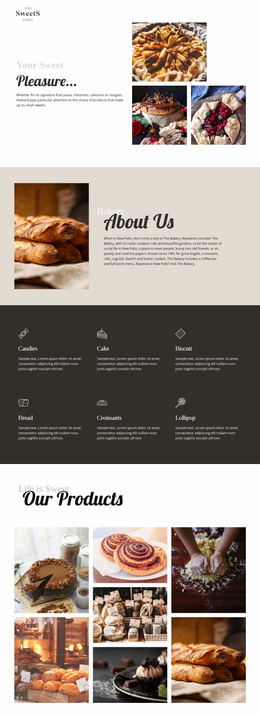
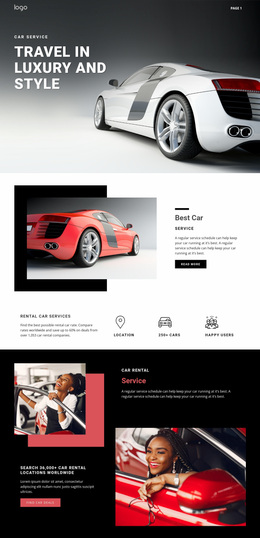
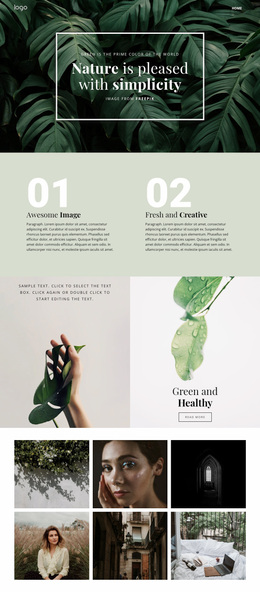
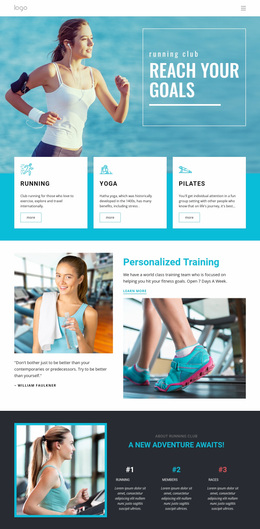
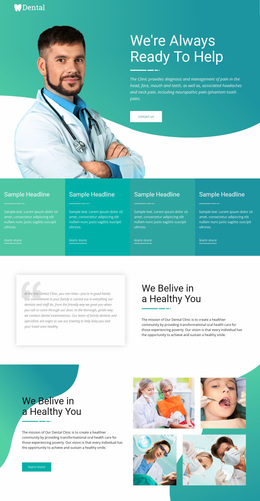
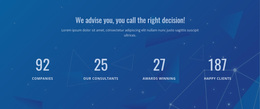
Each element on the page carries meaning and embodies a design idea: use the Gallery for stories, the Slider for highlights, the Grid for rhythm, the Counter for proof, and the Accordion for clarity.
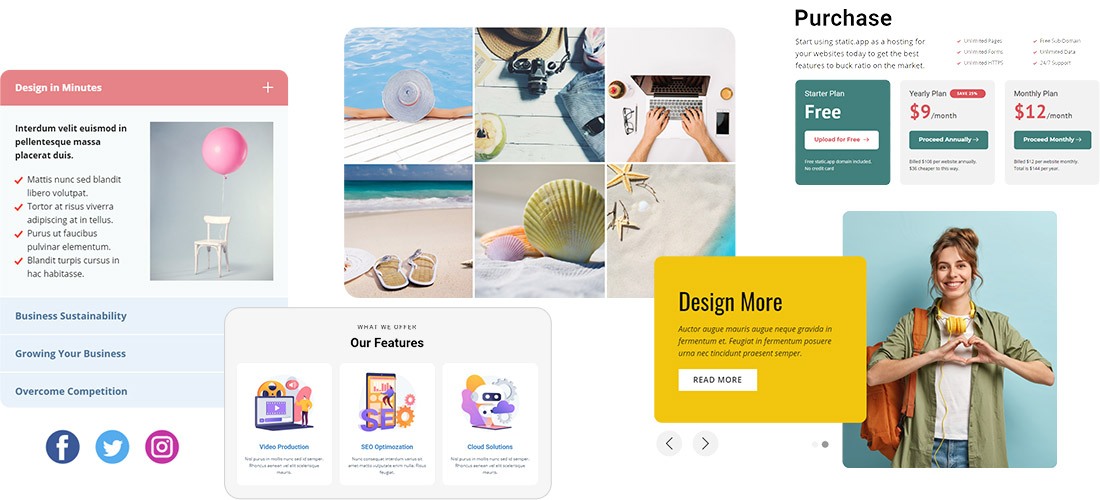
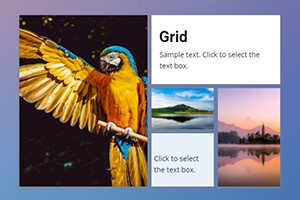
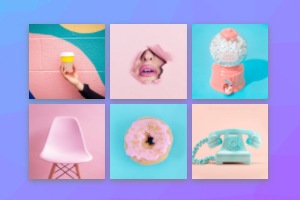
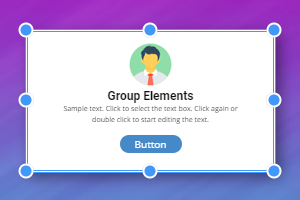
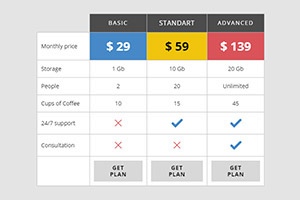
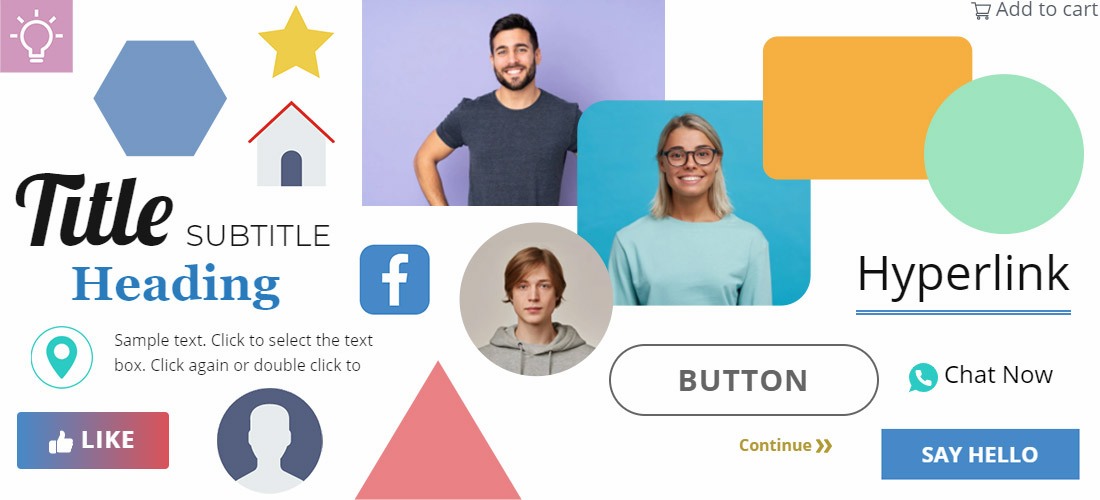
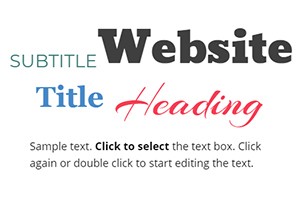
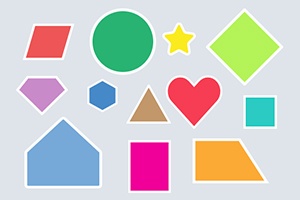
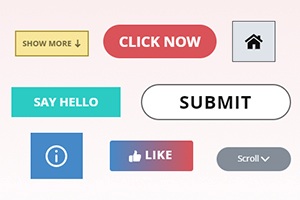
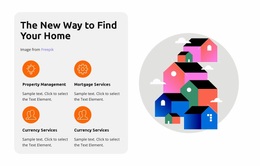
Basic elements are your UI’s building blocks. Use the text element for hierarchy, the image element for context, a hyperlink for pathways, an icon for quick cues, a shape for grouping or emphasis, and a button for action—arranged freely with drag-and-drop.








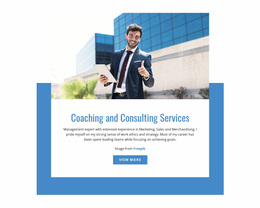
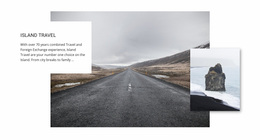
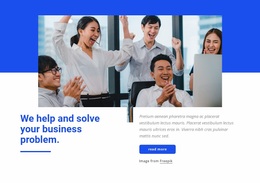
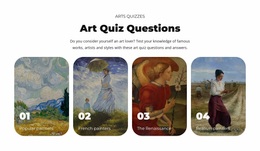





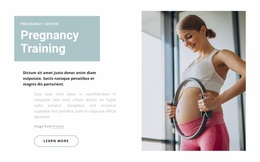
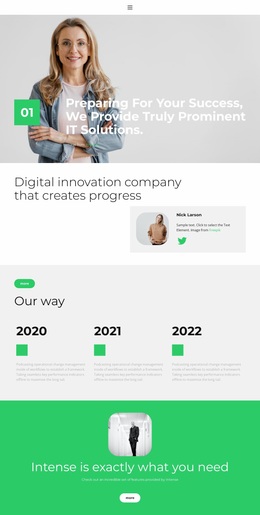
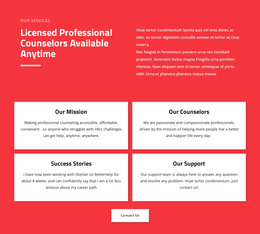

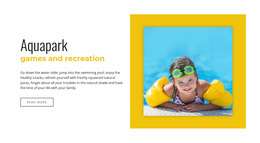
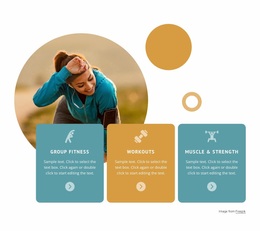
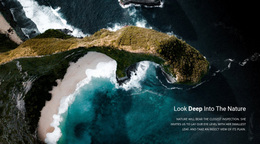
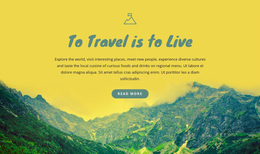
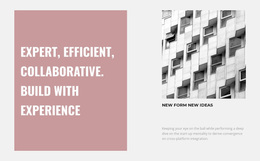
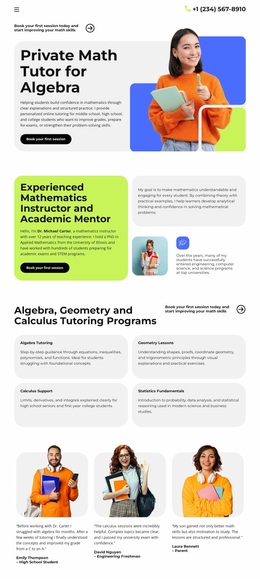





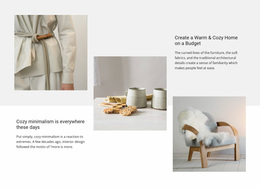
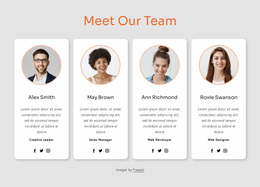
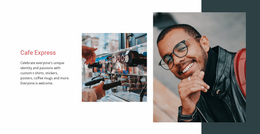
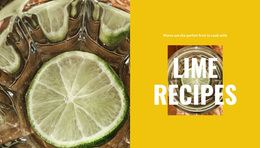
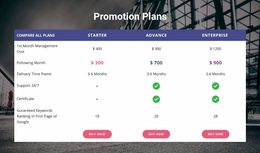
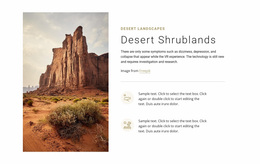
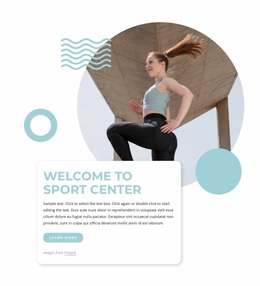
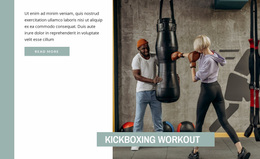
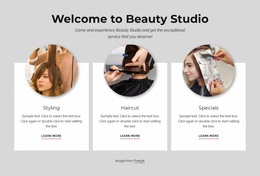
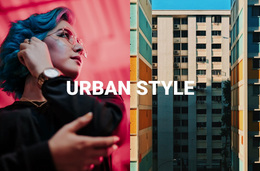
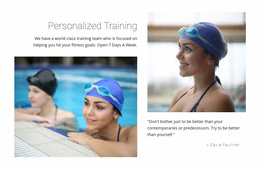
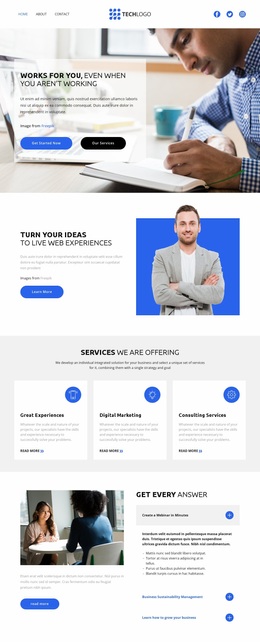

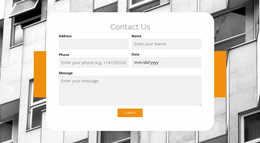

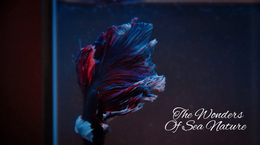
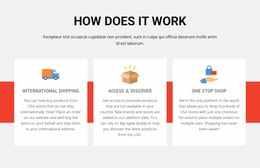
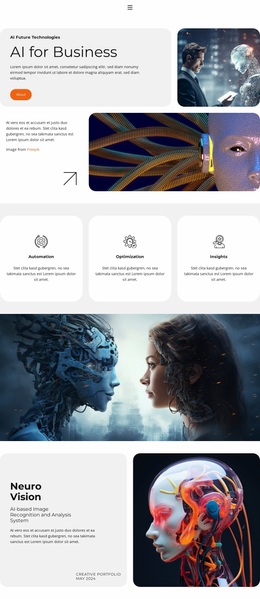
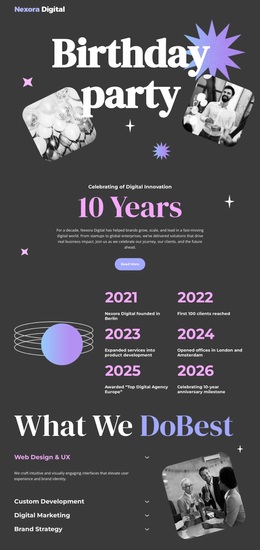
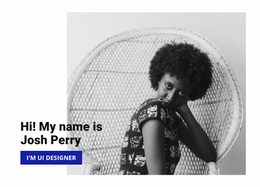
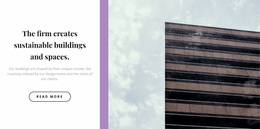
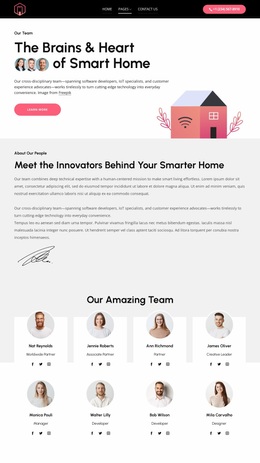
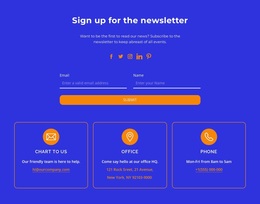
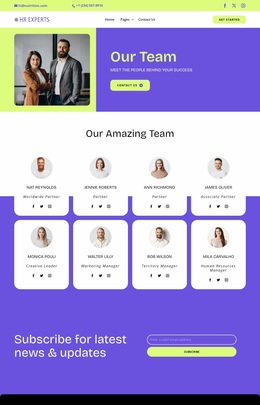
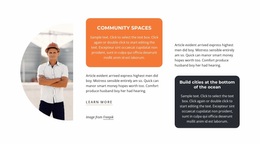
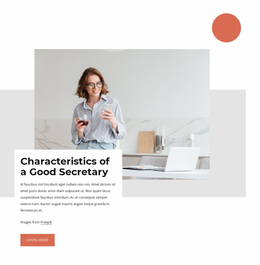
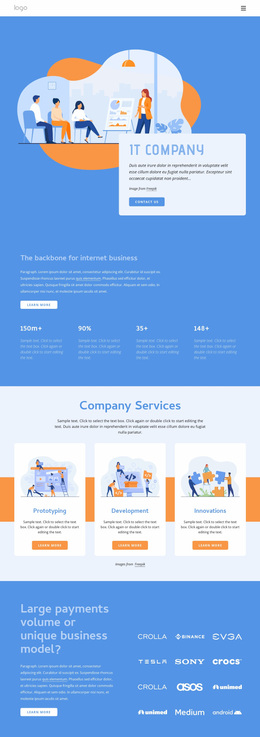

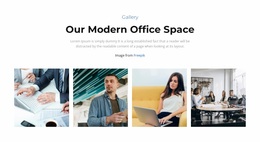



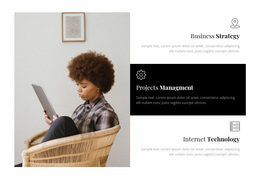
Source #1 of Your Web Design Ideas
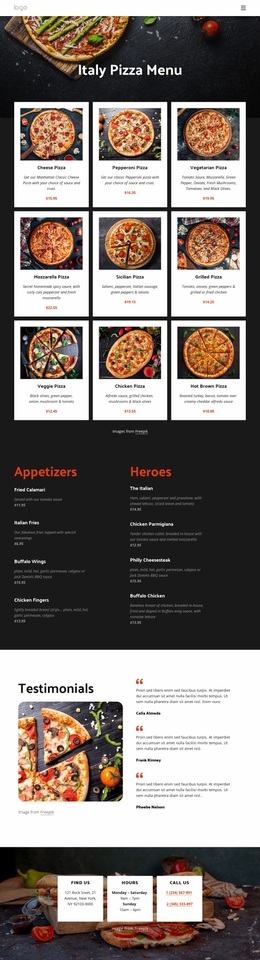
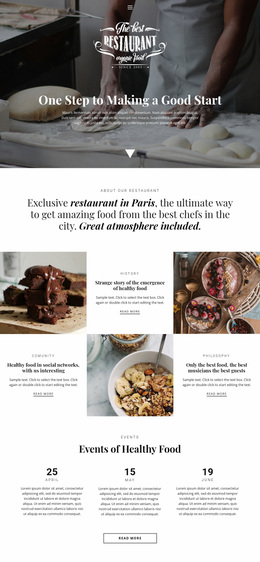
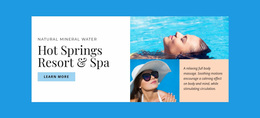
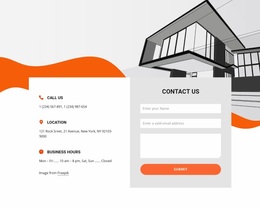
Nicepage is more than just a page builder; it’s a versatile tool to bring your ideas to life. It offers a library of over 10,000 handcrafted inspirational web templates with an AI-powered layout, color, and font picker. Discover modern website and web page designs created by professional designers. With just a few clicks, you can practice designing any type of website and create a completely new design for any niche. Start with any ready-made web template, change the content, and let Nicepage automatically adjust spacing, alignment, and responsive breakpoints. No matter what you try to achieve, Nicepage will help you quickly test your ideas and get a ready-made website in no time. With Nicepage, you get an endless stream of fresh ideas for lending, blogging, portfolios, and online stores.
Creative Website Design Ideas for Inspiration
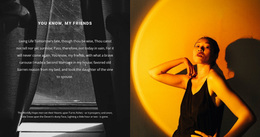
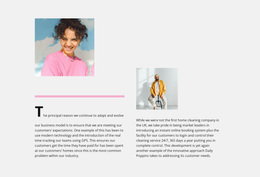
Creativity starts with details: try asymmetrical grids, big bold typography, and your own illustrations to give the page character. Add animations on hover to make your interface feel alive, without being distracting. All these effects are easily integrated into Nicepage blocks: all you need is to simply drag a section, set the background, and set the animation.
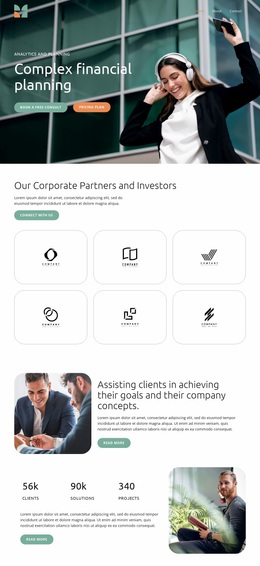
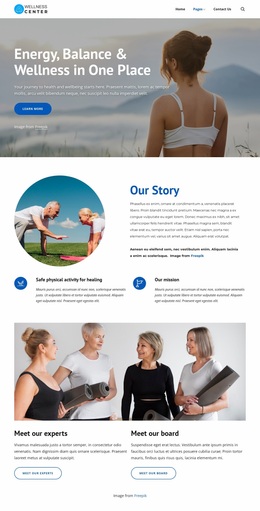
Effective Web Design Ideas for User Engagement Great web design balances form (clear structure) and function (clear calls to action). Place the main message on the first screen, use contrasting “Sign Up” or “Buy Now” buttons, and do not overload the menu. Optimize loading speed: use compressed images and “lazy” loading (Lazy Load) to retain the visitor and improve search rankings.
Modern Website Design Ideas & Trends 2026
2026 is all about minimalism and high tech. Follow the trends that improve how users interact with your site.
Dark Mode 2.0. Automatically switch themes based on the user’s system settings.
3D Objects and Augmented Reality on the Web. Rotate products directly on the page or “try them on” using the camera.
AI-Generated Layouts. Use AI to generate content for your site, and choose a layout based on your content, colors, and fonts.
Retrofuturism. Neon gradients and pixelated typography evoke nostalgia and attract attention.
Voice Control. Add voice search for better accessibility.
Eco-Friendly Design. Minimal fonts, green hosting, and compressed media to cut carbon and speed up load times.
5 Ways to Bring Your Website Design Ideas to Life
From an idea to a finished website, there are only five steps - stick to them, and the process will become quick and clear.
- Define Goals. What should your site achieve? Applications? Sales? Portfolio showcase?
- Gather Right Inspiration. Collect colors, typefaces, and templates that you like from the Nicepage gallery.
- Design a Website Layout. Create a clean wireframe using the Nicepage drag-and-drop Editor. Arrange page blocks to create responsive web page designs and instantly preview your design on both mobile and desktop screens.
- Build and Test. Assemble the layout in Nicepage, test it on desktop and mobile, ask your friends to go through the scenario. Test minimus with three real users.
- Optimize and Launch. Compress images, add meta tags, connect analytics — and publish!
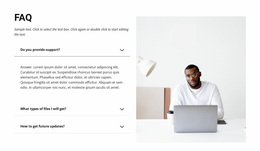
Frequently asked questions from beginners and business owners for selecting the right web design idea for their website. Start from the site's purpose and audience. Start with a ready-made Nicepage template and refine it. Yes, just ensure visual consistency in colors and fonts, and do not overload the page. Use compression, WebP format, and lazy loading of media. Usability: A beautiful but incomprehensible site loses customers. If conversion is falling and the design looks outdated on mobile, plan to update once every 2-3 years. Not when you lazy-load media, keep code clean, and leave core text as HTML. Nicepage does much of this automatically. For most projects, you will not need a developer or designer. Nicepage lets you create advanced layouts and effects without coding. Help is required only for complex non-standard logic or individual web design ideas. With Nicepage and its AI-powered tools, and layered with creative, efficient, and modern techniques, you can practice and transform your design idea into a dynamic online platform that looks modern, performs fast, and leads visitors to the desired action. Use ready-made blocks as a basis, feel free to experiment with asymmetry, dark mode, 3D elements, and micro-interactions, but always check for speed and usability. This workflow helps you quickly test and launch projects, improve SEO, and increase conversion, staying on top of 2026 trends.FAQ: Choosing and Applying Web Design Ideas
How to choose an idea if I'm not a professional designer?
Is it OK to mix several trends?
How can I keep my website fast even with animations and video?
What matters more - beauty or usability?
When should I consider redesigning?
Will fancy effects hurt SEO?
Do I need a developer?