About our adventure tours Website Template



Edit Template Offline
2. Create new page and search for id 6293041
Edit Template Online
Create Awesome Websites


Free Nicepage Builder
Keywords
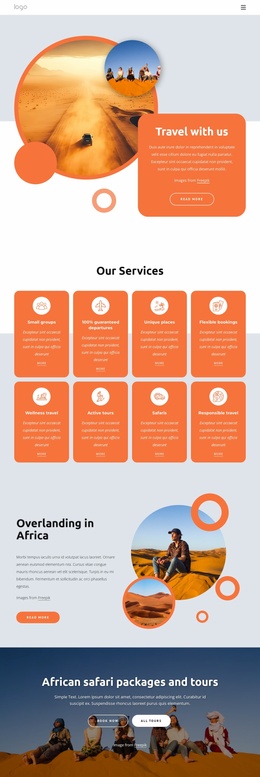
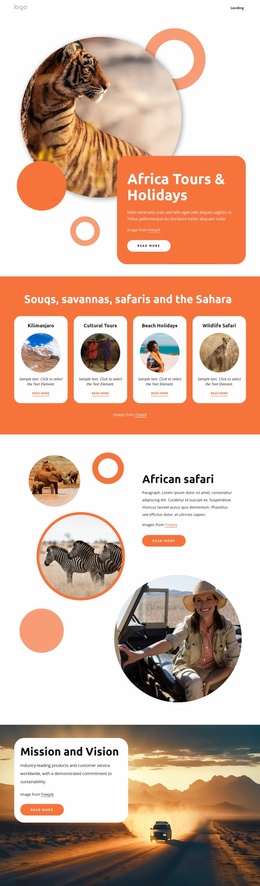
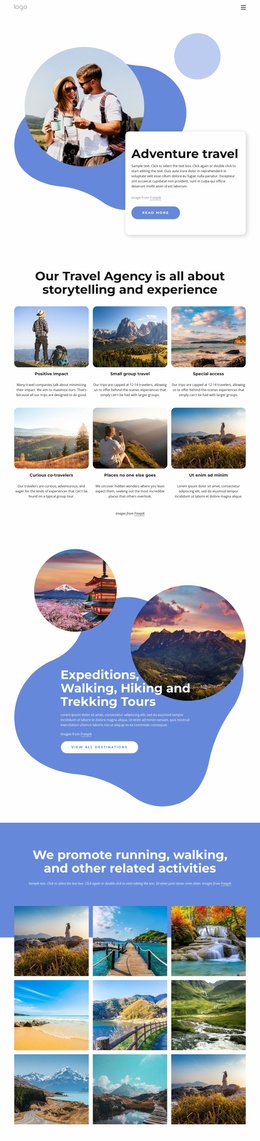
Tour categories, camping content, and contact areas establish a wider site foundation
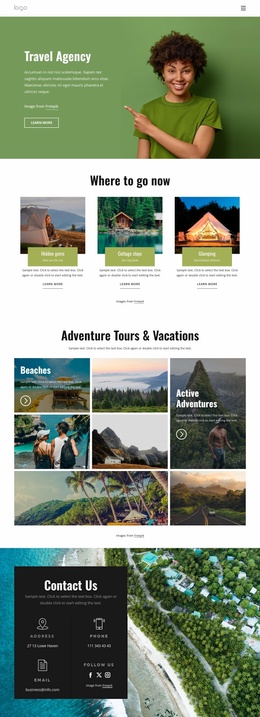
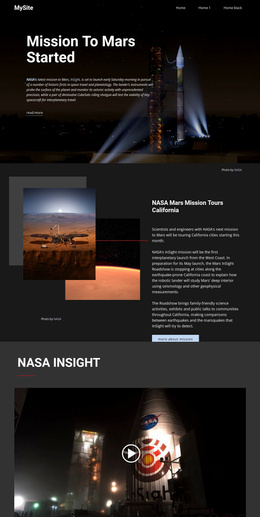
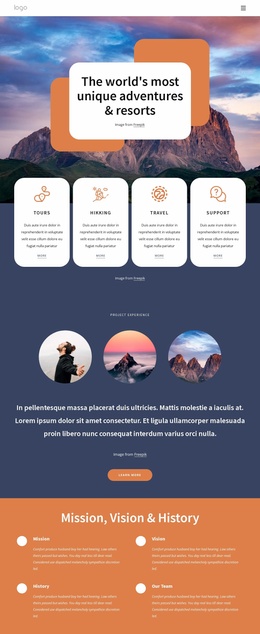
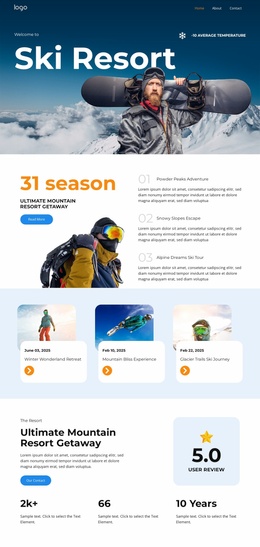
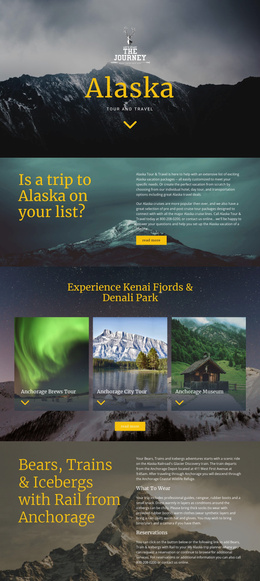
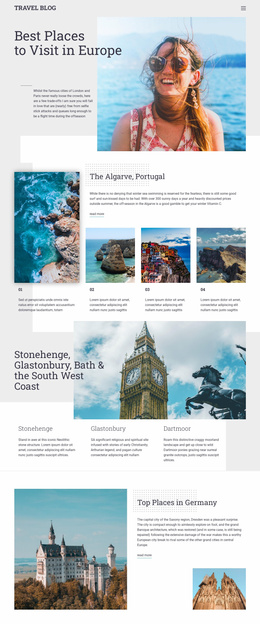
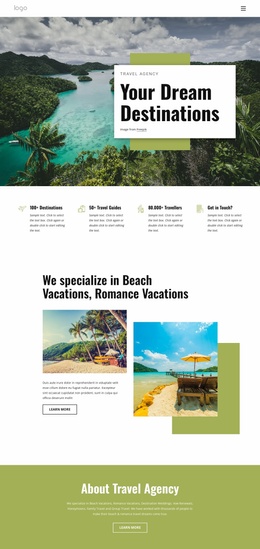
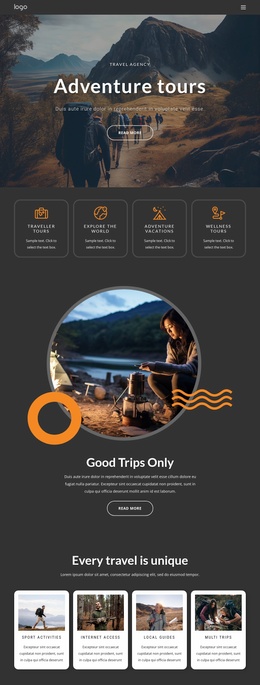
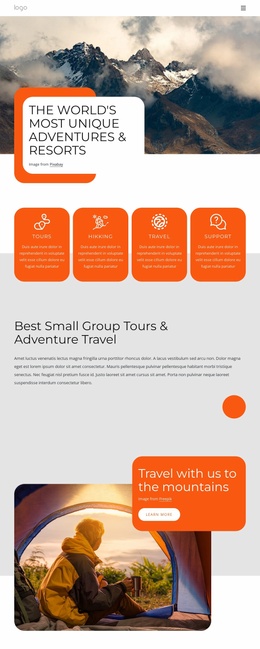
The design already identifies several content categories that can anchor a broader travel project. The opening navigation and mountain hero establish the main subject, while the four introductory cards separate Traveller Tours, world exploration, adventure vacations, and wellness tours. The later “Every travel is unique” section adds experience-oriented areas such as sport activities, local guides, and multi trips. Together, these groups provide more than a single offer statement: they outline different ways visitors might explore the agency’s services.
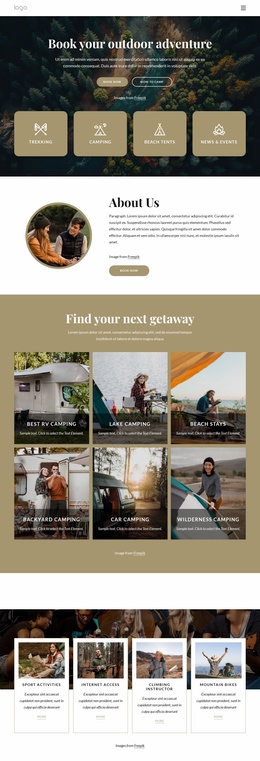
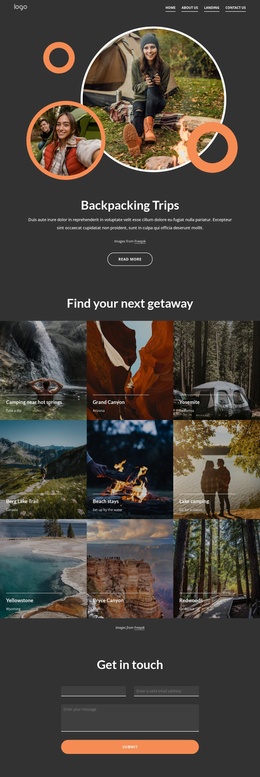
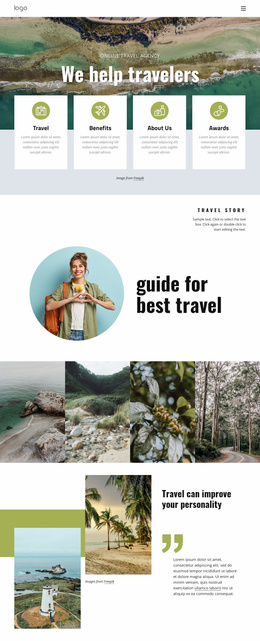
The visual and informational foundation continues through dedicated travel content. Six vacation category cards distinguish ocean cruising, land adventures, nearby adventures, river cruising, romantic tours, and multi-adventure tours. Camping near hot springs, tent camping, lake camping, mountains, waterfalls, road travel, and recreation activities create additional subject areas that could guide related pages or expanded sections as the project develops. Six testimonials and the four-image outdoor gallery add proof and visual material, while the Why Us section explains the agency from a separate perspective.
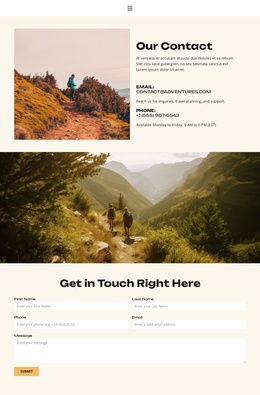
A four-person team area introduces the people behind the presentation, and the scenic social callout creates a recognizable closing identity. The contact form then supplies a practical inquiry area with name, email, and message inputs. This combination gives a larger website project a starting information architecture: navigation, experience categories, supporting proof, people, visual storytelling, and contact content are already connected by a common dark, orange-accented design direction.
Customize with Nicepage
Open this ready-made template in the Website Template Builder and customize it visually in the Nicepage editor. Replace demo content, edit page sections, and adapt the design to your project without rebuilding the template from scratch.
Build a Complete Website From This Template
Customize the Website Visually
Use this ready-made website template as a starting point for your project and adapt its pages visually in Nicepage. Change content, images, typography, navigation, sections, and other design elements while keeping the website together as a single editable project.
Manage Website Pages in One Project
Use the Pages panel to open, add, duplicate, and manage the pages of your website. Work on individual pages while keeping navigation and the overall site structure accessible from the same project, making it easier to develop a complete website instead of managing separate page files.
Expand the Website With Matching Designs
When you need additional pages or sections, use Page Design Sets to find Page and Block Designs created in the same visual style. Design Sets group matching designs together, making it easier to expand the website with new content while maintaining a consistent look across its pages and sections.
Organize Larger Multi-Page Websites
As the website grows, use Page Folders to organize related pages and keep larger multi-page projects easier to navigate in the editor. This is especially useful for websites with separate service pages, company information, contacts, landing pages, and other content areas.
This workflow makes the template a practical foundation for building and expanding a complete website while managing its pages, content, and visual design within one Nicepage project.