
Rustic HTML Templates
Craft businesses, rural stays, and farm brands often depend on image-rich stories, galleries, products, and location details. Rustic HTML templates organize that content into adaptable sections that you can refine for different screens and implementation needs.
-

-

-
-
-
-
-
-
-
-
Free Website Builder SoftwareDownload
-
-
-
-







More HTML Templates from Nature Category


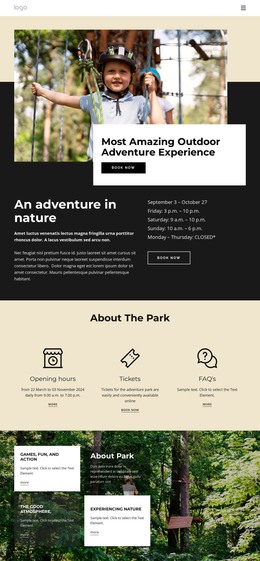

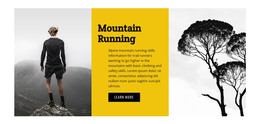

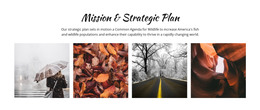




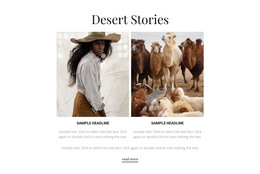





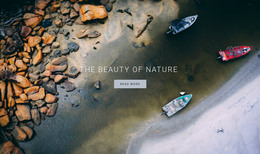


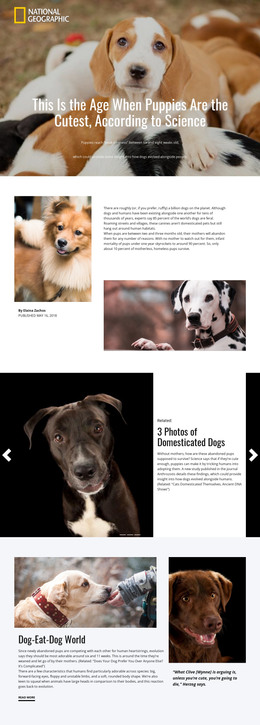
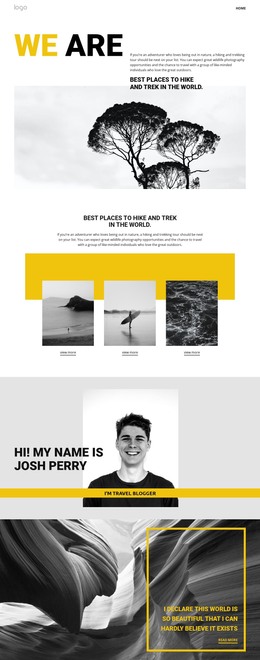
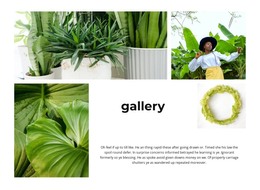




Other Nature HTML Templates
Responsive Rustic HTML Templates for Structured Web Pages
Rustic HTML templates are ready front-end files for sites that live on big, warm photographs. You adjust the layout visually in Nicepage, then export the finished HTML along with its scripts and images. You can host the result on any provider you choose, and a developer can later reorder sections or add a small script without starting from an empty file.
Wide Photos Under Pressure
Much of the rustic character sits in wide photos and textured surfaces, which are exactly the parts that suffer first when the screen shrinks. A good template has already dealt with layouts like these:
- A vineyard hero with rows running toward the hills, where the phone version needs a tighter crop and a headline moved onto a calmer strip of the image.
- An asymmetric portfolio for a leather workshop, where offset close-ups of stitching and grain have to settle into one tidy column.
- A product grid for a honey producer, with several shots per jar that should shrink without becoming thumbnails nobody can read.
On a wide monitor, the photo leads. On a phone, the price, opening hours, or order button should appear before the second row of pictures.
Tablet and Phone Views
Nicepage Responsive Modes switch the editor into Tablet or Phone view, where the vineyard hero can get its own crop and the leather portfolio can drop its offsets. Each mode maintains its own layout, so changes made on phones leave the desktop layout unchanged.
A weathered-plank background sized for a desktop can scale into busy stripes behind a phone paragraph. Check which sections use it and whether the phone view can swap it for a flat tone. Hand-drawn display fonts also lose their edges at small sizes, and shorter headings in the Phone view keep them legible.
Exported Folders for Any Host
When every view looks right, Nicepage exports the project as a folder of HTML files, scripts, and images. You can upload those files to any server, and a developer can open them in a code editor to add extras such as a delivery calculator for the honey shop. You can duplicate repeating blocks, such as a jar card or a stockist listing, as the range grows.
That is the case for a rustic HTML template: the photo-heavy layouts already behave on phones, and the finished site is a set of files you keep. A new product row or a seasonal banner is then simply an edit to those files, made by you or by whoever you hand them to.