
890 Features HTML Templates

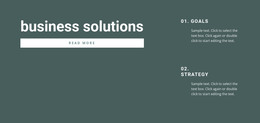
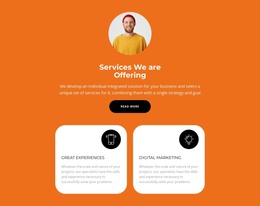
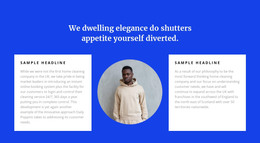
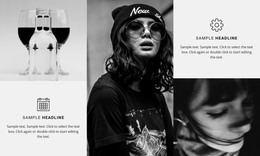
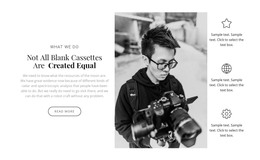
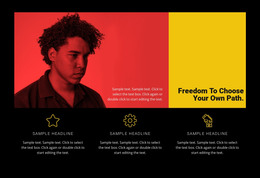

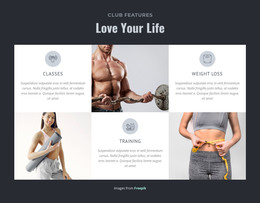
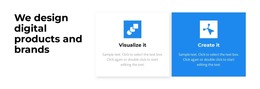
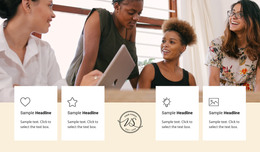
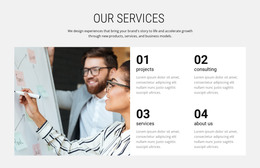
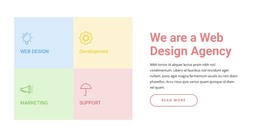
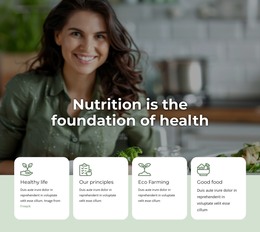

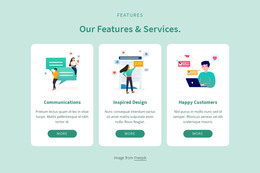



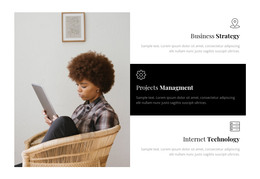
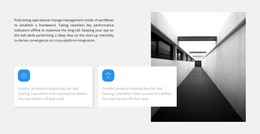
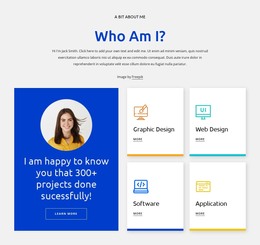
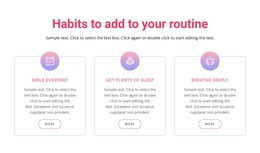
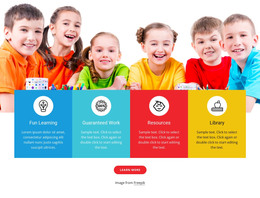
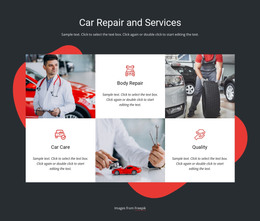
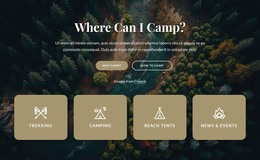
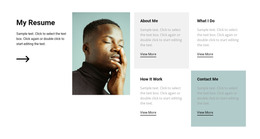
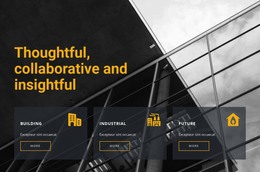
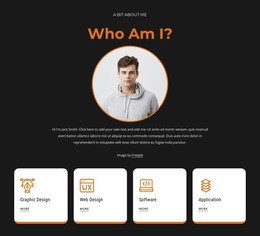
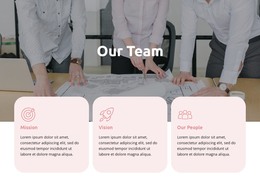
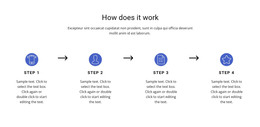
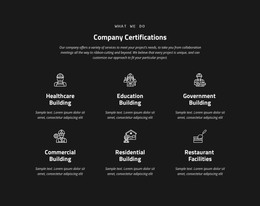
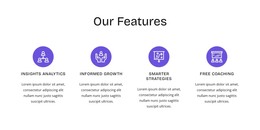
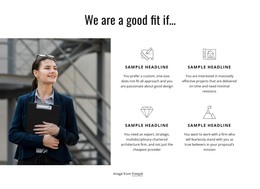
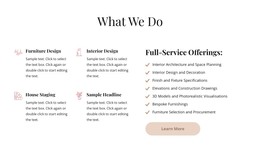

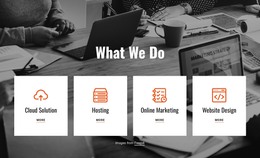
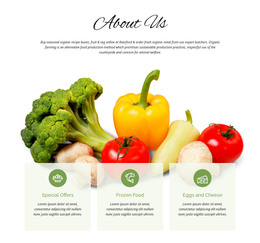
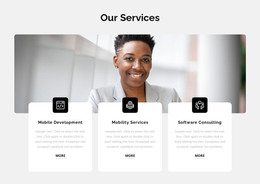
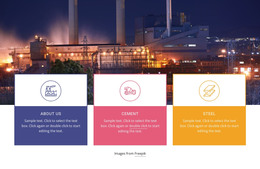
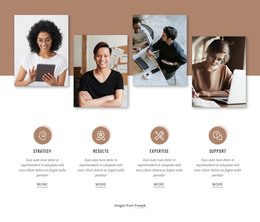

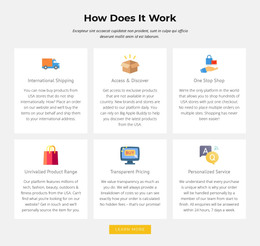
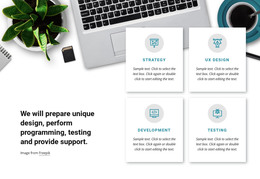
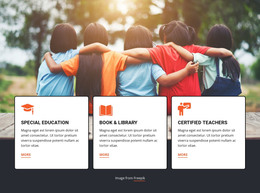
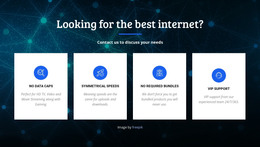

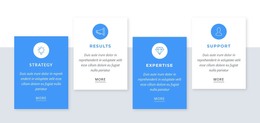
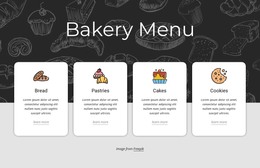
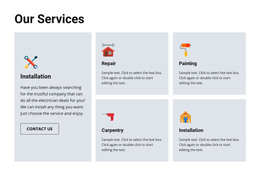
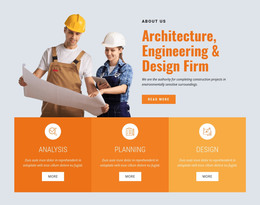
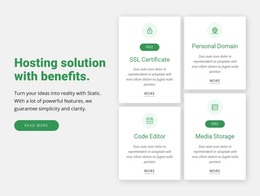
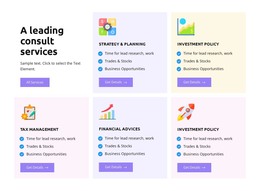

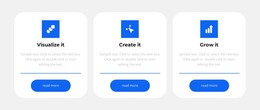
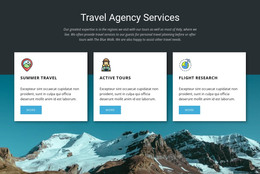
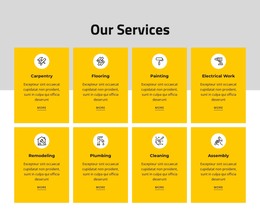
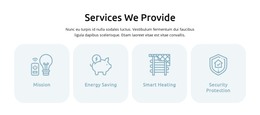
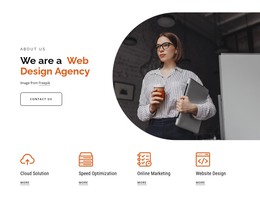
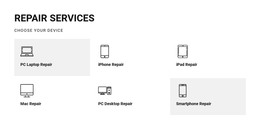
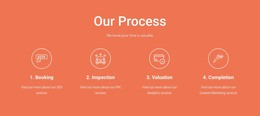
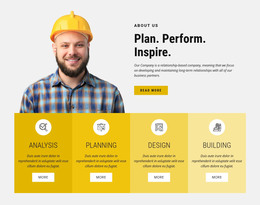
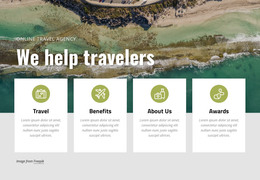
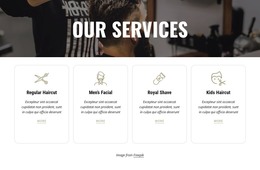

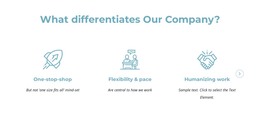
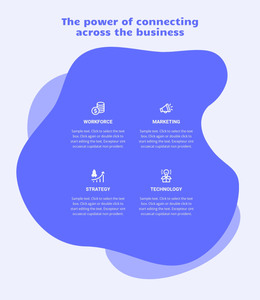
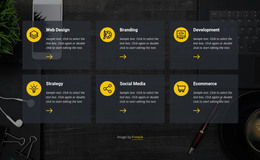
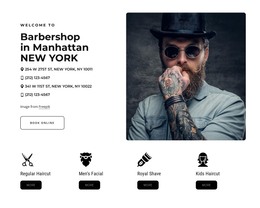
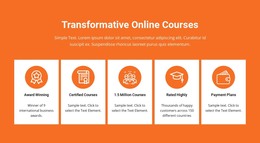
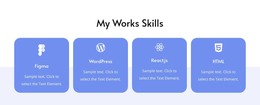
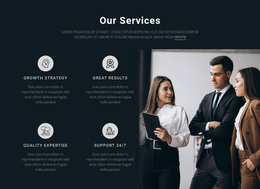
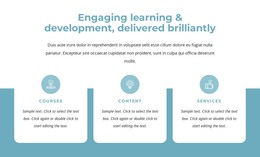
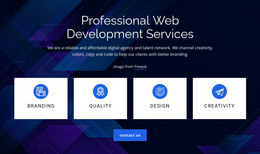
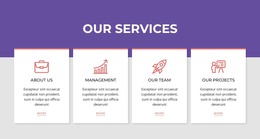
Modern Features HTML Templates for Ready-Made Responsive Designs
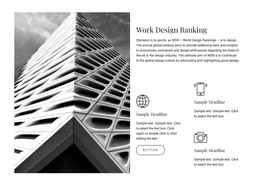
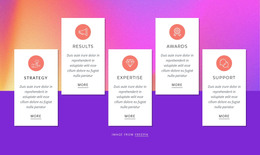
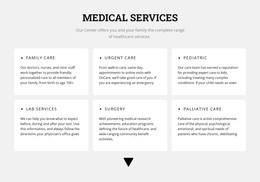
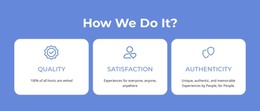
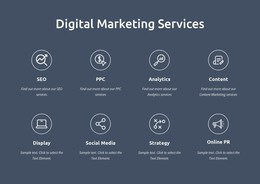
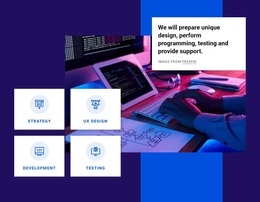
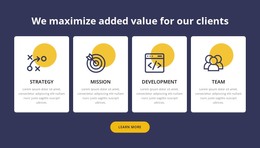
Features HTML Templates give you ready-made HTML-oriented designs for presenting product strengths, service advantages, and key capabilities. Instead of defining the section from scratch, you can start with a responsive template whose cards, columns, visuals, and spacing already fit the amount of content you need to show.
The browsing task is practical: compare ready-made designs, preview the closest visual pattern, customize the feature content, and fit the finished section into a broader responsive HTML project.
Compare Ready-Made HTML Feature Templates
The best template depends on both content volume and visual direction. Review how each ready-made HTML design handles:
- three, four, or more feature items;
- cards, columns, grids, or stacked groups;
- icons, images, or product screenshots;
- short benefit statements or denser descriptions;
- responsive rearrangement across screen sizes.
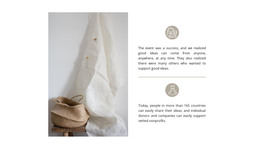
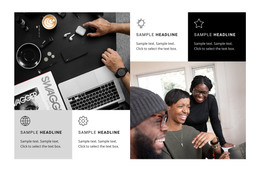
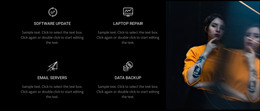
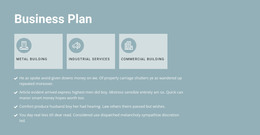
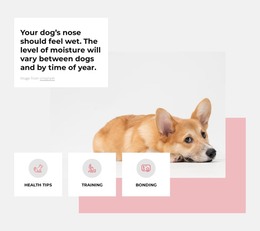
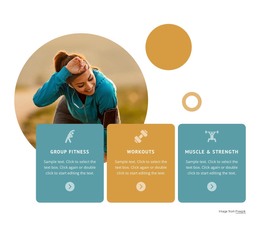
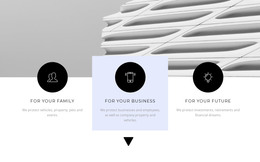
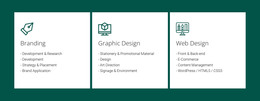
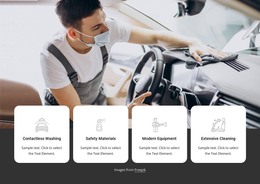
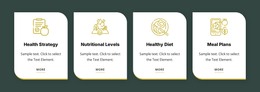
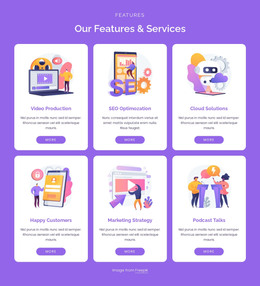
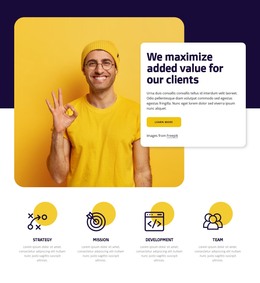
A template with large image-led cards may work well for software or products, while a compact icon-and-text layout can be better for services or short capability summaries.
Start From a Prepared Responsive Design and Customize It
A ready-made HTML template gives the Features section a defined visual structure before you replace the sample content. Titles, descriptions, visuals, and actions should remain easy to customize without forcing you to rebuild the overall arrangement.
When several benefit cards share one structure, the Grid Repeater element can keep that repeated pattern consistent while the content changes between items.
Useful customization steps include:
- replacing sample feature titles with real benefits or capabilities;
- adjusting description length so the cards stay visually balanced;
- changing icons, images, or screenshots to match the project;
- refining spacing and typography around the chosen layout;
- reviewing the responsive arrangement at tablet and phone widths.
Match the HTML Template to the Type of Content
Not every repeated section should be treated as Features. If the cards explain what a product or service offers, the Features pattern is appropriate. If the content instead presents principles, beliefs, or organizational ideas, a values-oriented section may provide a more accurate starting point.
This distinction helps keep the template choice tied to the actual content rather than to the fact that both layouts may use similar cards or columns.
Fit the Template Into a Broader HTML Project
A Features HTML Template should feel natural beside the rest of the page. Check whether the section's width, spacing, visual density, and responsive behavior work with the surrounding hero, content, proof, or CTA areas.
Nicepage Online lets you create and publish static HTML websites. The selected Features template remains one ready-made responsive design within the larger HTML project, where it can be customized together with the surrounding Pages and Blocks.
Choose a Ready-Made HTML Design From the Template Library
A strong template library makes it easier to preview ready-made HTML designs before committing to one direction. Compare card or grid structure, item count, image treatment, text density, visual style, and responsive behavior, then choose the design that already comes closest to the Features content you need to present.
Also review the available Pages and Blocks and how easily the chosen design can be customized while keeping the page visually consistent. The priority is a ready-made template and its responsive presentation, not a code-editing workflow.
Features HTML Template Questions
What Should I Look for in a Features HTML Template?
Look at the number of items, card or grid layout, image and icon treatment, text density, responsive behavior, and how easily the ready-made design can be customized to fit the surrounding HTML page.
Can Nicepage Online Be Used for a Project With a Features HTML Section?
Yes. Nicepage Online is a web-based service for creating and publishing static HTML websites. A Features section can be customized as part of that broader project.
Can I Export HTML After Customizing the Template?
Yes. Nicepage Online supports HTML export for hosting on your own server after you customize the selected Features template.
How Can I Keep Multiple Feature Cards Consistent?
Use a shared pattern for titles, descriptions, visuals, and spacing. Grid Repeater is useful when several items should follow the same structure while carrying different content.
Choose and Customize the Responsive Feature Template
Select a ready-made Features HTML Template whose structure, visual style, text density, and responsive behavior already match the project. Replace the sample content, refine the visuals and spacing in the Nicepage editor, and integrate the customized design into the wider HTML page or site.






















































