
Product List HTML Templates
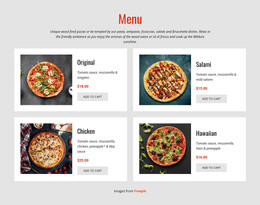
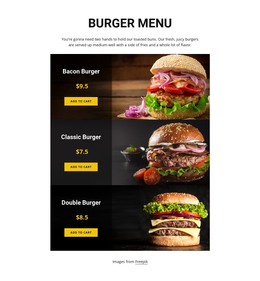
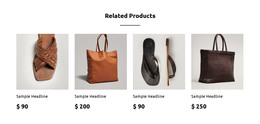
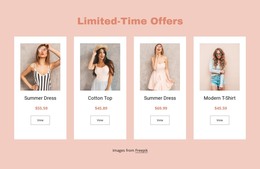

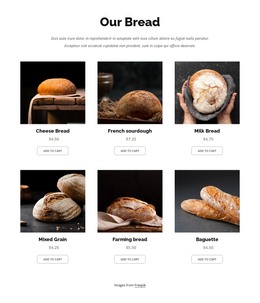
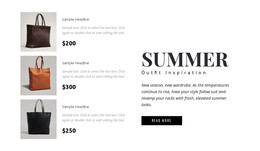
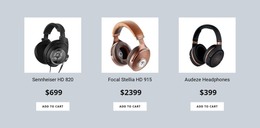
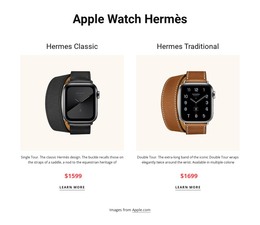
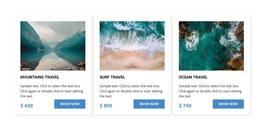
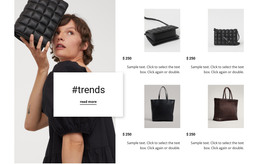
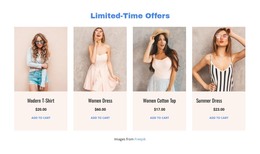
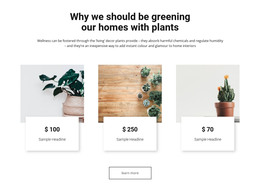
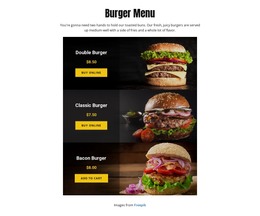

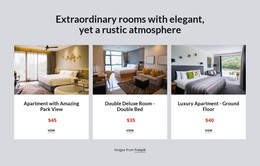
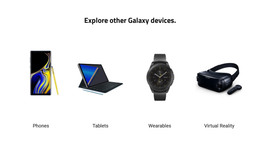
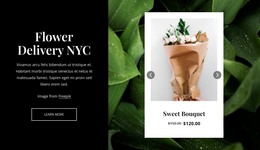
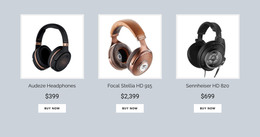
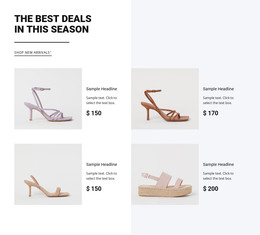

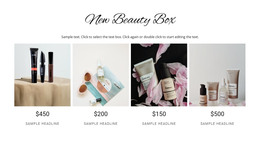
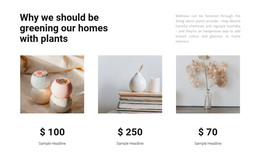
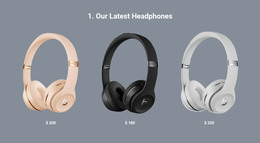
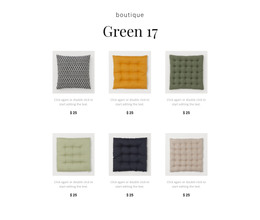

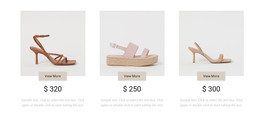

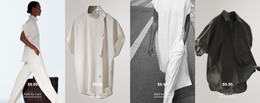

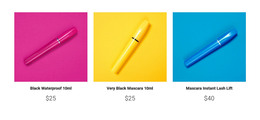
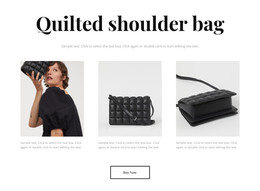
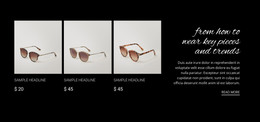
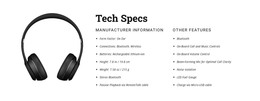
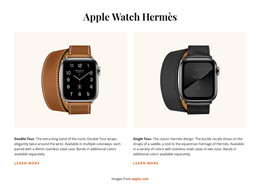
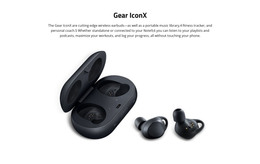
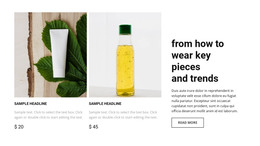

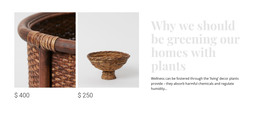
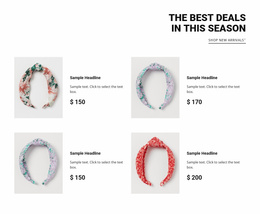
Simple Product List HTML Templates With Ready Section Layouts for HTML Projects
Product List HTML Templates are a shortcut from a ready-made product section to an exported HTML website. Pick an arrangement that fits the merchandise, replace its sample content in Nicepage, and include it in the containing HTML project. The key decision is whether the finished section exports cleanly with the right images, styling assets, and product destinations.
What Does a Product List HTML Section Include?
A Product List section organizes multiple products into repeated entries so visitors can recognize merchandise, compare basic information, and decide which items to examine further. The collection serves a clear purpose on the page: introducing available products without showing every detail about each one.
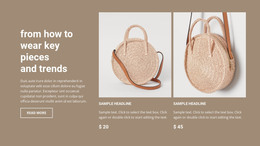
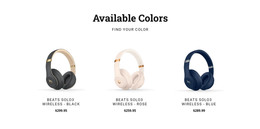
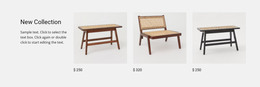
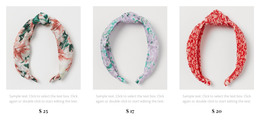
Its content usually includes a product image, a title, a price, and an optional description or call to action. Keeping these elements in a consistent arrangement helps visitors browse the collection without losing track of individual items.
An HTML product catalog preview can appear below an introduction, inside a featured merchandise area, or before a section containing additional shopping information.
Clean Product Card Arrangements for HTML Pages
Choose the ready-made listing according to the assortment you want to include in your HTML website. A featured-products strip makes sense when the page introduces a small range; a denser grid suits a catalog preview; a slider can show a short product sequence within a narrower section.
Before deciding, replace the sample items with representative product names and images. Check whether prices are visible, actions fit their labels, and the layout remains readable when cards wrap on mobile. Nicepage's Product List Element offers Grid and Slider arrangements with controls for columns, rows, and spacing.
For an e-commerce project, the exported product section can be part of a larger site. Exporting the layout alone does not create a full commerce backend, so keep product data and action requirements clear.
Using Product List Blocks in an HTML Project
Start with a Product List HTML Template whose card arrangement suits the intended page. In Nicepage, replace placeholders with actual product names, images, prices, and actions; use the Products Panel where appropriate. The Product List Element documentation explains its product controls.
When the containing project is ready, use the HTML website export. The output contains the HTML pages plus related CSS, JavaScript, and image assets needed by the website. The HTML export guide describes the supported export and publishing workflow.
After export, open the HTML website and check the actual product selection: images should load, prices should match the intended items, and every product link should lead to its intended destination. Review the collection on desktop and phone widths rather than relying on the editor preview alone. This is a ready-made section adapted and exported through an editor, not a promise that you can import arbitrary existing HTML back into Nicepage.
Product Lists and Individual Product Pages
The exported collection is useful when visitors need an overview of several items. If they require specifications or purchase options, let the card lead to a separate product page where the project supports it. Keep the HTML listing focused on choosing and exporting a usable section rather than reproducing every detail of the catalog.
Frequently Asked Questions About Product List HTML Templates
Can I use a Product List section in an HTML website created with Nicepage?
Yes. Nicepage provides a Product List Element for page blocks and supports exporting the containing project as an HTML website with its required files.
Can I change the arrangement of product cards?
Yes. The Product List Element supports Grid and Slider layouts. Its settings include columns and rows for Grid layouts, plus spacing between cells.
Can I import an existing HTML product section into Nicepage?
Nicepage does not support importing existing HTML websites into its editor. You can recreate the section using the Product List Element and available layout controls.
Add a Product Collection to Your HTML Page
Choose a ready-made Product List HTML Template that fits your assortment, customize its images, names, prices, and actions in Nicepage, and include it in your HTML project. Export the site through the supported workflow, then inspect the finished product section and its links before publishing.





















































