
1010 Travel & Hotels HTML Templates

























































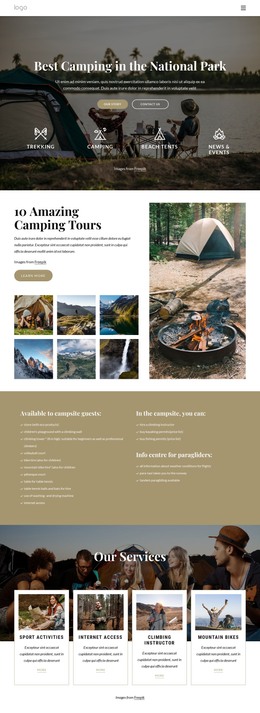
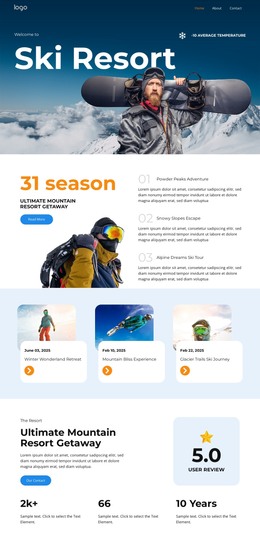

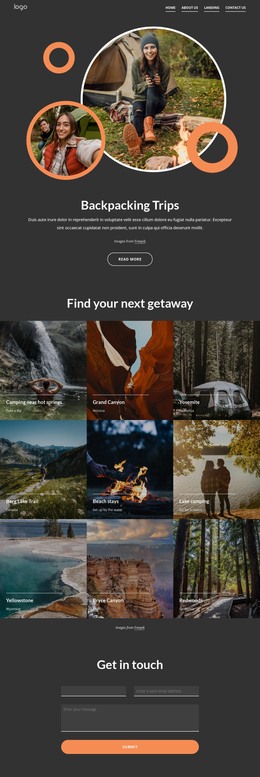

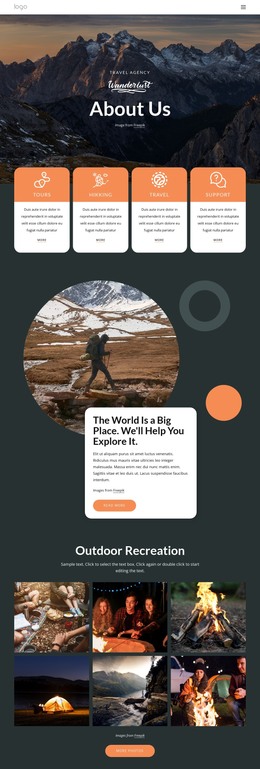



Advanced Travel & Hotels HTML Templates
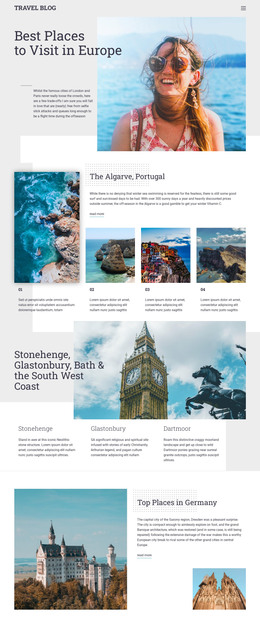
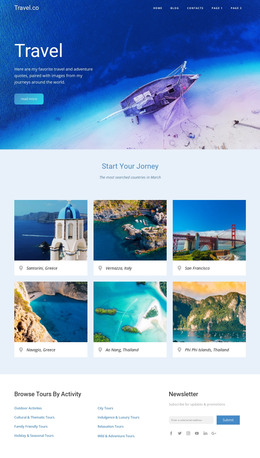
Clear destination hierarchy, predictable mobile behavior, and source ownership define a strong travel website. Travel & hotels HTML templates provide hotels, ticket services, tour operators, and destination brands with a structured base for rooms, routes, trip guidance, and local highlights, while keeping the final HTML available for review and deployment.
What Makes an SEO friendly Travel HTML Template?
A good travel HTML layout connects semantic tags, adaptive structure, and readable content hierarchy to real visitor tasks. Hotels need clear stay details, ticket services need route information, and destination pages need scannable highlights. Developers should also be able to review the clean HTML structure and run W3C validation before release.
An Australia travel direction can help organize destination sections by region, attraction, itinerary, and practical visitor details. In Nicepage, choose a design, open it in the Online Builder or Desktop App, adjust the page structure, then export HTML or publish online.
For card-based accommodation or route sections, the Grid Element places content inside cells that move one under another automatically on smaller screens. This supports an adaptive layout without forcing every travel card into a fixed desktop arrangement.
Customizable Features for Travel HTML Pages
- Visual Page Editor: Adjust text, images, grids, and other elements with drag-and-drop positioning before code export.
- Grid Element: organize hotel rooms, travel options, or destination cards inside responsive cells.
- Mobile-Friendly Web Design: adapt page layouts to major screen sizes and mobile browsers.
- SEO Page Properties: set Title, Description, Keywords, and Canonical values when required.
- Alt Text Image Property: Add relevant text to hotel, aircraft, destination, or itinerary images.
- Image Lazy Loading: load page images gradually as visitors scroll through photo-heavy travel sections.
- Export Websites: export HTML websites from the Nicepage Application for Windows or macOS.
For fare- or transport-oriented content, airplane ticket page ideas can help separate route details, ticket conditions, destination highlights, and primary actions. The SEO Settings documentation outlines the Nicepage workflow for configuring search-related pages before the HTML file enters final developer review.
Simple Travel HTML Questions
Can I work on hotel or travel HTML pages without an Internet connection?
Nicepage Desktop Applications for Windows and macOS use online authorization, but you can work offline if you previously signed in while connected. The template and media libraries are unavailable while you are offline.
Can I host an exported travel HTML site on a third-party hosting provider?
Yes. Nicepage supports unlimited third-party hosting, so exported HTML websites can be hosted on the environment you choose.
How can I describe destination and hotel images for search engines?
Use the Alt Text Image Property to add topic-relevant text to images. This is useful for destination photos, accommodation images, aircraft visuals, and other travel content that should carry descriptive context.
Free Travel HTML Layouts for Developer Handoff
A travel project can stay visually accessible without hiding the final source from the development team. Use celebration travel concepts when event-led trips need a distinct visual direction, select a design in Nicepage, refine the responsive sections, and prepare the HTML for export. Start for free, then publish online or hand the files to developers for validation, hosting, and final integration.






















































