
150 Music & Entertainment HTML Templates




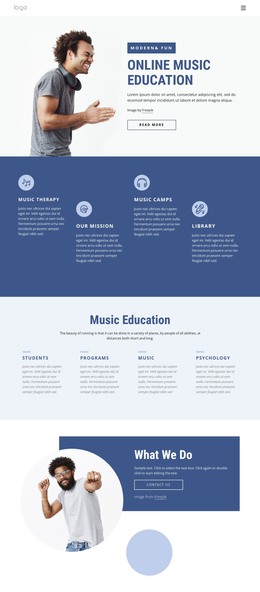


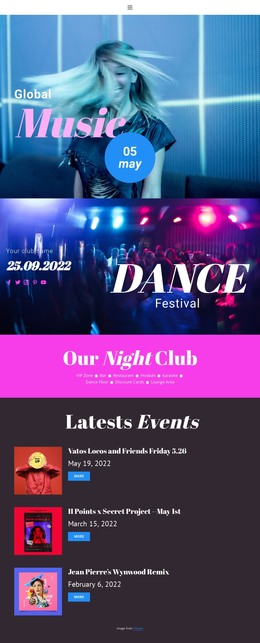
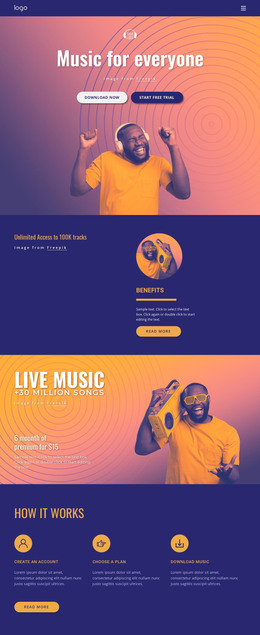

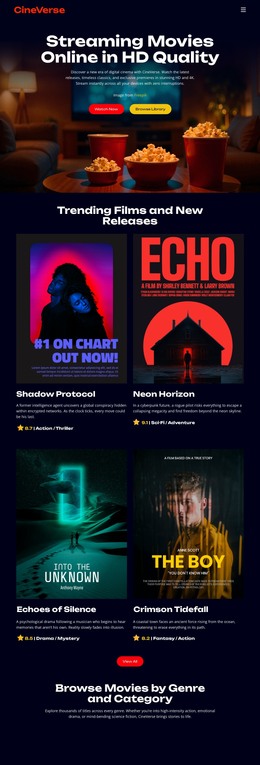







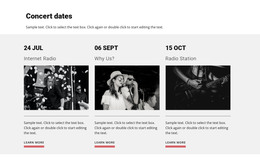

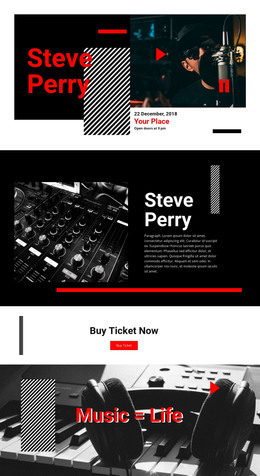


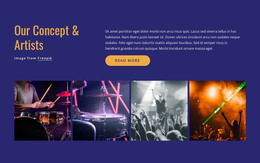
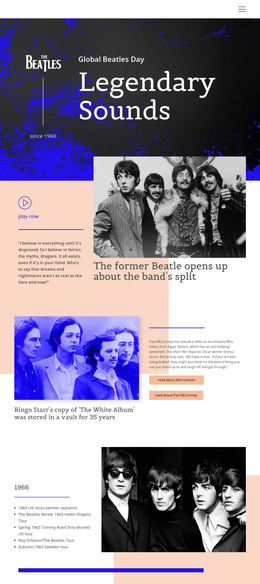
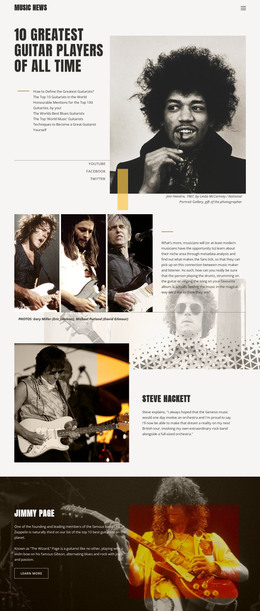


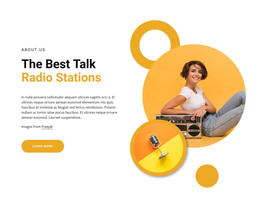







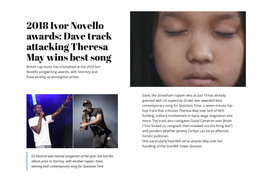


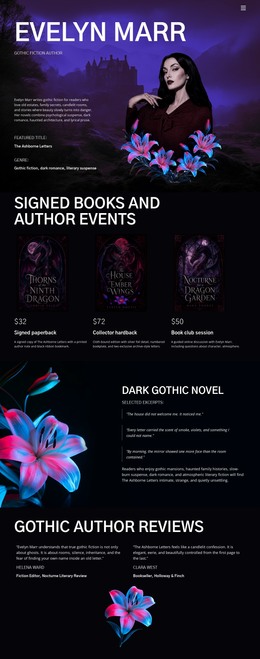
















































Advanced Music & Entertainment HTML Templates for Editable Project Files
Music & entertainment HTML templates are for developers, agencies, and site owners who need a complete web project they can take away and continue working on. The useful deliverable is not only what the page looks like in the editor. It is the set of editable project files behind it: '.html' pages, stylesheets, scripts, images, fonts, icons, and media references that can move into an ordinary development and hosting workflow.
What You Receive After HTML Export
A practical entertainment project usually contains several file types that need to stay connected after handoff:
- HTML pages for the site or individual sections;
- stylesheet files that control the visual presentation;
- JavaScript files for supported interactions and page behavior;
- images, fonts, icons, and media assets used by the pages;
- local and external dependencies that must remain available after transfer;
- relative asset paths that connect pages to their CSS, scripts, images, and media.
A fan or community project can use fan website ideas to decide what the finished site should contain. Once the project is exported, the developer's job changes: inspect the file tree, confirm that local assets resolve correctly, and identify anything that still depends on an external service.
Review the Package Before Developer Handoff
Nicepage Export Websites produces HTML websites from applications on Windows or macOS. Before handing the files to another developer, open more than the homepage. Check internal links, image and font paths, scripts, forms, embedded services, and any resources loaded from external domains.
For an audio-led project, MP3 player website concepts can help define where playback, track details, artwork, and artist information belong. When recorded performances or interviews are part of the project, the Video Element documentation explains the Nicepage video workflow. Those media choices become part of the exported package and should be tested in the destination environment rather than assumed to work because the editor preview looked correct.
Page metadata can also be prepared in Nicepage; the SEO Settings documentation covers the relevant page-level fields. During handoff, treat those settings as another part of the project that should survive the move together with files, links, and dependencies.
Portability After Export
Source access matters because the exported project can continue outside the visual builder. A developer can replace images, update copy, adjust CSS or JavaScript, add a new script, change an external integration, or prepare the same project for a different host. That portability is especially useful for an agency delivering work to a client or an in-house team that expects further development after design approval.
For station pages and show archives, a broadcasting website direction can help shape programs, presenters, featured media, and contact paths before handoff. Afterward, the technical focus is on whether the complete package remains understandable and transferable to the next person who works on it.
Choose HTML when the main requirement is the complete editable project. For one non-standard embed, a custom HTML snippet is usually the narrower tool; when document semantics are the main concern, review the structure separately from the project-delivery workflow.
HTML Project File Questions for Entertainment Sites
What files are typically included in an HTML entertainment project?
The project can include '.html' pages plus linked CSS, JavaScript, images, fonts, icons, and media assets. It may also reference external services or libraries that are not stored locally, so those dependencies should be documented before handoff.
Can a developer edit the HTML after export?
Yes. Exported HTML files can be inspected and changed outside the visual builder. Developers can update markup, replace assets, adjust styles or scripts, and make project-specific changes before deployment.
Can I move the exported files to another host?
Yes. The exported project can be prepared for third-party hosting. Before moving it, verify relative paths, external dependencies, form endpoints, and any services that may depend on the original environment.
What happens to CSS and JavaScript assets after export?
They remain part of the web project or are referenced as external dependencies. The important step is to keep their paths intact and confirm that the destination server can load them from the expected locations.
Can a developer add new scripts after the project is exported?
Yes. Source access allows a developer to add or change scripts after export. Any new dependency should be documented and tested for loading order, security, compatibility, and behavior on the target host.
Handoff Checklist for an Editable HTML Project
Before delivery, verify the page list, folder structure, relative asset paths, external resources, form destinations, media references, and any custom scripts. Note which files are expected to change later and which third-party services must remain active. A clean handoff gives the next developer a project they can understand, edit, transfer, and deploy without having to reconstruct the original design from scratch.





















































