
370 Cars & Transportation HTML Templates






















SEO-Friendly Cars & Transportation HTML Templates
Cars and transportation HTML templates are ready-made front-end products for dealerships, rental companies, repair shops, taxi services, logistics firms, packaging businesses, and other transport teams. The main task is to choose a layout whose prepared pages and sections already fit the business, then replace demo content with real vehicles, services, routes, rental details, or shipment information.
Choose an HTML Template by Automotive Use Case
Dealership templates
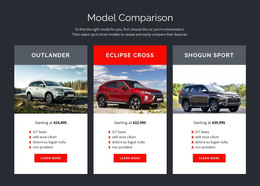
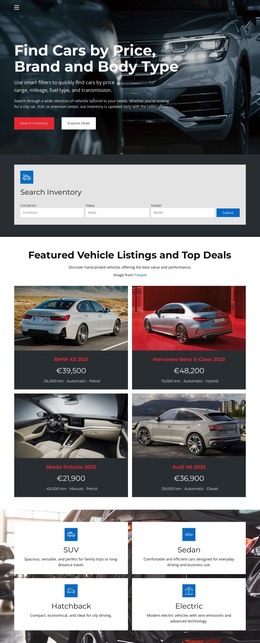
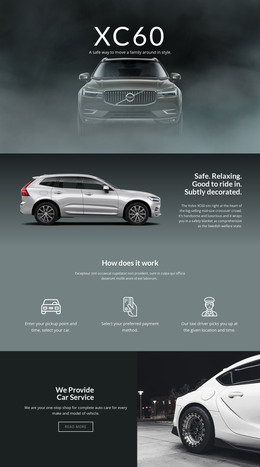
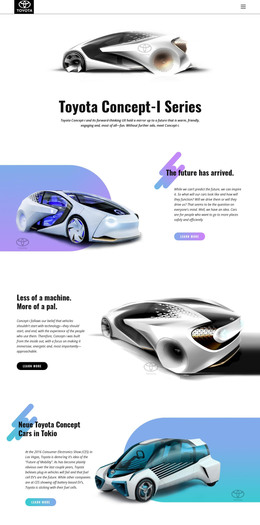
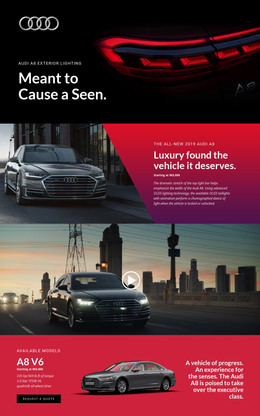
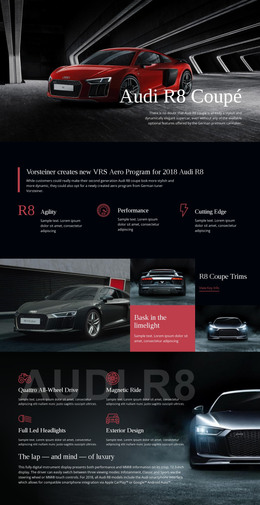
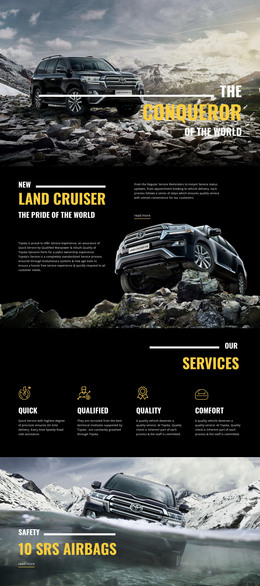
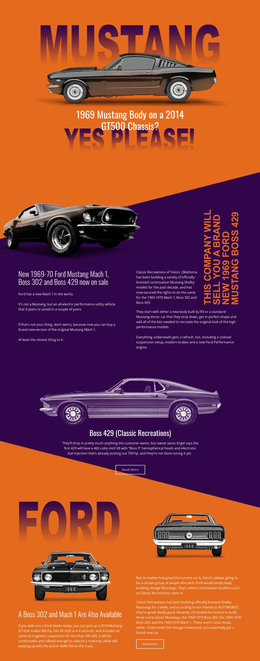
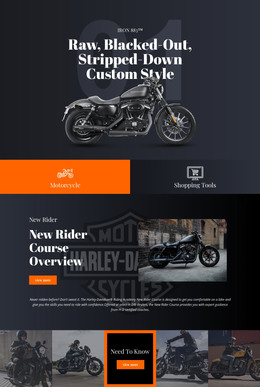
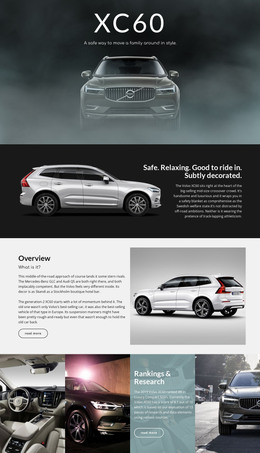
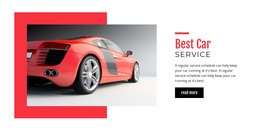
A dealership front end should make vehicle categories, model imagery, selected specifications, financing or inquiry details, and showroom contacts easy to find. Look for prepared inventory or model sections that can be adapted without rebuilding the page structure.
Car-rental templates
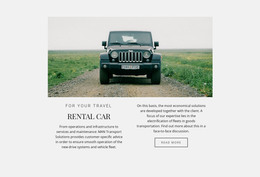
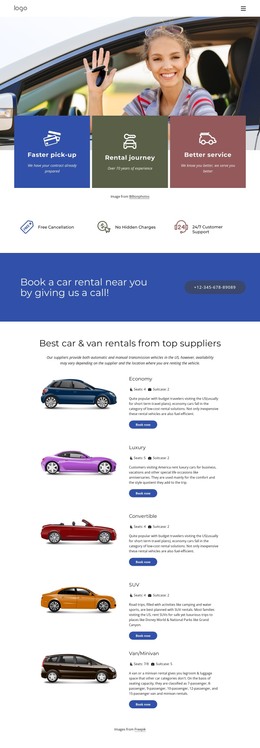
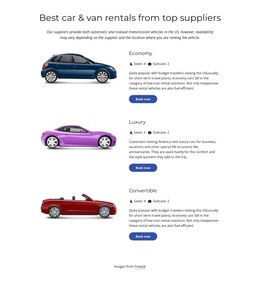
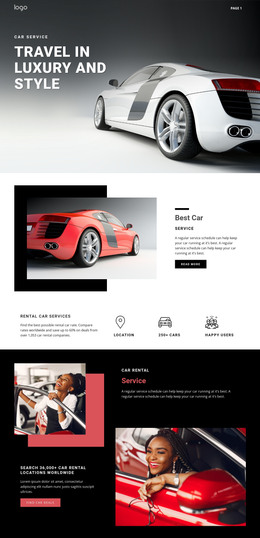
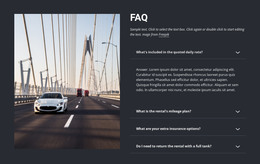
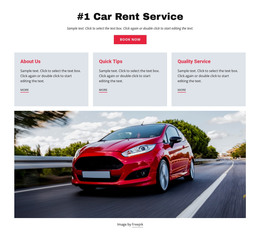
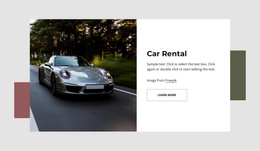
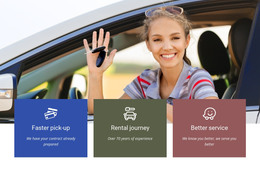
Rental companies need vehicle classes, pickup and return information, location details, rental terms, and a visible reservation path. A useful template makes comparison between vehicles easy on desktop and mobile screens.
Repair templates
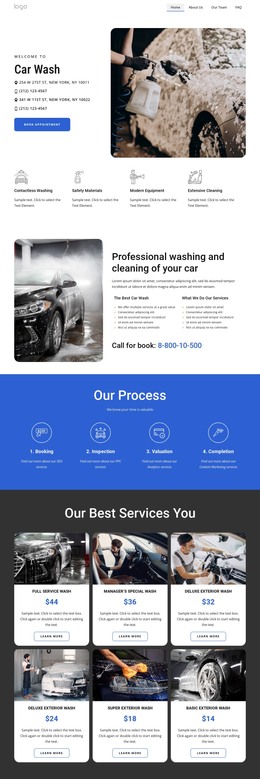
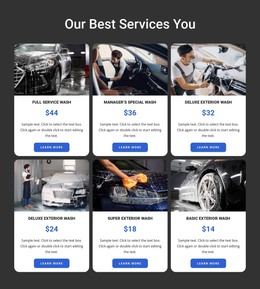
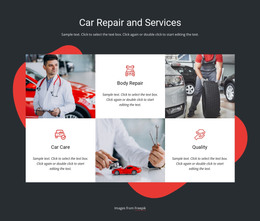
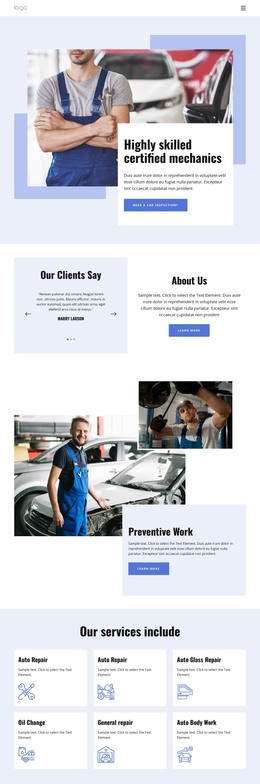
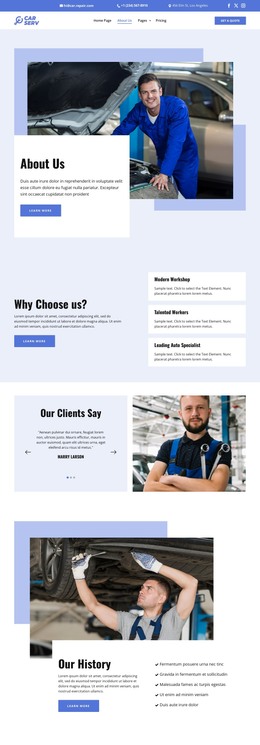
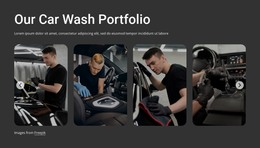
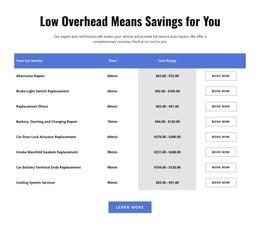
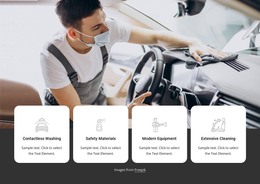
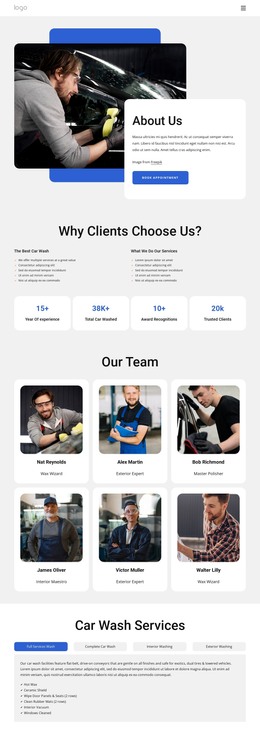
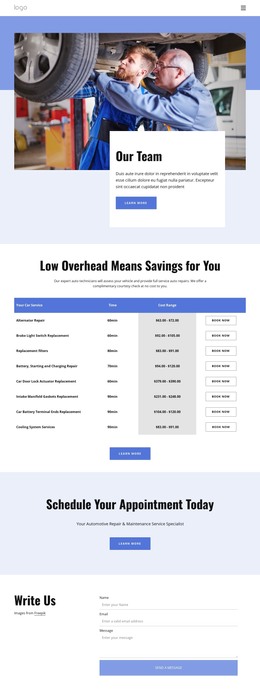
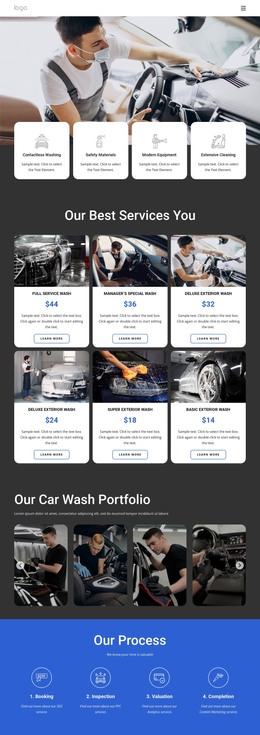
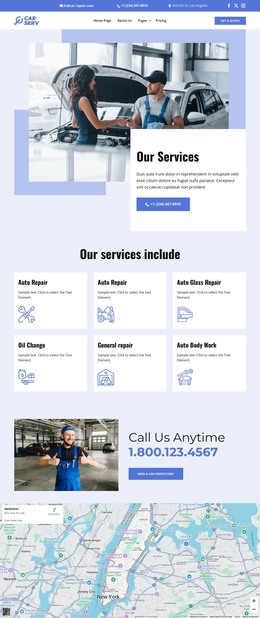
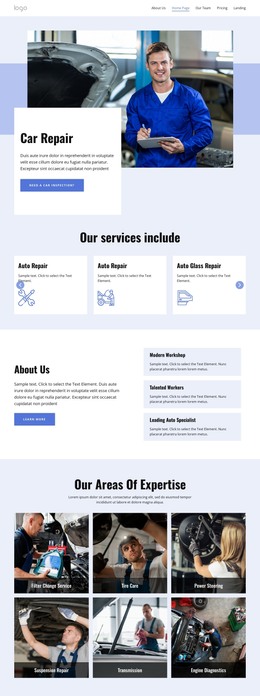
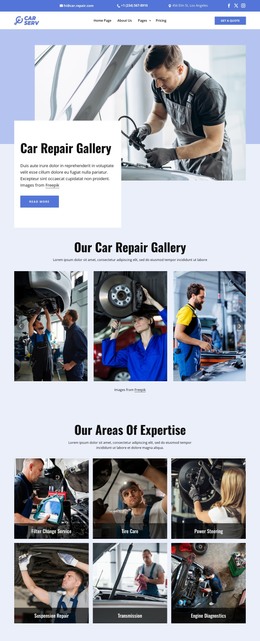
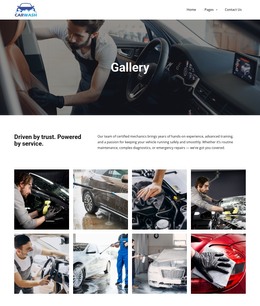
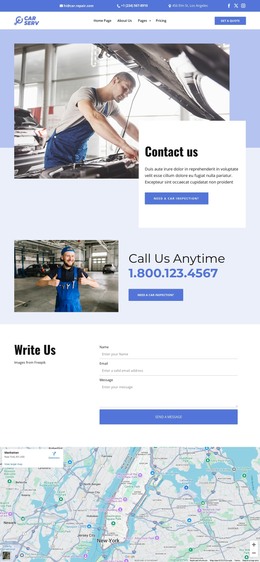
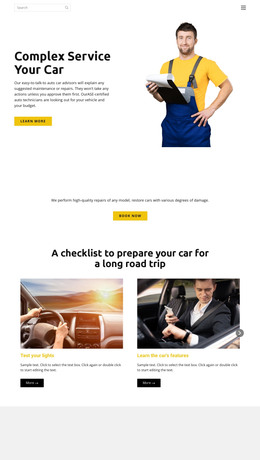
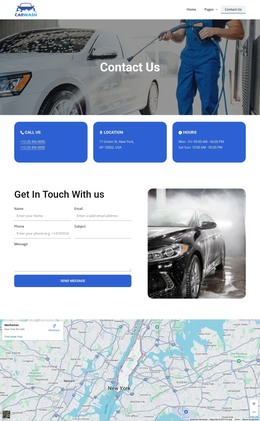
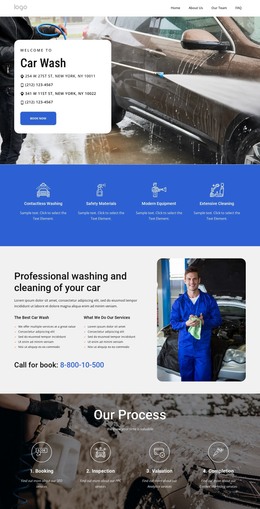
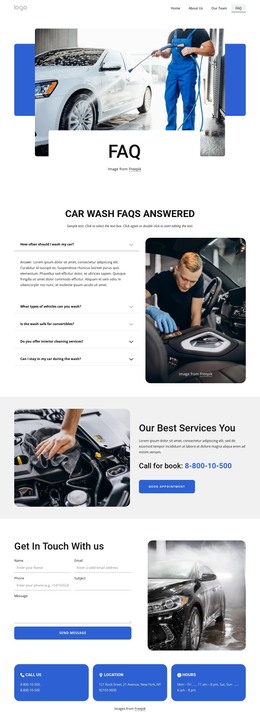
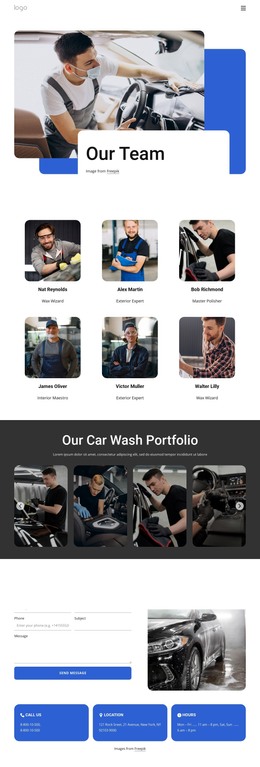
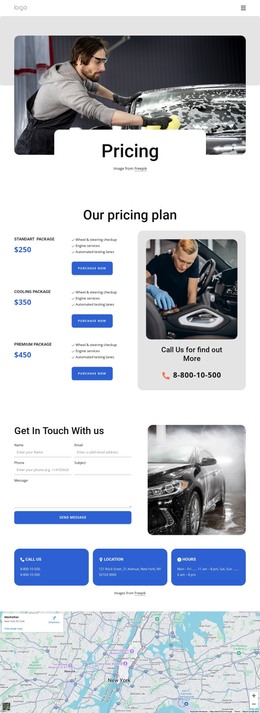
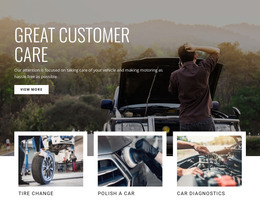
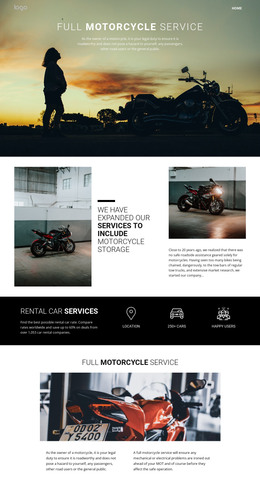
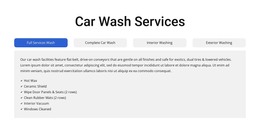
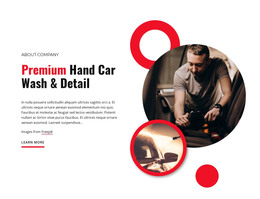
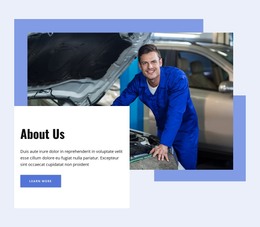
A repair-focused HTML layout can organize diagnostics, maintenance, tires, body work, service packages, workshop proof, opening hours, and customer requests. The design should make services and credibility obvious before visitors reach the contact section.
Taxi and passenger-transport templates
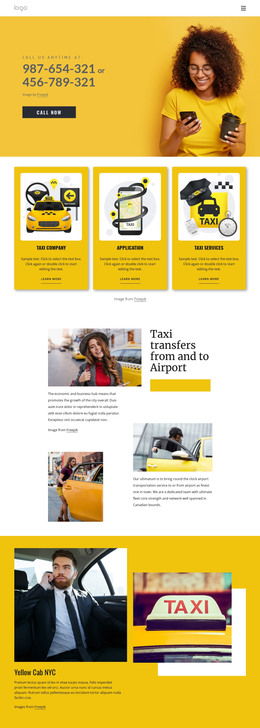
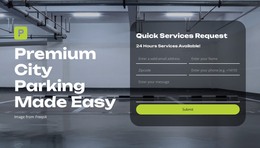
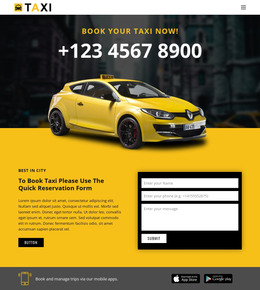
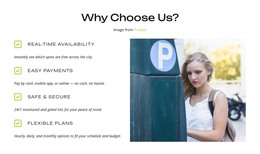
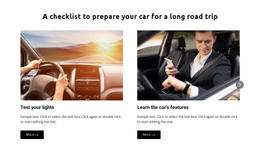
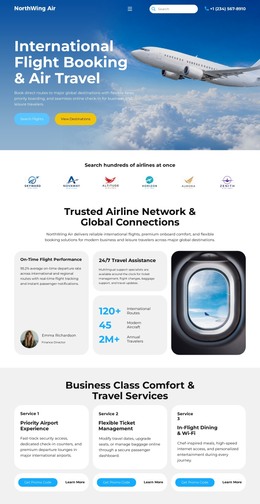
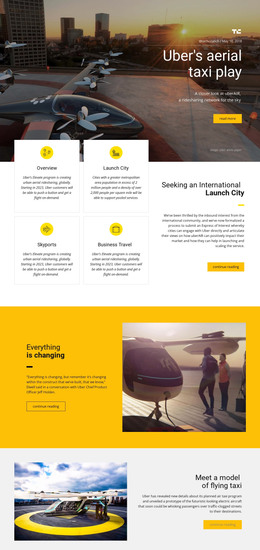
Taxi, shuttle, and transfer businesses need service areas, fleet information, pickup details, route or fare context, and direct contact or booking information. Prepared sections for these tasks make the front end easier to customize.
Logistics and packaging templates
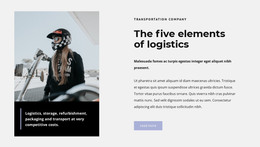
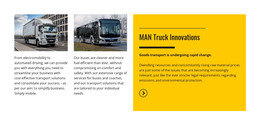
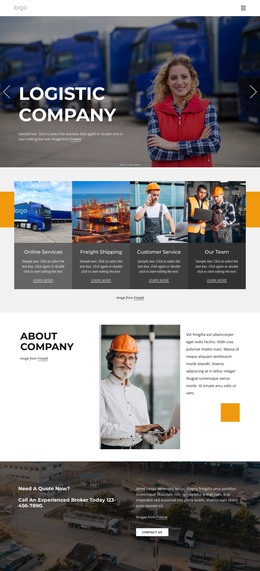
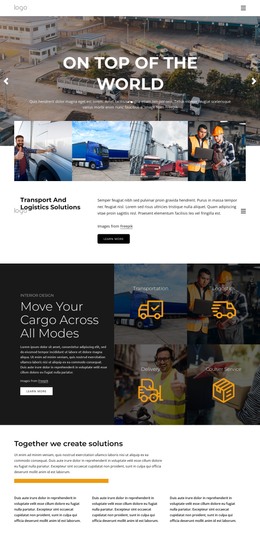
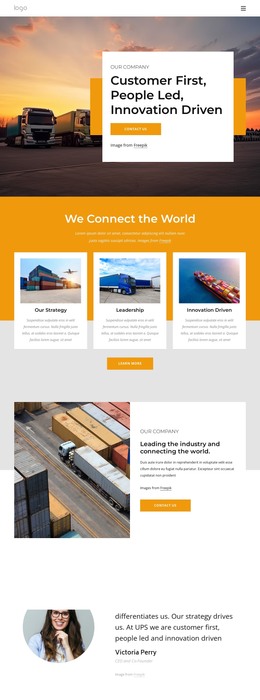
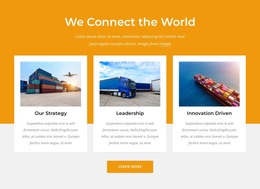
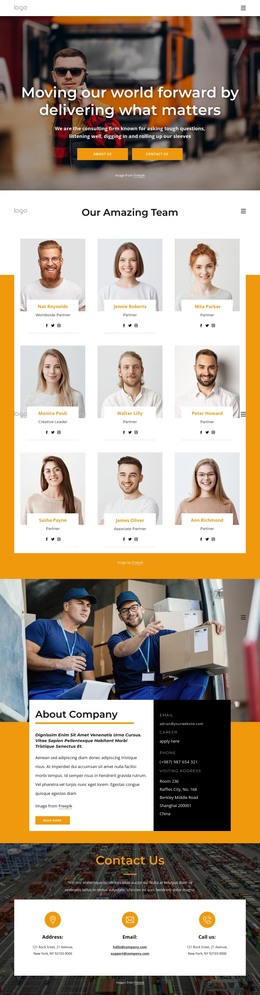
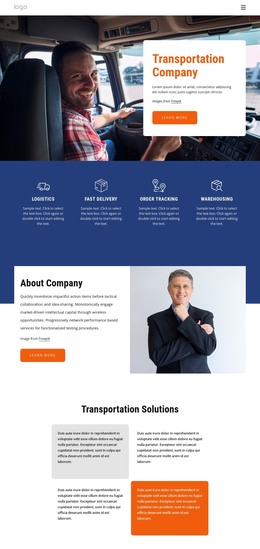
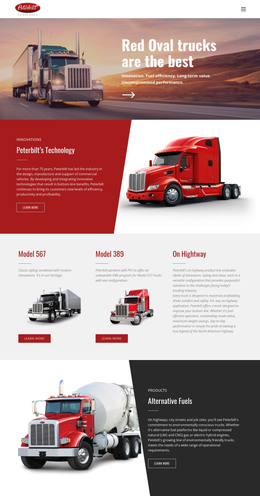
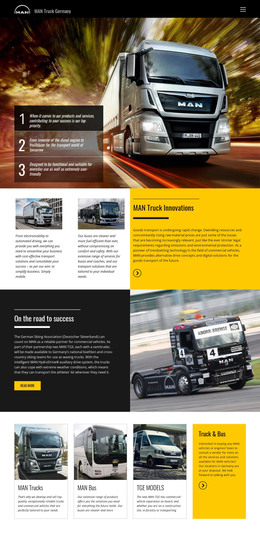
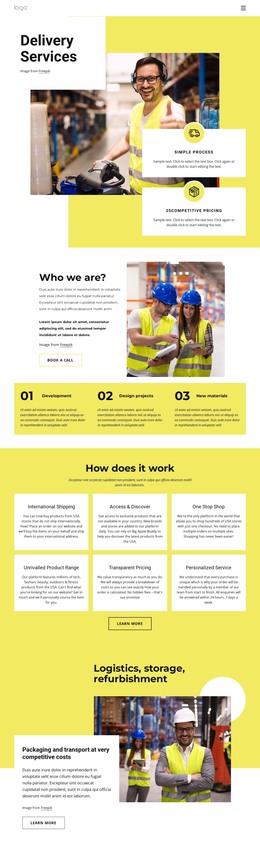
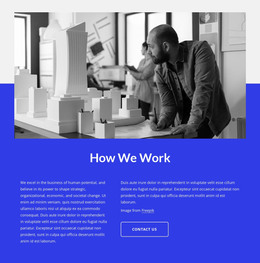
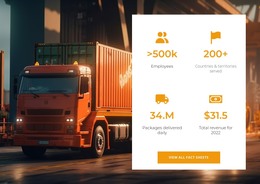
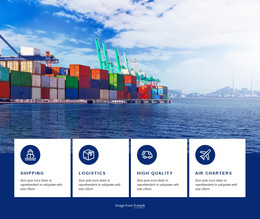
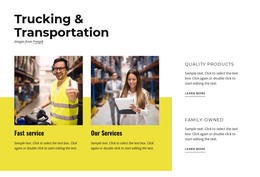
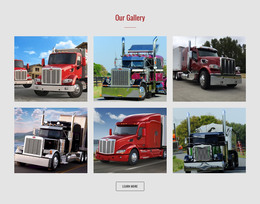
For freight projects, logistic website ideas can help define service areas, shipment stages, fleet details, and inquiry sections. Packaging website concepts can organize materials, fulfillment services, handling information, and contacts. Packages website references can also support repeatable service or product sections.
Compare the Ready-Made Front End
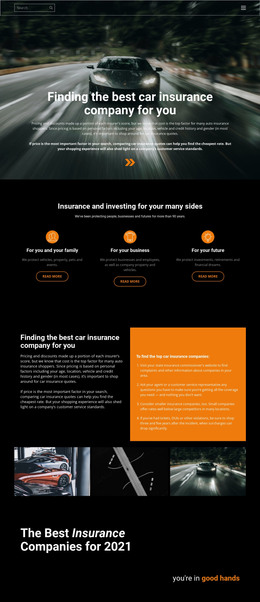
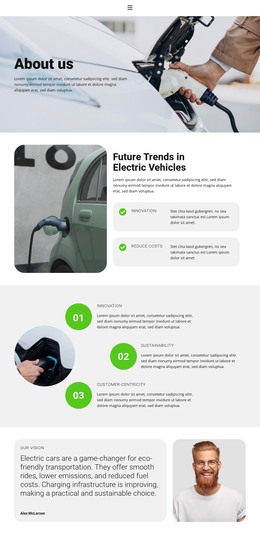
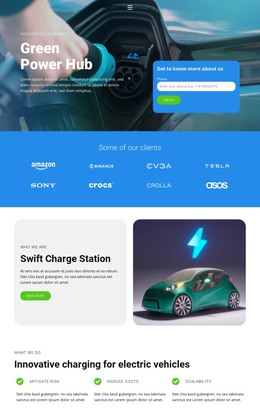
A useful HTML template should provide more than a visual hero. Compare the page structure, predefined content sections, responsive behavior, navigation, vehicle or service cards, forms, imagery, and overall visual design before choosing a starting point.
A Grid Element can hold vehicle cards, repair services, rental classes, shipment options, or package types in responsive cells. Edit Mobile Views allows you to review Desktop, Laptop, Tablet, and Phone layouts separately. These controls support the prepared front end rather than replacing the need to choose the right template in the first place.
The documented SEO Settings can be used for page-level search settings after real automotive content replaces demo text. On export, Export Minimal CSS Per Page can create a separate stylesheet containing only the rules required for a page; the documented Export Minimal CSS Per Page option explains that output.
Turn the Selected Template into a Real Automotive Site
Replace generic demo content with the details visitors actually compare: vehicle classes, model information, service scope, rental conditions, route coverage, shipment capability, locations, operating hours, and contact options. Keep useful predefined sections and remove those that do not fit the business.
The result is a responsive automotive front end built from a relevant HTML layout. Export and developer work can follow after the visual design and business content are in place.
Cars & Transportation HTML Template FAQ
What automotive businesses can use these HTML templates?
The category can serve dealerships, rentals, repair shops, taxi and shuttle services, logistics companies, packaging businesses, fleet operators, and other vehicle or transportation projects. The best choice depends on the prepared layout and the required sections.
What should I compare before choosing an automotive HTML template?
Check the visual design, predefined page sections, responsive behavior, navigation, vehicle or service presentation, forms, and whether the overall structure already matches the business use case.
Can I work on a transportation HTML site without an Internet connection?
The Nicepage Application for Windows and macOS uses online authorization, but after a previous online sign-in, you can work offline. Template and media libraries are unavailable while offline.
Can I export the finished automotive HTML website?
Yes. Export Websites can output an HTML website from the Nicepage Application for Windows or macOS for third-party hosting or developer work. Page-specific CSS can also be exported when Export Minimal CSS Per Page is enabled.
Start with the Right HTML Front End
Choose a ready-made HTML template whose page structure and visual design already fit the automotive niche, customize the real vehicles, services, routes, rentals, or shipment information, and review the responsive result. Once the front end is ready, export the files for deployment or further development.





















































