Table HTML Templates

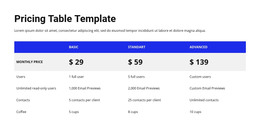
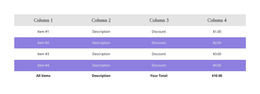
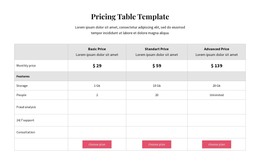
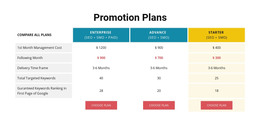

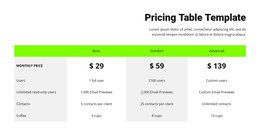
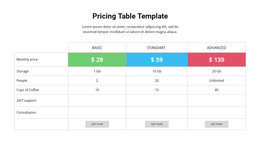
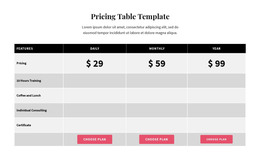
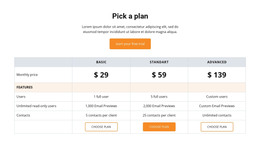

Responsive Table HTML Templates for Ready-Made Data Sections in HTML Projects
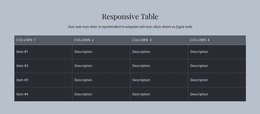
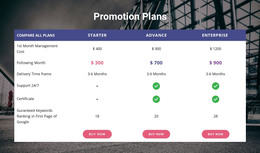
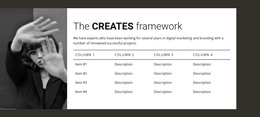
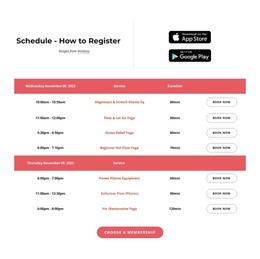
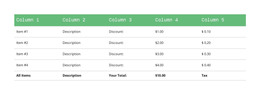
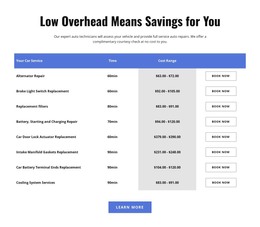
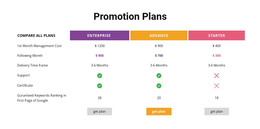
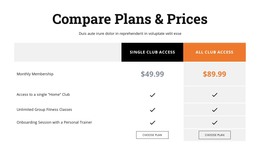
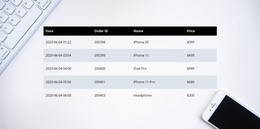
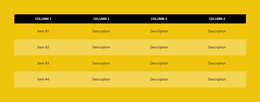
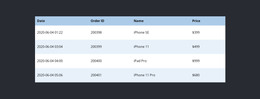
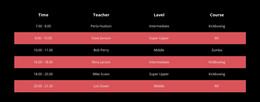
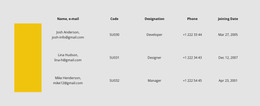
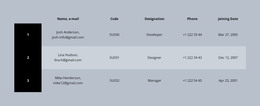
Table HTML Templates provide ready-made table section designs for HTML website projects. Instead of beginning with a blank data block, you can choose a compact schedule, a specification panel, or a larger comparison section whose proportions and heading styles already suit the information.
These designs combine editable visual presentation with the option to use the table inside a wider HTML project. The right template should fit the data and the surrounding page before any detailed adjustments are made.
Explore Ready-Made HTML Table Designs
Available approaches include:
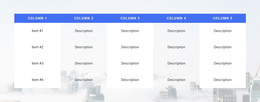
- Compact reference sections for short factual lists.
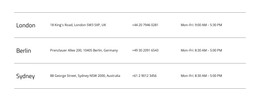
- Specification layouts for attributes with longer labels or measurements.
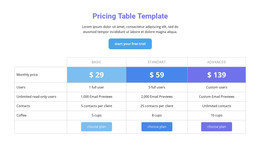
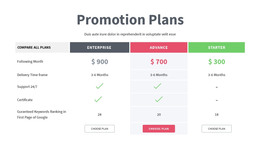
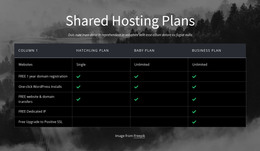
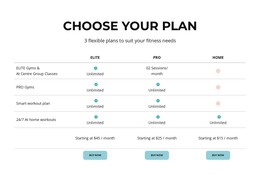
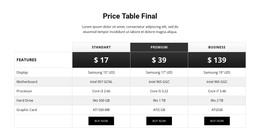
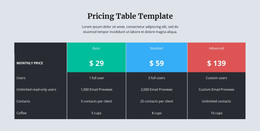
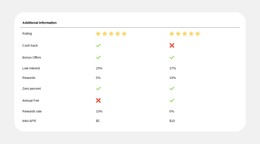
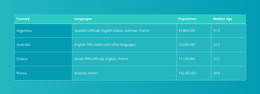
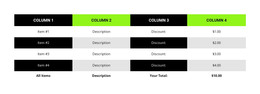
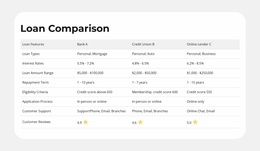
- Comparison sections for several related items.
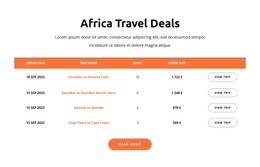
- Schedule designs for dates, activities, and recurring entries.
Choose a prepared layout that comfortably holds the content and requires only modest adjustments within the HTML project. The number of cells matters less than the suitability of the ready-made section.
Personalize the Selected HTML Table Section
Nicepage's Table Element lets you personalize the selected design. A narrow specification panel and a wider comparison may call for different spacing and header emphasis.
A suitable ready-made HTML Table section saves layout work and keeps the displayed information easy to revise.
Use the Selected Table in an HTML Project
A ready-made Table can accompany other sections of an HTML website. Its content and appearance remain editable in Nicepage before export.
Nicepage supports HTML website export through its Desktop Applications and Online Builder. The generated website includes the HTML, CSS, JavaScript, and image files needed for publication. The Table section is part of that website output, rather than a separate exported tool.
Select the Appropriate HTML Table Format
A compact reference panel and a wider comparison require different amounts of space. Nicepage supports horizontal scrolling where a table exceeds the available display width.
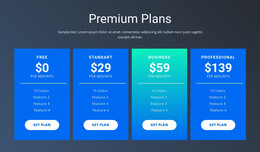
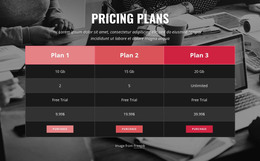
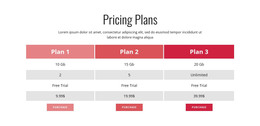
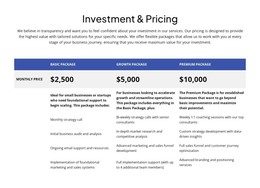
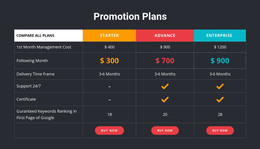
When the content is chiefly commercial plan selection, pricing table designs may be a better fit. For factual specifications and schedules, choose a ready-made HTML Table design that needs only modest adaptation.
Table HTML Templates FAQ
Can I create an HTML table section without writing code?
Yes. Nicepage provides a Table Element with visual controls for editing rows, columns, and cells. You can start with a ready-made Table block, replace its sample content, and adjust the layout without manually writing HTML markup.
Can I change the number of rows and columns in a Table template?
Yes. The Nicepage Table Element supports adding, removing, moving, and resizing rows and columns. You can also adjust individual cell dimensions and formatting to match the information being presented.
Can I export a website containing Table sections as HTML?
Yes. Nicepage supports exporting HTML websites from its Desktop Applications and Online Builder. The generated output includes the HTML, CSS, JavaScript, and image files required for the website, including its Table sections.
Can HTML tables remain readable on mobile screens?
Nicepage supports horizontal scrolling when a Table extends beyond the available screen width in responsive modes. Keeping headings concise, values consistent, and unnecessary columns to a minimum can also improve readability on smaller devices.
How do I match an HTML Table template to the page design?
Compare its section width, heading style, cell density, and background with nearby content. The table should look integrated into the broader HTML layout.
Add a Ready-Made Table to Your HTML Project
Choose a ready-made Table HTML Template with the structure your content needs. Adjust its labels and values in Nicepage, then use the finished section within your HTML website project.
A suitable HTML Table design makes factual information clear without requiring a custom layout from scratch.