620 Contact Form HTML Templates












































Contact Form HTML Templates for Ready-Made Inquiry Sections
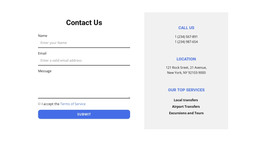
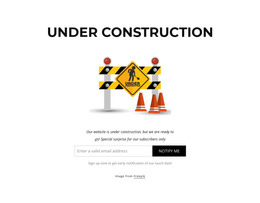
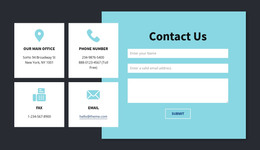
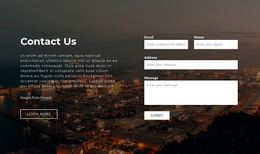
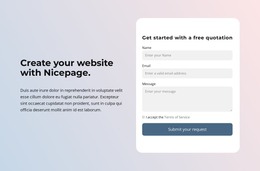
Contact Form HTML Templates provide ready-made inquiry sections with a coherent HTML form structure already arranged for the page. The emphasis is on choosing a finished design whose labels, inputs, message area, and submit action form a complete, reusable sequence—not hand-coding the form from scratch.
An HTML template gives a starting structure and appearance. The project still needs to verify its working submission destination.
Compare Ready-Made HTML Contact Form Structures
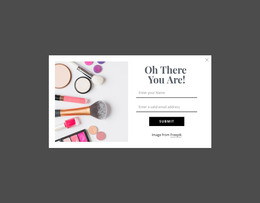
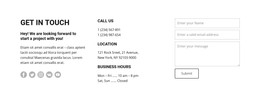
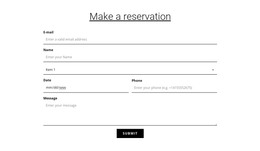
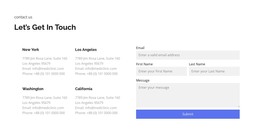
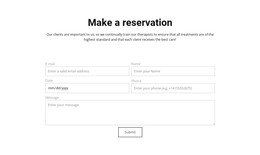
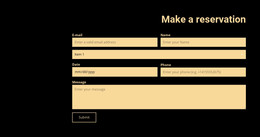
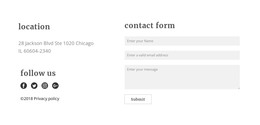
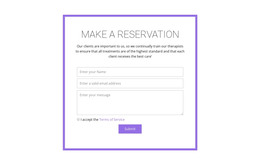
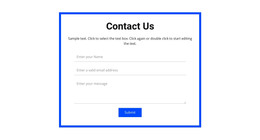
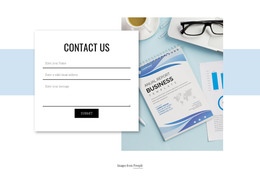
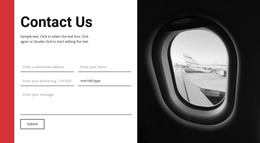
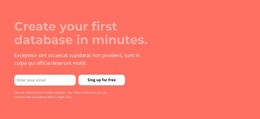
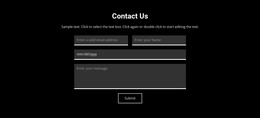
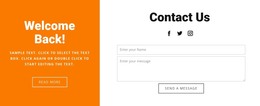
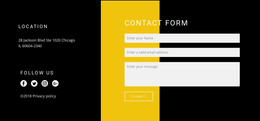
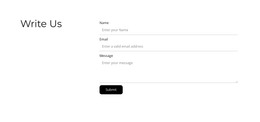
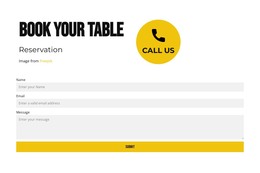
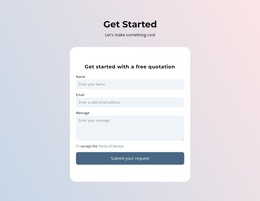
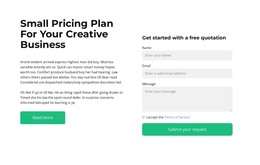
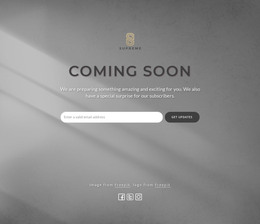
- Sequential field structure: Labels and controls follow a clear order through the message area to the submit button.
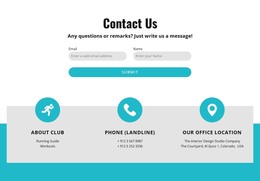
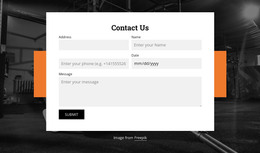
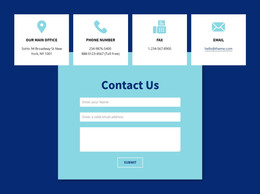
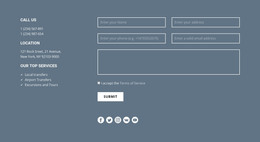
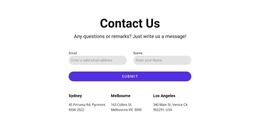
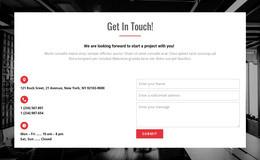
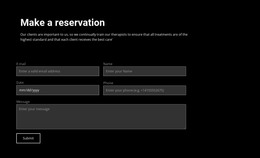
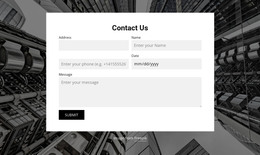
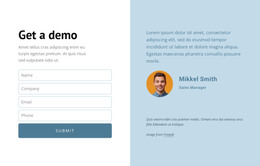
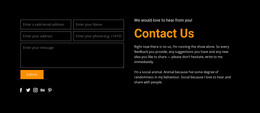
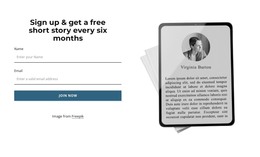
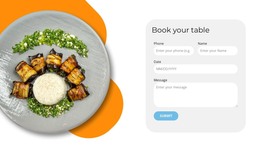
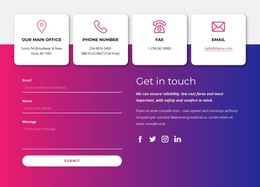
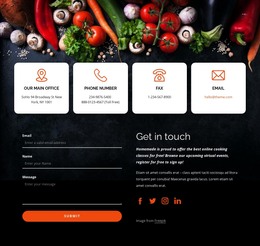
- Grouped field structure: Short related inputs share a defined area without disconnecting labels or breaking the final action sequence.
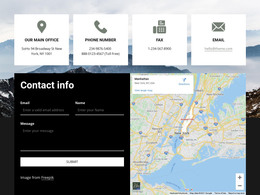
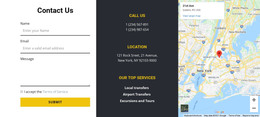
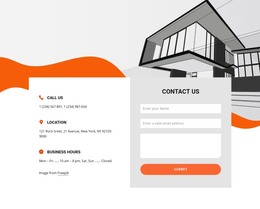
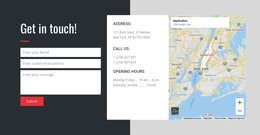
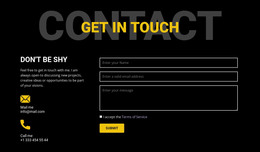
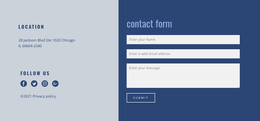
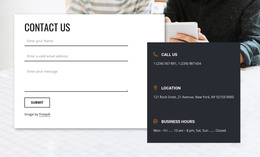
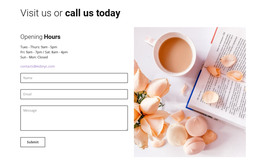
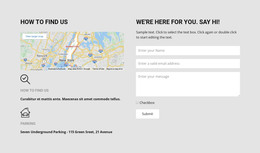
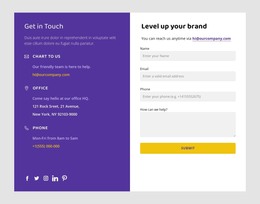
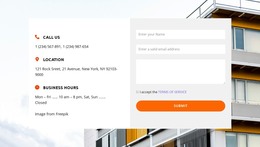
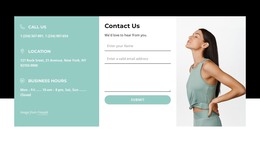
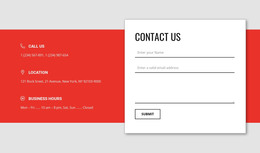
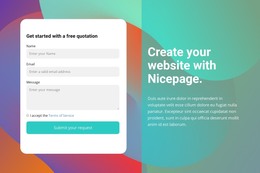
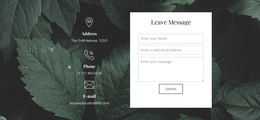
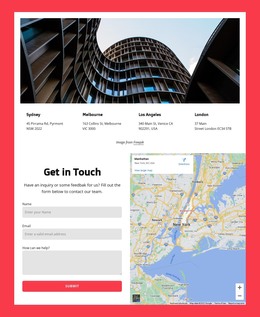
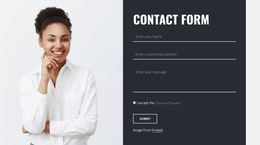
- Form with supporting content: A short explanation or imagery fits beside the inputs without interrupting the contact interaction.
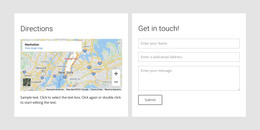
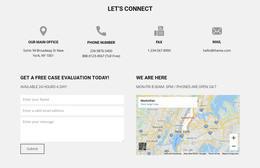
- Modular field structure: An additional input can be accommodated within the pre-arranged composition without rebuilding the whole form.
Compare the completeness of the form structure, including label order, field grouping, message-area placement, submit-button position, and responsive arrangement. Those details matter more than small decorative styling differences.
What Makes a Practical HTML Form Template?
The practical advantage of a ready-made HTML form is that its basic structure and responsive arrangement are already planned. Choose it for the completeness of this reusable section and its suitability for adaptation, rather than its industry theme or a particular inquiry type.
The chosen template should fit the page's available width and remain easy to adapt without changing the basic inquiry task.
HTML5 input behavior is a separate consideration; here the priority is the completeness of the pre-arranged form section. Editable code may be available in a project's workflow, but choosing this category need not involve building the form manually.
Adapt the Selected HTML Contact Section
Nicepage offers a Contact Form element for building and customizing form-based sections. Choose a ready-made arrangement by field order, section width, and space for the message, then adapt the wording and review the mobile presentation.
Do not assume a preview or submit button proves that data delivery works. The correct submission configuration must be checked separately. For account creation rather than inquiries, Registration templates serve a different purpose.
Contact Form HTML Templates FAQ
What should I check in a ready-made HTML contact form?
Look for a complete input sequence, readable field labels, a suitably sized message area, and a clear submission control within the finished section.
Can an HTML contact form section work in a narrow page area?
Yes. Choose a responsive structure that keeps fields legible when they stack and does not crowd the message area or submit button.
Do I Need to Write HTML to Choose a Ready-Made Contact Form Template?
No. Choosing a finished form structure is different from writing its markup manually. The extent to which you can edit the underlying code depends on the chosen tool and publishing workflow.
Can a ready-made HTML contact form adapt to mobile screens?
Yes, when the chosen design uses a responsive layout. Compare its desktop and mobile arrangement, particularly how paired fields stack at narrow widths.
When should I choose an HTML form with supporting content?
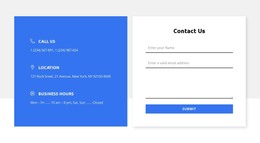
Choose it when a short explanation, contact details, or relevant image genuinely helps visitors understand the request. Keep the form inputs as the focus.
Select an HTML Contact Form Template
Prioritize a complete, reusable HTML form arrangement with a clear sequence of labels, inputs, message area, and submit action. Tailor the inquiry wording after choosing the structure, and verify the submission setup before publishing.