
Sky HTML Templates
Sky imagery can dominate a layout, so text, navigation, and content need a stable structure around it. These HTML templates pair atmospheric visuals with reusable sections and responsive markup for balanced presentation across screen sizes.




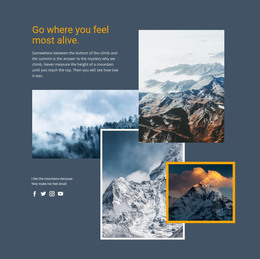
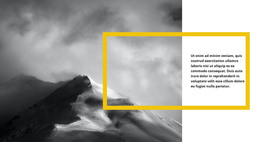
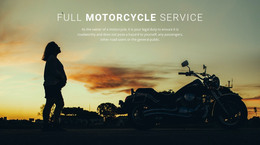
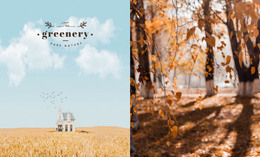




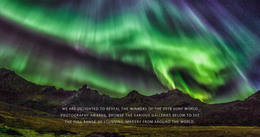
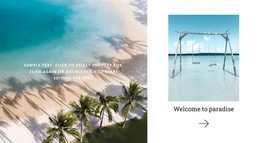
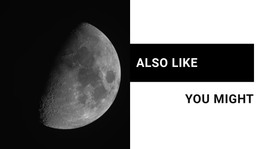
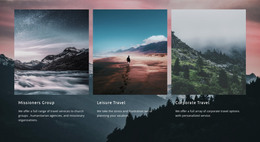












































Other Nature HTML Templates
Clean Sky HTML Templates
A landscape photographer wants towering cumulus clouds to run edge-to-edge, while a mountain guide needs a skyline that can hold a trail name and a booking button. Sky HTML templates give both a working layout with image containers, headings, and buttons already in the markup. Swapping photos and copy happens in the Nicepage editor, so nobody has to open the source to replace a sunset.
Ready Sections Built Around Big Skies
Most sky layouts in this category are stacks of image-led sections, each one a separate block of code you can copy, move, or delete. A few compositions come up often:
- A hero with a low horizon leaves a wide band of open sky for the headline and one button.
- A split block pairs a dramatic cloud photo with a short text column, which fits an about section or a tour description.
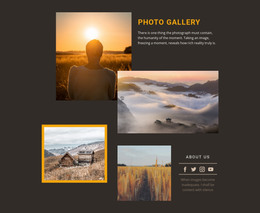
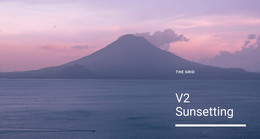
- A gallery grid collects sunset and night-sky shots, each with a caption for the place and the hour.
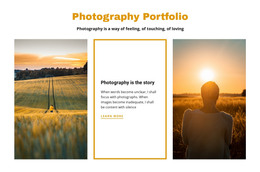
A photography portfolio lives in that gallery, so check how the grid crops wide panoramas first. For a travel or hiking site, the hero carries the mood, and the destination copy needs a calmer stretch of cloud to sit on.
When the Sun Lands Behind a Headline
Sky photos rarely have even contrast, and white type over a glowing horizon can disappear. Look for demos that already put text over a darker patch of sky or a soft overlay.
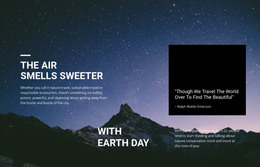
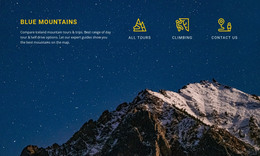
Nicepage's Expand Image feature turns a regular image into a full-width background, which suits panoramic cloud scenes and long horizon shots. Night skies gain the most, because a starfield boxed into a small frame reads as a plain black rectangle.
On a narrow screen, a centered crop can push the sun or moon behind the heading and cut away the open sky the text relied on. Nicepage Responsive Modes lets you move between views from Large Screens down to vertical phones, so you can see where the focal point lands before publishing.
From Demo Clouds to Your Own Server
After export, you get the markup, scripts, and images ready to upload to your own hosting. A developer can still edit those files by hand, say to wire in a weather widget for the mountain guide.
A quick test for any sky HTML template is to drop your own brightest and darkest photos into it. Check that the composition still leaves open sky for the headline and that the order of sections fits your story. Then look at the phone crop and white text over your lightest cloud.