
Modal Popup HTML Templates
-
-

-
-
-
-
-
-
-
-
-
Free Website Builder SoftwareDownload
-
-
-
-
-
-
-
-
-
-
-
-
-
-
-
-
-
-
-
-
-
-
-
-
-
-
-
-
-

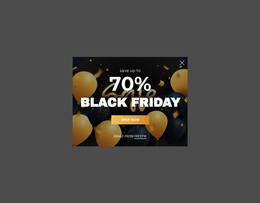
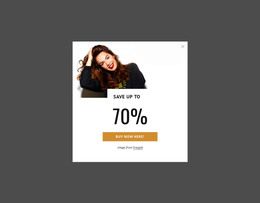
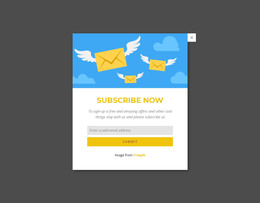
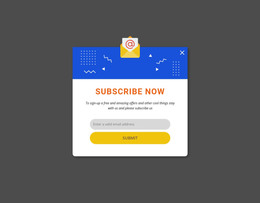
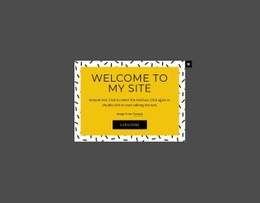
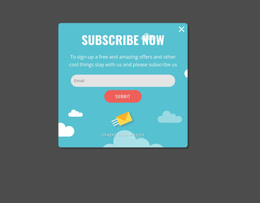
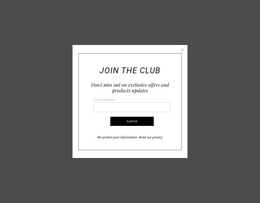
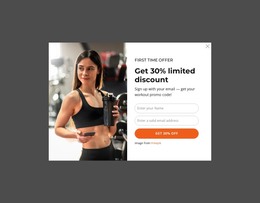
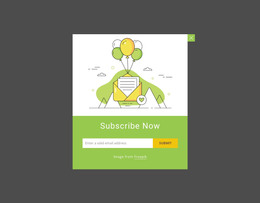
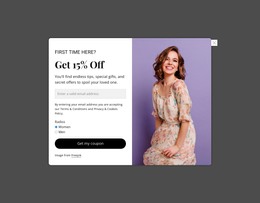
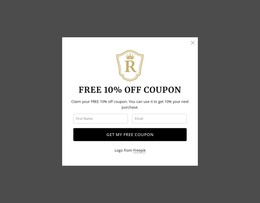
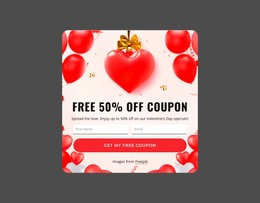
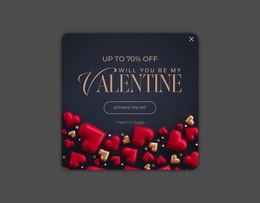

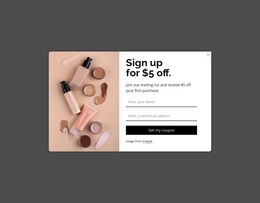

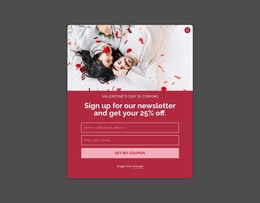

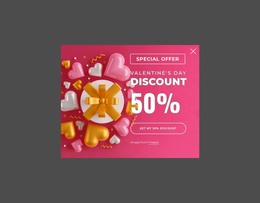
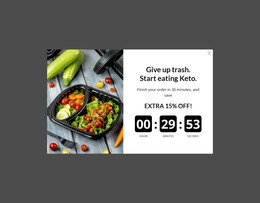
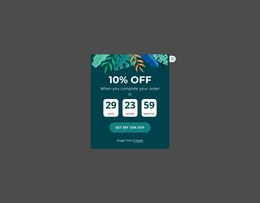

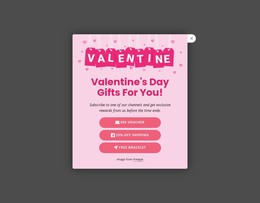
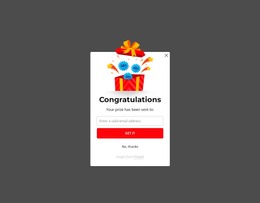

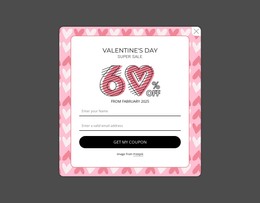
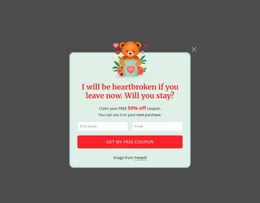
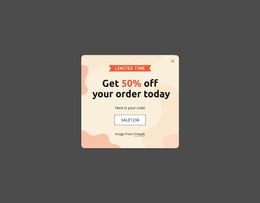
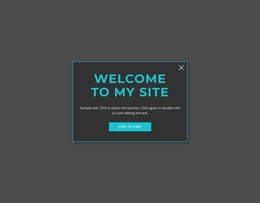
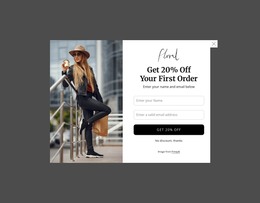
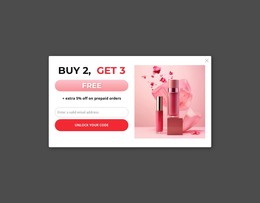
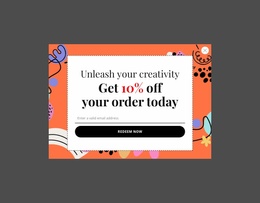
Easy-To-Use Modal Popup HTML Templates for Ready-Made Layouts
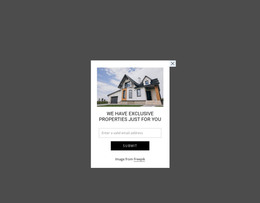
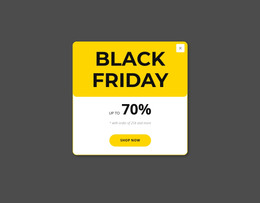
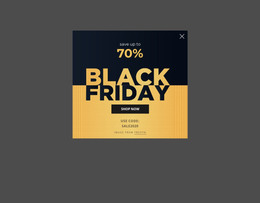
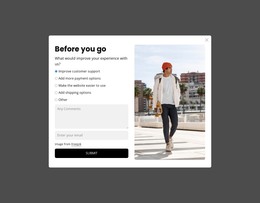
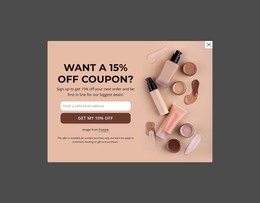
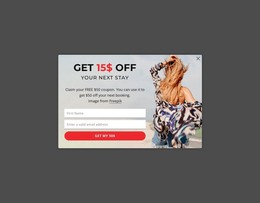
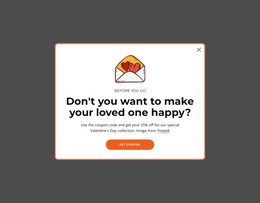
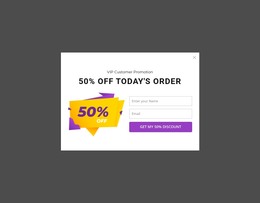
Modal Popup HTML Templates provide ready HTML popup structures that can be adapted for common website needs without building the dialog from an empty section. Depending on the design, the prepared structure can organize a concise message, signup form, promotion, media, additional detail, or another focused interaction.
The emphasis is practical: start with an existing HTML modal structure, adapt its content regions, and fit it into the surrounding project rather than programming custom modal behavior.
What Can a Ready HTML Popup Template Provide?
Typical template foundations may include:
- a modal container that defines the ready popup area;
- header, body, and optional footer regions for a clear content arrangement;
- a close control and prepared trigger connection as parts of the reusable structure;
- form or media markup where the selected layout is designed for those content types;
- a layout foundation that can be adjusted for the real page.
Some designs are minimal and text-led. Others reserve more room for media, fields, or promotional content. The right option depends on how much and what type of information the popup needs to carry.
Choose HTML Layouts by the Content You Need
A useful template should reduce setup work without forcing the wrong composition.
For example:
- a newsletter or lead form benefits from clear field spacing;
- a product or campaign offer may need image-and-copy balance;
- a short notification works better with a compact layout;
- a media popup may need more room for the visual than for supporting text.
Nicepage Modal Popup provides the popup interaction in the editor. Start with a layout that already suits the intended content, then adapt text, images, form elements, and actions for the page.
Ready Template vs Custom HTML Extension
An HTML template gives you an existing modal structure to adapt. It is different from the html-code use case, where the main need is to extend how the modal works through project-specific markup, embedded functionality, or custom behavior.
If the prepared container, content regions, controls, and form or media structure already cover the task, keep the workflow template-led. Move into custom code only when the project genuinely needs functionality or an extension beyond that ready structure.
Keep the HTML Template Easy to Adapt
The broad HTML template category does not need an artificial distinction based on different popup scenarios or audiences. Its useful intent remains ready HTML modal structures and layouts that can be selected by content fit and adapted without turning the page into a coding tutorial.
Choose the prepared structure that best fits the required content, replace the sample material, and keep the component compact enough for its role on the page.
Modal Popup HTML Templates FAQ
What is included in a Modal Popup HTML template?
The exact design varies, but a ready template can include a modal container, a close control, prepared content regions, and—where the layout requires them—trigger connections plus form or media markup that can be adapted to the project.
Is an HTML template the same as custom HTML code?
No. A template starts from an existing popup layout. Custom HTML is better suited for project-specific markup, embedded functionality, or other extensions not covered by the ready design.
Can a Modal Popup HTML template contain a form?
Yes. A ready layout can include or be adapted for form content when the popup needs signup, inquiry, registration, or another structured input task.
Adapt a Ready HTML Popup Layout
Choose a Modal Popup HTML template that already fits the intended content, open it in the Nicepage editor, and replace the sample material with the real text, media, form, or action. Refine the surrounding page layout instead of rebuilding the popup from scratch.





















































