
520 Technology WordPress Themes
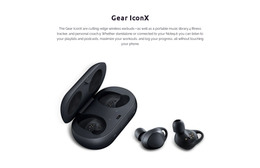
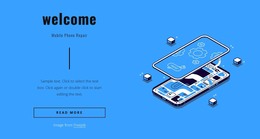
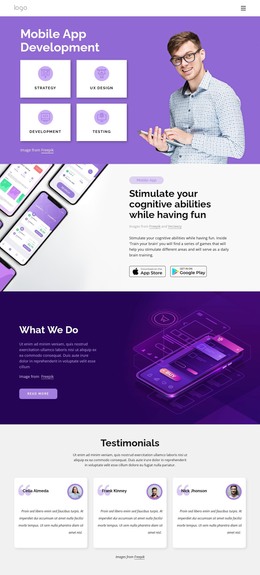
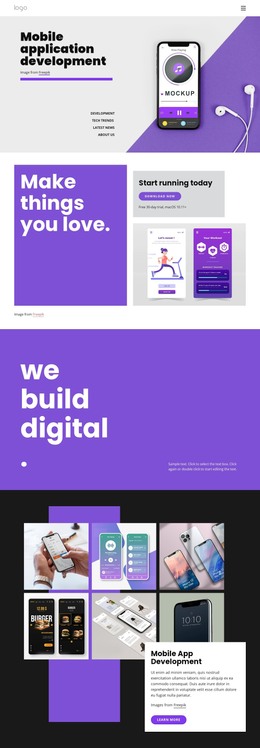






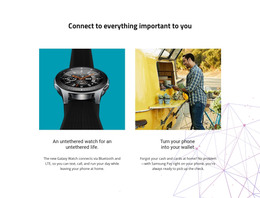

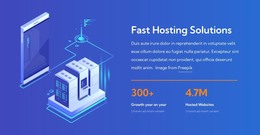


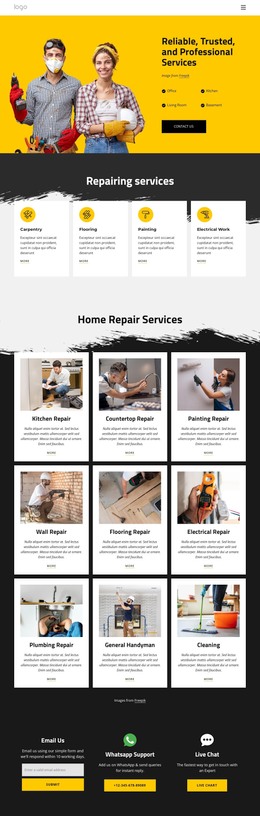



























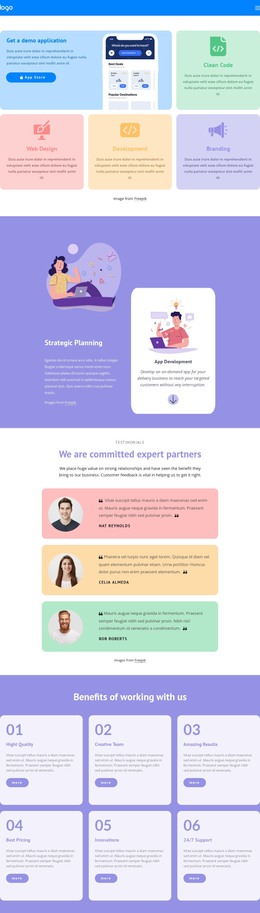


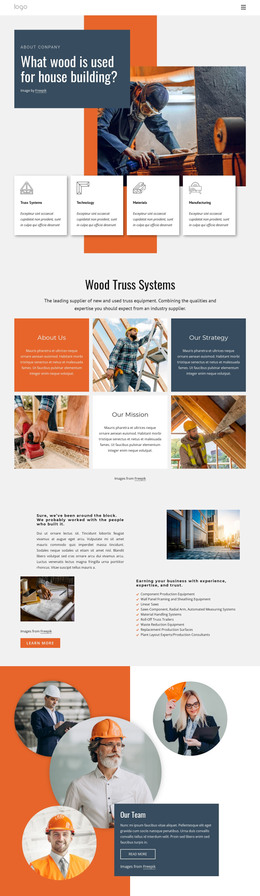


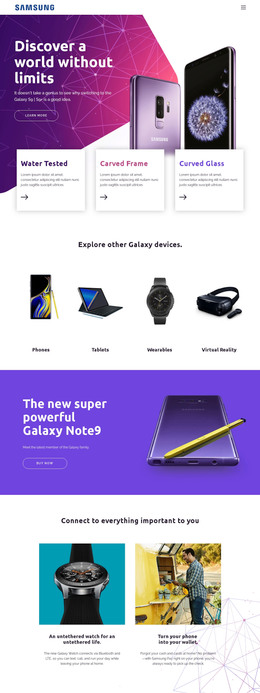
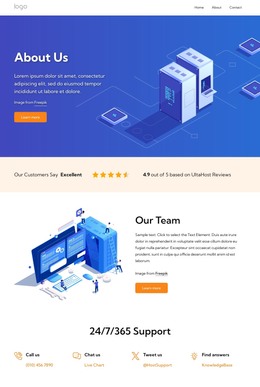































Advanced Technology WordPress Themes for Software and Digital Brands
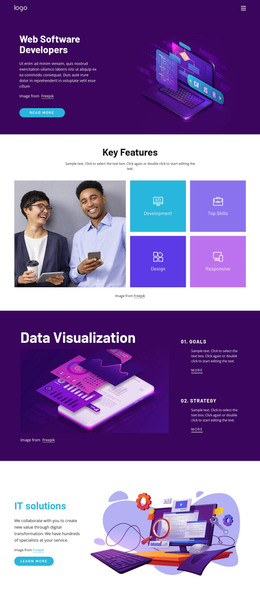
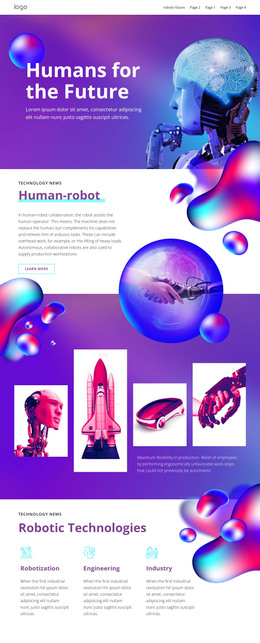
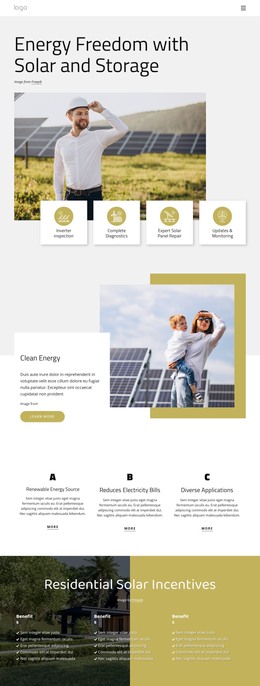
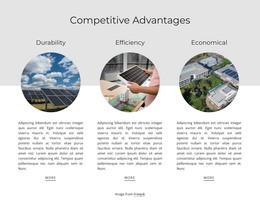
Technology companies often outgrow generic CMS styling once product pages, release articles, interface previews, and support content start to compete for attention. WordPress themes for technology give SaaS teams, software vendors, simulator developers, and future-tech brands a controlled visual system. At the same time, WordPress still handles posts, pages, users, and other dynamic content.
How to Create a Professional Technology WordPress Site?
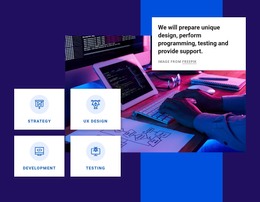
If you run a SaaS business, prioritize product value and integrations. Software vendors need interface-led pages and release content. Simulator teams benefit from visual product demonstrations, while research-driven brands need strong editorial structure for technical articles. Nicepage connects these needs with a visual WordPress workflow rather than a fixed theme-only setup.
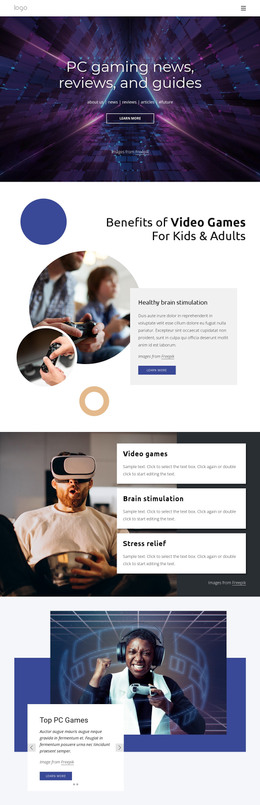
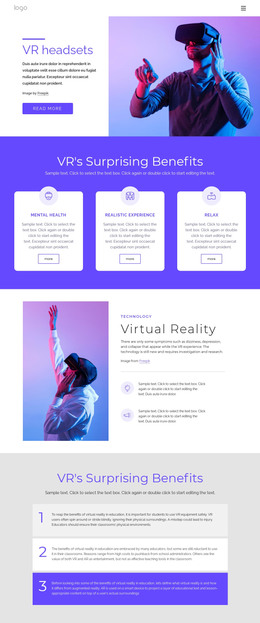
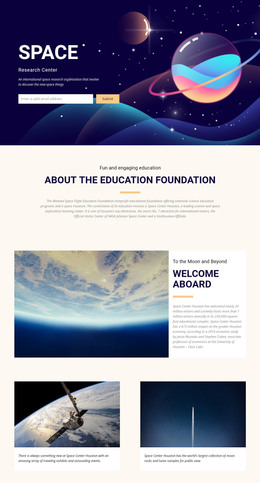
A simulation product can draw from a simulator-focused design direction when product screens, controls, or virtual environments need a larger role. Research or space-oriented software may use an astronomy visual concept to establish a more technical editorial tone.
The workflow starts with a design concept in Nicepage. Refine the theme and page content in the Desktop Application or Online Builder, export the WordPress package, then install the required theme and plugin components. For an existing WordPress theme, the Nicepage WordPress Plugin installation workflow supports visual page-content editing without replacing the active theme.
Flexible Features for Technology WordPress Projects
WordPress Plugin: Edit supported page content visually inside WordPress while the CMS continues to manage dynamic content. Export Websites: Prepare a WordPress Theme from the Nicepage Windows or macOS Application when the project needs a custom site-wide design. Theme Settings: Establish shared colors, fonts, typography, Header, Footer, and other global visual rules before export.
Header & Footer: Keep navigation, product access, documentation links, account actions, and company information consistent across the site. With the plugin installed, Nicepage also provides a documented Header and Footer editing workflow in WordPress for supported imported content. Blog Templates: style the Blog view and individual Post layouts so release notes, engineering updates, tutorials, and product news match the rest of the technology brand.
User Roles: limit client or team permissions so copy or image updates do not automatically expose full layout control. WordPress Widget Areas: place CMS widgets in areas such as the Header, Footer, Sidebar, or content when a technology site needs navigation, messages, feeds, or other WordPress output. Responsive Modes: adjust layouts for large screens, desktops, laptops, tablets, and phones, rather than relying on a single automatic arrangement for every product interface.
An access-control or security-oriented product may also use an unlocked technology direction for authentication, permissions, or platform-access messaging without changing the underlying WordPress workflow.
User-Friendly WordPress Administration for Technology Teams
Pro Tip: Separate visual ownership from routine CMS work. Prepare theme-wide styling, reusable layouts, and sensitive structural changes in Nicepage, then give content teams the WordPress access they actually need. This makes release articles, product announcements, and support updates easier to maintain while reducing the chance that a routine edit disrupts the visual grid.
WordPress is especially useful for technology companies that publish content frequently. Product pages can explain the stable offer, while Posts cover version notes, tutorials, events, research, or company news. Nicepage Blog and Post Templates let those CMS outputs follow the same typography and visual language as the rest of the site.
Responsive Technology WordPress FAQ
Can I give a technology content team limited WordPress editing access?
Yes. Nicepage User Roles can separate editing permissions. A content-focused role lets collaborators update text or images while limiting access to structural design controls, which is useful for marketing, documentation, or product content teams.
Will Nicepage layout adjustments disappear after plugin or theme updates?
No. According to the Nicepage product knowledge base, visual adjustments, block changes, and custom styling rules are preserved during plugin or theme updates, so production layouts remain intact.
How can a software company keep release articles consistent with product pages?
Use Blog Templates and the Post Template to control how article lists and individual posts appear. This helps release notes, engineering stories, and technical updates follow the same brand typography and layout principles as core product pages.
Can I edit a Nicepage WordPress theme directly inside WordPress?
Not as a theme-design workflow. You export Nicepage WordPress Themes from the Desktop Application or Online Builder. The WordPress Plugin supports page and supported content editing in WordPress, while theme preparation remains part of the Nicepage export workflow.
Can a technology WordPress site keep product pages and support content under one visual system?
Yes. Shared theme settings, Header and Footer rules, and Blog or Post Templates can keep product-, editorial-, and support-oriented content visually consistent while WordPress manages ongoing CMS content.
No-Code Control for a Technology WordPress Workflow
Keep product presentation and CMS content under one coordinated process. Select a design direction, shape the theme and responsive layouts in Nicepage, install the WordPress theme and plugins as required, then let the CMS handle ongoing posts and page content. Start for free, test the visual workflow, and move to the appropriate plan when the project needs Premium capabilities.





















































