Smart home faq WordPress Theme


Edit Template Offline
2. Create new page and search for id 6328295
Edit Template Online
Create Awesome Websites


Free Nicepage Builder
Keywords
FAQ Content Gives Permanent Pages a Focused Editorial Core
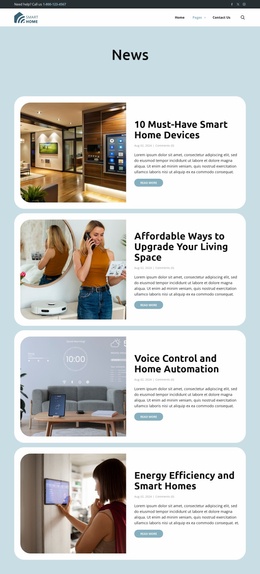
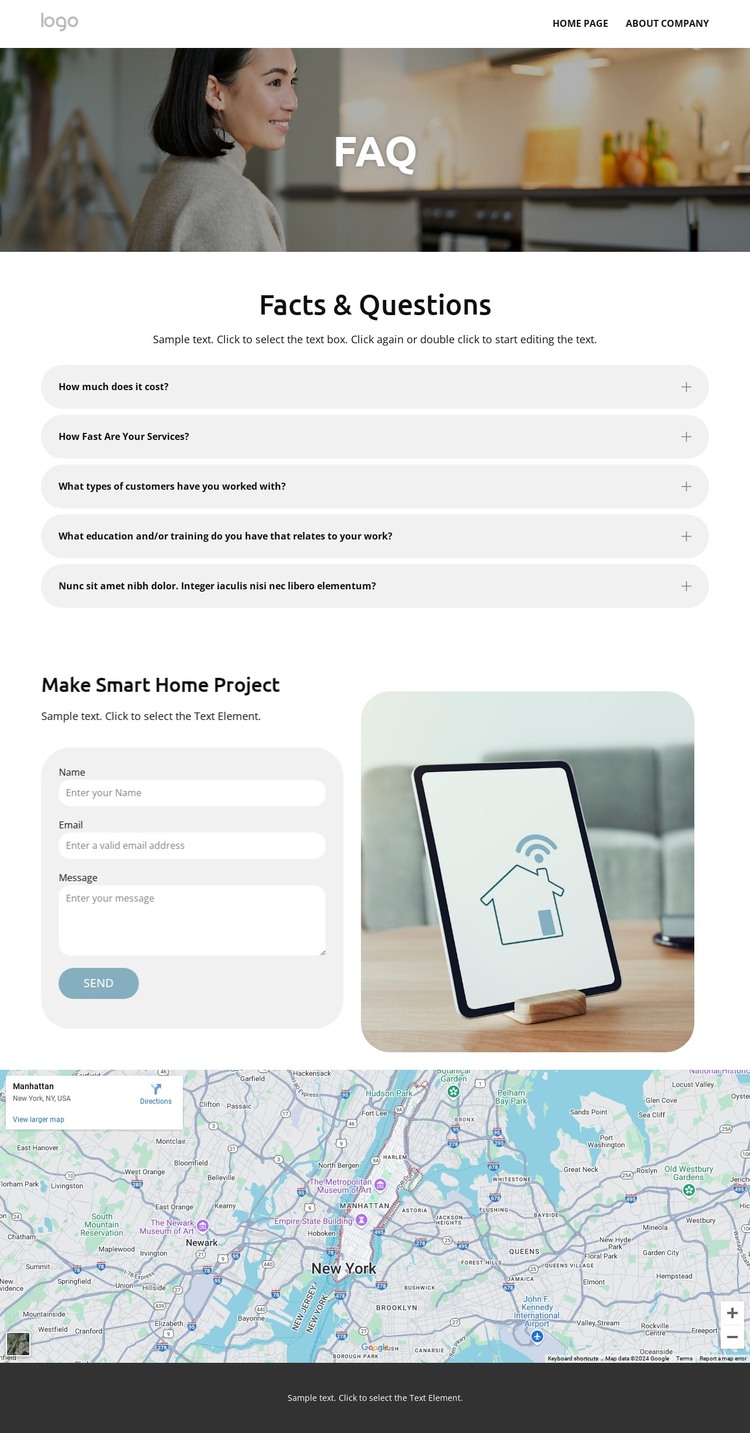
The page-oriented content is centered on five expandable FAQ items, which gives the design a clear permanent-information role. The photographic FAQ introduction establishes the subject, and the Facts & Questions section lets visitors access individual answers without turning the page into an undifferentiated block of text. Around that core, the header supplies branding, navigation, search, phone contact, and social links as shared site elements.
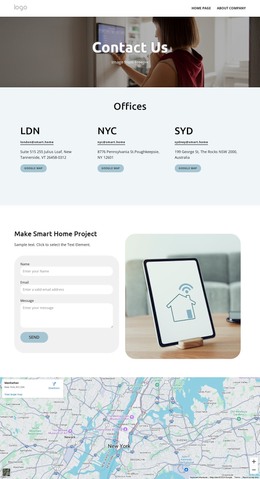
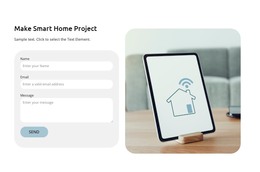
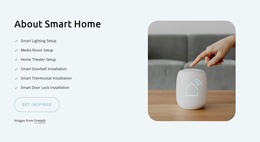
The lower content supports a second kind of WordPress-managed page information. The contact form and rounded smart-home device image create a project inquiry area, while the map adds location context. The dark footer gathers the “Ready to get started?” prompt with phone and email channels, quick links, company information, and social links. This combination can accommodate stable page content while leaving room for the wording, questions, and contact details to be maintained as the project develops.
WordPress Pages are a relevant interpretation bridge because the verified design is organized around a focused FAQ page rather than an already confirmed blog or post listing. The template should not be described as containing WordPress Posts, categories, or widgets. Its WordPress value comes from translating the existing FAQ, contact, map, and shared navigation areas into a CMS-managed page while preserving the visual relationship between answers and expert inquiry.
Customize with Nicepage
Open this ready-made template in the WordPress Website Builder and customize it visually in the Nicepage editor. Replace demo content, edit page sections, and adapt the design to your project without rebuilding the template from scratch.
Manage and Edit This Theme in WordPress
Customize and Install the WordPress Theme
Start with this ready-made theme instead of building the WordPress design from scratch. Customize its layout, content, typography, images, sections, and other design elements visually in Nicepage editor, then export and install the WordPress Theme, Plugin, and Pages on your WordPress site. The Nicepage WordPress Plugin lets you continue working with the site after installation.
Edit the Theme Directly in WordPress
After installation, you can edit the WordPress Theme directly in WordPress with the Nicepage WordPress Plugin. Use Site Style to customize site Colors, Fonts, Header, Footer, Blog, and Post Page Templates while working within your WordPress website.
Edit WordPress Pages Visually
Use the Nicepage WordPress Plugin to edit page content directly from the WordPress admin area. Open a WordPress Page with Nicepage and visually change its text, images, sections, and other page elements while continuing to manage the Page through WordPress.
WordPress Content and Theme Integration
Use the customized theme with WordPress Pages, Posts, Blog and Post Templates, menus, widgets, and other CMS-managed content. Shared theme elements such as Colors, Fonts, Header, Footer, Blog, and Post Page Templates can be managed as part of the overall site design, while WordPress provides the CMS environment for managing site content.
This workflow combines a ready-made WordPress Theme with visual customization, direct theme editing in WordPress, and continued content management through the Nicepage WordPress Plugin.