Our solar panels WordPress Theme



Edit Template Offline
2. Create new page and search for id 2260903
Edit Template Online
Create Awesome Websites


Free Nicepage Builder
Keywords
Recurring Solar Services Give WordPress Content a Clear Page Structure
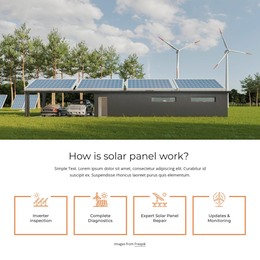
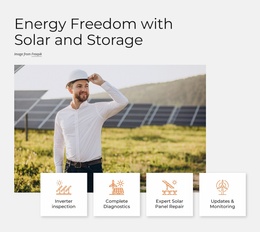
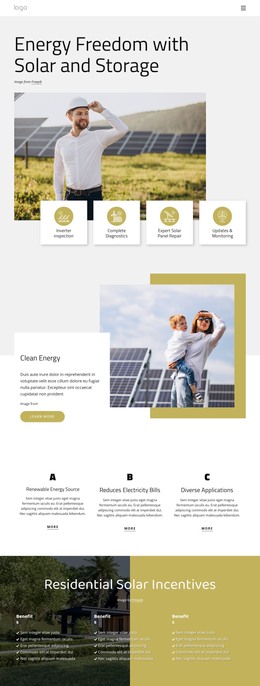
The four service areas provide the clearest permanent page content in this design. Inspection, diagnostics, repair, and updates with monitoring are separated into repeated items, so each can remain a recognizable part of the solar theme while its wording and supporting details evolve. The compact header and menu control give those areas a navigation context, and the consistent outlined treatment helps recurring service information remain visually related.
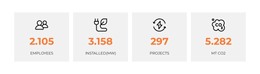
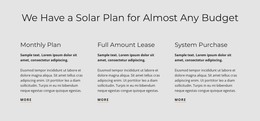
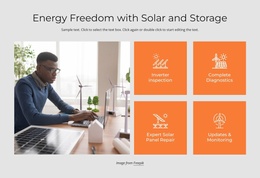
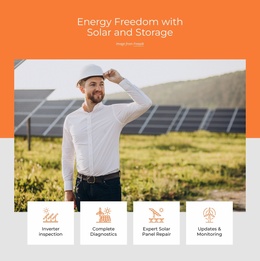
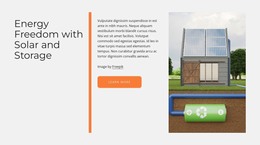
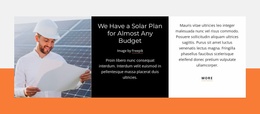
The remaining sections support different kinds of WordPress-oriented content. Solar Solutions and Energy Freedom with Solar and Storage can frame explanatory page content beside relevant imagery, while the budget callout and the three options—Monthly Plan, Full Amount Lease, and System Purchase—organize information that visitors may compare. The property and family photographs make the subject residential, and the four metric tiles create a compact location for confirmed figures rather than treating the displayed demo counters as business proof.
The Get In Touch section offers a defined page region for inquiries, combining a contact form with a question panel. If a project later adds regularly updated articles or announcements, those items would need to be introduced through the CMS rather than assumed to exist in this template. The existing service, storage, plan, and contact areas nevertheless provide a coherent visual environment for WordPress-managed content.
Customize with Nicepage
Open this ready-made template in the WordPress Website Builder and customize it visually in the Nicepage editor. Replace demo content, edit page sections, and adapt the design to your project without rebuilding the template from scratch.
Manage and Edit This Theme in WordPress
Customize and Install the WordPress Theme
Start with this ready-made theme instead of building the WordPress design from scratch. Customize its layout, content, typography, images, sections, and other design elements visually in Nicepage editor, then export and install the WordPress Theme, Plugin, and Pages on your WordPress site. The Nicepage WordPress Plugin lets you continue working with the site after installation.
Edit the Theme Directly in WordPress
After installation, you can edit the WordPress Theme directly in WordPress with the Nicepage WordPress Plugin. Use Site Style to customize site Colors, Fonts, Header, Footer, Blog, and Post Page Templates while working within your WordPress website.
Edit WordPress Pages Visually
Use the Nicepage WordPress Plugin to edit page content directly from the WordPress admin area. Open a WordPress Page with Nicepage and visually change its text, images, sections, and other page elements while continuing to manage the Page through WordPress.
WordPress Content and Theme Integration
Use the customized theme with WordPress Pages, Posts, Blog and Post Templates, menus, widgets, and other CMS-managed content. Shared theme elements such as Colors, Fonts, Header, Footer, Blog, and Post Page Templates can be managed as part of the overall site design, while WordPress provides the CMS environment for managing site content.
This workflow combines a ready-made WordPress Theme with visual customization, direct theme editing in WordPress, and continued content management through the Nicepage WordPress Plugin.