Design your solar roof WordPress Theme



Edit Template Offline
2. Create new page and search for id 2298527
Edit Template Online
Create Awesome Websites


Free Nicepage Builder
Keywords
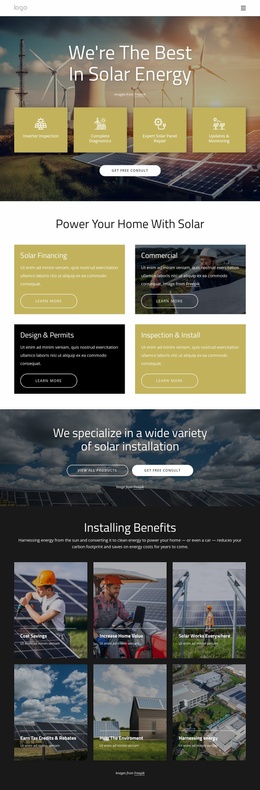
Service and Profile Content Gives the Solar Theme Editorial Structure
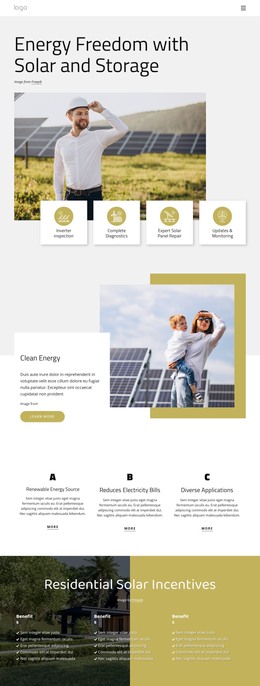
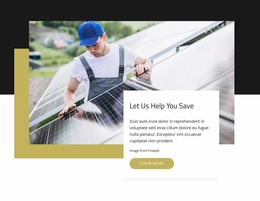
The four service cards provide the clearest page-oriented content areas in this design. In a WordPress project, inverter inspection, complete diagnostics, expert solar panel repair, and updates and monitoring could guide permanent service content while retaining the same card-based visual relationship. The clean-energy introduction, three benefit columns, and residential incentives section add supporting information for visitors who need household and environmental context.
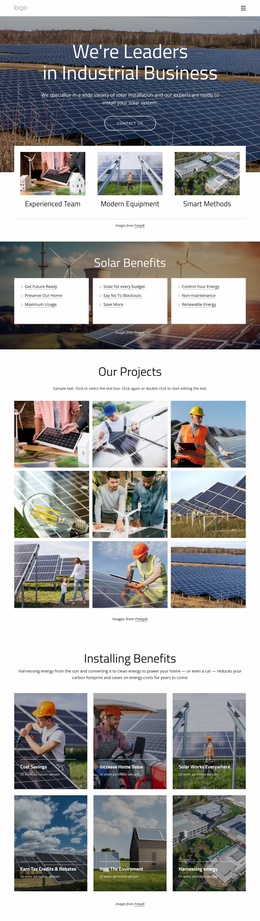
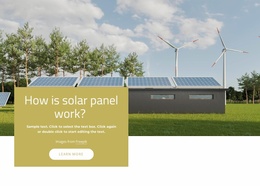
The three professional profile cards create a separate people-focused content area. Their repeated portraits, names, roles, and social links are structurally different from the service cards, so they can support team information without being treated as another service list. The solar-panel education section and percentage callouts add further explanatory material, while the family-and-solar and wind-turbine images reinforce the residential and renewable-energy subjects.
The closing contact area pairs a visible form with renewable-energy imagery, making it a natural place for inquiry content within the overall theme. WordPress Pages or other managed content can be interpreted around these existing areas, but the analysis does not prove that posts, categories, or blog templates are already present. The theme’s main strength is its combination of service, educational, profile, and contact content inside one consistent visual system.
Customize with Nicepage
Open this ready-made template in the WordPress Website Builder and customize it visually in the Nicepage editor. Replace demo content, edit page sections, and adapt the design to your project without rebuilding the template from scratch.
Manage and Edit This Theme in WordPress
Customize and Install the WordPress Theme
Start with this ready-made theme instead of building the WordPress design from scratch. Customize its layout, content, typography, images, sections, and other design elements visually in Nicepage editor, then export and install the WordPress Theme, Plugin, and Pages on your WordPress site. The Nicepage WordPress Plugin lets you continue working with the site after installation.
Edit the Theme Directly in WordPress
After installation, you can edit the WordPress Theme directly in WordPress with the Nicepage WordPress Plugin. Use Site Style to customize site Colors, Fonts, Header, Footer, Blog, and Post Page Templates while working within your WordPress website.
Edit WordPress Pages Visually
Use the Nicepage WordPress Plugin to edit page content directly from the WordPress admin area. Open a WordPress Page with Nicepage and visually change its text, images, sections, and other page elements while continuing to manage the Page through WordPress.
WordPress Content and Theme Integration
Use the customized theme with WordPress Pages, Posts, Blog and Post Templates, menus, widgets, and other CMS-managed content. Shared theme elements such as Colors, Fonts, Header, Footer, Blog, and Post Page Templates can be managed as part of the overall site design, while WordPress provides the CMS environment for managing site content.
This workflow combines a ready-made WordPress Theme with visual customization, direct theme editing in WordPress, and continued content management through the Nicepage WordPress Plugin.