Climate and energy control WordPress Theme



Edit Template Offline
2. Create new page and search for id 6315975
Edit Template Online
Create Awesome Websites


Free Nicepage Builder
Keywords
Service and Device Content Can Share One WordPress Visual System
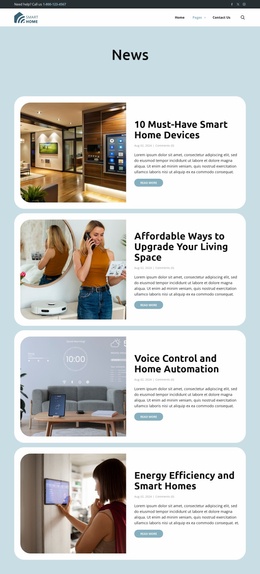
The page separates several kinds of content that are useful to keep distinct in a managed website. Access control and security appear first as broad capability topics, while the six management cards cover outdoor CCTV, temperature control, tracking, auto control, motion sensing, and heating plans. The display-hub section narrows the focus to device characteristics, including Google Assistant, Chromecast built-in, a camera, and a 10-inch HD display. This relationship gives service information and product-oriented information different roles within the same design.
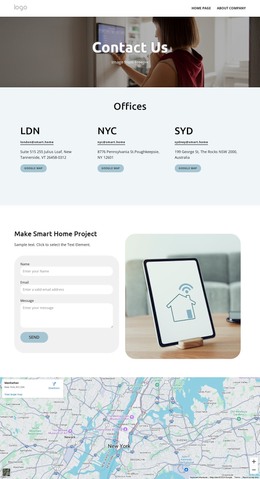
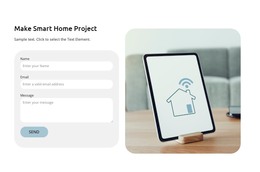
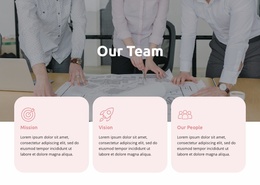
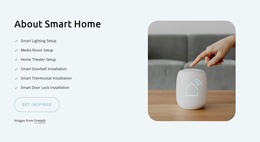
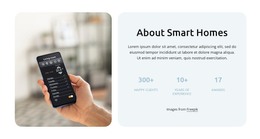
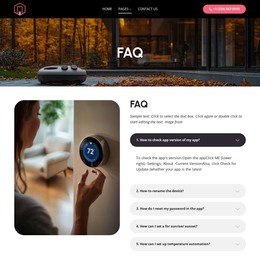
Page-oriented company content follows a similar pattern. The testimonial row offers social proof, the About Smart Homes panel supplies an introduction and displayed highlights, and the team section provides three portrait cards with roles. The five FAQ rows create a structured question area, while the project inquiry section, visible map, and footer hold contact, location, and follow-up information. These regions can remain visually related even when the underlying content needs regular editing or expansion.
For WordPress, the template is therefore best understood as a visual system for organizing permanent service and company pages, with room for additional managed content if the project requires it. The WordPress Plugin is a verified Nicepage capability for editing a theme directly in WordPress, but this design-specific interpretation rests on the actual separation of its service, device, people, FAQ, inquiry, and contact areas.
Customize with Nicepage
Open this ready-made template in the WordPress Website Builder and customize it visually in the Nicepage editor. Replace demo content, edit page sections, and adapt the design to your project without rebuilding the template from scratch.
Manage and Edit This Theme in WordPress
Customize and Install the WordPress Theme
Start with this ready-made theme instead of building the WordPress design from scratch. Customize its layout, content, typography, images, sections, and other design elements visually in Nicepage editor, then export and install the WordPress Theme, Plugin, and Pages on your WordPress site. The Nicepage WordPress Plugin lets you continue working with the site after installation.
Edit the Theme Directly in WordPress
After installation, you can edit the WordPress Theme directly in WordPress with the Nicepage WordPress Plugin. Use Site Style to customize site Colors, Fonts, Header, Footer, Blog, and Post Page Templates while working within your WordPress website.
Edit WordPress Pages Visually
Use the Nicepage WordPress Plugin to edit page content directly from the WordPress admin area. Open a WordPress Page with Nicepage and visually change its text, images, sections, and other page elements while continuing to manage the Page through WordPress.
WordPress Content and Theme Integration
Use the customized theme with WordPress Pages, Posts, Blog and Post Templates, menus, widgets, and other CMS-managed content. Shared theme elements such as Colors, Fonts, Header, Footer, Blog, and Post Page Templates can be managed as part of the overall site design, while WordPress provides the CMS environment for managing site content.
This workflow combines a ready-made WordPress Theme with visual customization, direct theme editing in WordPress, and continued content management through the Nicepage WordPress Plugin.