The heart of smart home WordPress Theme


Edit Template Offline
2. Create new page and search for id 6539506
Edit Template Online
Create Awesome Websites


Free Nicepage Builder
Keywords
Mission Copy and Repeated Profiles Give WordPress Content Clear Roles
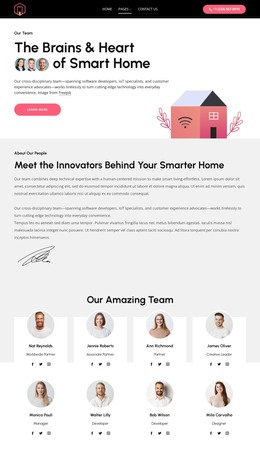
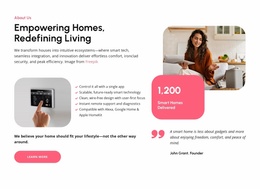
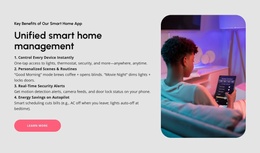
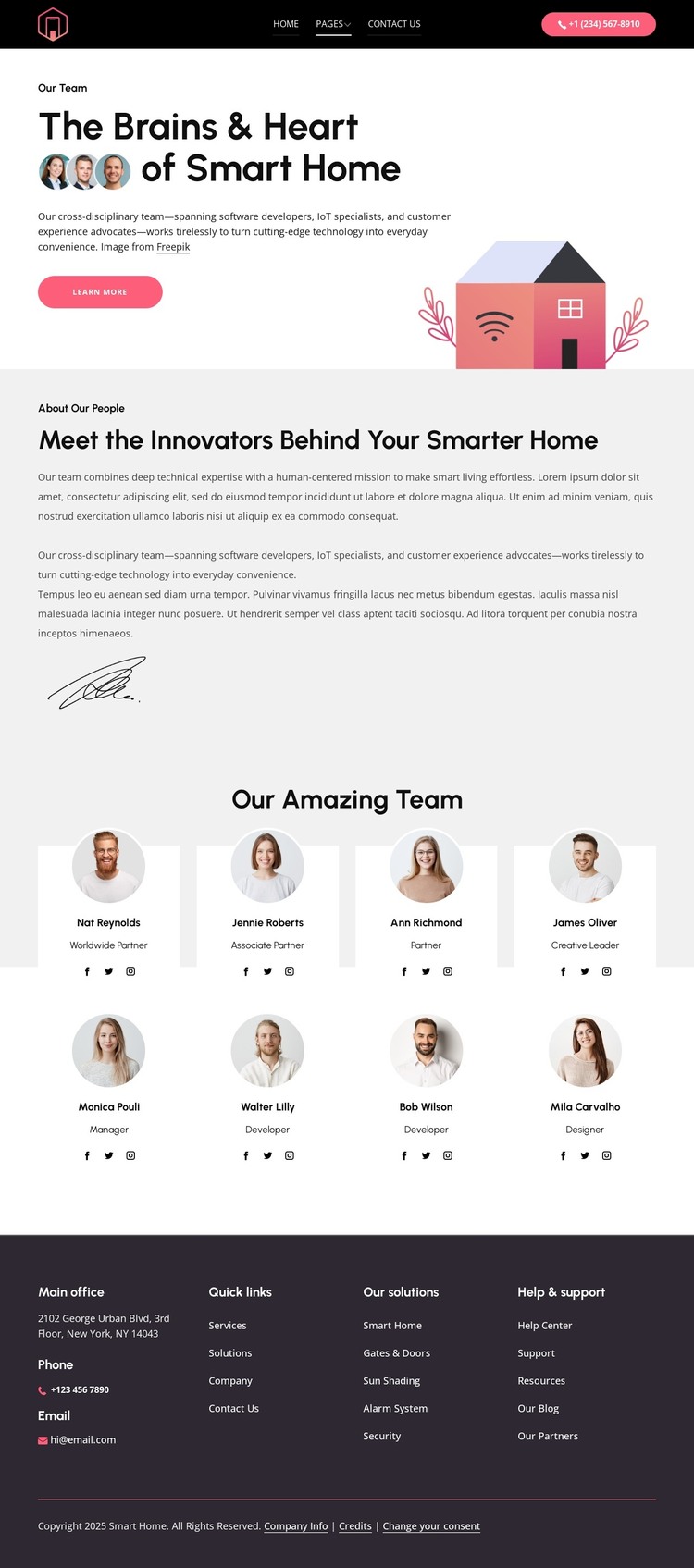
The page divides its content into areas that can be interpreted naturally in a WordPress-managed environment. The opening split section works as permanent page content: it introduces the smart-home subject with a large illustration, heading, supporting copy, and Learn more action. The second split section adds another page-oriented content area by explaining the team mission through longer text and a signature-style image. These sections provide context before the repeated directory begins.
The eight profile cards create a separate recurring content pattern. Each item presents a portrait, role, and social links, so the directory can represent a set of people without requiring the visitor to read one uninterrupted block of text. The footer then connects this page to wider site content through office details, phone and email channels, quick links, solution labels, and help resources. The smart-home categories and role descriptions suggest relationships between technical expertise, automation services, and customer support, but sample names and contact values remain structural demonstration content rather than verified business data. In a WordPress project, the page could therefore provide a visual framework for permanent team content and other managed sections while preserving the distinction between the fixed page design and content that may later be updated. The analysis does not verify Posts, Blog templates, or other WordPress structures as existing elements.
Customize with Nicepage
Open this ready-made template in the WordPress Website Builder and customize it visually in the Nicepage editor. Replace demo content, edit page sections, and adapt the design to your project without rebuilding the template from scratch.
Manage and Edit This Theme in WordPress
Customize and Install the WordPress Theme
Start with this ready-made theme instead of building the WordPress design from scratch. Customize its layout, content, typography, images, sections, and other design elements visually in Nicepage editor, then export and install the WordPress Theme, Plugin, and Pages on your WordPress site. The Nicepage WordPress Plugin lets you continue working with the site after installation.
Edit the Theme Directly in WordPress
After installation, you can edit the WordPress Theme directly in WordPress with the Nicepage WordPress Plugin. Use Site Style to customize site Colors, Fonts, Header, Footer, Blog, and Post Page Templates while working within your WordPress website.
Edit WordPress Pages Visually
Use the Nicepage WordPress Plugin to edit page content directly from the WordPress admin area. Open a WordPress Page with Nicepage and visually change its text, images, sections, and other page elements while continuing to manage the Page through WordPress.
WordPress Content and Theme Integration
Use the customized theme with WordPress Pages, Posts, Blog and Post Templates, menus, widgets, and other CMS-managed content. Shared theme elements such as Colors, Fonts, Header, Footer, Blog, and Post Page Templates can be managed as part of the overall site design, while WordPress provides the CMS environment for managing site content.
This workflow combines a ready-made WordPress Theme with visual customization, direct theme editing in WordPress, and continued content management through the Nicepage WordPress Plugin.