
350 Nature WordPress Themes



































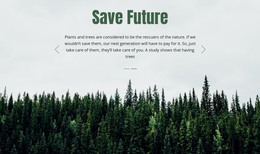
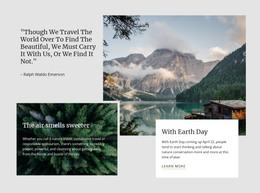







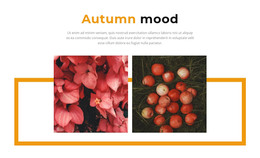
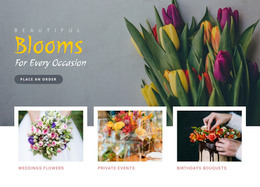


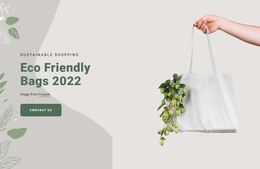
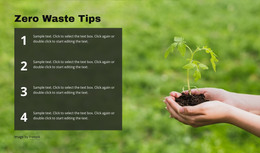

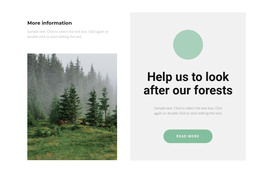
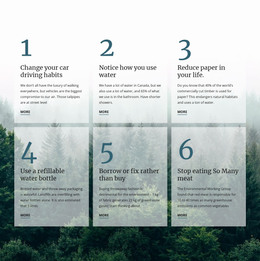

Advanced Nature WordPress Themes for Conservation Websites
Nature WordPress themes give conservation teams, safari operators, marine groups, and desert projects a practical way to maintain a consistent visual identity while staff update articles and project content in WordPress. Nicepage connects a controlled design system with CMS content work, so routine updates do not require a complete page rebuild.
Who Can Use Flexible WordPress Nature Designs?
Conservation organizations can publish habitat reports and campaigns, safari operators can maintain destination and trip content, marine groups can organize research updates, and outdoor projects can present field news. Each audience benefits from a WordPress structure that keeps recurring content editable while maintaining a consistent visual system across pages.
A wildlife operator may use safari website ideas to establish photography, destination cards, and route information before adapting that direction to WordPress. An environmental WordPress site may instead prioritize articles, categories, and supporting project pages. In both cases, the CMS serves as the content layer, while Nicepage provides the visual workflow.
The product path remains clear: choose a design, open Nicepage, customize the layouts, export the WordPress theme and plugin, then install the package in WordPress. The WordPress theme and pages installation workflow covers the Nicepage Theme and Plugin package used on a WordPress site.
Stunning Features for Nature WordPress Sites
WordPress Plugin: works directly with page content in WordPress and uses responsive layouts without hand-coding every section. Export Websites: prepare WordPress Themes from the Nicepage Application for Windows or macOS. Header & Footer: control shared site blocks that carry navigation, identity, contact details, and common links across pages.
Edit Content Mode: change text, images, and icons while protecting the design from accidental damage, which is useful when clients or less experienced editors manage content updates. User Roles: separate Design Editor and Content Editor permissions so collaborators receive the level of access appropriate to their work. The User Roles in WordPress documentation explains the permission workflow for clients.
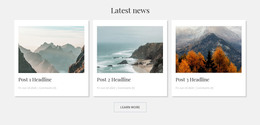
Blog Posts Element: Place posts on project pages in different layouts and control how many appear. A marine conservation site, for example, can combine campaign sections with marine website references and use the Blog Posts Element for field notes, research summaries, or organization news.
For an environmental WordPress site, these tools enhance WordPress rather than replace its role as a CMS. A nature WordPress site can use the exported theme for its visual structure while the Nicepage WordPress Plugin supports content work inside the CMS. This division helps teams maintain article flow, responsive presentation, and a consistent header and footer without treating every routine update as a redesign.
Best WordPress Practices for Environmental Content
Pro Tip: Separate theme decisions from routine editorial tasks. Keep colors, typography, shared blocks, and major layout patterns under design control, then give content editors only the permissions they need. A desert website direction may require a different palette from a marine project, but Edit Content Mode and User Roles can protect both layouts. At the same time, staff maintain articles and project updates.
Mobile-friendly Nature WordPress Questions
Can clients update nature site content without full design control?
Yes. Nicepage User Roles can give collaborators specific permissions. A client can receive limited Editor access for content work without full control over the layout grid.
Will WordPress plugin or theme updates remove my layout adjustments?
No. According to the Nicepage FAQ knowledge base, visual adjustments, block changes, and custom styling rules are preserved during plugin or theme updates.
Can I edit an exported Nicepage WordPress theme directly inside WordPress?
The Nicepage FAQ knowledge base states that WordPress and Joomla themes are exported from the Desktop Application or Online Builder and cannot be edited directly inside the CMS. The WordPress Plugin is used for Nicepage content workflows.
How can a conservation site show recent field reports on a project page?
Use the Blog Posts Element. It can be added to a page with different layouts and a selected number of posts, which makes it suitable for recent field reports, project news, or habitat updates.
Ready-to-use WordPress Workflow for Nature Projects
Keep a nature WordPress site practical for editors without handing every layout decision to a developer. Choose a nature design, refine the visual system in Nicepage, export the WordPress theme and plugin, and install the package in WordPress. From there, assign suitable roles and maintain project content through the CMS. Start for free and move from a visual concept to a working nature site with a defined handoff process.





















































