
1240 Split WordPress Themes















































































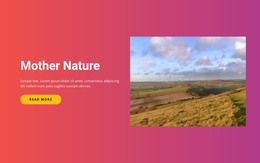

Customizable Split WordPress Themes for Two-Part Page Sections
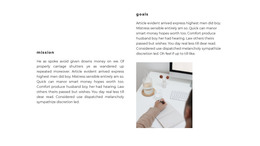
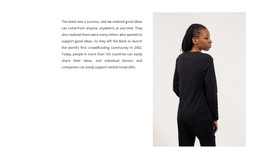
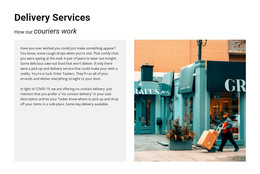
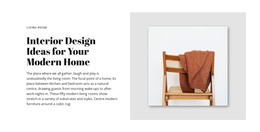
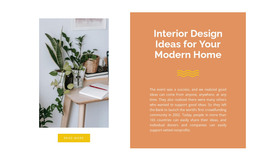
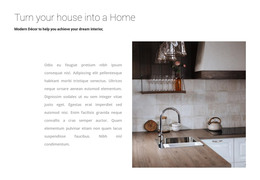
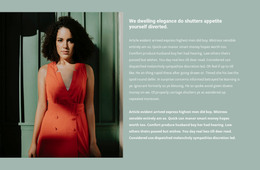
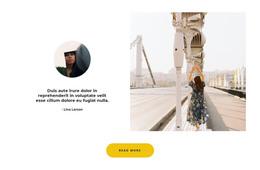
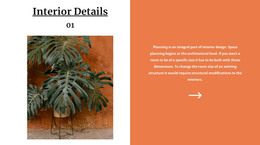
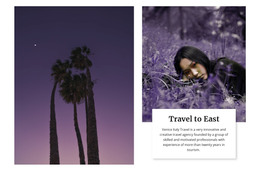
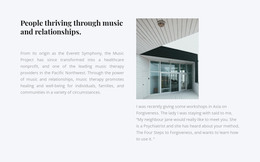
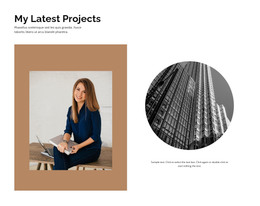
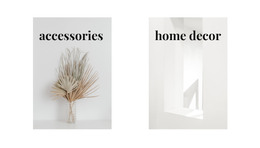
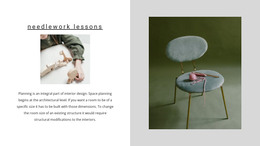
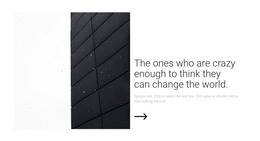
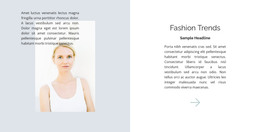
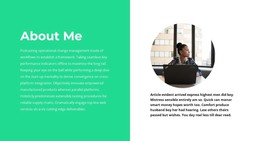
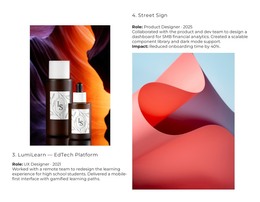
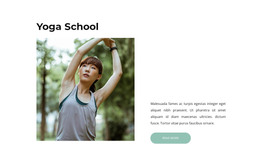
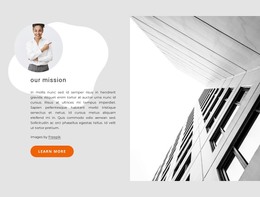
Split WordPress Themes can use two-part sections in which one block is divided into two connected halves. A common design places imagery on one side and text, a heading, and a button on the other, giving the page a strong visual-content balance without turning the two sides into separate destinations.
The Split pattern remains a section-level layout inside the broader WordPress website. It can appear on a homepage, service page, portfolio page, product presentation, or another page where one message benefits from two coordinated content areas.
Use Split Sections for Image-and-Content Pairings
Useful WordPress Split combinations include:
- a service image beside a short explanation and CTA;
- portfolio work beside project information;
- a product visual beside features or supporting copy;
- a brand image beside an introduction or story.
The Nicepage Grid Element can support the two-column arrangement inside a page. The Split identity comes from keeping the two halves visually and functionally connected.
Customize the Block Without Losing Its Structure
The two halves can use equal widths or asymmetric proportions. A large image may need more space, while a text-heavy side may require additional width when the message contains a heading, paragraph, and button.
Spacing, background treatment, alignment, image crop, and responsive behavior can all be adjusted to fit the WordPress page. The goal is to preserve one coordinated section rather than treat the layout as two unrelated columns.
Work With Nicepage in WordPress
Nicepage can be used as part of a WordPress workflow, and its WordPress Plugin supports editing page content such as text, images, sections, and other elements.
The documented workflow for editing Nicepage WordPress designs in WordPress allows continued visual editing after the project is integrated with the CMS.
For a Split section, this means imagery, copy, proportions, and layout can be refined while the block remains part of the larger page and theme structure.
Plan Responsive Stacking
A desktop Split section can keep both halves side by side. On smaller devices, the image and text areas may stack vertically.
Choose the order based on the content, and keep the CTA with the correct text. If the image is primarily decorative, the text may lead on mobile; if the visual provides essential context, it can appear first.
Split WordPress Themes FAQ
Can I Move a Nicepage Project From Online Builder Toward a WordPress Workflow?
Yes. Nicepage's workflow lets you export a project from Nicepage Online, open it in the Nicepage Desktop Application, and prepare it for WordPress.
Can I Export a Nicepage Project From the WordPress Plugin?
No. The Nicepage WordPress Plugin does not support project export. Project export is handled through the supported Nicepage application workflow rather than from the WordPress Plugin itself.
Can a Split WordPress Section Use an Image and a CTA?
Yes. A common Split section places an image on one side and a heading, supporting text, and CTA on the other.
Should Every Page in a Split WordPress Theme Use the Same Layout?
No. Split is a useful section pattern, but it does not need to define every page or every block on a WordPress website.
Keep the Split Block Integrated With the WordPress Page
Choose a Split section that fits the content you need to pair, then adjust the image, copy, button, proportions, and responsive order in Nicepage. Continue editing through the supported WordPress workflow while keeping both halves connected as one page section.






















































