Smart life weekly WordPress Theme


Stable Article Summaries Form WordPress Page Content
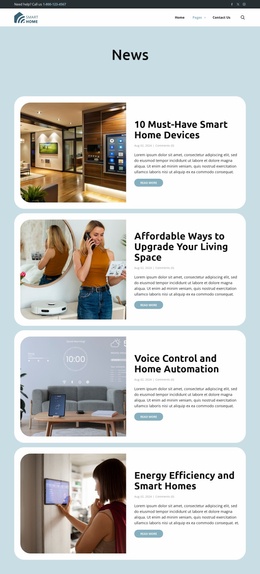
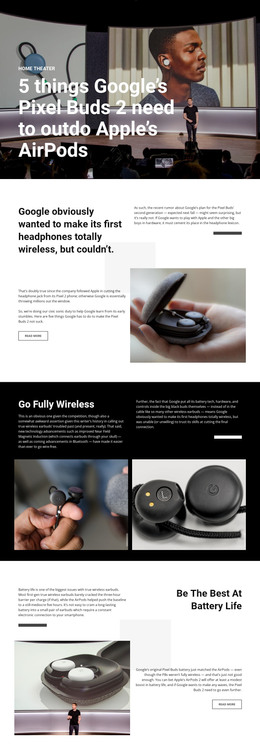
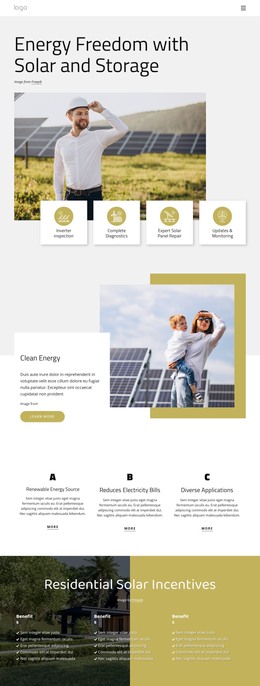
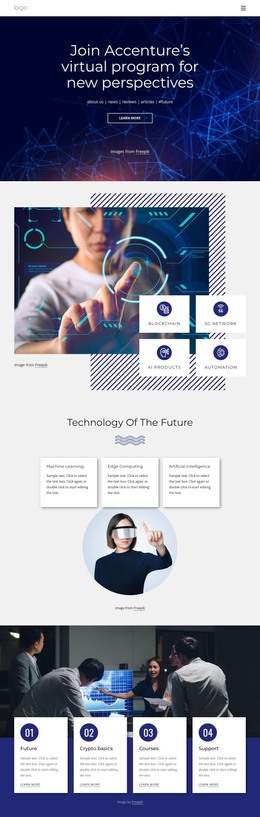
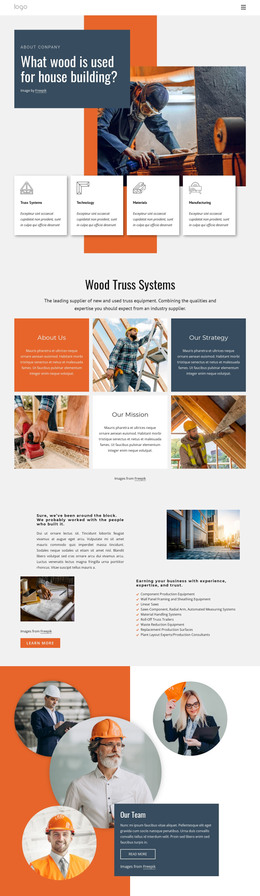
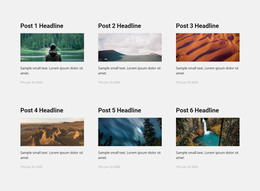
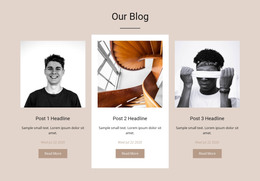
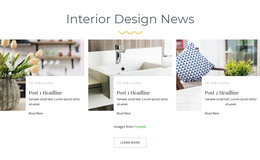
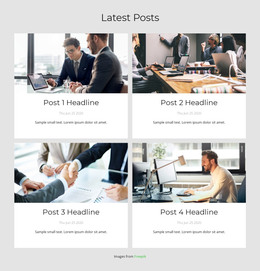
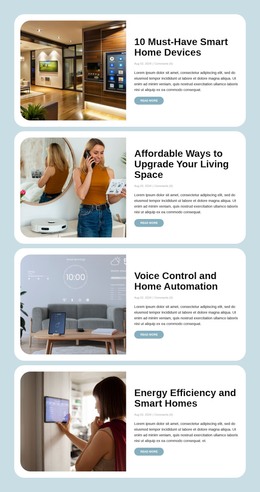
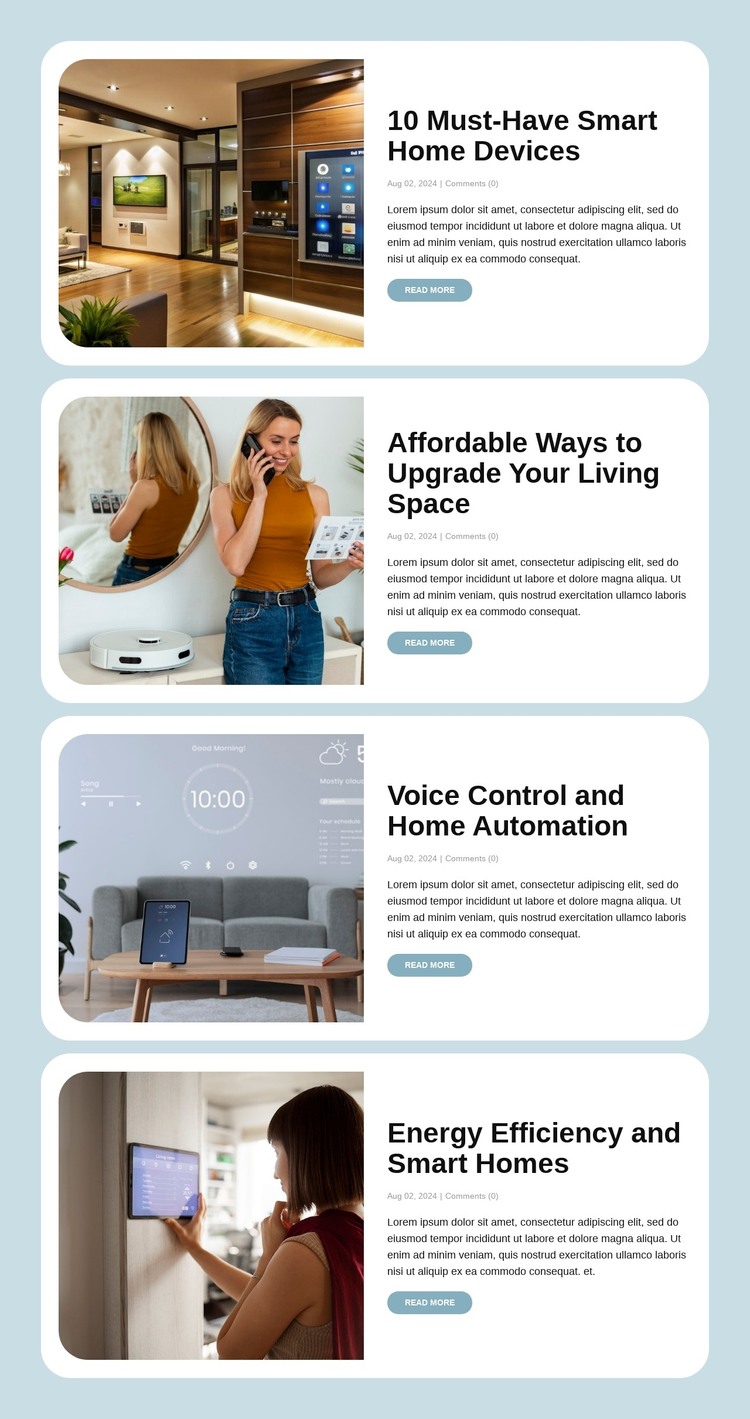
The four cards read as stable page content for a WordPress-oriented site: each presents a compact article summary with a featured image, title, date and comment metadata, excerpt, and link to the individual post. The topics cover smart-home devices, living-space upgrades, voice control and automation, and energy efficiency. This makes the section suitable for an ongoing blog or insights area where related posts need a consistent visual presentation within a larger page.
The image-left and text-right arrangement gives every entry the same content path, while the pale blue background and white rounded cards distinguish the article group from neighboring page sections. Large black headings support quick topic recognition, gray metadata and body text add context, and the muted blue Read More links identify the next step for each post. The repeated structure keeps the four summaries connected without merging them into one article.
In a WordPress-managed project, this block can serve as a reusable page-content region around publishable article summaries. The wider site may provide its own CMS organization and additional pages, while this section preserves the verified blog-post layout. Its role is therefore practical and bounded: it presents four related previews and routes readers toward their separate posts without becoming a standalone WordPress theme.
Customize with Nicepage
Open this ready-made template in the WordPress Website Builder and customize it visually in the Nicepage editor. Replace demo content, edit page sections, and adapt the design to your project without rebuilding the template from scratch.
Edit Template Offline
2. Create a new page or select existing
3. Click Add new block, search for id 6546567 and click enter
Edit Template Online
Create Awesome Websites


Free Nicepage Builder
Keywords
Manage and Edit This Theme in WordPress
Customize and Install the WordPress Theme
Start with this ready-made theme instead of building the WordPress design from scratch. Customize its layout, content, typography, images, sections, and other design elements visually in Nicepage editor, then export and install the WordPress Theme, Plugin, and Pages on your WordPress site. The Nicepage WordPress Plugin lets you continue working with the site after installation.
Edit the Theme Directly in WordPress
After installation, you can edit the WordPress Theme directly in WordPress with the Nicepage WordPress Plugin. Use Site Style to customize site Colors, Fonts, Header, Footer, Blog, and Post Page Templates while working within your WordPress website.
Edit WordPress Pages Visually
Use the Nicepage WordPress Plugin to edit page content directly from the WordPress admin area. Open a WordPress Page with Nicepage and visually change its text, images, sections, and other page elements while continuing to manage the Page through WordPress.
WordPress Content and Theme Integration
Use the customized theme with WordPress Pages, Posts, Blog and Post Templates, menus, widgets, and other CMS-managed content. Shared theme elements such as Colors, Fonts, Header, Footer, Blog, and Post Page Templates can be managed as part of the overall site design, while WordPress provides the CMS environment for managing site content.
This workflow combines a ready-made WordPress Theme with visual customization, direct theme editing in WordPress, and continued content management through the Nicepage WordPress Plugin.