
Tabs WordPress Themes
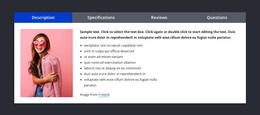
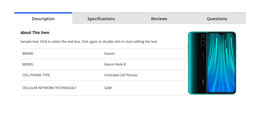






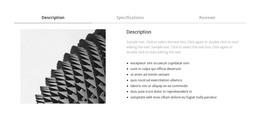

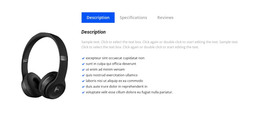

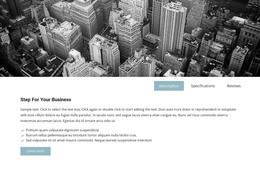
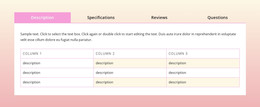

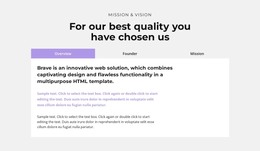











Professional Tabs WordPress Themes for Flexible Theme Layouts
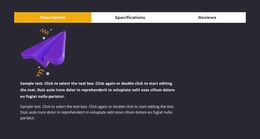
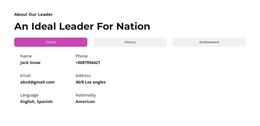
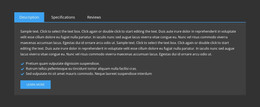
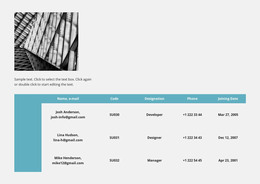
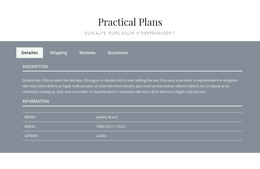
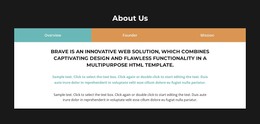
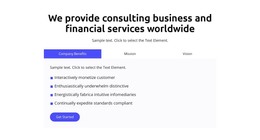
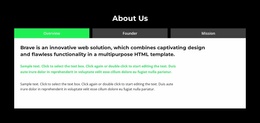
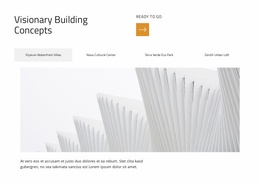
Tabs are common in WordPress themes because they let a page present several related content groups in one compact section. A business theme may use them for services, a product-oriented layout for feature groups, a portfolio for categories, or a landing page for plan and audience variations.
The important question is whether the WordPress theme as a whole fits the project and whether its tabbed sections support the content you actually need.
Where Tabs Work Well in WordPress Themes
A strong WordPress theme can use tabbed content in many practical situations:
- service pages with related service categories;
- product or SaaS pages with features, integrations, or use cases;
- portfolio layouts with several project groups;
- business pages with team, process, or capability views;
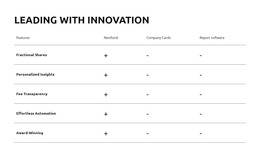
- pricing or plan sections where visitors compare parallel options.
In each case, the Tabs block should feel like part of the theme rather than an isolated widget. Typography, spacing, colors, and panel treatment should follow the same visual system used across the rest of the site.
Nicepage provides Tabs block designs that can be adapted to fit a WordPress-oriented project.
Evaluate Tabs in the WordPress Theme Demo
When evaluating a WordPress theme or demo, check the tabbed section in context rather than judging it in isolation. Look at how it matches the theme's buttons, headings, cards, content width, and overall visual hierarchy.
Before choosing the theme, review:
- whether the Tabs layout suits the expected content;
- how the selected and inactive states fit the theme styling;
- whether panel space works for text and media;
- how the section behaves on tablet and phone views;
- whether the tabbed block still feels native to the theme after content changes.
Nicepage Site Colors can help keep the tabbed block aligned with the wider project palette.
Edit Tabs Within a WordPress Workflow
Nicepage supports page-content editing through the WordPress Plugin. That workflow is useful after the theme and page content are installed because the Tabs section can be adjusted together with the surrounding page.
For a theme-based project, the workflow is secondary to the design choice itself. Start by selecting a theme or page composition where Tabs make sense, then use the available WordPress editing tools to refine the content.
Nicepage also documents direct editing of theme and template settings in WordPress, which can help keep the tabbed section aligned with the broader site style.
Choose the WordPress Theme Before Fine-Tuning the Tabs
A WordPress theme should not be selected simply because it includes a tabbed block. Start with the theme's page structure, content types, responsive behavior, and overall suitability, then judge whether its Tabs sections support the project.
Before choosing a design, check whether the Tabs section has:
- enough room for the expected content;
- a control layout that suits the number of categories;
- a panel style that works with media or text;
- a responsive arrangement that fits the rest of the theme.
If the grouped content is better scanned vertically, an Accordion or separate sections may be a better fit. Tabs work best when several views are equally important, and visitors can move between them in any order.
Tabs WordPress Themes FAQ
What Kind of WordPress Theme Content Works Well in Tabs?
Services, product features, plan details, portfolio categories, use cases, integrations, and other parallel content groups can work well when visitors need to switch between them without leaving the current page.
Can I Edit a Tabs Section From WordPress With Nicepage?
Yes. Nicepage documents page editing through its WordPress Plugin, allowing supported page content and sections to be updated within the WordPress workflow.
Should a Tabs Block Match the Rest of the WordPress Theme?
Yes. Keep typography, colors, spacing, and active-state styling consistent with the broader theme so the tabbed section feels integrated rather than added as a separate widget.
Can Tabs Be Used for Product or Service Comparisons?
Yes, when the items are parallel, and visitors may want to move back and forth between them. If the content must be read in sequence, separate sections are usually clearer.
Is a WordPress Theme With Tabs Always Better Than One Without Them?
No. Tabs are useful only when they match the information structure. Choose the theme for its overall layout, styling system, and project fit, not for one specific element.
Use the Tabs Section Within the WordPress Theme Workflow
Choose the WordPress theme for its overall project fit, confirm that its tabbed layouts work for the required content, then adapt the section while preserving the theme styling. Use the supported Nicepage WordPress workflow for later page-level updates.






















































