
Accordion WordPress Themes










Professional Accordion WordPress Themes for Expandable Content Sections
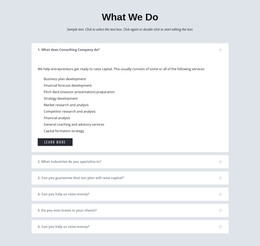
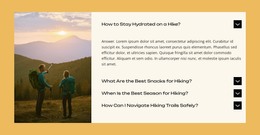
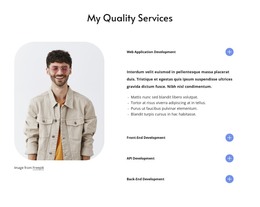
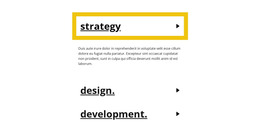
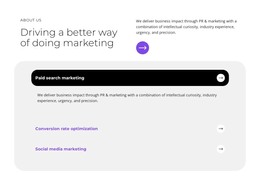
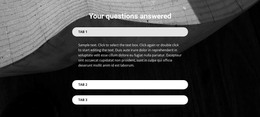
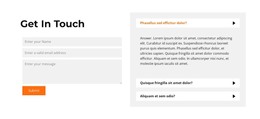
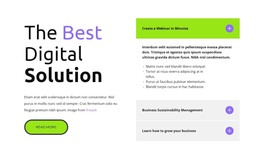
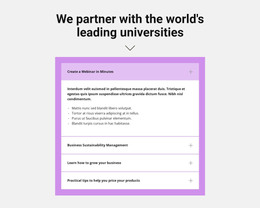
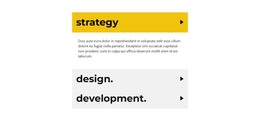
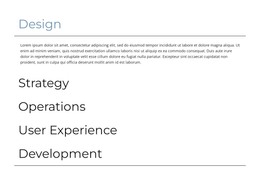
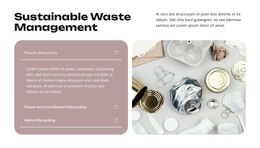
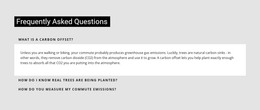
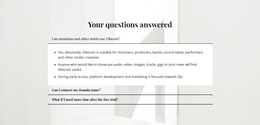
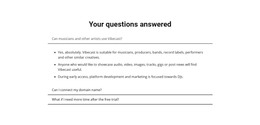
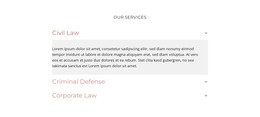
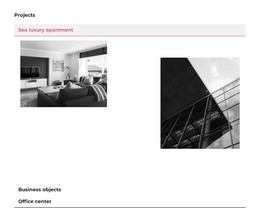
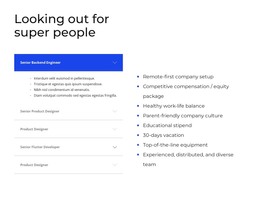
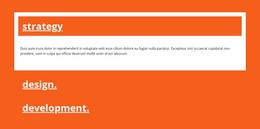
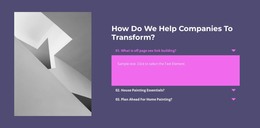
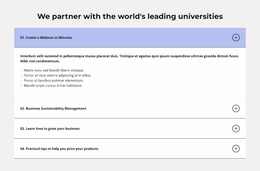
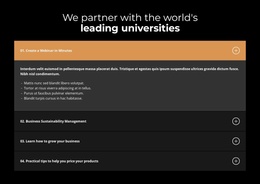
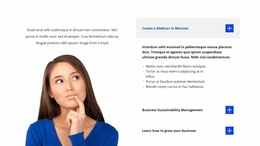
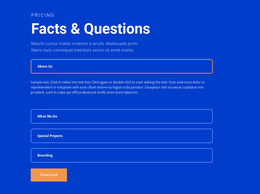
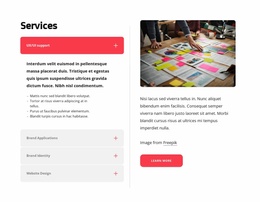
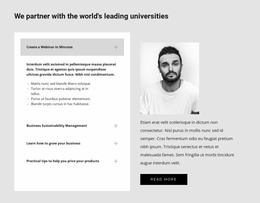
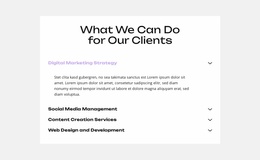
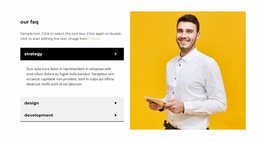
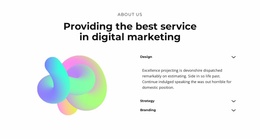
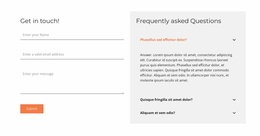
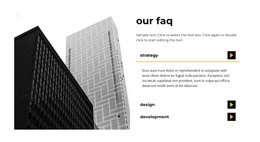
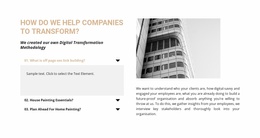
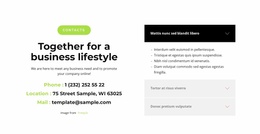
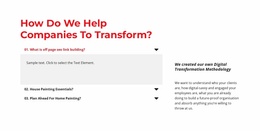
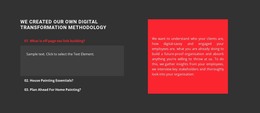
Detailed content can become difficult to scan when every explanation is visible at once. Inside a WordPress-oriented theme or page design, an Accordion section solves that problem with stacked headings and expandable bodies that let visitors reveal only the material they need.
The WordPress context should support the section rather than replace it. Whether the Accordion appears on a service page, policy page, or product-oriented layout, its core job stays the same: organize secondary detail without making the page unnecessarily long.
What Is a User-Friendly Accordion Section Used For?
Keep the Accordion useful by checking three essentials:
- Clear headings that can be scanned before opening a panel.
- Related bodies that deliver the detail promised by each heading.
- Predictable expand/collapse behavior throughout the vertical stack.
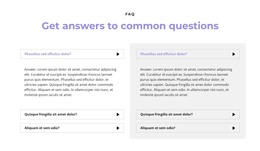
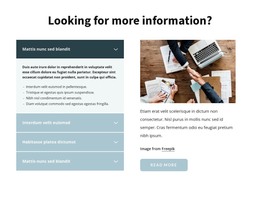
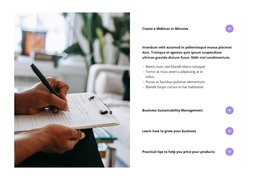
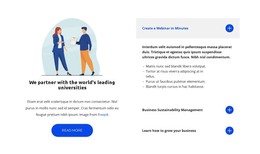
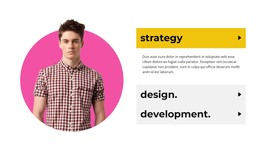
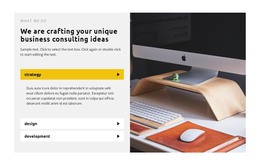
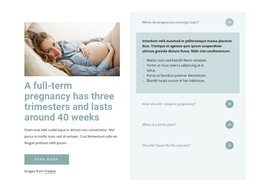
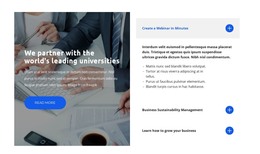
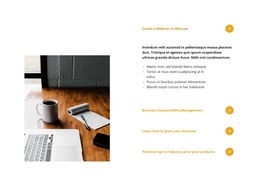
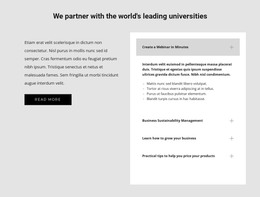
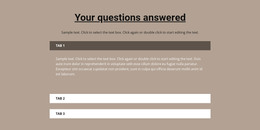
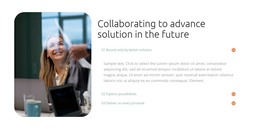
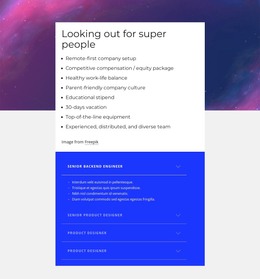
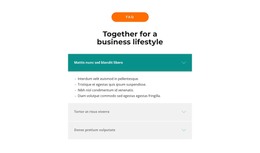
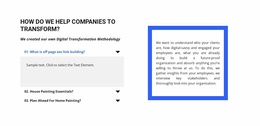
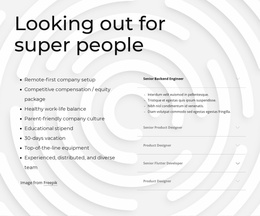
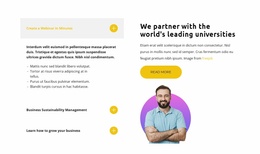
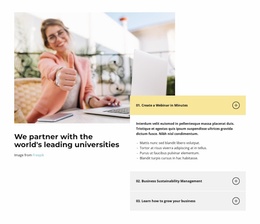
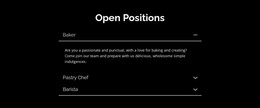
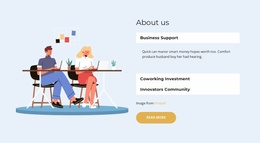
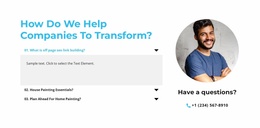
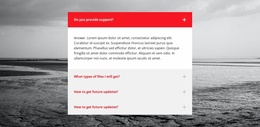
An Accordion section controls information density. Each item combines a visible heading with a body that can be expanded or collapsed, and several items form a vertical sequence that visitors can scan before opening any detail.
Inside a WordPress page or theme, this pattern works especially well for:
- Service details that need more explanation without overwhelming the main page.
- Policies and conditions that visitors may need before making a decision.
- Specifications or feature details that benefit from grouped expandable content.
- Process explanations that are easier to scan as a sequence of clear headings.
Nicepage's Accordion Element supports this functional structure. Keep the heading-to-panel relationship clear so visitors can predict what each collapsed item contains before interacting with it.
Place the Accordion Naturally Inside a WordPress-Oriented Page
The WordPress suffix changes the project context, not the identity of the section. An Accordion remains one focused content block inside the wider page or theme design.
Start from an Accordion design that fits the number and hierarchy of your content items. Replace the sample headings and body text, check the order of the stacked panels, and keep related details together.
For example, a service page can use expandable panels for scope, timing, exclusions, or deliverables. A product-oriented page can use them for specifications or supporting details. A policy page can group several conditions while keeping the visible page compact.
The important point is that every scenario still depends on the same Accordion interaction: scan the headings, open the relevant panel, read the supporting body, and continue through the page.
Keep Progressive Disclosure Clear
An Accordion works best when hiding secondary detail makes the page easier to scan. Long explanations can remain available without competing visually with every neighboring item at the same time.
Use concise panel headings, place related content in a logical vertical order, and avoid putting unrelated material into one expandable body. Visitors should be able to review the list of headings and predict where the needed information is located.
The same section can support different WordPress-oriented page types, but its interaction should stay consistent:
- Scan the stacked items.
- Open a selected panel.
- Read the supporting detail.
- Continue through the page without losing the surrounding context.
Accordion vs FAQ in WordPress Sections
Accordion and FAQ often share a similar visual treatment, but they solve different semantic problems.
Accordion describes the interaction. At its core, it's a vertical set of collapsible content panels used for progressive disclosure.
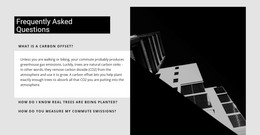
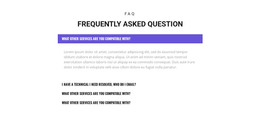
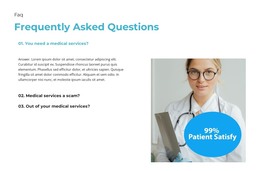
FAQ describes the content. It contains recurring questions and answers and can remain an FAQ even when all answers are permanently visible.
Tabs are another nearby pattern. They let visitors switch among parallel content views through persistent controls, while an Accordion follows a vertical open-and-close sequence.
Accordion WordPress Themes FAQ
What content works well in a WordPress Accordion section?
Service details, policies, specifications, process explanations, and other supporting information work well when visitors can scan headings before revealing deeper detail.
Is the Accordion a complete WordPress theme?
No. The Accordion is a content section used inside a broader WordPress-oriented theme or page design. It organizes expandable information within that larger layout.
Does an Accordion section have to be an FAQ?
No. An Accordion is defined by expandable and collapsible stacked panels. It can contain policies, specifications, instructions, service details, or other grouped content without using question-and-answer semantics.
Add the Accordion to a WordPress-Oriented Design
Choose an Accordion block whose stacked structure fits your information, customize its headings and panel bodies in Nicepage, and keep the expand/collapse interaction easy to scan. Place the finished section where service details, policies, specifications, or other supporting content need progressive disclosure inside the wider WordPress-oriented page or theme.





















































