Premium smart home automation WordPress Theme


Edit Template Offline
2. Create new page and search for id 6315932
Edit Template Online
Create Awesome Websites


Free Nicepage Builder
Keywords
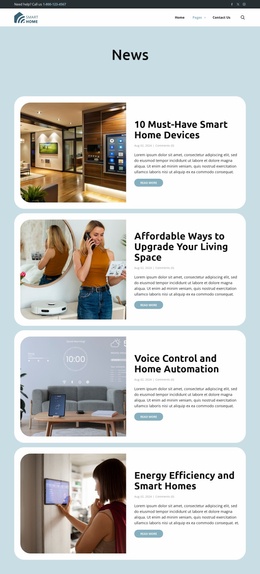
Page content and recurring service cards support a WordPress-oriented structure
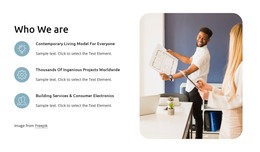
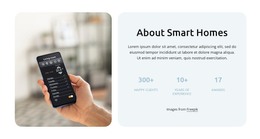
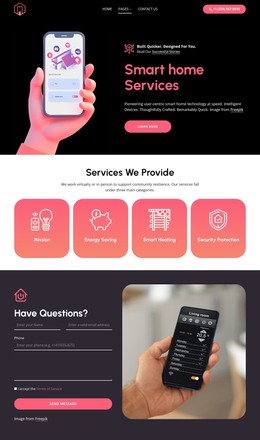
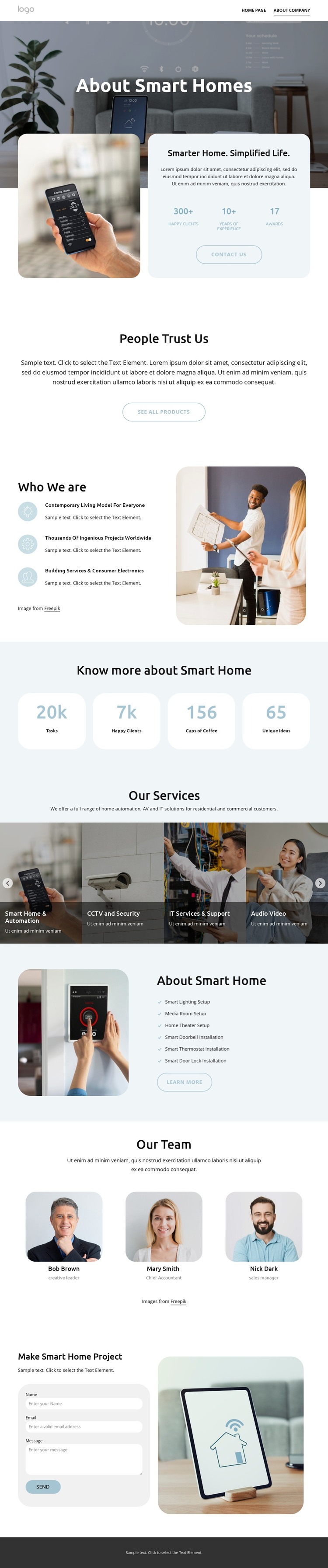
The design divides the company story into clear page-oriented areas. The About Smart Homes panel can carry the primary company introduction, combining a large image with explanatory text, displayed metrics, and a Contact Us action. The centered trust section and the three-item Who We Are area then provide supporting organizational content rather than treating the entire page as one undifferentiated block.
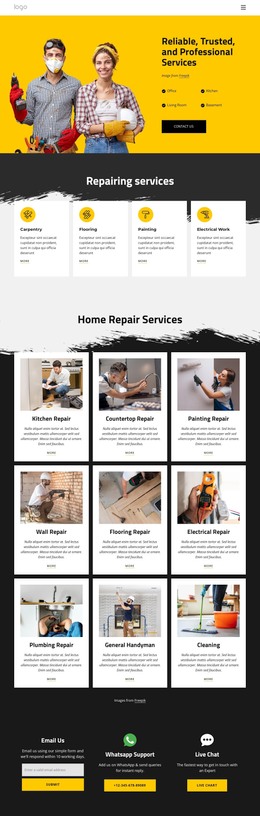
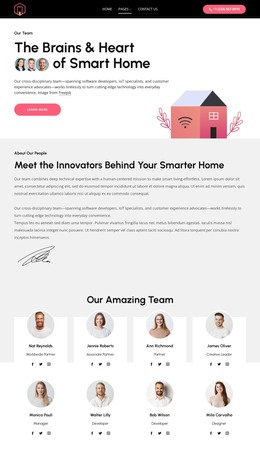
The service carousel gives the design a strong repeated-content relationship. Its six categories cover automation, CCTV and security, IT services and support, audio-video, motorized window shades, and access control. The separate capability panel adds related setup subjects, including smart lighting, media rooms, home theaters, doorbells, thermostats, and locks. In a WordPress project, these areas could frame permanent company and service content, while the three team cards provide a separate people-focused presentation. The template does not verify that WordPress Posts, categories, or blog structures already exist.
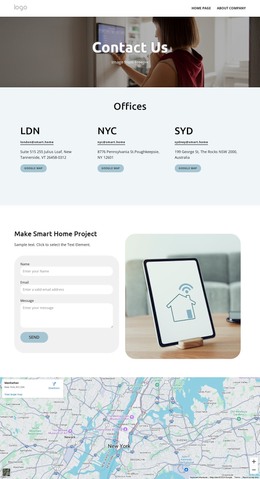
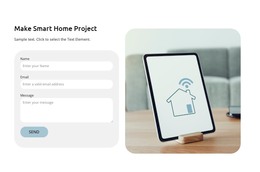
The contact form and dark footer complete the site-wide content relationship. The form provides a project inquiry area, while the footer gathers the expert-contact prompt, support details, social links, and quick navigation. Nicepage documentation confirms that the WordPress Theme and Plugin can support a WordPress site, but the design’s specific value comes from how its company, service, team, and inquiry areas can remain visually connected as CMS-managed content.
Customize with Nicepage
Open this ready-made template in the WordPress Website Builder and customize it visually in the Nicepage editor. Replace demo content, edit page sections, and adapt the design to your project without rebuilding the template from scratch.
Manage and Edit This Theme in WordPress
Customize and Install the WordPress Theme
Start with this ready-made theme instead of building the WordPress design from scratch. Customize its layout, content, typography, images, sections, and other design elements visually in Nicepage editor, then export and install the WordPress Theme, Plugin, and Pages on your WordPress site. The Nicepage WordPress Plugin lets you continue working with the site after installation.
Edit the Theme Directly in WordPress
After installation, you can edit the WordPress Theme directly in WordPress with the Nicepage WordPress Plugin. Use Site Style to customize site Colors, Fonts, Header, Footer, Blog, and Post Page Templates while working within your WordPress website.
Edit WordPress Pages Visually
Use the Nicepage WordPress Plugin to edit page content directly from the WordPress admin area. Open a WordPress Page with Nicepage and visually change its text, images, sections, and other page elements while continuing to manage the Page through WordPress.
WordPress Content and Theme Integration
Use the customized theme with WordPress Pages, Posts, Blog and Post Templates, menus, widgets, and other CMS-managed content. Shared theme elements such as Colors, Fonts, Header, Footer, Blog, and Post Page Templates can be managed as part of the overall site design, while WordPress provides the CMS environment for managing site content.
This workflow combines a ready-made WordPress Theme with visual customization, direct theme editing in WordPress, and continued content management through the Nicepage WordPress Plugin.